





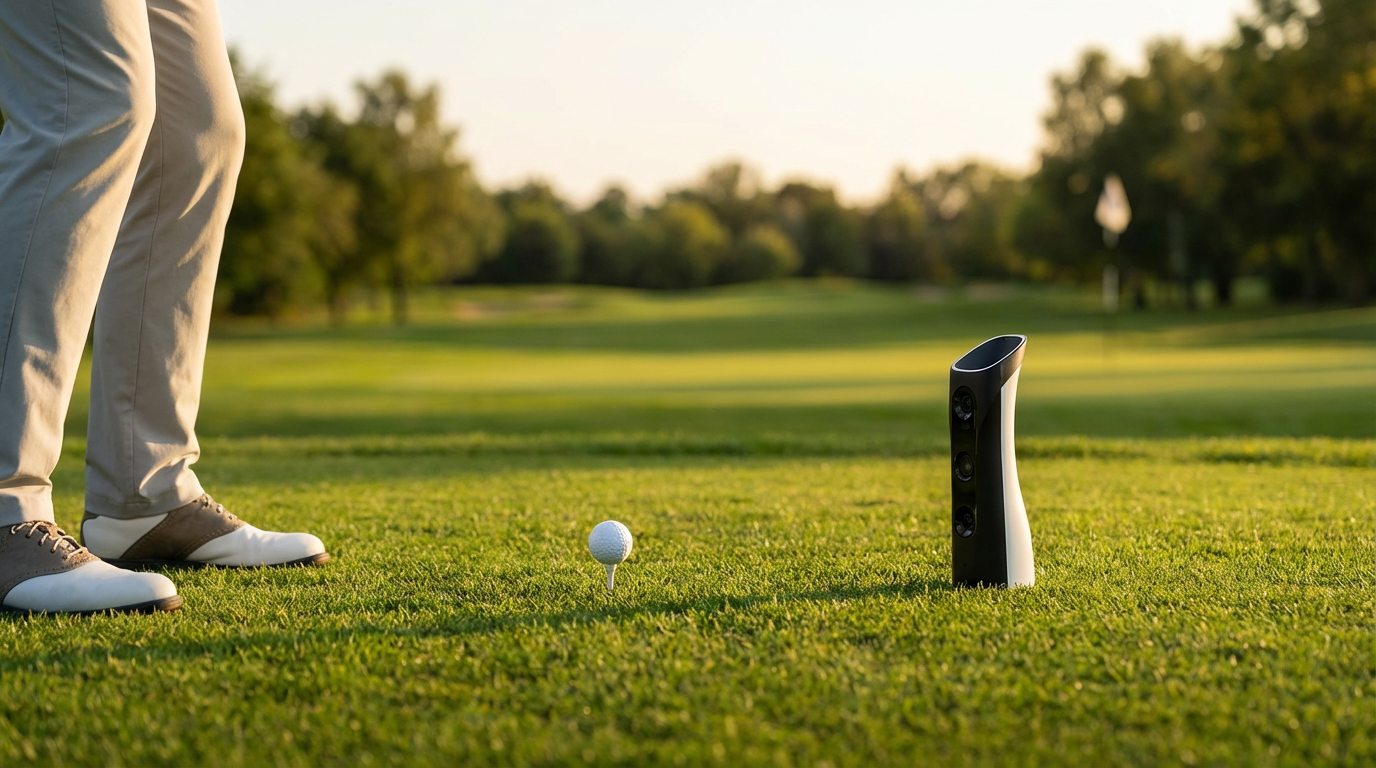
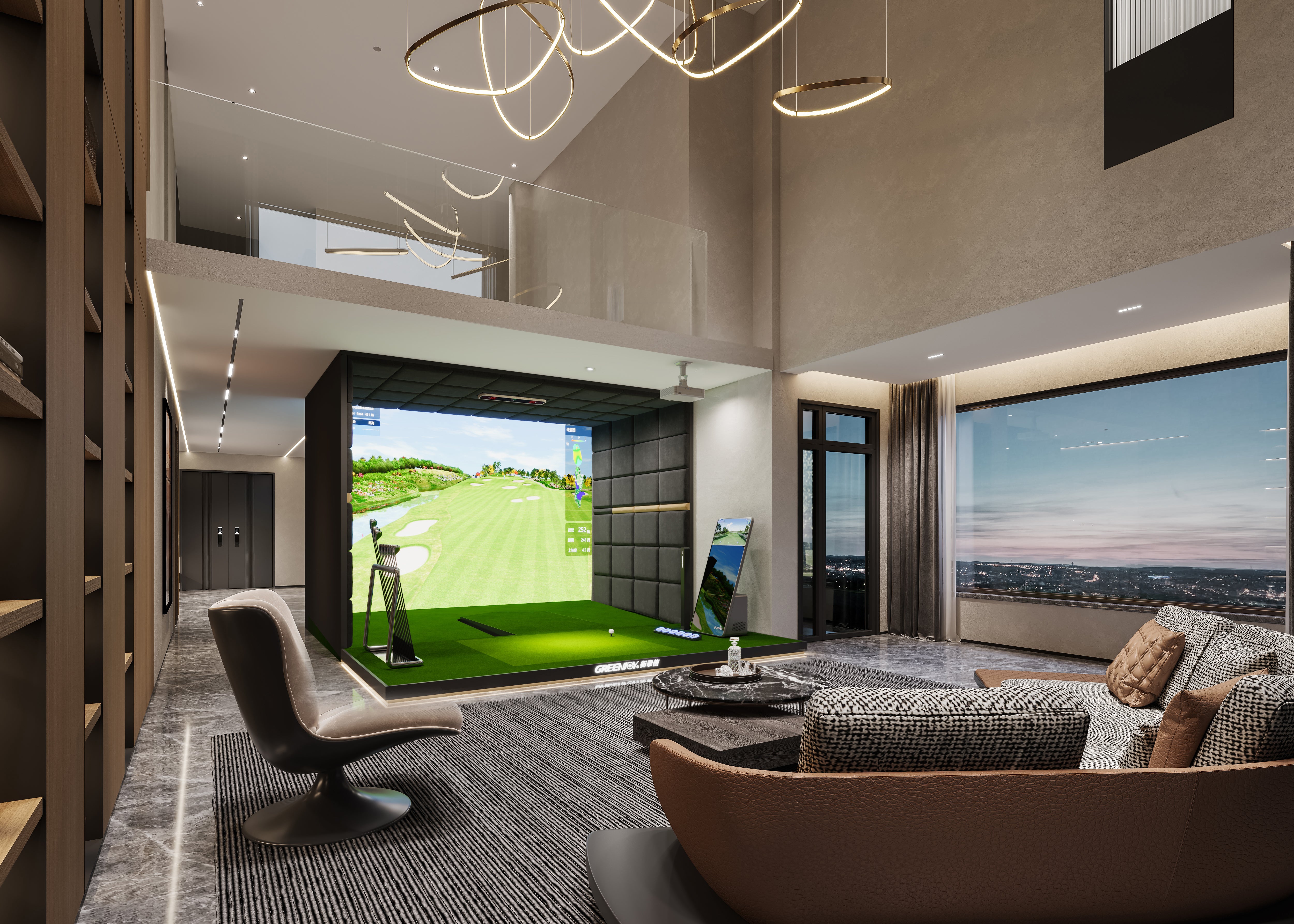
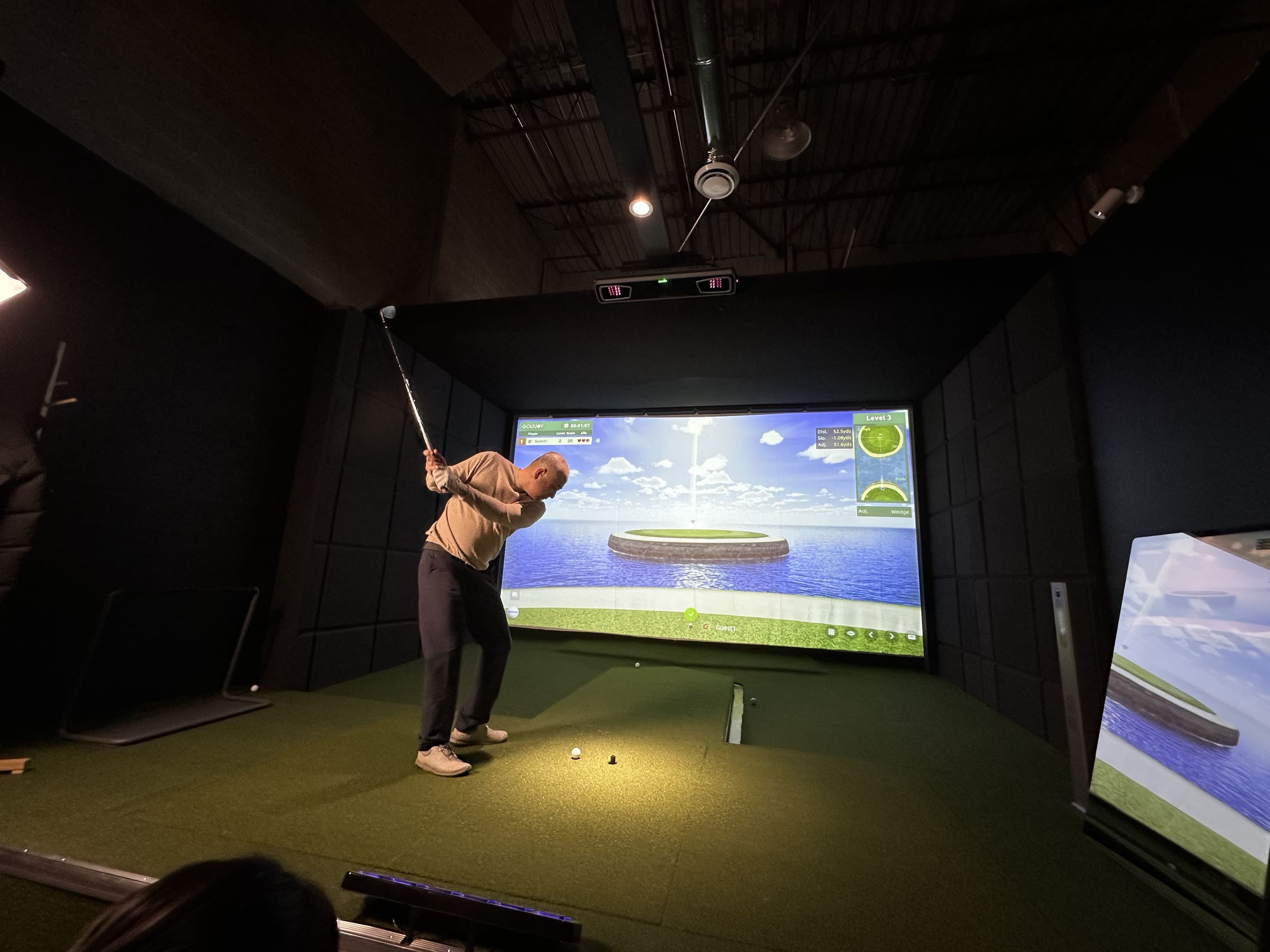
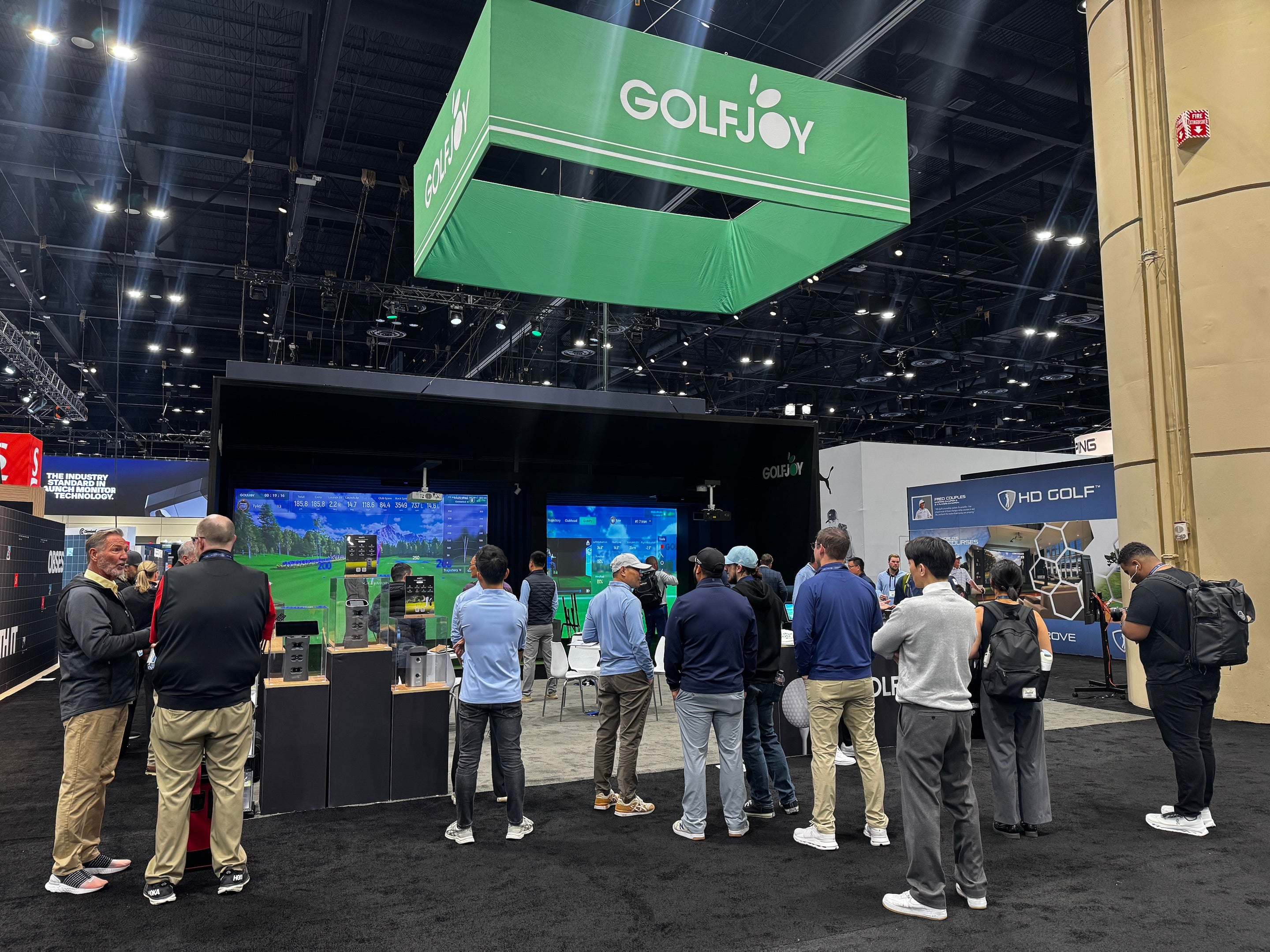
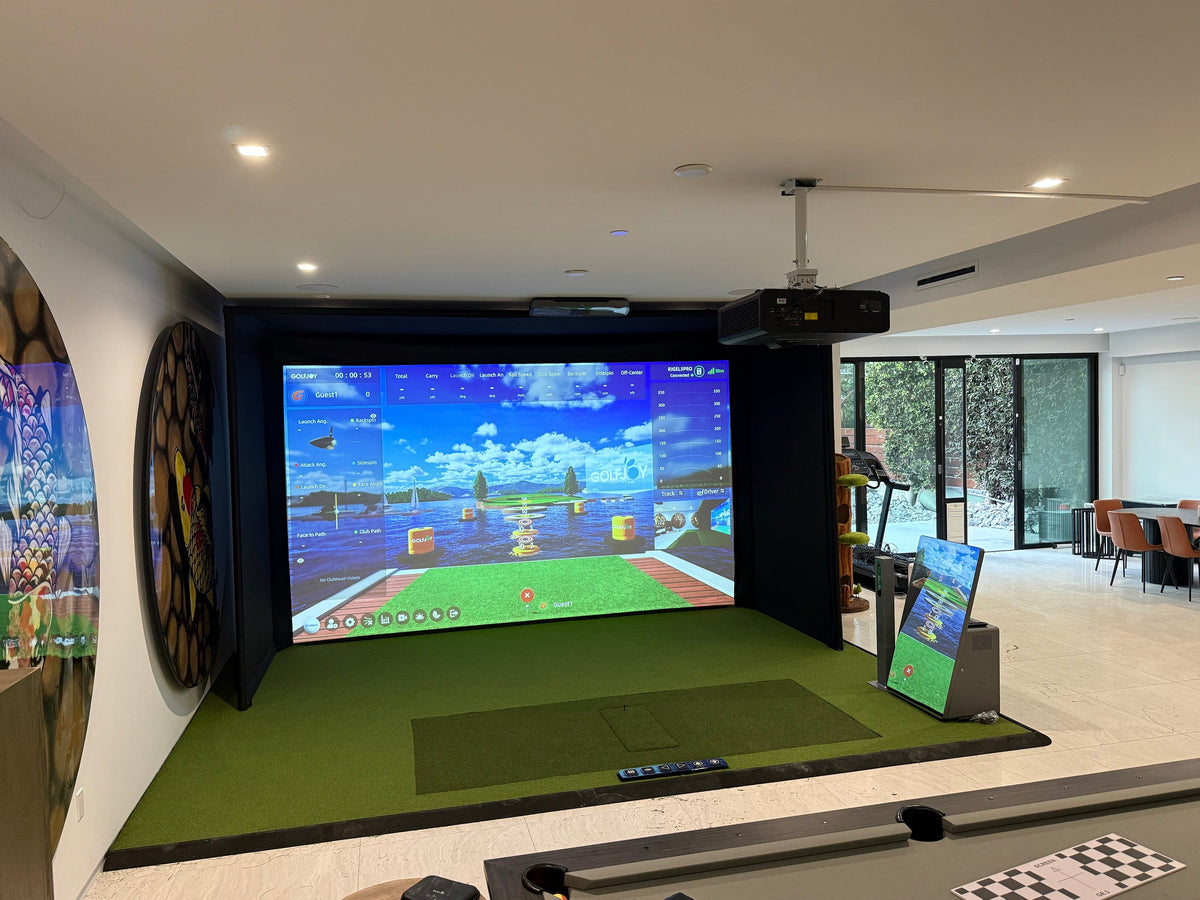
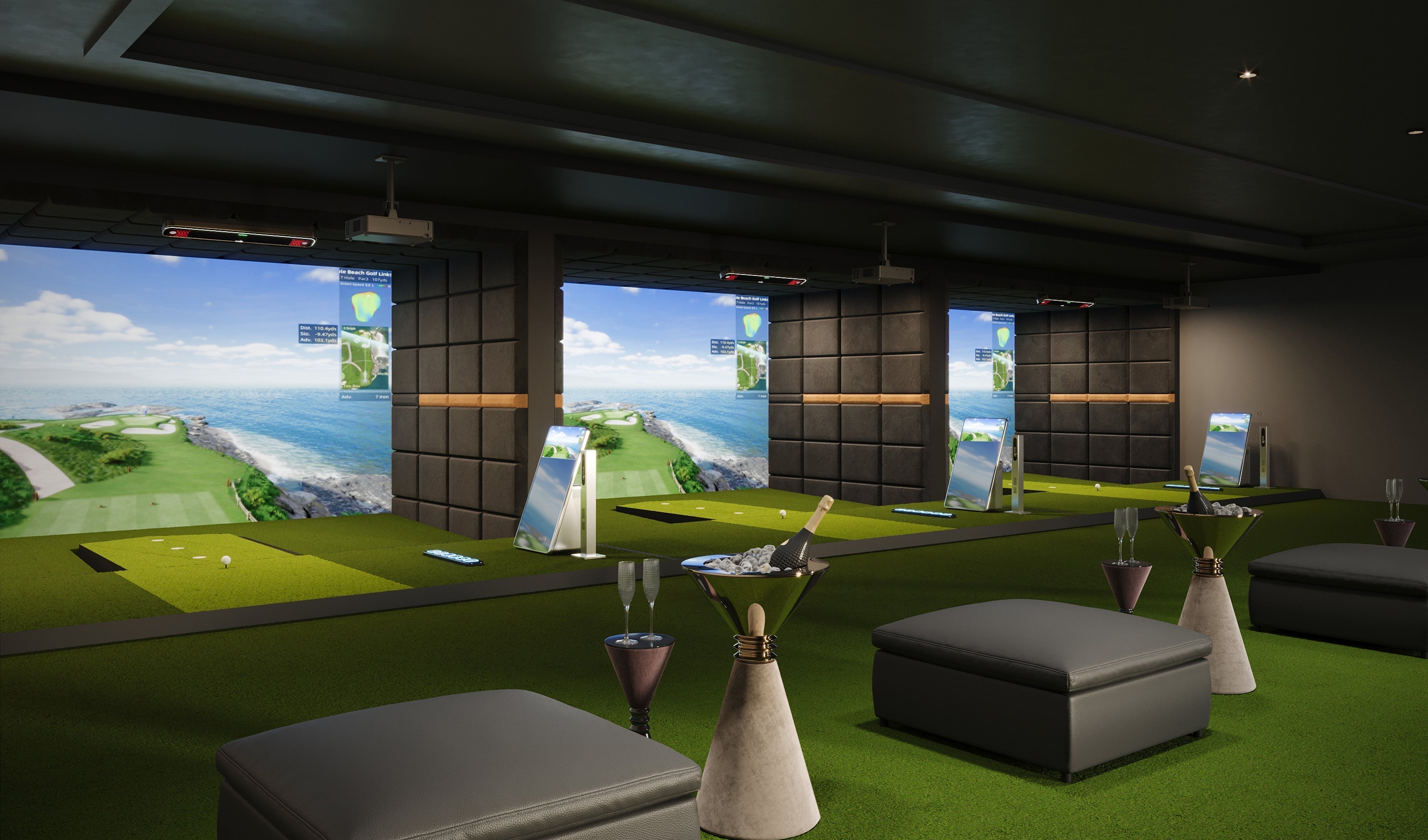
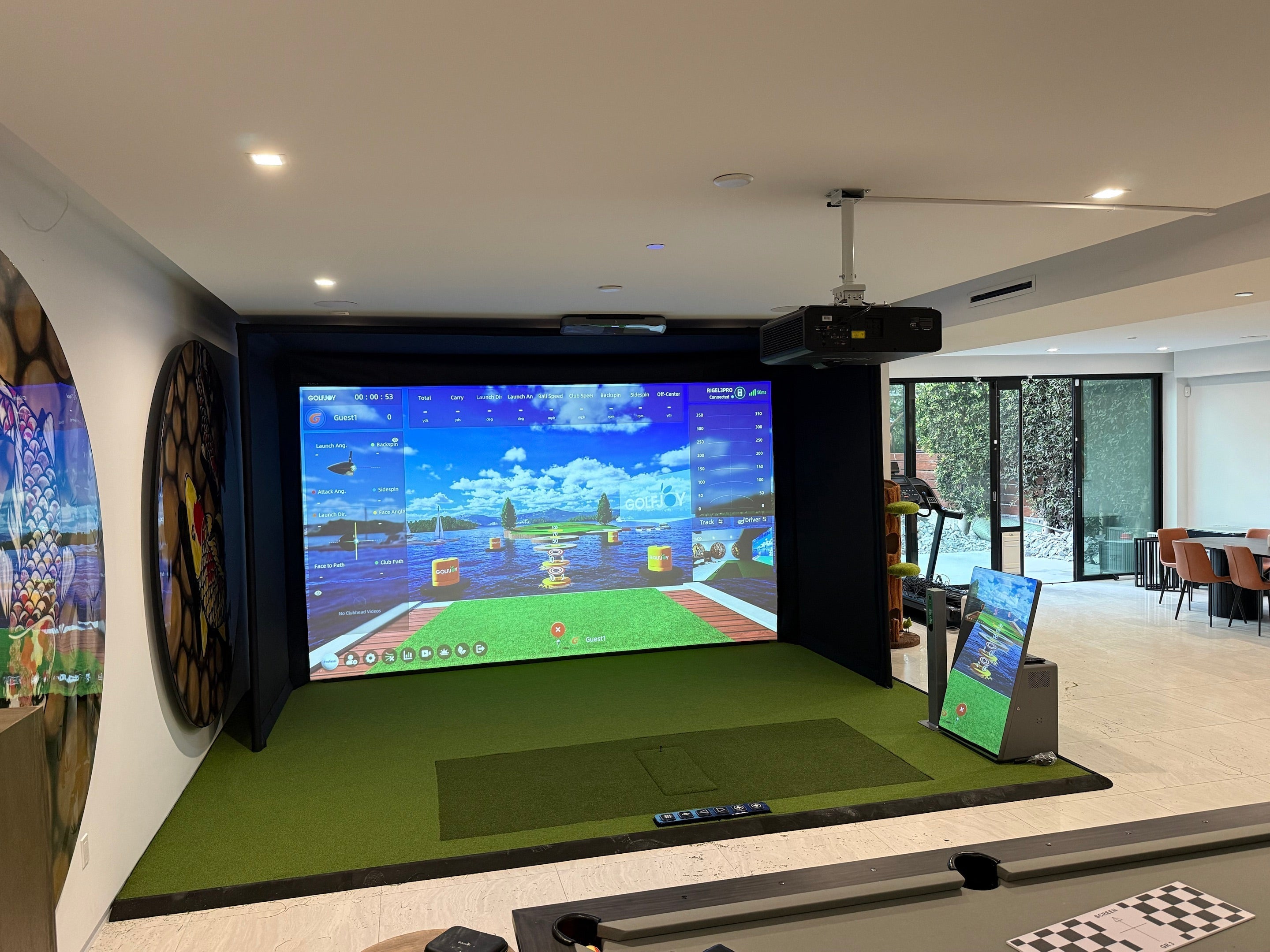
Building an indoor golf simulator often means choosing a launch monitor, projector, computer, impact screen, hitting surface, software, and accessories separately—and then making sure everything works together.
A complete golf simulator package takes a different approach. Instead of starting with individual components, you start with a system designed around the complete playing experience.
GOLFJOY offers four standard simulator packages: S100, S200 Pro, S300 Pro, and S500. Each provides a complete starting configuration with launch monitor tracking, projection, computing, hitting surfaces, and supporting simulator hardware. These packages are not one-size-fits-all, however. Components and configurations can be adjusted based on your space, intended use, and specific simulator needs.
The question, then, is not simply which golf simulator has the most features. It is which GOLFJOY simulator package best matches the way you want to practice, play, or operate your space.
What Is Included in a Complete GOLFJOY Golf Simulator Package?
All four GOLFJOY simulator packages are built around the same basic idea: bring the major components of an indoor golf simulator together as one coordinated system.
Across the S100, S200 Pro, S300 Pro, and S500 lineup, core equipment includes:
- A GOLFJOY launch monitor
- Projector and projector mount
- SurfThing–GOLFJOY 5080 PC
- Mirrored kiosk
- 3-in-1 smart pole
- Smart Caddie
- Premium impact screen
- Premium turf and hitting mat
- U.S. domestic ground transportation
The biggest differences between the packages come from the launch monitor, tracking depth, projector, hitting environment, and level of automation.
This creates a natural progression through the lineup: S100 starts with a floor-standing Spica 3, S200 Pro moves tracking overhead, S300 Pro upgrades the overhead tracking system, and S500 adds GOLFJOY's most advanced launch monitor in this lineup together with a more dynamic playing platform.
GOLFJOY S100: A Complete Simulator Built Around Spica 3
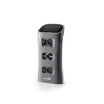
The GOLFJOY S100 is built around the Spica 3, a floor-standing launch monitor with three tracking cameras.
Spica 3 captures 7 ball data points, 4 club data points, and 24 trajectory data points, with detection latency of ≤0.3 seconds. Because the launch monitor sits at floor level rather than being permanently mounted overhead, the S100 provides a different installation format from the other three packages.
The package pairs Spica 3 with a BenQ 4K projector, SurfThing–GOLFJOY 5080 PC, mirrored kiosk, 3-in-1 smart pole, Smart Caddie, premium impact screen, premium turf and hitting mat, and the surrounding side and ceiling panels or curtains.
Installation is also included with the S100 configuration.
For golfers who want a complete simulator environment while retaining a floor-standing launch monitor setup, the S100 provides the starting point in the GOLFJOY S Series.
GOLFJOY S200 Pro: Move the Tracking Overhead
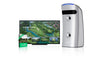
The GOLFJOY S200 Pro changes the playing environment by moving the launch monitor from the floor to the ceiling.
It uses the Rigel 2 overhead launch monitor, which combines two tracking cameras with 7 ball data points, 9 club data points, and 24 trajectory data points. Detection latency remains ≤0.3 seconds.
Moving the tracking system overhead keeps the launch monitor away from the hitting surface and creates a more permanent simulator layout. The S200 Pro also adds two important pieces of automation that are not included with S100:
- Auto-Tee Machine & Platform
- Putting Platform
The rest of the system includes a BenQ 4K projector, SurfThing–GOLFJOY 5080 PC, mirrored kiosk, 3-in-1 smart pole, Smart Caddie, premium impact screen, premium turf and hitting mat, and surrounding side and ceiling panels or curtains.
Installation is available separately for this configuration.
GOLFJOY S300 Pro: Triple-Camera Overhead Tracking
The GOLFJOY S300 Pro keeps the automated simulator structure of the S200 Pro but upgrades the launch monitor to Rigel 3.
Rigel 3 uses three tracking cameras while capturing 7 ball data points, 9 club data points, and 24 trajectory data points, with detection latency of ≤0.3 seconds.
Like the S200 Pro, the S300 Pro includes both an Auto-Tee Machine & Platform and a Putting Platform. This means the difference between the two packages is not simply the surrounding simulator build—the launch monitor itself is upgraded from the dual-camera Rigel 2 to the triple-camera Rigel 3.
The S300 Pro also includes a BenQ 4K projector, SurfThing–GOLFJOY 5080 PC, mirrored kiosk, 3-in-1 smart pole, Smart Caddie, premium impact screen, premium turf and hitting mat, and surrounding side and ceiling panels or curtains.
Installation is available separately.
GOLFJOY S500: The Most Complete Experience in the Lineup
The GOLFJOY S500 takes a larger step beyond the other three configurations.
At the center of the system is the Rigel 3 Pro, an overhead launch monitor with three tracking cameras. It captures 7 ball data points, 11 club data points, and 24 trajectory data points while reducing detection latency to ≤0.2 seconds.
But the launch monitor is only part of what separates the S500.
The package also includes:
- Auto-Tee Machine & Platform
- Putting Platform
- 3D Moving Stance Mat
- Hisense 10,000-lumen projector
The 3D Moving Stance Mat creates a more dynamic hitting surface than the fixed hitting environment used in the other packages, while the higher-output projector supports the visual system around the simulator experience.
The S500 also includes the SurfThing–GOLFJOY 5080 PC, mirrored kiosk, 3-in-1 smart pole, Smart Caddie, premium impact screen, and premium turf and hitting mat.
Unlike the other three packages, side and ceiling panels or curtains are not included in the S500 configuration. Installation is available separately.
GOLFJOY S100 vs. S200 Pro vs. S300 Pro vs. S500
The easiest way to understand the four GOLFJOY complete golf simulator packages is to compare the features that actually change the playing and installation experience.
| Feature | S100 | S200 Pro | S300 Pro | S500 |
|---|---|---|---|---|
| Launch Monitor | Spica 3 | Rigel 2 | Rigel 3 | Rigel 3 Pro |
| Placement | Floor-standing | Overhead | Overhead | Overhead |
| Ball Data | 7 | 7 | 7 | 7 |
| Club Data | 4 | 9 | 9 | 11 |
| Trajectory Data | 24 | 24 | 24 | 24 |
| Tracking Cameras | 3 | 2 | 3 | 3 |
| Detection Latency | ≤0.3 sec | ≤0.3 sec | ≤0.3 sec | ≤0.2 sec |
| Projector | BenQ 4K | BenQ 4K | BenQ 4K | Hisense 10,000-Lumen |
| Auto-Tee | — | ✓ | ✓ | ✓ |
| Putting Platform | — | ✓ | ✓ | ✓ |
| 3D Moving Stance Mat | — | — | — | ✓ |
| Installation | Included | Available at extra cost | Available at extra cost | Available at extra cost |
Which GOLFJOY Golf Simulator Package Should You Choose?
Choosing between S100, S200 Pro, S300 Pro, and S500 becomes easier when you start with the experience you want rather than simply comparing specification counts.
Choose S100 if you want a complete simulator with a floor-standing launch monitor
S100 is the only package in this lineup built around a floor-standing launch monitor. It combines the triple-camera Spica 3 with the major components needed for a complete simulator environment, and installation is included.
Choose S200 Pro if you want to move to an overhead, automated setup
S200 Pro introduces the Rigel 2 overhead launch monitor while adding the Auto-Tee Machine & Platform and Putting Platform. It is the first step in the lineup toward a more permanently integrated simulator environment.
Choose S300 Pro if you want triple-camera overhead tracking
S300 Pro retains the automation of S200 Pro while moving to the three-camera Rigel 3. It is the natural step up for users who want the overhead format together with the upgraded tracking configuration.
Choose S500 if you want the fullest GOLFJOY simulator configuration
S500 combines Rigel 3 Pro, deeper club-data capture, ≤0.2-second detection latency, a 10,000-lumen projector, Auto-Tee and Putting Platforms, and the 3D Moving Stance Mat. It is designed for users looking for the most feature-rich simulator experience in the current S Series lineup.
Why Choose a Complete Golf Simulator Package Instead of Building Piece by Piece?
A golf simulator is not just a launch monitor. A complete setup can involve tracking hardware, a PC, projector, impact screen, hitting surface, mounting hardware, software, and multiple supporting components.
Building piece by piece gives you flexibility, but it also means checking dimensions, compatibility, installation requirements, and how each component fits into the final environment.
A complete golf simulator package simplifies that process by bringing the major components together within one planned configuration. For users who want a finished simulator rather than a collection of separate products, this can make the path from planning to playing much more straightforward.
If you are still learning what each simulator component does, our complete indoor golf simulator guide explains the equipment, space, tracking, software, and setup considerations in more detail.
Tracking Technology Across the GOLFJOY Simulator Lineup
The launch monitor is the biggest technical difference between the four GOLFJOY packages.
S100 uses the floor-standing Spica 3, while S200 Pro, S300 Pro, and S500 use overhead Rigel Series launch monitors. Moving overhead changes the physical layout of the simulator by keeping the tracking hardware above the hitting area.
Data depth also increases through the lineup. All four systems provide 7 ball data points and 24 trajectory data points, while club data progresses from 4 on S100 to 9 on S200 Pro and S300 Pro, and 11 on S500.
If you want to understand how launch monitors capture this information and turn a real shot into a virtual one, read our guide to how indoor golf simulators work.
What About Simulator Accuracy?
Choosing between simulator packages should not come down to camera count or data count alone. Tracking technology, calibration, placement, lighting, software, and the overall hitting environment can all influence simulator performance.
For a deeper look at this topic, see how accurate indoor golf simulators are and what actually affects accuracy.
FAQs About GOLFJOY Complete Golf Simulator Packages
What comes with a GOLFJOY complete golf simulator package?
All four S Series configurations include a launch monitor, projector and mount, SurfThing–GOLFJOY 5080 PC, mirrored kiosk, 3-in-1 smart pole, Smart Caddie, premium impact screen, premium turf and hitting mat, plus U.S. domestic ground transportation. Additional equipment varies by package.
Which GOLFJOY simulator packages use overhead launch monitors?
S200 Pro, S300 Pro, and S500 use overhead launch monitors from the GOLFJOY Rigel Series. S100 uses the floor-standing Spica 3.
Which packages include an automatic tee system?
S200 Pro, S300 Pro, and S500 include an Auto-Tee Machine & Platform. S100 does not.
Which GOLFJOY simulator has the most club data?
S500, powered by Rigel 3 Pro, provides 11 club data points. S200 Pro and S300 Pro provide 9, while S100 provides 4.
Which package includes the 3D Moving Stance Mat?
The 3D Moving Stance Mat is included with S500. It is not included with S100, S200 Pro, or S300 Pro.
Is installation included?
Installation is included with S100. For S200 Pro, S300 Pro, and S500, installation is available at additional cost.
Find the GOLFJOY Simulator That Fits Your Space
S100, S200 Pro, S300 Pro, and S500 are not simply four versions of the same simulator. Each configuration changes the tracking system, level of automation, data depth, and overall playing environment.
Start with how you want to use the simulator, where it will be installed, and which parts of the experience matter most to you. From there, the differences between a floor-standing system, an overhead automated setup, and a more advanced full simulator configuration become much easier to evaluate.
Explore GOLFJOY simulator solutions or contact the GOLFJOY team to discuss your room, intended use, and preferred configuration.

Leave a comment
All comments are moderated before being published.
This site is protected by hCaptcha and the hCaptcha Privacy Policy and Terms of Service apply.