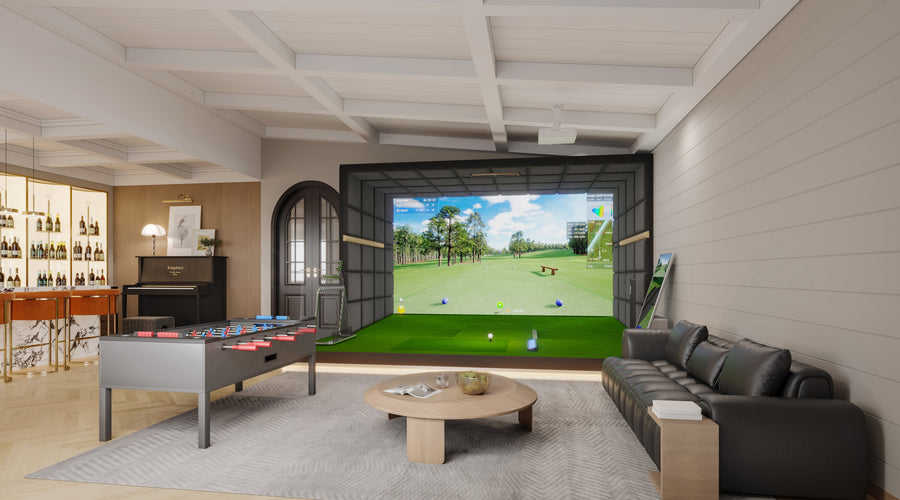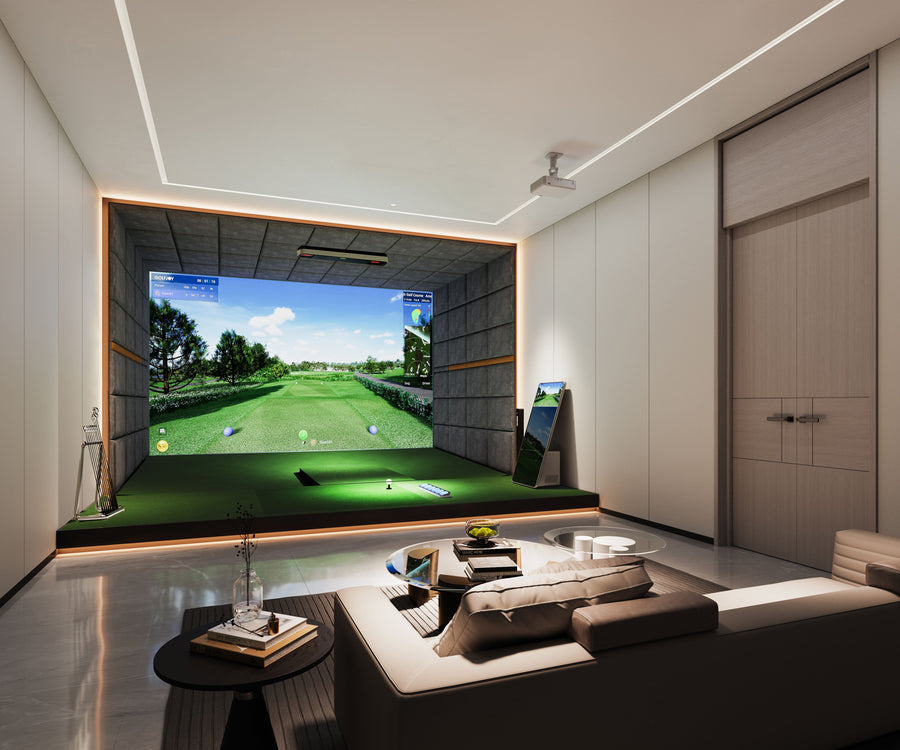





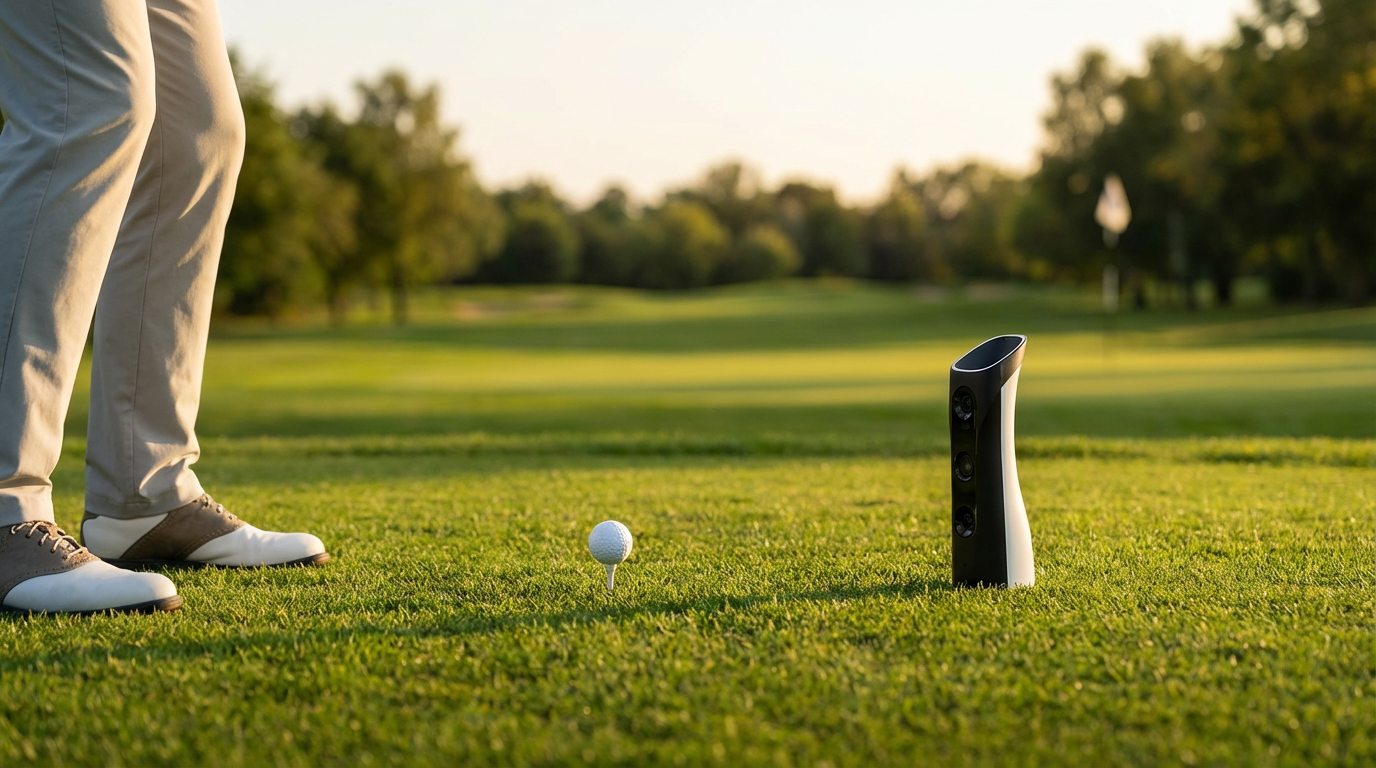
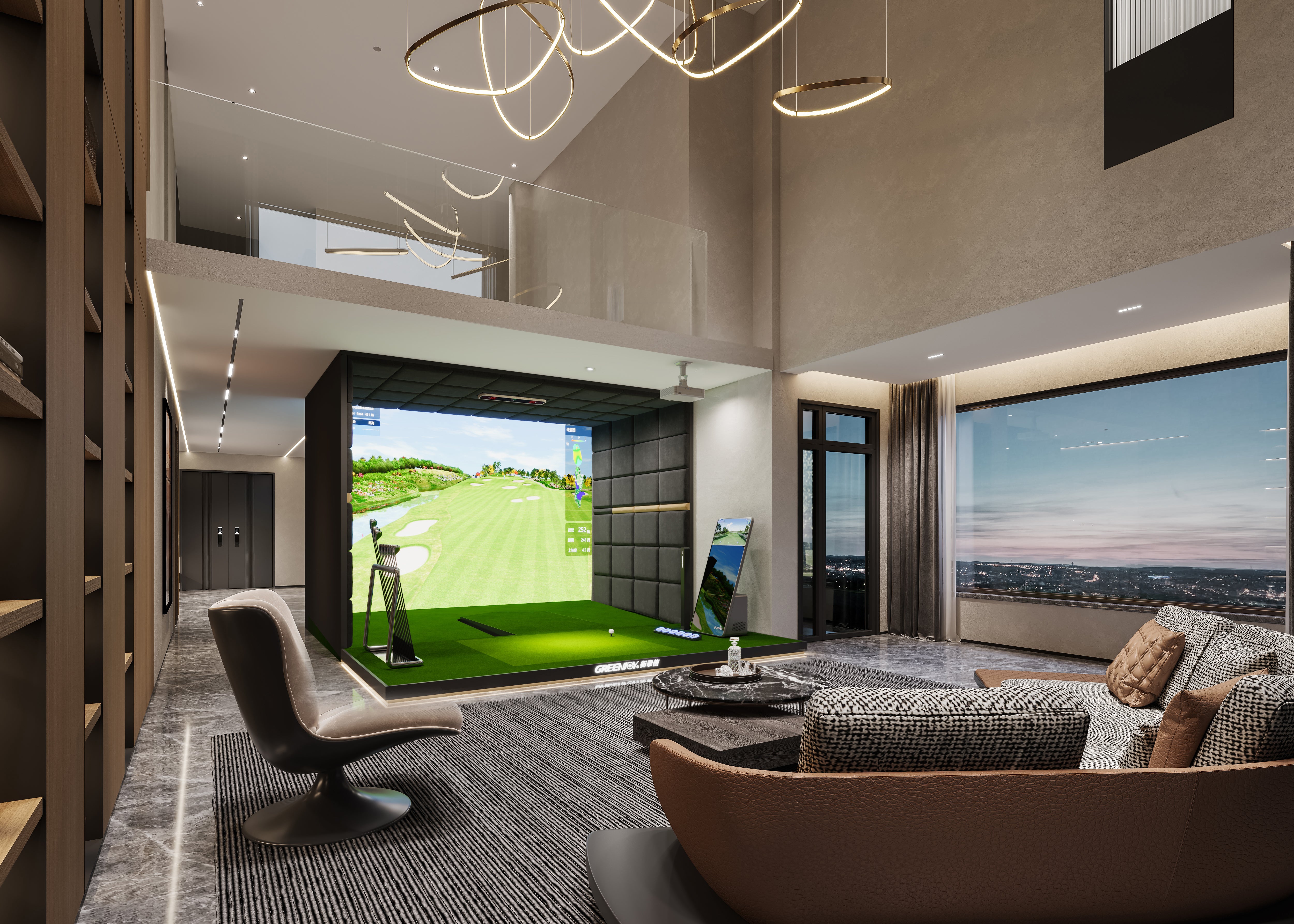
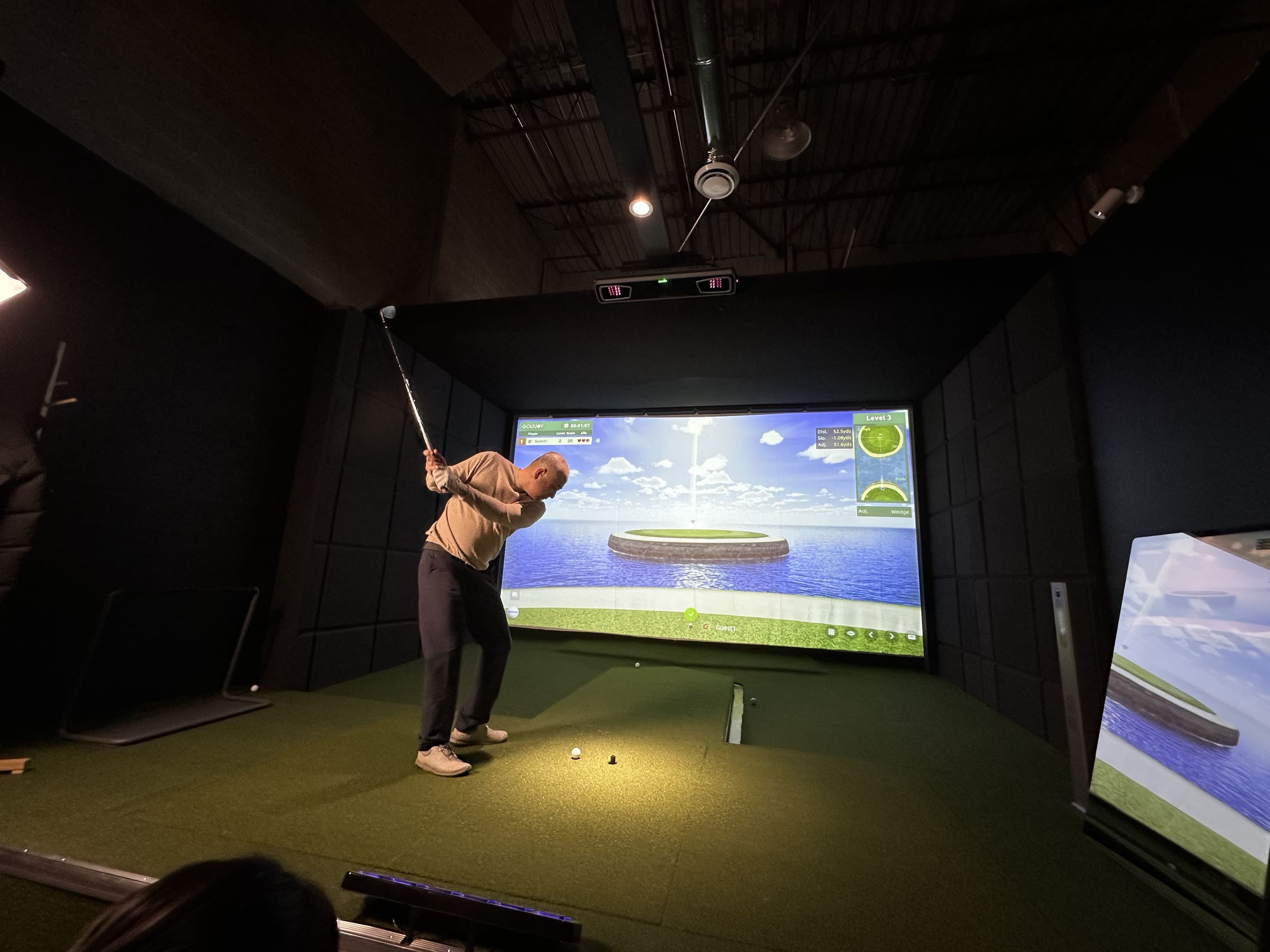
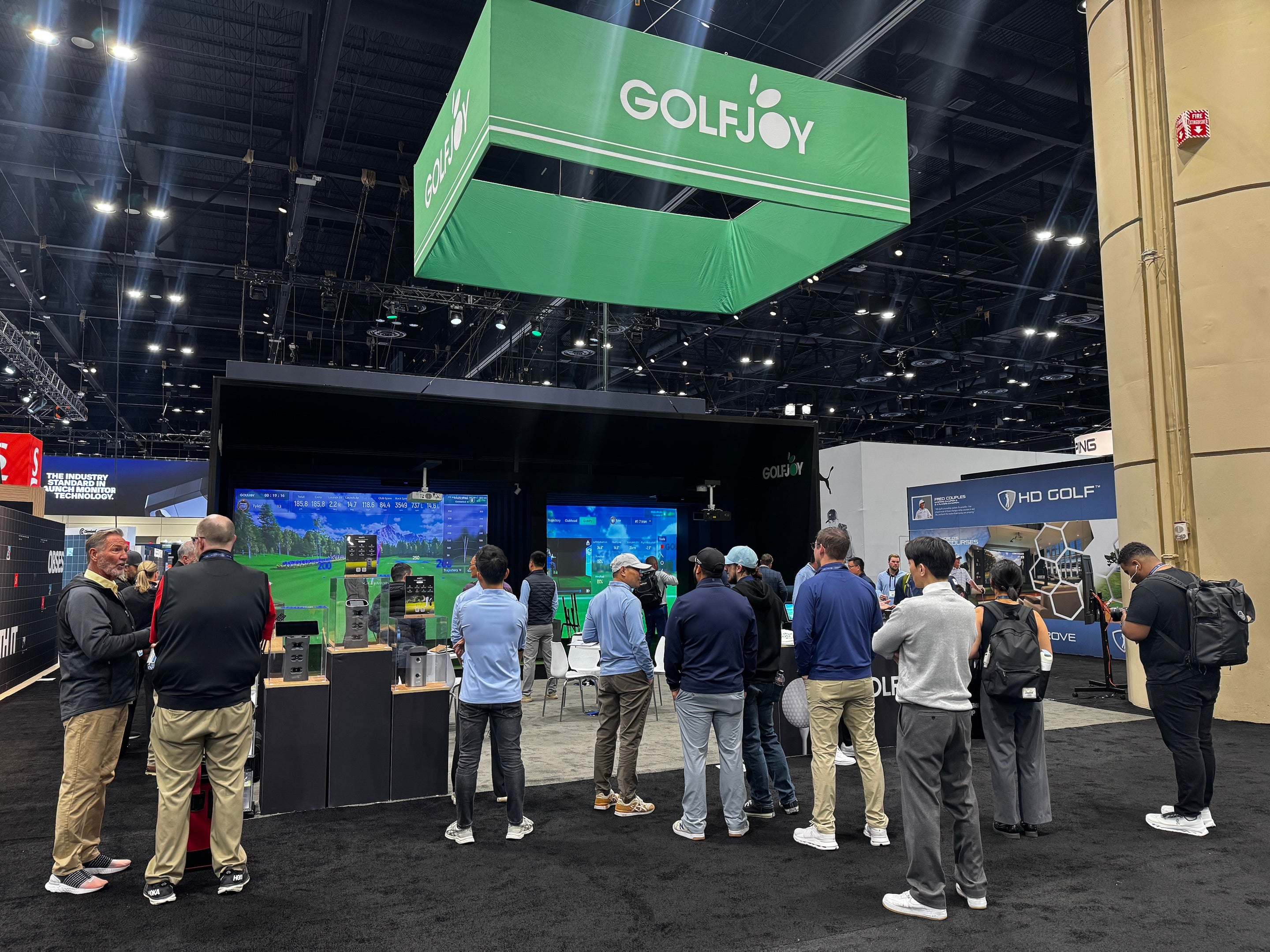
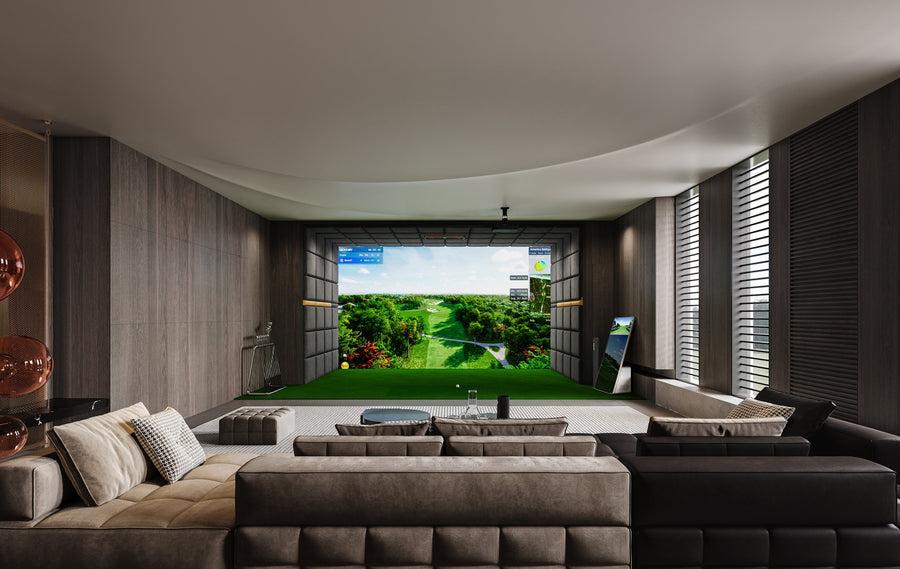
An indoor golf simulator lets you practice, play virtual courses and analyze your golf shots inside a controlled space. A complete system typically combines a launch monitor, hitting area, impact screen or net, display or projector, golf simulator software and a computer or compatible device.
The right setup depends less on finding the most expensive equipment and more on matching the technology to your space, playing goals and expected use.
This guide explains what an indoor golf simulator is, how it works, what equipment you need, how much space to plan for and what to consider before building one.
An indoor golf simulator is a system that measures a real golf shot and recreates its flight in a digital environment.
When you hit the ball, a launch monitor measures information such as ball speed, launch angle, spin and direction. Depending on the system, it may also capture club data such as club speed, club path and attack angle.
Simulator software processes that information and displays the resulting shot on a virtual driving range or golf course.
In simple terms:
You hit a real golf ball → the launch monitor measures the shot → software calculates the ball flight → the shot appears in the virtual environment.
This makes indoor golf useful for much more than entertainment. A properly configured simulator can also provide structured practice, swing analysis, club fitting and performance tracking.
Most complete indoor golf simulator systems require six main components.
| ComponentPurpose | |
|---|---|
| Launch monitor | Measures the golf ball and, depending on the model, club movement |
| Hitting mat | Provides a consistent hitting surface |
| Impact screen or net | Safely stops the golf ball |
| Enclosure | Protects the surrounding room from missed shots |
| Projector or display | Shows the virtual golf environment |
| Simulator software | Converts measured shot data into practice, games and virtual course play |
A dedicated simulator may also include a gaming PC, turf, cameras, automatic tee-up equipment, putting systems and other accessories.
The launch monitor is the measurement engine of the system, so its tracking technology, data capabilities and indoor space requirements should usually be considered before choosing the rest of the setup.
Modern launch monitors generally use camera-based tracking, radar-based tracking or a combination of sensing technologies.
Camera-based systems use high-speed images captured around impact to measure the golf ball and club.
Because the measurement happens close to the hitting area, camera-based systems can work particularly well in indoor environments where available ball-flight distance is limited.
GOLFJOY launch monitors use high-speed camera-based tracking across both portable and overhead models. The number of ball, club, and trajectory metrics captured varies by model, supporting both simulator play and performance analysis.
Radar systems track movement by analyzing reflected signals as the golf ball travels.
They can be particularly useful when a launch monitor needs to operate both indoors and outdoors. Indoor performance, however, can depend on having sufficient distance between the device, golf ball and impact screen.
GOLFJOY has explored both radar- and camera-based tracking technologies over the course of its product development. The company previously developed a radar-based launch monitor, but its engineering team found that radar systems offered fewer practical advantages in many indoor environments, particularly where space is limited.
Radar-based systems generally require more room between the device, the hitting area, and the screen to track the ball effectively. They can also face limitations when measuring certain club-delivery data indoors. By comparison, high-speed camera systems capture the moments immediately around impact, allowing the system to analyze the ball and club within a much smaller measurement area.
Based on those findings, GOLFJOY ultimately shifted its development focus toward high-speed camera-based tracking and has continued to refine that technology across its launch monitor lineup.
Neither technology should automatically be considered “better” for every golfer.
The better choice depends on:
There is no single room dimension that works for every simulator.
You need enough height for a full swing, width for the golfer and hitting position, and depth for the launch monitor, hitting area and screen.
As a general planning reference, many dedicated simulator rooms target approximately:
| DimensionPractical Planning Range | |
|---|---|
| Ceiling height | Around 9–10+ ft |
| Width | Around 10–12+ ft |
| Depth | Around 15–18+ ft |
These numbers are planning references rather than universal requirements.
The golfer’s height, swing plane, left- or right-handed use, launch monitor technology, screen position and projector installation can all change the space required.
Before purchasing a system, physically test your driver swing in the intended room and verify the manufacturer’s installation requirements for the launch monitor you plan to use.
Planning a tight space? A dedicated room-size guide should be used before selecting your enclosure and launch monitor.
One of the most important decisions is whether your simulator will use a portable launch monitor or a permanently mounted overhead system.
A portable launch monitor sits near the hitting area and can often be moved between your simulator room and other practice locations.
This type of setup makes sense for golfers who:
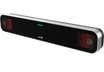
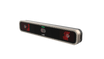
For example, GOLFJOY’s Spica 3 and GDS Pro are portable camera-based launch monitors designed for indoor and outdoor practice and can connect with simulator software.
An overhead launch monitor is mounted above the hitting area.
Because the floor remains clear, overhead systems are especially useful for:
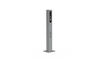
GOLFJOY’s Rigel series uses this type of ceiling-mounted configuration for dedicated indoor simulator environments.
The important question is therefore not simply portable vs. overhead.
It is:
Will this simulator remain permanently installed, or do you want the launch monitor to move with you?
A modern indoor golf simulator can support several different use cases.
Instead of judging a shot only by feel, golfers can use measured data to understand what happened at impact and during ball flight.
Depending on the launch monitor, available metrics can include:
This makes simulator practice measurable and repeatable.
Simulator software can recreate full golf courses, allowing players to complete virtual rounds without traveling to the physical course.
GOLFJOY software combines course play with training, games and online competition and is built around the company’s launch-monitor ecosystem.
Weather and daylight no longer determine when you can practice.
This is one of the main reasons indoor simulators are increasingly used in homes, golf academies, clubs and commercial golf venues.
When shot data is combined with swing video and performance history, a simulator can become a structured training environment rather than simply an indoor golf game.
The underlying technology may be similar, but the priorities are different.
| Home SimulatorCommercial Simulator | |
|---|---|
| Personal practice and entertainment | High-frequency customer use |
| Space efficiency matters | Bay throughput matters |
| DIY installation may be practical | Professional installation is often preferred |
| Portable or overhead systems | Overhead systems are common |
| One or several regular users | Many different golfers |
| Personal software needs | Venue operation and customer experience matter |
A home golfer may prioritize easy installation and flexibility.
A commercial operator needs to think about reliability, multiple users, bay design, support, software, maintenance and long-term operating costs.
For that reason, commercial simulator planning should be treated as a separate project rather than simply installing several home simulators in the same room.
Indoor golf simulator costs vary significantly because a “simulator” can describe anything from a launch monitor and practice net to a fully finished room with projection, turf, software and professional installation.
The major cost categories are:
This is why comparing simulator prices based only on the launch monitor can be misleading.
A better comparison is the total system cost, including the equipment required to make the simulator usable and any ongoing software costs.
We cover those numbers separately in our Indoor Golf Simulator Cost & Price Guide.
Before comparing individual products, answer these questions first.
Measure:
Do this before buying equipment.
For GOLFJOY simulator systems, a ceiling height of at least 9 ft is generally required with current configurations. However, room dimensions are rarely one-size-fits-all. GOLFJOY has worked with customers who came to us with unusually shaped or space-constrained rooms and ultimately found configurations that worked for their spaces.
Once you have your room measurements, share them with the simulator brands you are considering. A good provider should be able to evaluate your ceiling height, width, depth and hitting area together and recommend a configuration that fits the space—not simply tell you which package to buy.
A simulator for one right-handed golfer has different requirements from a commercial bay serving golfers of different heights and handedness.
If you also practice at an outdoor driving range, a portable launch monitor may provide more flexibility.
If the simulator will remain permanently installed, an overhead system can keep the hitting area cleaner.
Do not compare launch monitors only by the total number of metrics.
Consider which measurements matter for your practice:
Check software compatibility before choosing the hardware.
The launch monitor and simulator software form an ecosystem, and compatibility can affect available courses, practice modes, online play and future software costs.
Calculate the complete system rather than the launch monitor alone.
A lower-cost launch monitor does not necessarily create a lower-cost simulator if the setup requires additional hardware, subscriptions or room modifications.
An indoor golf simulator can be worth it for golfers who practice frequently, want measurable shot feedback or want access to golf regardless of weather and daylight.
Its value is highest when the system matches how you actually intend to use it.
For a golfer focused on improvement, launch-monitor accuracy and useful performance data may matter most.
For a family, ease of use and entertainment may be more important.
For a commercial venue, reliability, throughput, support and customer experience become critical.
There is therefore no universal “best indoor golf simulator.”
There is a best simulator for a specific golfer, room and use case.
An indoor golf simulator uses a launch monitor to measure a real golf shot and simulator software to recreate the resulting ball flight in a digital practice range or virtual golf course.
A typical setup includes a launch monitor, hitting mat, impact screen or net, enclosure, projector or display, computer or compatible device and simulator software.
Many dedicated simulator rooms target roughly 9–10 feet or more, but the required height depends on the golfer and swing. Always test a full driver swing and verify the installation requirements of your equipment.
Many setups use roughly 10–12+ feet of width and 15–18+ feet of depth, but actual requirements vary by launch monitor, golfer, hitting position and screen configuration. For GOLFJOY simulator setups, a ceiling height of at least 9 ft is generally required with current configurations. That said, many GOLFJOY customers come to us with challenging or unconventional spaces, and in many cases we have been able to recommend a configuration that works for their room.
Yes. Garages are commonly used for golf simulators if there is sufficient ceiling height, width and depth. Temperature, lighting, garage-door hardware and floor level should also be considered.
No. A simulator can display its software on a TV or monitor. A projector and impact screen are primarily used to create a more immersive full-screen experience. Some GOLFJOY simulator setups do not require a projector at all. Depending on the setup, some GOLFJOY launch monitors can connect directly to the GOLFJOY app, allowing golfers to practice or play using just a smartphone or iPad—no projector required.
It can provide measurable ball and club feedback, structured practice and repeatable training conditions. Improvement still depends on how effectively the golfer interprets and uses that information.
A launch monitor is the measurement device that captures shot data. An indoor golf simulator is the complete system that combines shot measurement with a hitting environment, display and simulator software.
The best indoor golf simulator starts with three things:
your space, your goals and the way you plan to use it.
Measure the room first. Decide whether you need portable or overhead tracking. Identify the data and software you actually need. Then build the rest of the simulator around those requirements.
GOLFJOY offers portable and overhead launch monitors, simulator software and complete simulator solutions for home, driving range and commercial environments.
Instead of starting with a package, start with the space you have—and build the system around it.
Submit your information and our team will follow up with you.