







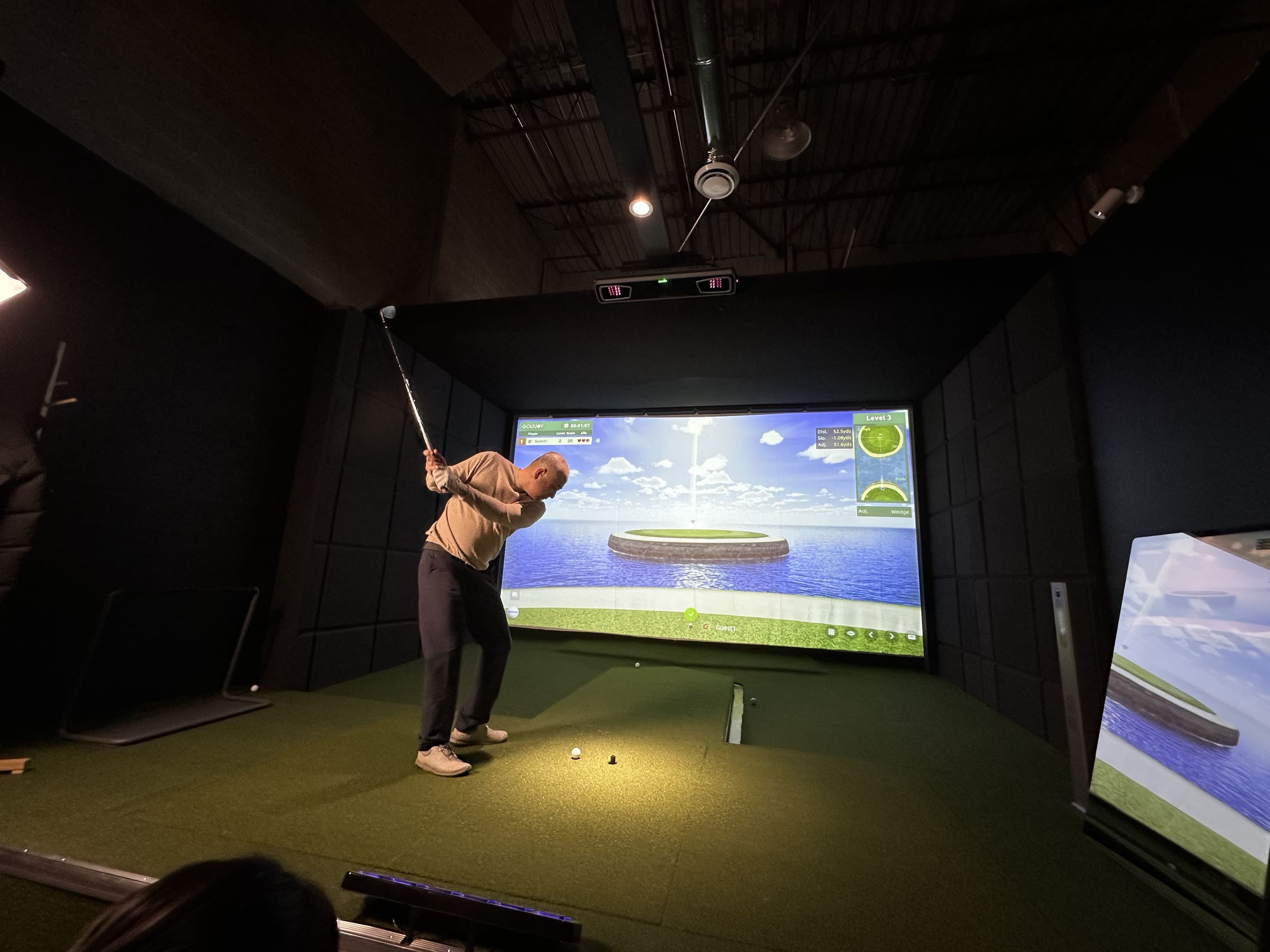


This is one of the most common questions among golfers considering a launch monitor or indoor golf simulator. Modern systems capture the first milliseconds after impact, measure key launch conditions, and calculate the remaining ball flight using advanced physics models.
A golf ball may travel hundreds of yards outdoors, but an indoor tracking system often sees only the first part of its journey. The system must capture what happens around impact and use that information to build a believable continuation of the shot.
This process is sometimes misunderstood. A launch monitor does not necessarily watch the ball from the clubface to the landing area. Instead, it captures the most important information immediately after impact and uses advanced flight models to calculate the complete trajectory.
Understanding the difference between directly measured data and calculated results helps golfers evaluate accuracy, interpret unusual readings, and decide which metrics are useful for practice, fitting, coaching, or simulator play.
Quick Answer
Most golf launch monitors do not track the ball throughout its entire flight. Instead, they capture the ball immediately after impact, measure launch conditions such as ball speed, launch angle, spin, and direction, then calculate the remaining trajectory using flight models.
How Does a Golf Launch Monitor Track the Ball After Impact?
A camera-based golf launch monitor observes a defined hitting zone rather than an entire fairway. High-speed images capture the ball and, depending on the system, the club immediately before and after contact.
Because the ball moves quickly, the system needs a sequence of clearly separated observations. From those frames, it can identify changes in ball position, orientation, and direction. When club tracking is available, it can also examine how the clubhead approached and left the impact area.
- Initial ball position
- Launch direction
- Launch angle
- Ball speed
- Spin rate and spin axis
- Club delivery (where supported)
The quality of this capture window is important because later trajectory calculations depend on the accuracy of the initial observations.
Measured vs. Calculated Launch Monitor Data
Direct measurements are values obtained from observed motion. Calculated values are generated by combining measurements with a flight model. Many indoor golf simulators use measured launch data together with aerodynamic models to estimate the complete ball flight. The exact division varies by manufacturer and tracking technology, but the distinction is useful when reviewing a data screen.
|
Launch Monitor Data |
Typical Examples |
How It Is Used |
|
Directly observed or measured |
Initial ball movement, launch direction, launch angle, ball speed, visible rotation |
Describes what happened immediately after impact |
|
Club delivery data |
Club speed, path, attack angle, face orientation where supported |
Explains how the strike was delivered |
|
Calculated trajectory data |
Carry distance, apex, hang time, landing angle, roll and total distance |
Projects how the shot may continue under selected conditions |
A dedicated golf swing speed monitor or launch monitor with club tracking adds diagnostic value because ball results alone do not always explain why a shot started or curved in a particular direction. Ball speed may show the energy produced, while club speed, face delivery, and path help explain the cause.
How Golf Simulators Calculate Ball Flight
After the initial data has been captured, the software applies a sequence of calculations. The process can be understood as five connected stages.
- Establish the starting vector. Ball speed, horizontal direction, and vertical launch angle define the first movement of the shot.
- Identify spin behavior. Backspin influences lift and flight duration, while the spin axis helps determine whether the ball curves left or right.
- Apply environmental assumptions. Air density, elevation, wind settings, temperature, turf response, and firmness may influence the modeled result.
- Calculate the airborne trajectory. The system estimates apex, carry, descent, and landing angle from the starting conditions.
- Model ground interaction. Software settings determine expected bounce and roll after landing.
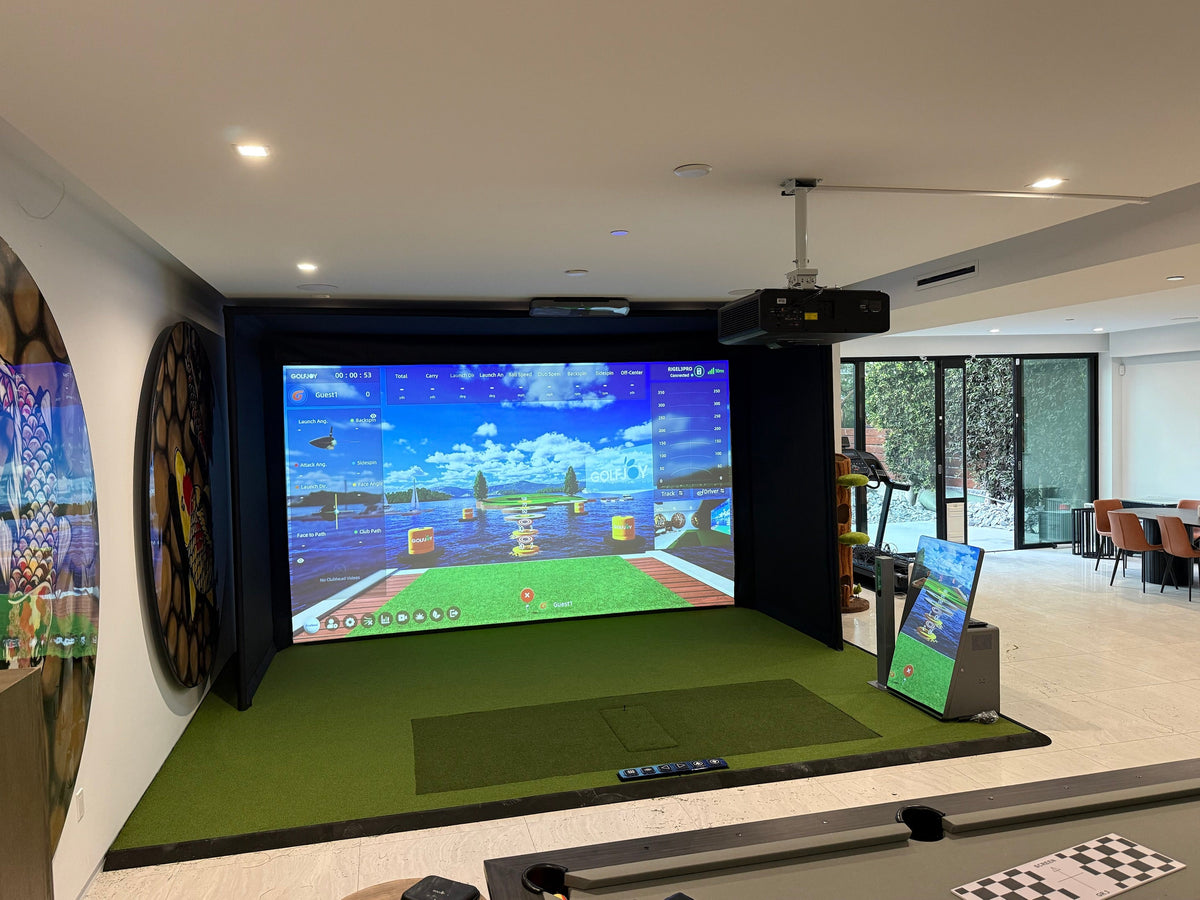
The golf simulator software is therefore not just a visual course library. It is also the environment in which measured impact data becomes a full shot, displayed with distance, curvature, landing behavior, and course interaction.
Why Spin Axis Matters More Than a Simple Spin Number
A total spin rate does not describe shot shape by itself. Two shots can have similar spin rates but curve in different directions because their spin axes are tilted differently.
A nearly horizontal spin axis supports a straighter flight. A tilted axis creates sideways aerodynamic force, which can produce a fade, draw, slice, or hook. This is why launch direction and curvature should be evaluated separately: launch direction describes where the ball starts, while spin behavior influences where it moves afterward.
For practice, golfers should compare launch direction, club path, face delivery, and spin axis together rather than reacting to one number in isolation.
Understanding spin axis is essential because it often explains shot curvature more effectively than total spin rate alone.
Camera-Based Tracking vs. Radar-Based Tracking
Camera and radar systems observe different forms of evidence. Cameras record visual changes in the ball and club within a defined area. Radar observes motion through reflected radio signals and may continue tracking the ball over a longer outdoor flight.
|
Feature |
Camera-Based System |
Radar-Based System |
|
Indoor space |
Can work from a compact observation zone |
May require more ball-flight distance depending on the design |
|
Impact detail |
Provides detailed capture around impact |
Depends on system design and tracking distance |
|
Lighting |
Needs a controlled visual or infrared environment |
Less dependent on visible-light image quality |

Leave a comment
All comments are moderated before being published.
This site is protected by hCaptcha and the hCaptcha Privacy Policy and Terms of Service apply.