





If you're planning an indoor golf business with GOLFJOY, one of the first questions is usually: how much should I budget for a commercial golf simulator?
The answer depends on more than the price of a launch monitor. A complete commercial project can include tracking launch monitor, an impact screen and enclosure, hitting surfaces, projectors, computers, simulator software, installation, networking, room preparation, and optional equipment designed around the way your venue will operate.
That is why there is no single GOLFJOY commercial simulator price that fits every project. A two-bay coaching studio, a multi-bay indoor golf lounge, and a 24/7 unattended facility may all use GOLFJOY technology, but they require very different configurations.
This guide explains what goes into a GOLFJOY commercial simulator quote, which costs belong to the simulator itself, and which startup expenses should be planned separately when building an indoor golf business.
Commercial simulator pricing depends on the system you are building and the experience you want customers to have.
Two venues with the same number of bays can still require very different budgets based on:
For that reason, the most useful way to compare commercial indoor golf simulator prices is to compare the complete project scope rather than one advertised equipment price.
If you're still comparing indoor golf simulator systems more broadly, start with our Indoor Golf Simulator Guide: Everything You Need to Know Before Choosing in 2026. It explains how launch monitors, room requirements, software, home and commercial setups, and simulator configurations work together before you begin comparing commercial project costs.
The launch monitor is the measurement foundation of every simulator bay. It captures the golf shot and sends the data used by the simulator software to recreate ball flight and provide performance feedback.
For a commercial venue, choosing a launch monitor involves more than comparing the number of listed metrics. Operators should also consider:
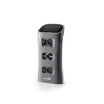
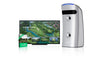
GOLFJOY currently offers portable and overhead launch monitors for different applications. For permanent indoor commercial environments, the Rigel series—including Rigel 2, Rigel 3, and Rigel 3 Pro—provides overhead tracking options that keep the sensing hardware above the hitting area.
For higher-end commercial venues and professional indoor facilities, Rigel 3 Pro adds GOLFJOY's latest overhead sensing technology, a wider detection range, triple-camera tracking, and automatic support for a more flexible shared hitting environment.
A commercial simulator bay is more than a launch monitor.
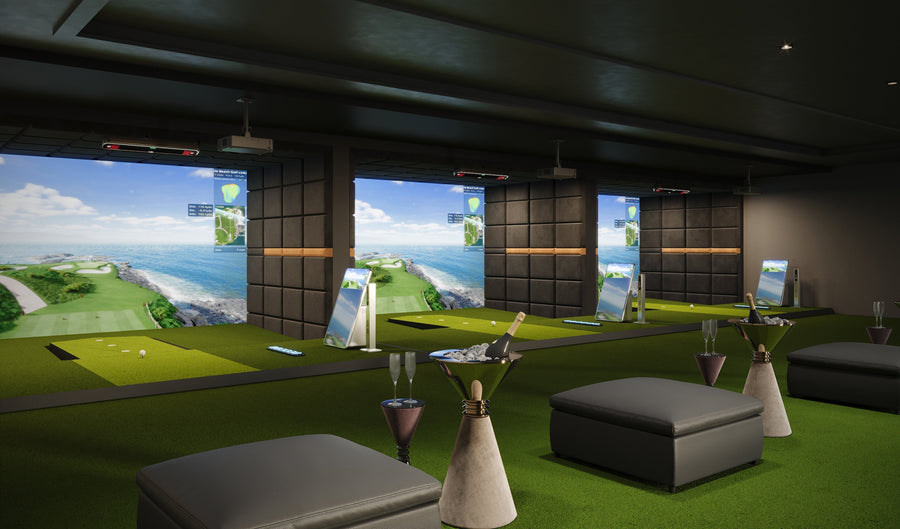
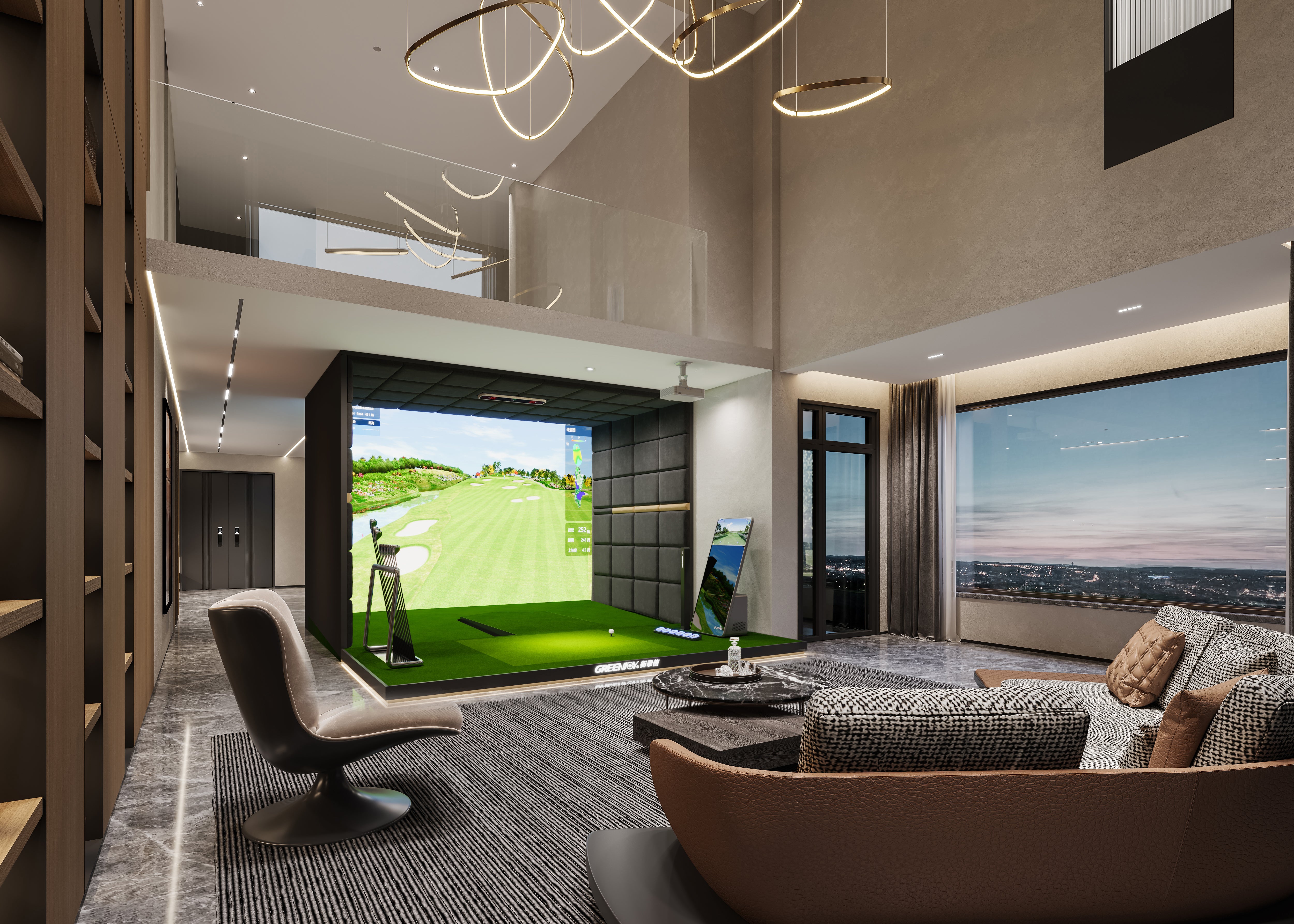
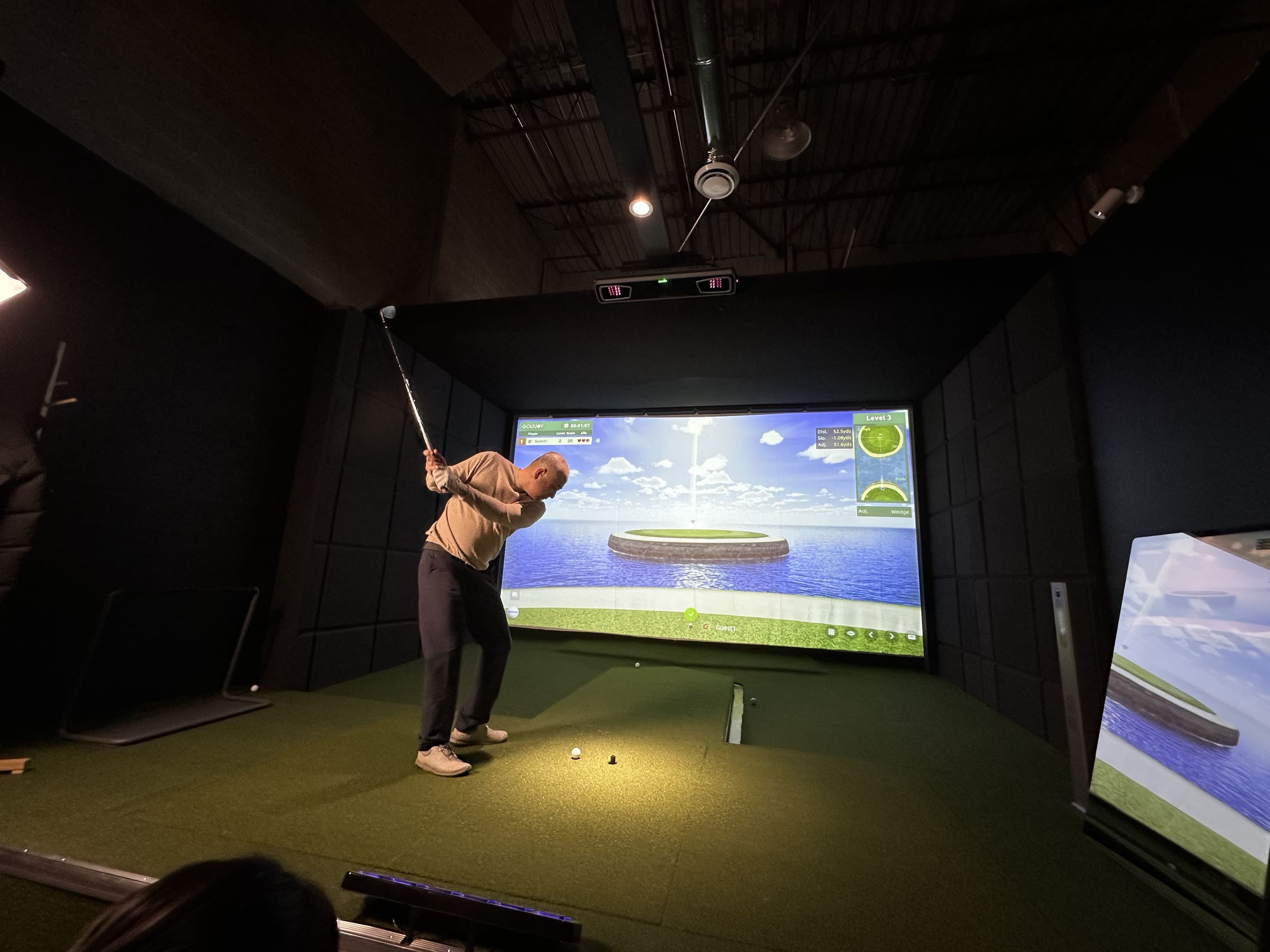
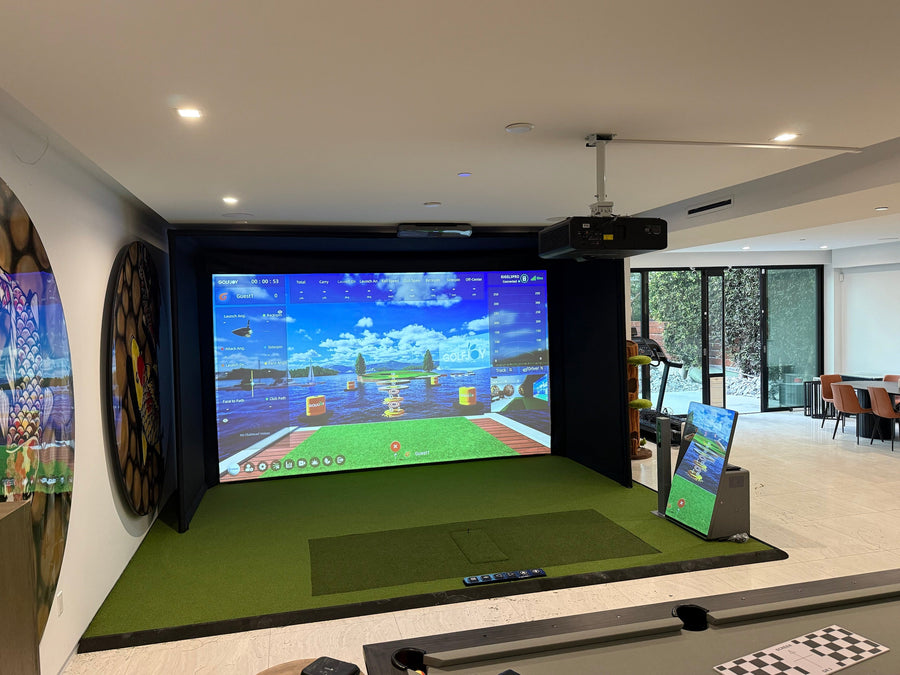
Depending on the project, a GOLFJOY commercial configuration may include:
The right configuration depends on the role of the bay. A coaching studio may prioritize detailed performance data and training tools, while an entertainment-focused venue may place more emphasis on course play, multiplayer experiences, visual immersion, and ease of use.
You can explore GOLFJOY's current commercial golf simulator solutions before requesting a project-specific configuration.
Before deciding how much to invest in each bay, define what kind of indoor golf business you are actually building.
| Business Type | Main Priorities | GOLFJOY Planning Direction |
|---|---|---|
| Coaching Studio | Shot data, training tools, repeatable setup | Dedicated simulator bay with performance-focused tracking and software |
| Indoor Golf Club | Course play, practice, multiplayer use | Complete commercial simulator configuration |
| Multi-Bay Golf Lounge | Consistent bays, customer flow, scalable operation | Standardized multi-bay commercial solution |
| 24/7 or Low-Staff Venue | Simple operation, remote management, customer access | Commercial simulator setup planned around automated operation |
| Premium Golf Facility | Advanced tracking, training, immersive play | Higher-spec overhead tracking and complete simulator configuration |
The important point is that the business model should determine the simulator configuration—not the other way around.
One of the biggest factors in an indoor golf simulator business startup cost is the number of bays.
Adding another bay can involve more than adding another launch monitor. Depending on the design, each additional bay may also require:
A venue should therefore choose its bay count based on expected customer demand, available floor area, booking model, staffing, and room for future expansion—not simply on how many simulators can physically fit inside the property.
Simulator software affects much more than the graphics customers see on the screen.
For a commercial operator, software can influence:
GOLFJOY Software combines simulator play, training, games, and competitive experiences within the GOLFJOY ecosystem. It has also been used to support organized online competition, giving commercial operators additional options beyond standard hourly bay rentals.
Before finalizing a commercial simulator quote, confirm what software is included, how access is structured, which features your business needs, and whether additional software platforms will be used.
The visual experience you want to create also affects commercial simulator pricing.
A customer-facing simulator may need a computer capable of running the software at the intended graphics settings and a projector matched to the screen size, room lighting, throw distance, and resolution.
A coaching environment focused primarily on performance data may not require the same visual configuration as a premium entertainment venue.
Rather than automatically choosing the highest specification available, define the customer experience first and build the projector and computer configuration around that requirement.
This is where the cost of a simulator system and the cost of opening a commercial venue begin to separate.
The GOLFJOY equipment quote is only one part of the complete business investment. Depending on the condition of the property, the venue may also require:
These costs vary substantially from one project to another, which is another reason a commercial simulator equipment price should not be treated as the total cost of opening an indoor golf business.
A good indoor golf venue is not simply a room filled with as many simulator bays as possible.
Depending on your business model, you may also need space and budget for:
A coaching studio may need very little of this infrastructure. A golf lounge or social entertainment venue may require considerably more.
That difference can affect the total startup investment as much as the simulator configuration itself.
Installing the final simulator does not mean the startup budget is complete.
Before opening, operators may also need to account for:
Once the business opens, recurring costs may include rent, payroll, utilities, internet, software, maintenance, marketing, insurance, cleaning, and replacement of high-use items.
For commercial operators, the better question is therefore not only “What does the simulator cost?” but also “What will this venue cost to operate?”
| Cost Category | Commercial Simulator Project | Total Venue Startup |
|---|---|---|
| Launch monitor | Typically included | Included |
| Screen / enclosure | Depends on configuration | Included |
| Projector / PC | Depends on configuration | Included |
| Simulator software | Defined in project scope | Included |
| Simulator installation | Defined by project | Included |
| Electrical / network | May be site-side work | Included |
| Room construction | Usually venue-specific | Included |
| Furniture / reception | Not simulator equipment | Included |
| Insurance / permits | Not simulator equipment | Included |
| Opening marketing | Not simulator equipment | Included |
This distinction is important when comparing GOLFJOY commercial simulator pricing with the total capital required to open a business.
Instead of starting with a generic package, a commercial project should begin with the venue itself.
Before selecting a configuration, define:
This makes the final quote more useful because it is based on the way the venue is expected to operate rather than a one-size-fits-all equipment list.
There is no universal GOLFJOY commercial indoor golf simulator price because commercial projects can vary significantly in bay count, launch monitor selection, simulator configuration, installation requirements, and venue scope.
The better budgeting process is to separate the investment into three layers:
If you only compare the equipment price, you are only looking at the first layer.
For a broader breakdown of indoor simulator equipment costs, read our Indoor Golf Simulator Price Guide.
For a broader overview of indoor simulator technology and setup planning, visit our Indoor Golf Simulator Guide.
A commercial indoor golf project should be built around the customers you want to serve, the space you have, and the experience you want to create.
GOLFJOY offers overhead launch monitors, simulator software, and complete commercial golf simulator solutions for coaching studios, indoor golf clubs, multi-bay venues, and other dedicated indoor golf environments.
If you already know your room dimensions, intended use, and approximate bay count, share those details with the GOLFJOY team so the recommended configuration can be built around your actual project rather than a generic package.
There is no single price for every GOLFJOY commercial simulator project. Pricing depends on the launch monitor, bay configuration, screen and enclosure, projector and computer requirements, software, optional equipment, installation, and the number of bays. A project-specific quote is the best way to compare the complete scope.
Depending on the configuration, a commercial simulator may include an overhead launch monitor, impact screen and enclosure, hitting surface, projector, computer, simulator software, mounting equipment, and optional systems such as putting or automatic tee-up equipment.
No. The equipment price is only one part of the investment. A venue may also require electrical and network work, construction, furniture, insurance, permits, booking systems, staffing, marketing, and working capital.
GOLFJOY's current overhead Rigel lineup includes Rigel 2, Rigel 3, and Rigel 3 Pro. The right option depends on the venue, tracking requirements, hitting-area needs, and overall simulator configuration.
Yes. GOLFJOY provides commercial simulator solutions that can be planned for multi-bay indoor environments. Bay count, room layout, software workflow, customer flow, and supporting equipment should be defined during project planning.
Prepare the room dimensions, ceiling height, intended business model, approximate number of bays, target customer type, preferred simulator experience, expected opening timeline, and any available floor plans or room photos. These details make it easier to recommend a suitable configuration.
Submit your information and our team will follow up with you.