






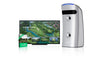
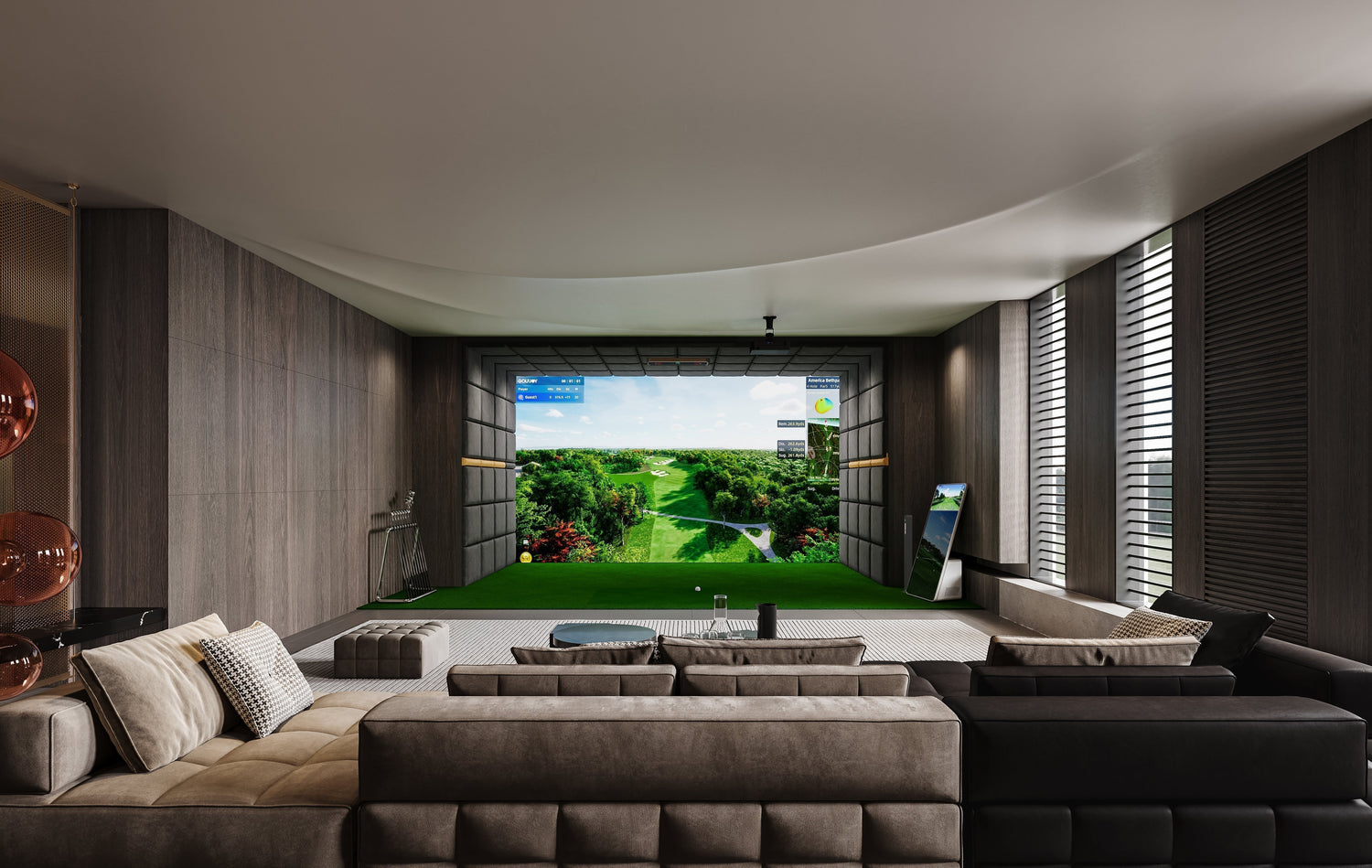
The best indoor golf simulator isn't the same for every golfer. The right system depends on how you plan to use it, how much space you have, and which features matter most to you. A home golfer may prioritize easy setup, reliable shot data, and an immersive practice experience, while a commercial venue may care more about durability, multi-player use, and long-term support. This guide breaks down the key factors to compare so you can choose an indoor golf simulator that fits your space, goals, and playing experience.
What to Look for in the Best Indoor Golf Simulator
Choosing the right golf simulator requires understanding the key features that impact performance and user experience.
Tracking Accuracy
Accuracy is the most important factor. A good simulator should reliably measure:
- Ball speed
- Launch angle
- Spin rate
- Shot direction
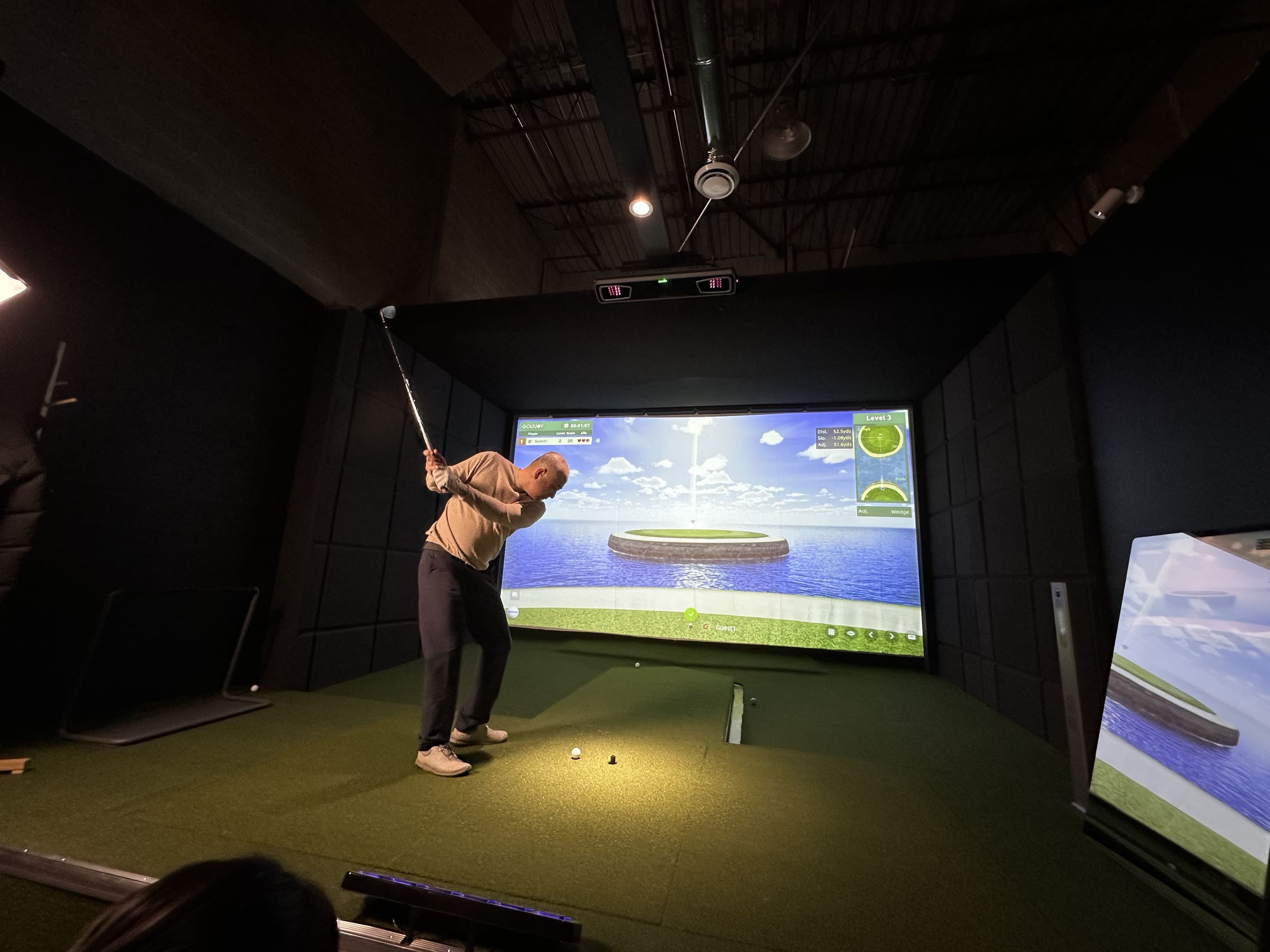
Camera-based launch monitors are especially well suited to indoor environments because they can capture ball and club data within a relatively compact hitting area.
Software
Software determines how realistic and enjoyable your simulator experience will be.
Look for:
- Realistic ball physics
- Practice and training modes
- Multiplayer options
Popular platforms like E6 Connect and GSPro offer immersive gameplay and detailed analytics.
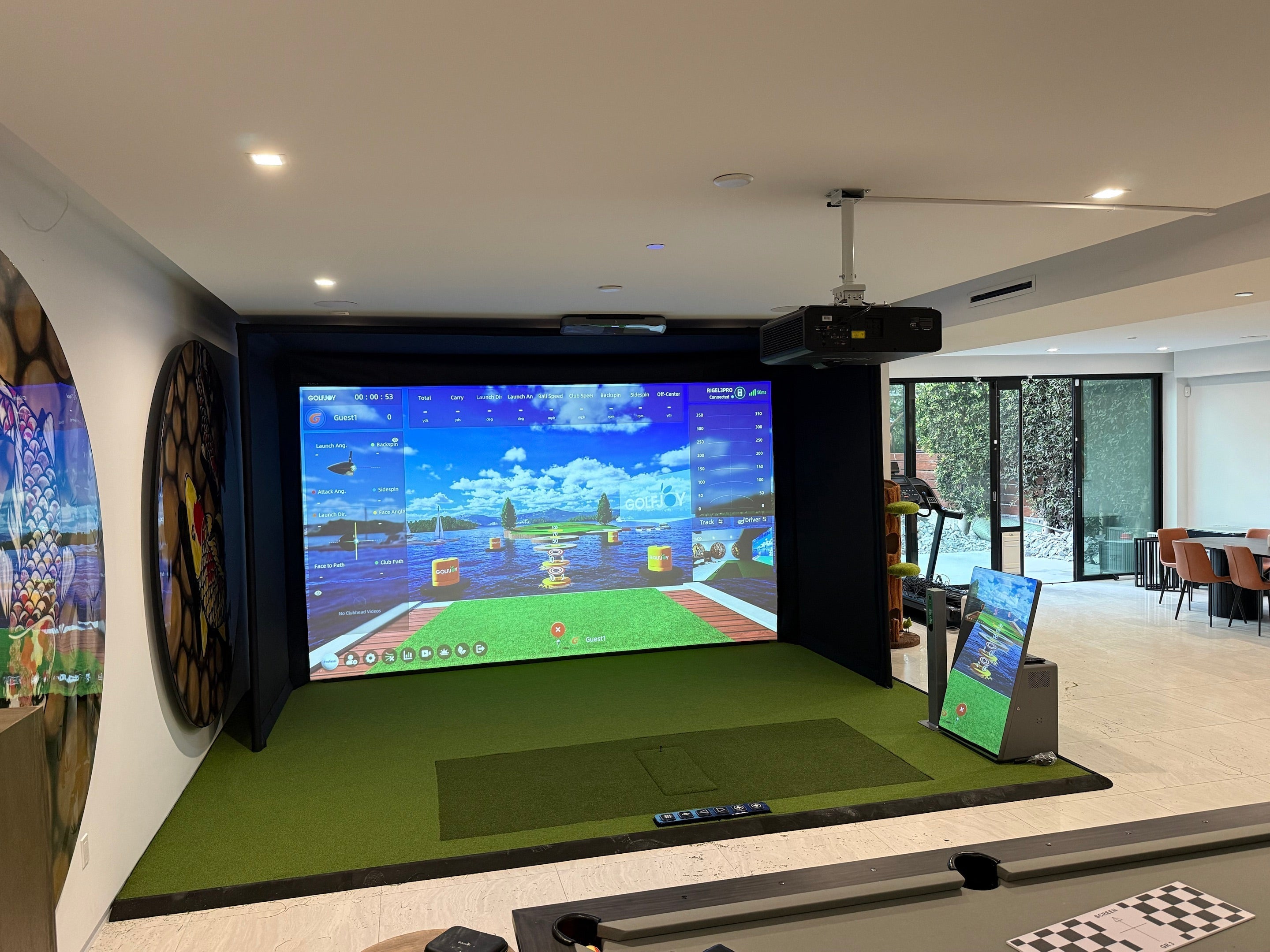
GOLFJOY also offers its own golf simulator software ecosystem for practice, virtual course play, training, and multiplayer experiences, giving users another option when building a complete indoor setup.
Many users prioritize golf simulator software for home that supports both practice and entertainment.
Course Library
A strong course library enhances the overall experience.
Consider:
- Number of available courses
- Real-world course recreations
- Graphics quality
A wide selection of golf simulator games allows players to experience different environments and challenges.
Installation
Ease of installation can vary significantly between systems.
Factors to consider:
- Space requirements
- Mounting options
- Setup complexity
A well-designed golf simulator system should integrate seamlessly into your available space without requiring extensive modifications.
What Golf Simulators Do Pros Use?
Professional golfers and coaches typically use high-end launch monitor systems that provide extremely precise data.
Common characteristics of pro-level systems:
- Multi-camera or hybrid tracking technology
- Detailed ball and club data
- Advanced analytics tools
- Integration with professional coaching platforms
While elite players often train with premium systems, many modern solutions available today—especially those using high-speed camera tracking like products from GOLFJOY—have narrowed the gap between consumer and professional performance.
This means that even a well-configured best golf launch monitor and simulator setup at home can provide meaningful insights for improving your game.
Best Golf Simulators for Home
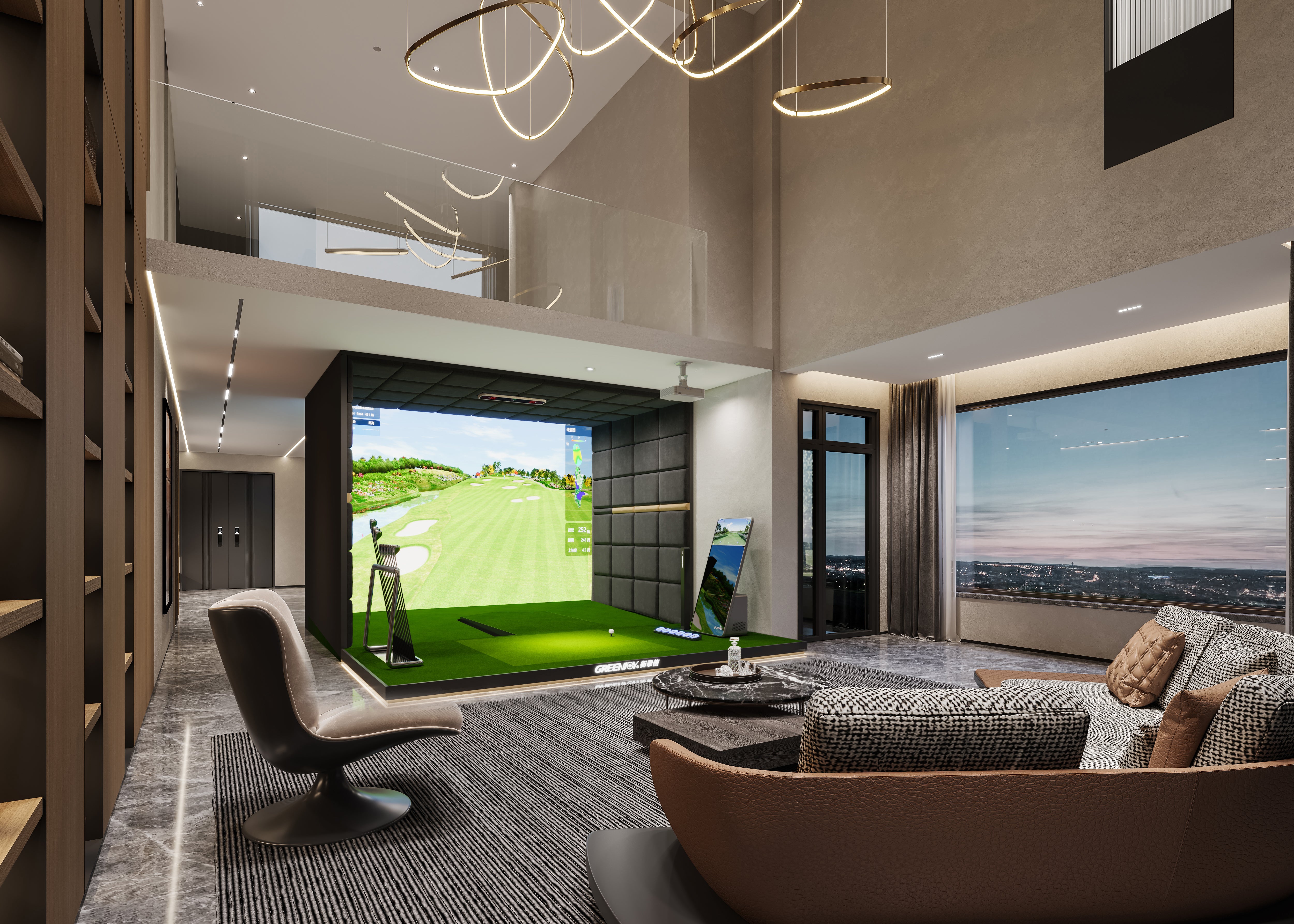
For home use, the best indoor golf simulator should balance tracking performance, space requirements, ease of setup, and the overall practice experience.
Entry-Level Home Setups
Best for:
- Beginners
- Casual golfers
Features:
- Basic tracking
- Simple setup
- Lower cost
These setups often use compact equipment or even a golf simulator portable solution for flexibility.
Mid-Range Home Systems
Best for:
- Regular practice
- Skill improvement
Features:
- Improved accuracy
- Better software integration
- Enhanced visuals
A personal indoor golf simulator in this category offers a strong balance between affordability and performance.
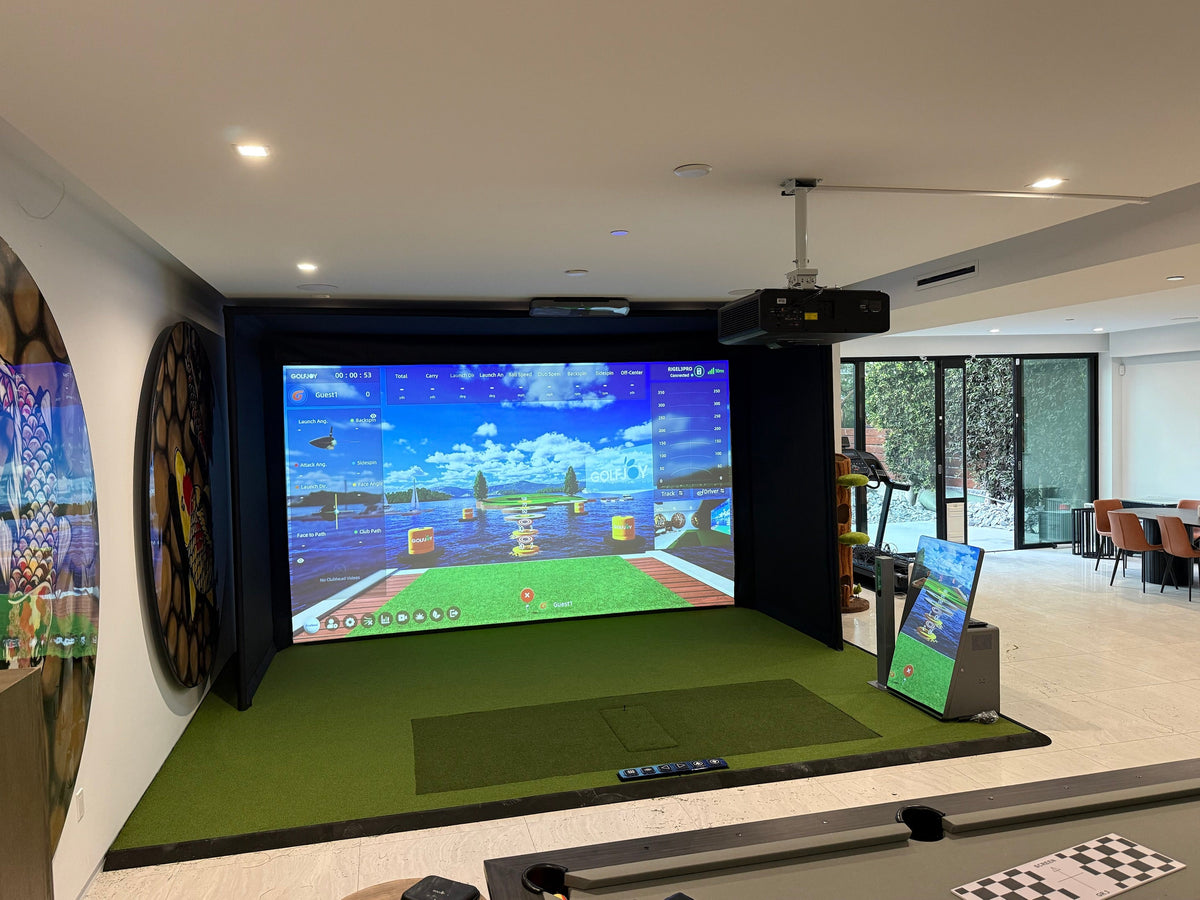
If you're planning a dedicated setup at home, explore GOLFJOY's home golf simulator solutions to compare configurations designed for different room sizes and practice needs.
Premium Home Simulators
Best for:
- Serious golfers
- Dedicated practice spaces
Features:
- High-speed camera tracking
- Advanced analytics
- Immersive environments
These systems often include integrated indoor golf simulator software and high-quality enclosures for a professional experience.

Best Commercial Golf Simulators
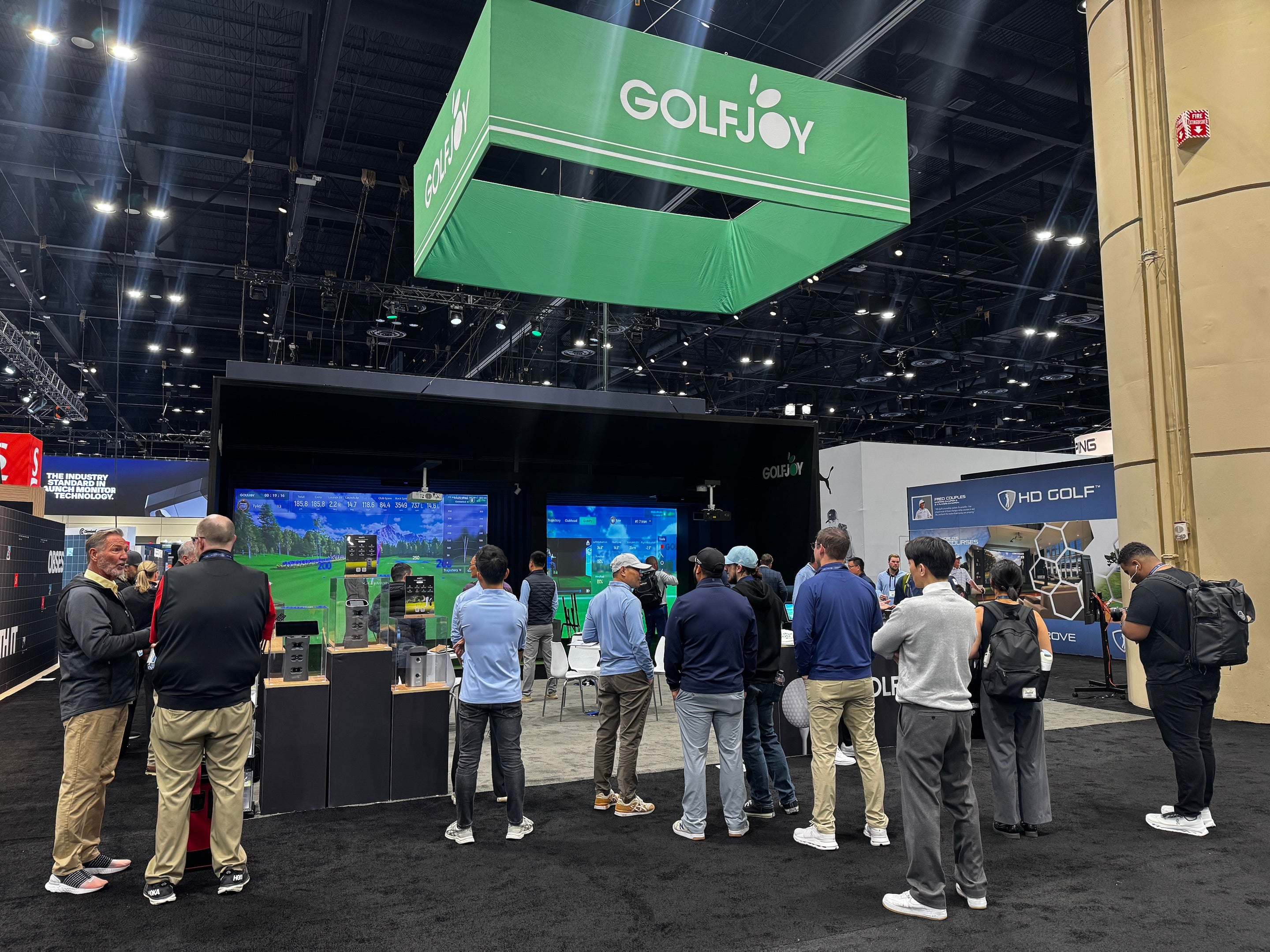
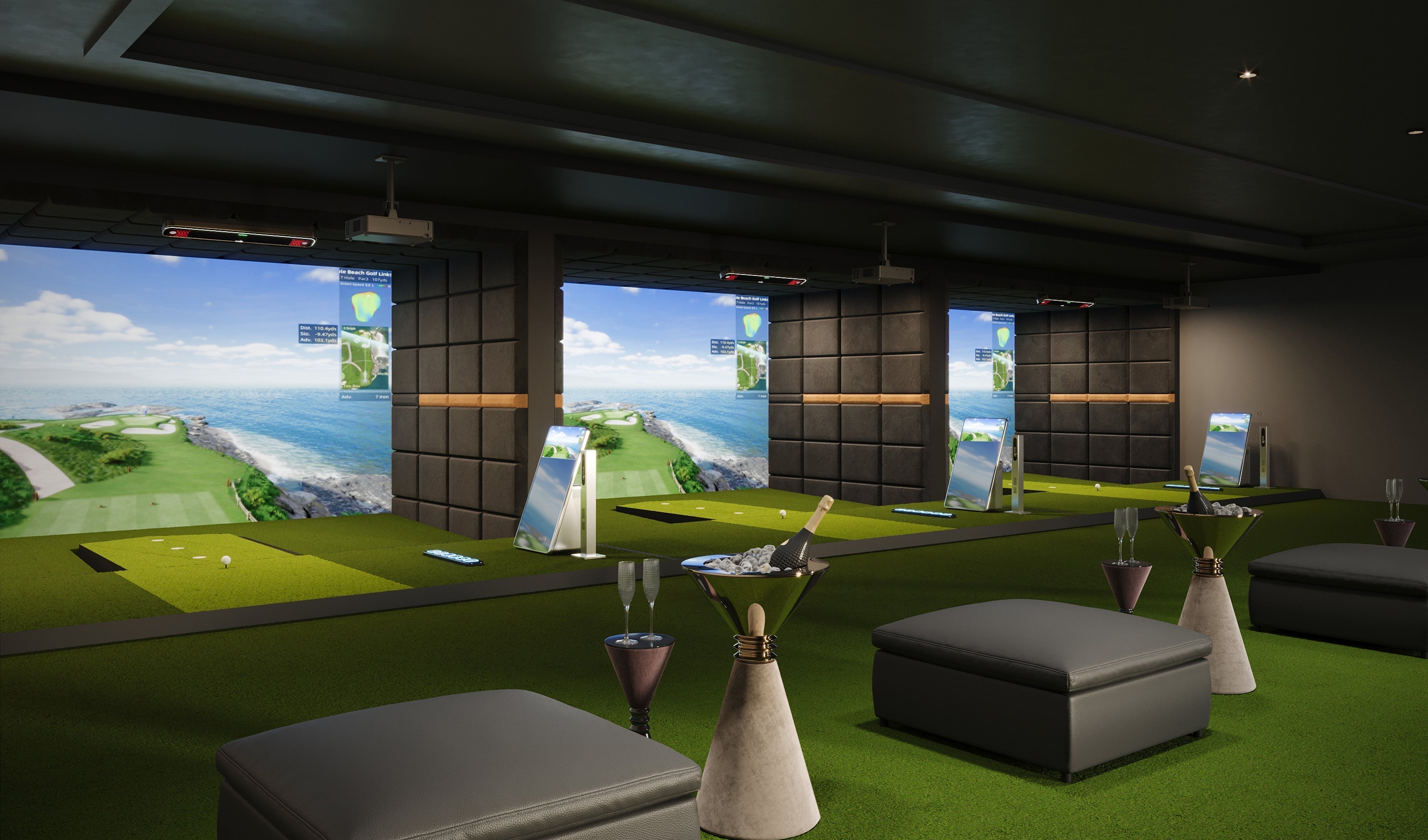
For commercial venues, the best indoor golf simulator needs to deliver consistent tracking, intuitive multi-player use, durable components, and dependable support during frequent operation.
Entry-Level Commercial Systems
Best for:
- Small studios
- Startups
Features:
- Basic multi-user support
- Moderate durability
These setups can serve as an entry point into the golf simulator for business market.
Advanced Commercial Systems
Best for:
- Golf centers
- Entertainment venues
Features:
- High accuracy
- Multi-player functionality
- Robust construction
A commercial indoor golf simulator is designed to handle frequent use and deliver a premium customer experience.
Revenue Considerations
Businesses investing in commercial golf simulators often generate income through:
- Hourly rentals
- Memberships
- Events and leagues
Overhead vs Personal Simulators
Choosing between overhead and personal systems is another important decision.
Personal (Floor-Based) Simulators
Characteristics:
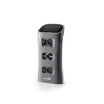
- Launch monitor placed near the ball
- Easier installation
- Lower cost
A launch monitor and simulator setup in this category is ideal for home users.
Overhead Simulators
Characteristics:
- Mounted above the hitting area
- Cleaner setup
- Better for multi-user environments
An overhead golf launch monitor is often used in commercial environments where space efficiency and user convenience are critical.
Comparison Table
| Feature | Portable / Floor-Based | Overhead |
|---|---|---|
| Setup | Flexible and easy to reposition | Fixed installation |
| Best suited for | Home practice and flexible setups | Dedicated rooms and shared bays |
| Player switching | May depend on device placement | Hardware remains above the hitting area |
| Space use | Requires floor-level device placement | Keeps tracking hardware off the floor |
| Typical use | Home, coaching, portable practice | Home simulator rooms and commercial venues |
Budgeting for the complete setup? Our indoor golf simulator cost guide breaks down the major components that can affect the overall investment.
How to Choose the Right Simulator for You
When choosing the best indoor golf simulator for your needs, start with how and where you plan to use it. Consider:
- Available room dimensions and ceiling height
- Home, coaching, or commercial use
- Ball and club data you want to measure
- Portable vs. overhead launch monitor
- Software and course preferences
- Number of regular players
- Installation and support requirements
-
Total system budget
Home users may prioritize convenience and affordability, while businesses focus on scalability and user experience.
Which Indoor Golf Simulator Is Right for You?
There is no single indoor golf simulator that is best for every player or space. A portable launch monitor may make more sense if you want flexibility or plan to practice in different locations. An overhead system can be a better fit for a dedicated simulator room or shared commercial bay where keeping the tracking hardware off the floor improves convenience.
For home golfers, start with your room dimensions and practice goals. For commercial operators, consider player flow, operating hours, support, and how easily the system can be managed by staff. The best choice is the system that fits the way you actually plan to use it—not simply the one with the longest feature list.
Why Golf Simulators Are Becoming More Popular
The popularity of golf simulators continues to grow due to:
- Increased accessibility
- Advancements in technology
- Demand for indoor training solutions
According to the National Golf Foundation, off-course golf participation—including simulator use—has expanded significantly in recent years.
FAQs About Choosing a Golf Simulator
What is the best golf simulator for home use?
The best home golf simulator depends on your available space, practice goals, preferred software, and the type of shot data you want to track. For many golfers, the right system is one that delivers reliable data while fitting comfortably into the room and remaining easy to use regularly.
What golf simulator do pros use?
Professionals use high-end systems with advanced tracking and analytics, though modern consumer systems are becoming increasingly competitive.
What should I look for in a home golf simulator?
Focus on accuracy, software features, ease of installation, and compatibility with your space.
Are expensive simulators worth it?
A higher-priced simulator may include more advanced tracking, premium enclosure components, larger hitting areas, or additional software features, but price alone does not determine whether a system is right for you. Compare the features you will actually use, the quality of the tracking data, and the complete setup requirements.
Is an overhead simulator better than a floor system?
It depends on your space and how you plan to use the simulator. Overhead systems keep the tracking hardware above the hitting area and can work well in dedicated or shared bays, while portable floor-based systems offer greater flexibility for golfers who want to move or store their launch monitor.
Can beginners use advanced golf simulators?
Yes. Most systems include beginner-friendly modes and training features.
References
[1] National Golf Foundation. (2023). Off-Course Golf Participation Report.
https://www.ngf.org
[2] PGA of America. (2023). Technology in Golf Training.
https://www.pga.com
[3] Golf Digest. (2024). Best Golf Simulators Guide.
https://www.golfdigest.com
[4] Golf Monthly. (2024). Choosing the Right Golf Simulator.
https://www.golfmonthly.com

Leave a comment
All comments are moderated before being published.
This site is protected by hCaptcha and the hCaptcha Privacy Policy and Terms of Service apply.