




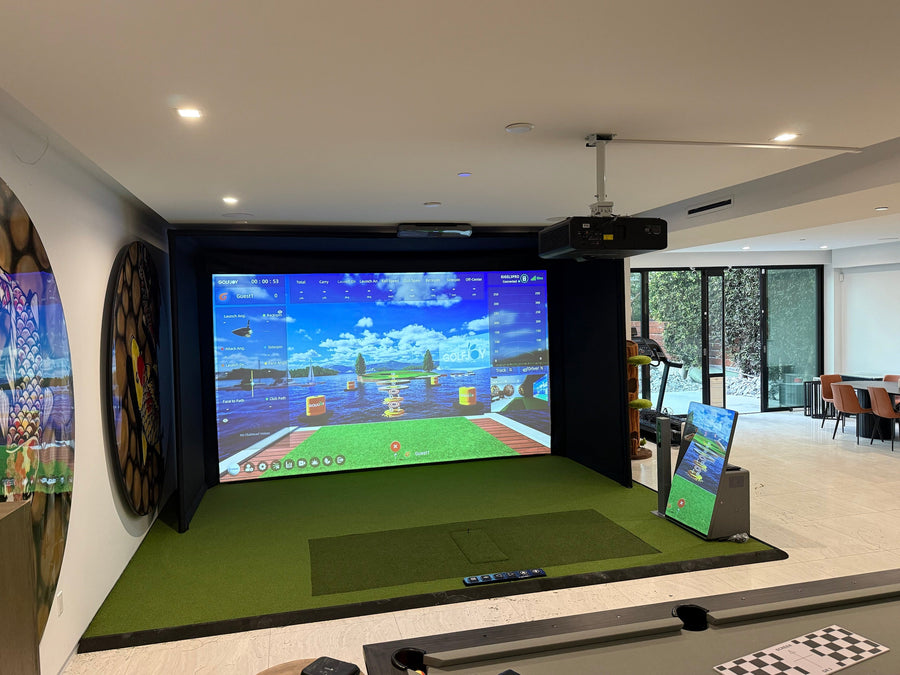
A launch monitor captures your swing data. Everything else in your setup determines what you can actually do with that data — whether that's a quick range session with your phone or a full indoor simulator bay in your garage. The equipment you need beyond the launch monitor depends entirely on how you plan to use it.
Here's the complete breakdown by use case.
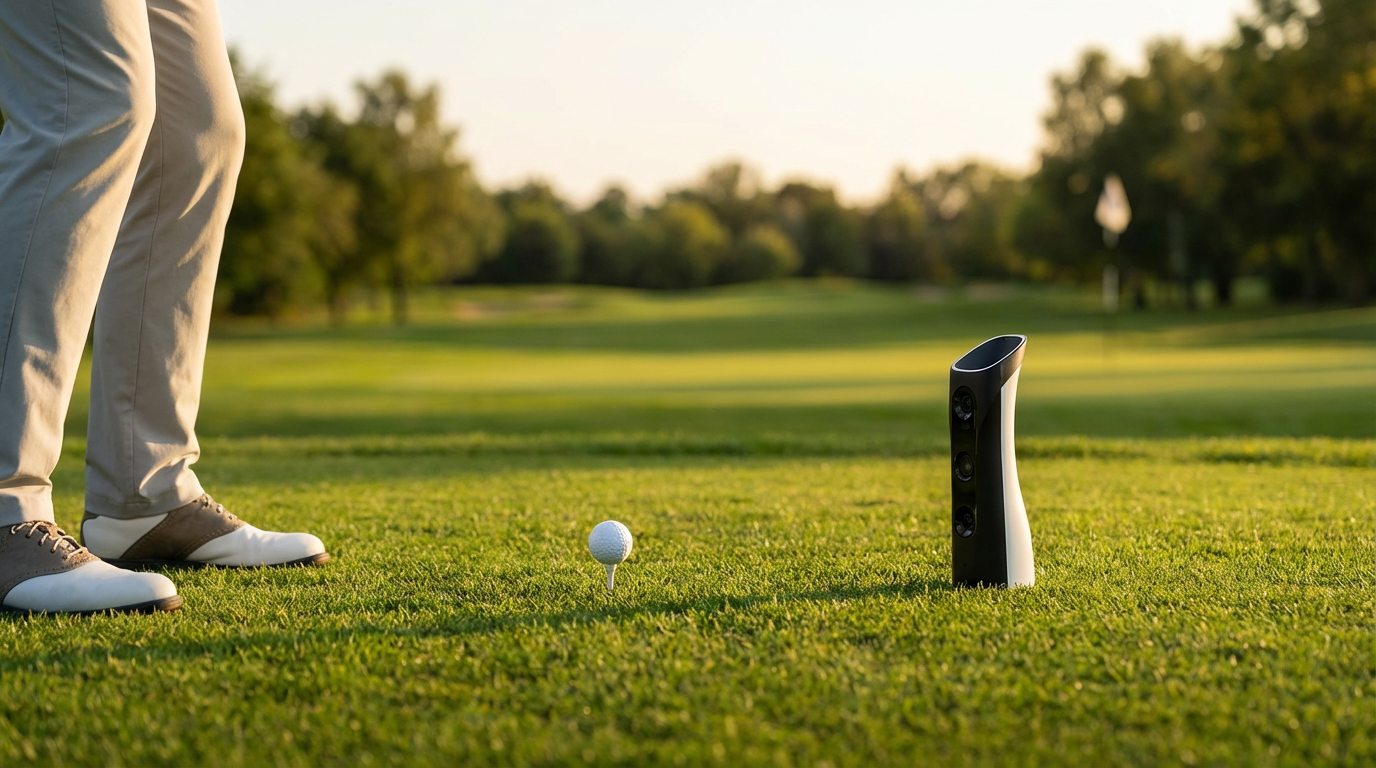
If you're using a portable launch monitor like the GOLFJOY GDS Pro or Spica 3 at the driving range or outdoors, your additional equipment needs are minimal:
These small reflective markers attach to your clubheads and allow the launch monitor to capture club-side data — including club path, face angle, and attack angle. Without them, you'll still get full ball data (speed, spin, launch angle, carry), but you'll miss the club delivery metrics that reveal why the ball did what it did. For any golfer serious about fixing swing flaws, club face stickers are non-negotiable.
Most portable launch monitors connect via Bluetooth or Wi-Fi to a smartphone or tablet running a companion app. The GOLFJOY mobile app (iOS and Android) displays all 27 data points per shot in real time and stores session history for trend analysis over time.
The Spica 3 has a built-in touchscreen that displays shot data directly on the device — no phone, no app, no Bluetooth pairing required between shots. It's the only GOLFJOY portable monitor with this capability, which is why it's the go-to choice for teaching pros and serious players who want a clean, frictionless practice workflow. You still need club face stickers for full club data, but the phone dependency is completely eliminated.

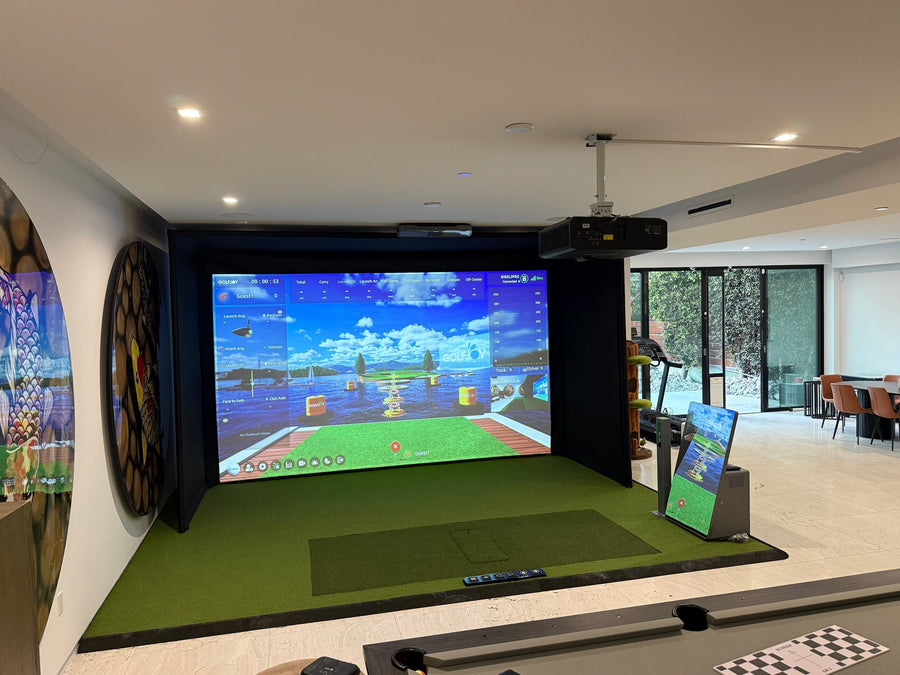
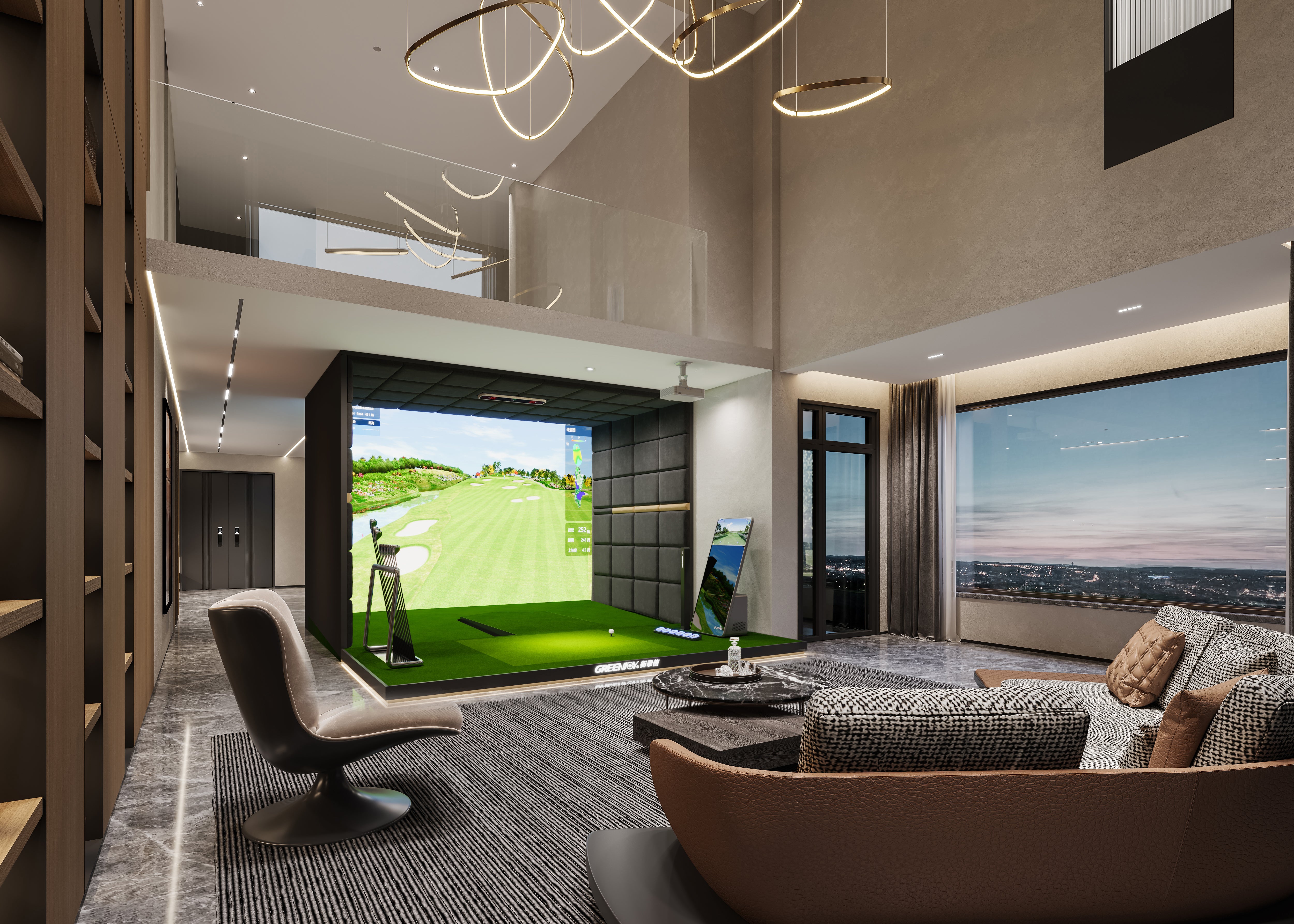
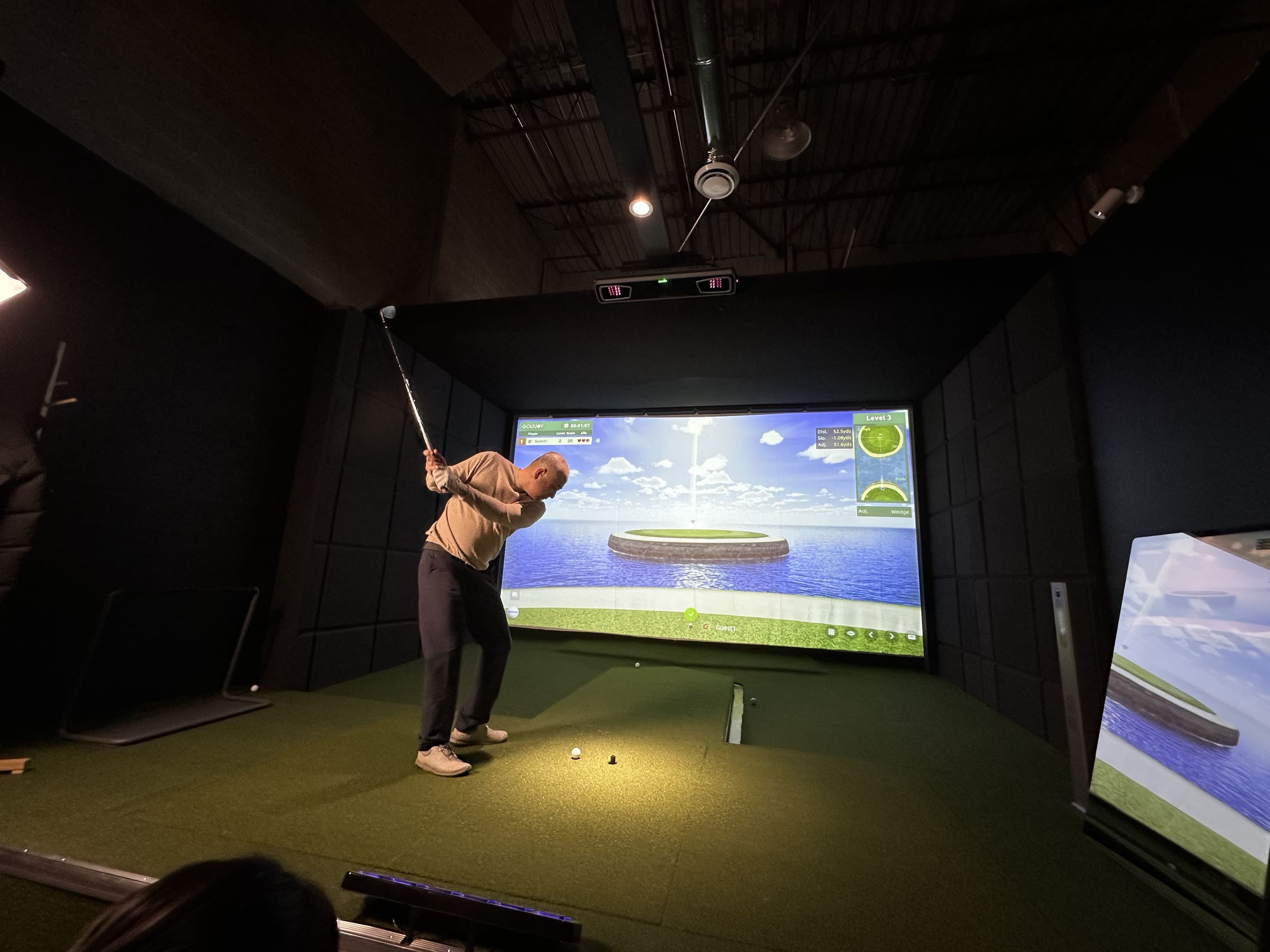
Building a full home simulator around a launch monitor requires six additional components working together. Here's exactly what you need and why each one matters:
The impact screen serves two purposes: it's the surface your ball hits into, and it's the projection surface for the course simulation. You need a screen rated for high-impact use — GOLFJOY's included screens are rated for 30,000+ shots without significant deterioration. Cheap screens degrade quickly, generate excessive noise on impact, and lose image quality for projection.
The enclosure — typically a frame with side netting and optional rear padding — contains errant shots and protects your walls, ceiling, and anything else in the room. It also defines the hitting area visually, which matters more than you'd expect once you're actually using the bay. GOLFJOY's P7 and P8 simulator packages use a toolless frame system that assembles completely in under 3 hours — no contractor required.
A quality hitting mat does three things: it protects your joints during extended sessions, gives your clubs a realistic turf interaction through impact, and — for overhead launch monitor setups like the Rigel series — provides a stable, consistent ball position within the monitor's detection zone. Consumer-grade mats from big-box stores typically fail on all three counts within a year of regular use. This is worth spending on.
The projector turns your impact screen into a visual golf course. Key specs to look for:
GOLFJOY's commercial systems use LG 4K projectors (BU53/BU60); personal simulator packages include the Optoma ZH420 — both are matched to the screen size for optimal image quality.
The PC is the computational engine running your simulation software, rendering course visuals, and processing launch monitor data in real time. Minimum recommended specs for a smooth experience:
Underpowering your PC is one of the most common simulator setup mistakes — sluggish rendering breaks immersion and creates lag between your swing and the on-screen result.
Software is what turns raw data into a virtual round of golf. You have two main options with GOLFJOY hardware:

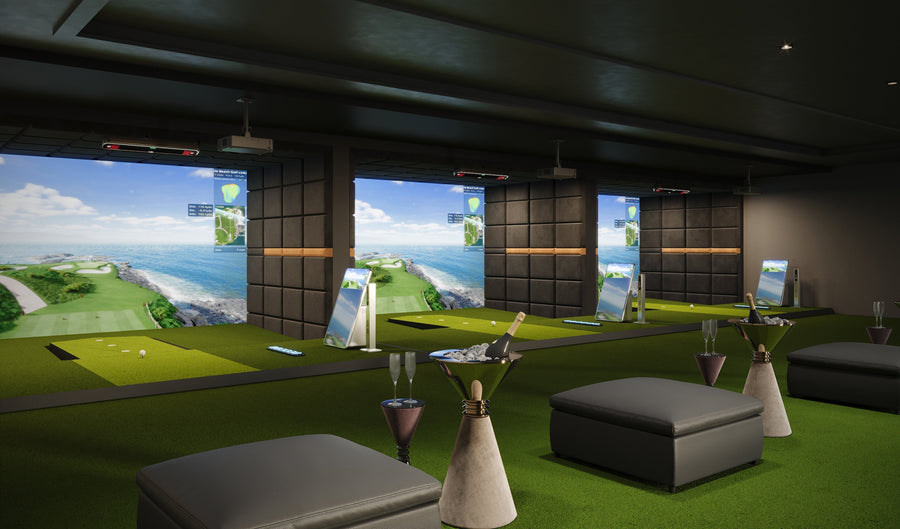
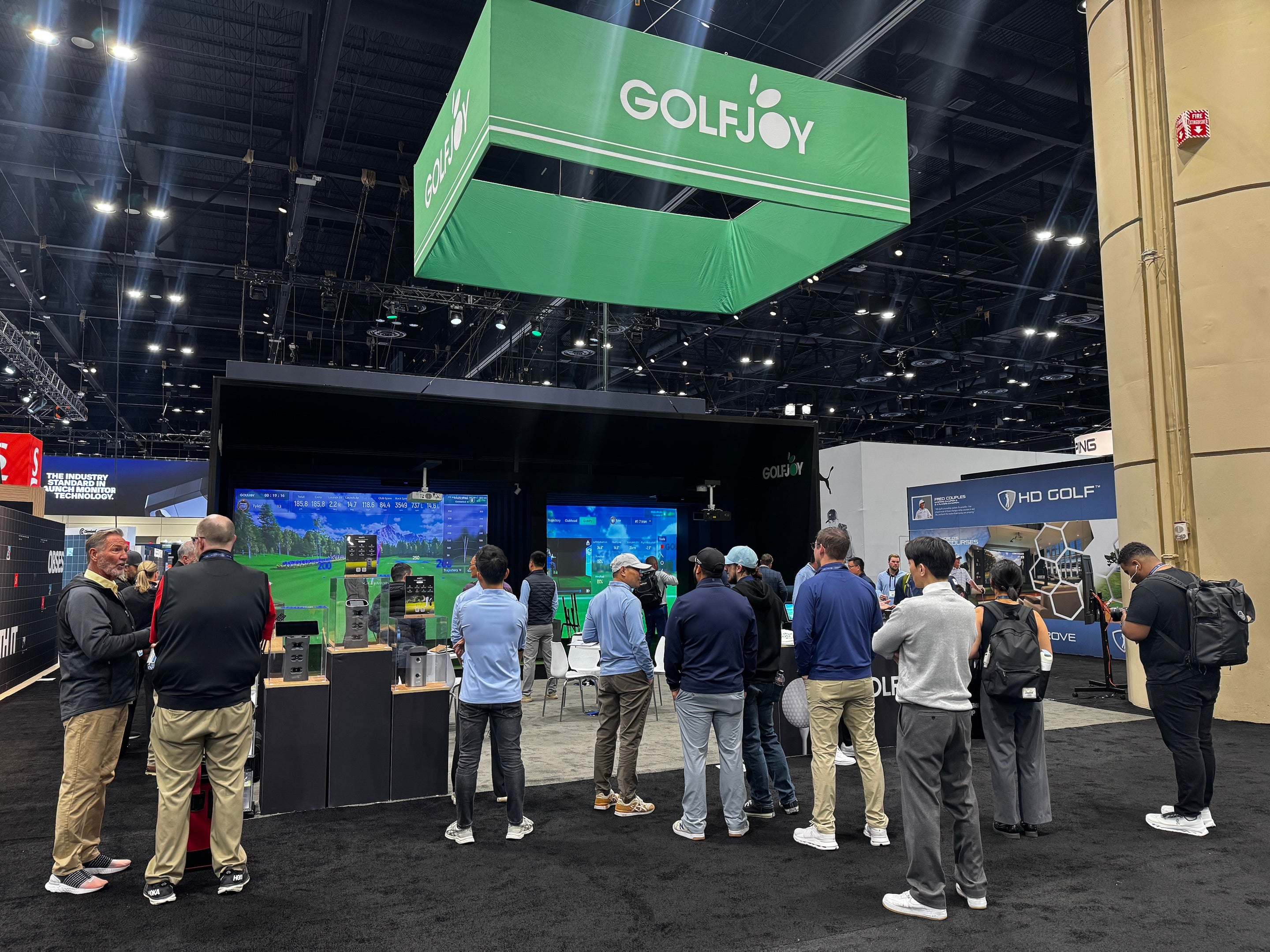
Commercial installations using GOLFJOY's overhead Rigel series have the same core component requirements as a home bay — screen, enclosure, mat, projector, PC, software — plus a few commercial-specific considerations:
| Equipment | Portable Practice | Home Simulator | Commercial Bay |
|---|---|---|---|
| Club face stickers | ✅ Recommended | ✅ Recommended | ⚪ Optional (overhead monitors don't require them) |
| Phone / tablet | ✅ Required (except Spica 3) | ⚪ Optional | ⚪ Optional |
| Impact screen | ❌ Not needed | ✅ Required | ✅ Required |
| Enclosure | ❌ Not needed | ✅ Required | ✅ Required |
| Hitting mat | ⚪ Optional | ✅ Required | ✅ Required |
| Projector | ❌ Not needed | ✅ Required | ✅ Required |
| Gaming PC | ❌ Not needed | ⚪ Optional | ✅ Required |
| Simulation software | ⚪ Optional | ✅ Required | ✅ Required |
If you're practicing at the range with a portable monitor, you need club face stickers and a phone — Low-cost investment beyond the monitor itself. If you're building a home bay, budget for screen, enclosure, mat, projector, PC, and software — the full package. If you're opening a commercial venue, add commercial-grade infrastructure and plan for ceiling height requirements before signing a lease.
GOLFJOY's P7 and P8 personal simulator packages include most of what you need for a home bay in a single purchase — screen, enclosure, mat, projector, and launch monitor — with a 3-month free software trial included. For commercial builds, the GOLFJOY US team is available at business@golfjoy.com for a customized consultation.
Submit your information and our team will follow up with you.