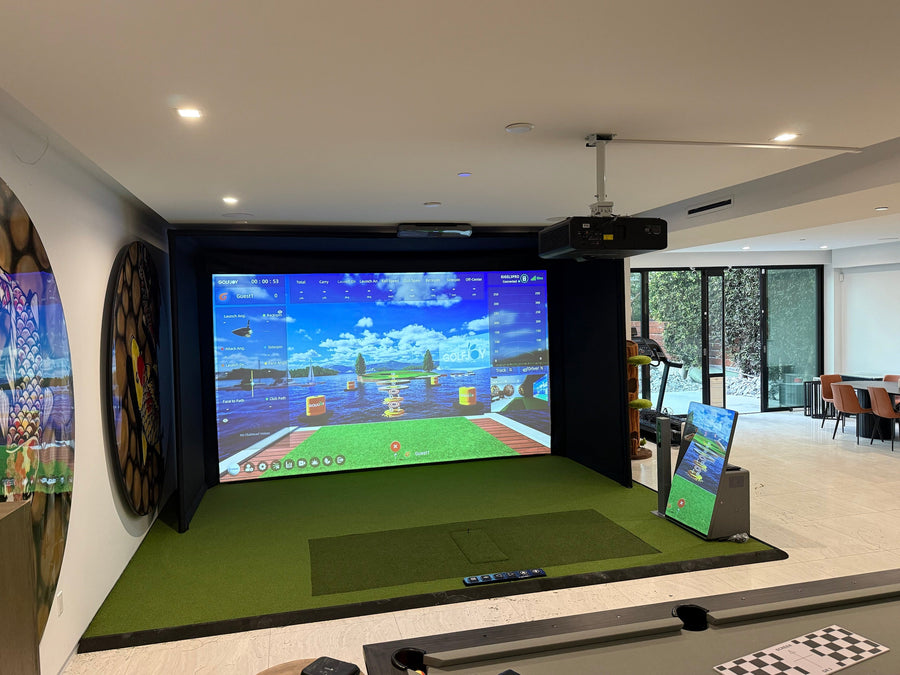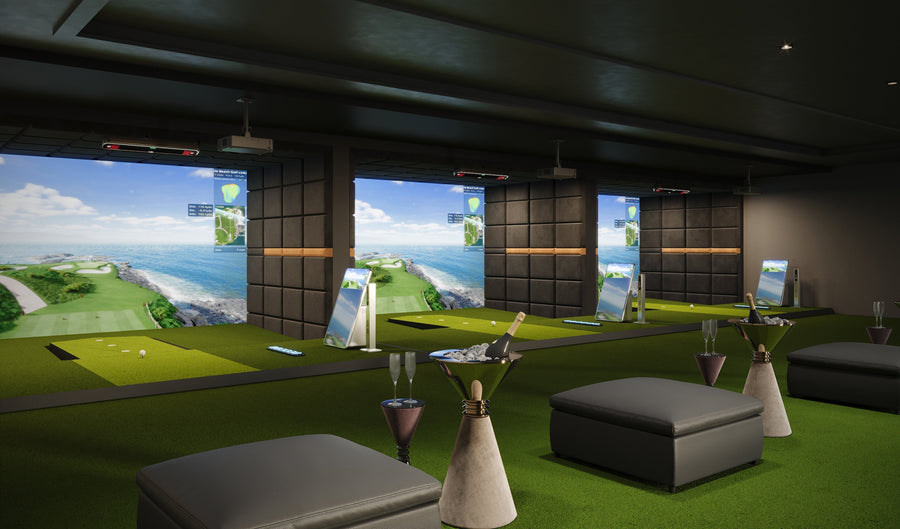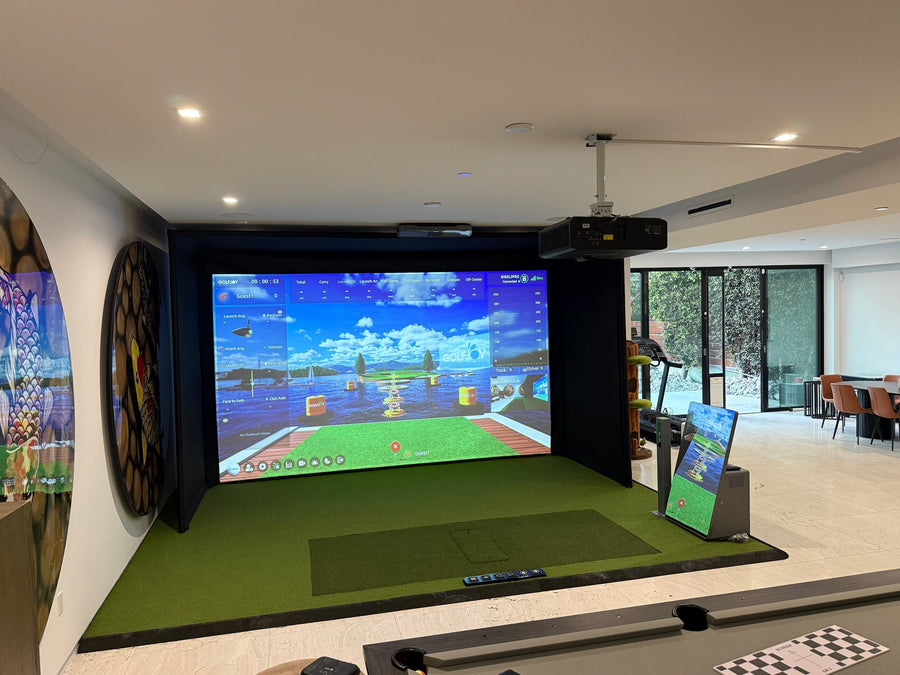





Choosing between the GOLFJOY GDS Pro and Spica 3 is not simply a question of which portable golf tracker has more data.
Both GOLFJOY launch monitors provide 27 ball, club, and trajectory metrics and support indoor and outdoor practice. The main differences involve camera configuration, physical size, feedback speed, connectivity, battery design, hitting zone, and how users interact with their data.
This guide compares the GDS Pro and Spica 3 using current GOLFJOY specifications, helping golfers choose the portable launch monitor that better fits their training routine.
Explore all GOLFJOY launch monitors before comparing the two models in detail.
GDS Pro vs Spica 3: Quick Comparison
| Feature | GOLFJOY GDS Pro | GOLFJOY Spica 3 |
|---|---|---|
| Tracking System | Dual ultra high-speed cameras | Three high-speed cameras with dual LED lighting |
| Total Data Metrics | 27 ball, club, and trajectory metrics | 27 ball, club, and trajectory metrics |
| Feedback Time | ≤0.35 seconds | ≤0.3 seconds |
| Built-In Touchscreen | No | Yes |
| Battery Design | Removable rechargeable battery | Integrated 12,800 mAh battery |
| Battery Life | Approximately 4–5 hours | Approximately 6–7 hours |
| Weight | 1.50 kg / 3.31 lbs | 3.00 kg / 6.61 lbs |
| Product Dimensions | 5.75″ W × 4.02″ H × 11.46″ D | 6.42″ W × 3.90″ H × 13.39″ D |
| Hitting Zone | L190 × W140/170 mm | L250 × W200/250 mm |
| Connection Options | Bluetooth and Ethernet | Wi-Fi, Ethernet, and Bluetooth |
| Gyroscope | Yes | Yes |
| Software Support | GOLFJOY Software, GOLFJOY Pro App, E6 CONNECT, Creative Golf and GSPro | GOLFJOY Software, GOLFJOY Pro App, GSPro, E6 CONNECT, and Creative Golf |
| Indoor and Outdoor Use | Supported | Supported |
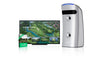
GDS Pro: Lightweight Dual-Camera Portable Launch Monitor
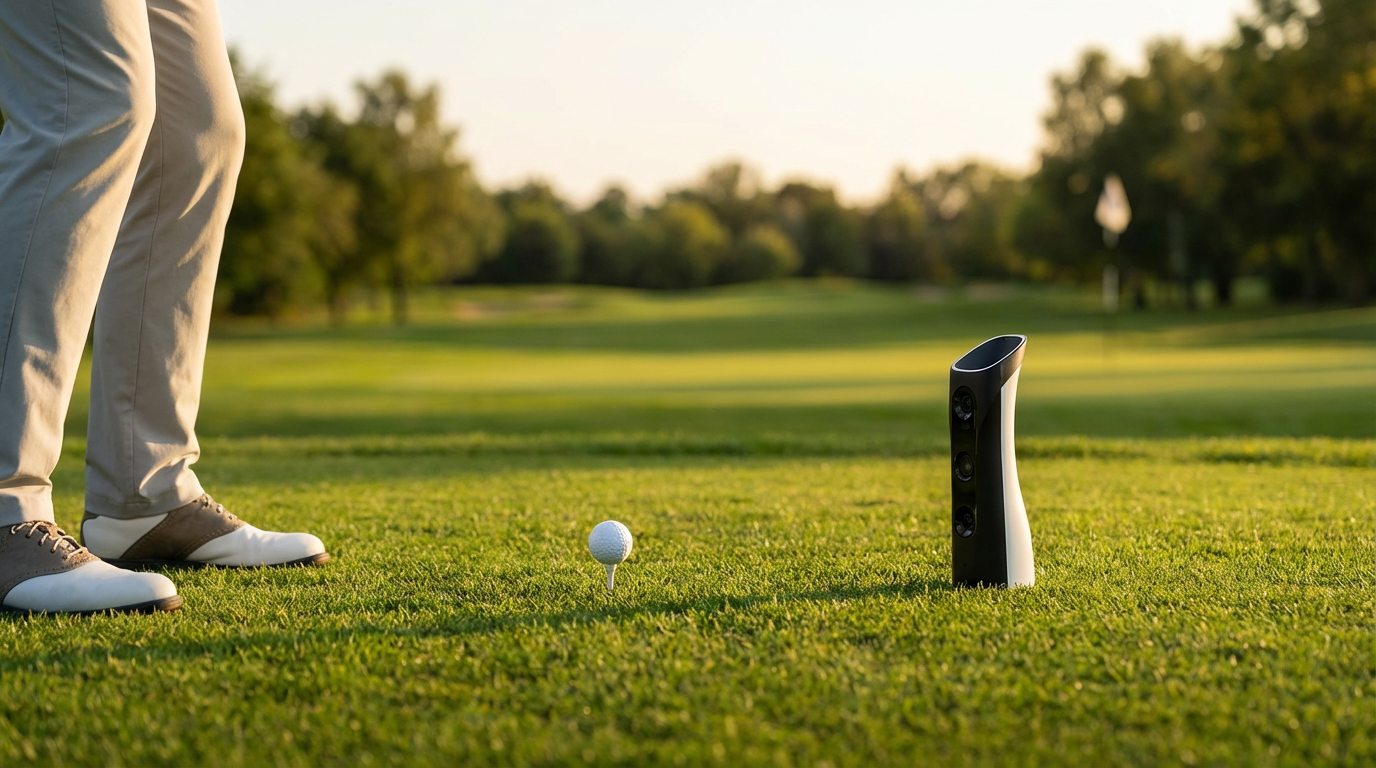
The GOLFJOY GDS Pro uses dual ultra high-speed cameras to capture detailed ball and club information in real time.
It provides 27 metrics across club data, ball data, and trajectory analysis. Core measurements include club path, club speed, smash factor, attack angle, ball speed, launch angle, spin rate, spin axis, launch direction, carry-related data, and total distance.
At 1.50 kg, the GDS Pro is the lighter of the two models. Its smaller physical footprint and rechargeable removable battery make it practical for golfers who regularly move their launch monitor between home, the driving range, lessons, and other practice environments.
The GDS Pro can also record high-frame-rate club movement before, during, and after impact, giving golfers visual feedback they can compare with the measured shot data.
For indoor use, GOLFJOY recommends a minimum hitting distance of approximately 2 yards from the hitting position to the screen or net, with a ceiling height of approximately 9–10.2 feet.
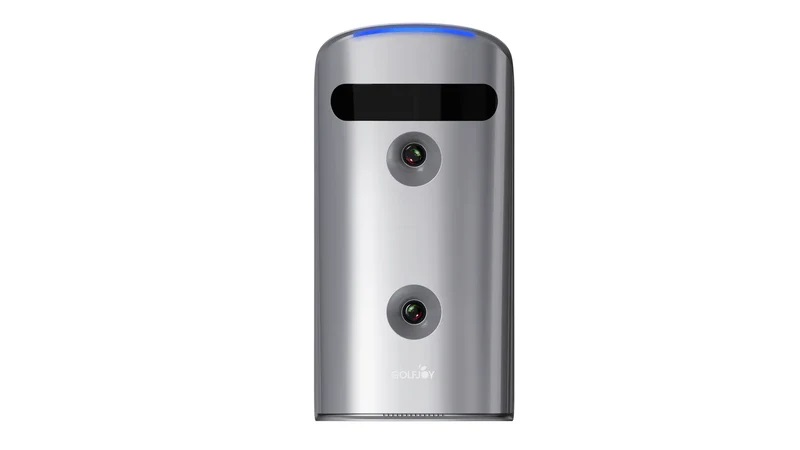
GDS Pro Software Compatibility
The GDS Pro supports GOLFJOY Software and the GOLFJOY Pro App. Its official product information also lists compatibility with E6 CONNECT and GSPro.
Golfers who want course simulation, practice modes, and additional data analysis can connect the device to the software experience that matches their setup.
Learn more about GOLFJOY golf simulator software.
Who May Prefer the GDS Pro?
The GDS Pro may suit golfers who prioritize a lighter portable golf tracker, a smaller physical footprint, dual-camera tracking, and access to 27 performance metrics without needing a built-in display.
It can also suit coaches who frequently transport their launch monitor and home users who plan to view data through a connected app or computer.
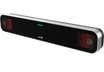
Spica 3: Triple-Camera Tracking With Built-In Touchscreen
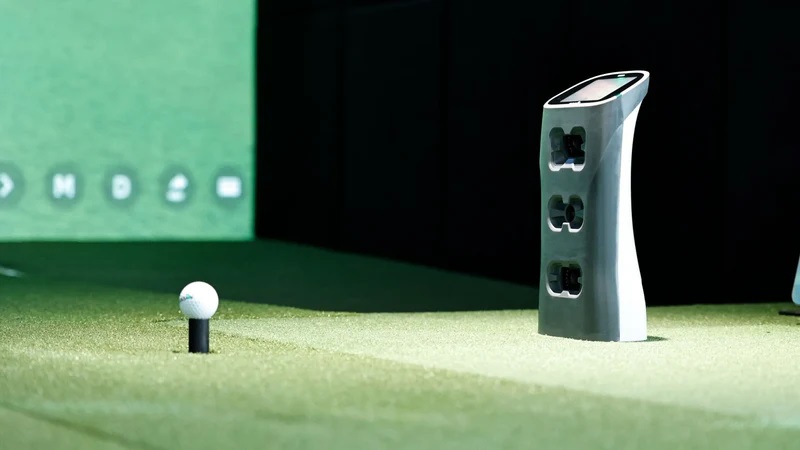
The GOLFJOY Spica 3 Launch Monitor uses three high-speed cameras and dual LED lights to capture impact and clubhead motion in milliseconds.
Like the GDS Pro, Spica 3 provides 27 metrics across ball, club, and trajectory data. It also uses an advanced processing chip and AI algorithms to process shot information and supports standard white golf balls.
The built-in touchscreen is one of the clearest differences between Spica 3 and GDS Pro. Golfers can control settings and review key information directly on the launch monitor without depending entirely on a separate phone, tablet, or computer.
Spica 3 also provides a larger hitting zone, a longer battery life of approximately 6–7 hours, Wi-Fi connectivity, and a faster listed feedback time of no more than 0.3 seconds.
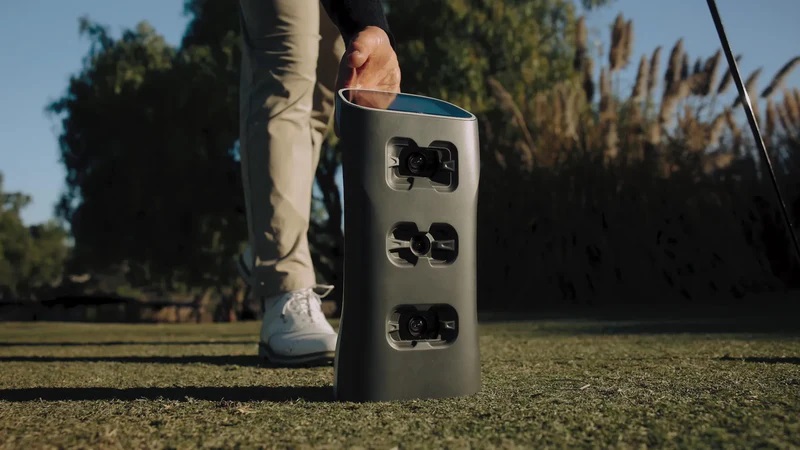
Spica 3 Stability and Environmental Sensors
Spica 3 includes an integrated gyroscope, barometer, and temperature sensors. These features help the system maintain stable operation across varied terrain and account for environmental conditions during use.
The 9-axis gyroscope supports positioning on uneven surfaces, while the altitude and temperature sensors contribute to the device’s indoor and outdoor practice workflow.
Spica 3 Software and App Access
Spica 3 supports GOLFJOY Software, the GOLFJOY Pro App, GSPro, E6 CONNECT, and Creative Golf.
The current product package includes a three-month GOLFJOY PC software trial and lifetime access to the GOLFJOY App at no additional charge. Club stickers are required when golfers want to capture detailed club data.
Spica 3 also supports Wi-Fi and Ethernet connections for data access and PC-based analysis.
Who May Prefer Spica 3?
Spica 3 may suit golfers who want direct touchscreen control, three-camera tracking, a larger hitting zone, longer battery life, faster feedback, and broader connectivity in one portable launch monitor.
It may also be useful for serious practice routines that move between indoor simulator play, outdoor training, app-based analysis, and PC software.
GDS Pro and Spica 3 Data Metrics
Both portable golf trackers provide the same total number of listed metrics: 27.
| Data Category | Included Metrics |
|---|---|
| Club Data | Club Path, Club Speed, Smash Factor, and Attack Angle |
| Ball Data | Ball Speed, Launch Angle, Back Spin, Side Spin, Spin Rate, Spin Axis, and Launch Direction |
| Trajectory Data | APEX, Deviation, Center Line, Gap, Target Line Carry, Carry Percentage, Deviation Angle, Landing Angle, Hang Time, Roll Distance, Curve, Side Carry, Curve Carry, Roll Percentage, and Total Distance |
The main product difference is therefore not the total metric count. It is how the devices capture, display, connect, and deliver that information during practice.
Key Differences Between GDS Pro and Spica 3
Camera Configuration
The GDS Pro uses two ultra high-speed cameras, while Spica 3 uses three high-speed cameras with dual LED lighting.
Both systems provide 27 metrics. The additional Spica 3 camera forms part of its wider hardware and processing configuration rather than increasing the listed metric total.
Touchscreen and Direct Control
Spica 3 includes a built-in touchscreen for controlling settings and accessing information directly from the device.
GDS Pro does not include a touchscreen and instead connects through supported apps, software, and external devices.
Portability and Weight
GDS Pro weighs 1.50 kg, while Spica 3 weighs 3.00 kg.
Golfers who prioritize the lightest possible system may prefer the smaller GDS Pro. Those who value the touchscreen, larger hitting zone, and longer battery life may accept the additional Spica 3 weight.
Battery Design and Runtime
GDS Pro has a removable battery with approximately 4–5 hours of listed use.
Spica 3 has an integrated 12,800 mAh battery with approximately 6–7 hours of listed use.
Hitting Zone
The GDS Pro hitting zone is listed as L190 × W140/170 mm.
The Spica 3 hitting zone is listed as L250 × W200/250 mm, providing a larger recognized hitting area.
Connectivity
GDS Pro supports Bluetooth and Ethernet connectivity.
Spica 3 supports Wi-Fi, Ethernet, and Bluetooth.
Software Options
Both models work with GOLFJOY software experiences, the GOLFJOY Pro App, E6 CONNECT, and GSPro.
Spica 3 additionally lists Creative Golf compatibility on its current official product page.
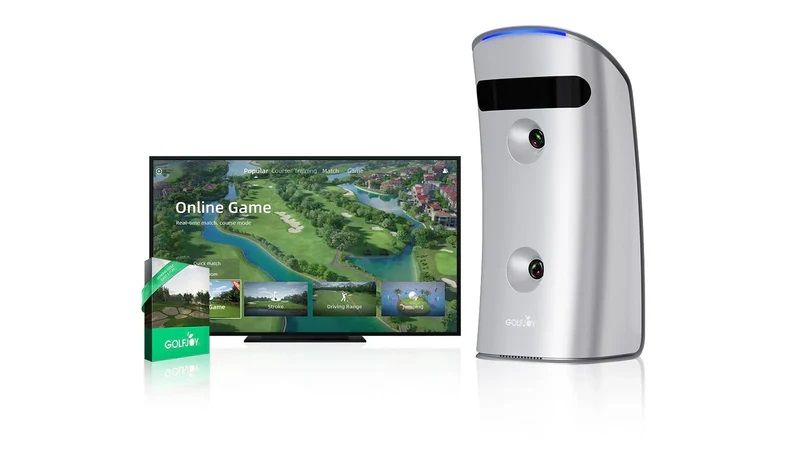
Which GOLFJOY Portable Golf Tracker Fits Your Needs?
Choose based on your workflow rather than metric count, because both models provide 27 listed data parameters.
Consider GDS Pro When You Prioritize:
- A lighter 1.50 kg portable launch monitor
- A smaller physical footprint
- Dual ultra high-speed camera tracking
- A removable battery
- App- or computer-based data viewing
- Everyday practice, coaching, and home-to-range use
Consider Spica 3 When You Prioritize:
- Three high-speed cameras with dual LED lighting
- A built-in touchscreen
- A larger hitting zone
- A longer listed battery life
- Wi-Fi, Ethernet, and Bluetooth connectivity
- Direct access to settings and data from the device
- Creative Golf compatibility in addition to GOLFJOY, GSPro, and E6 CONNECT
Neither model is defined by a different number of total metrics. The decision comes down to portability, interaction, battery design, connectivity, and how much hardware functionality you want built into the device.
Final Comparison
The GDS Pro and Spica 3 both provide GOLFJOY’s portable, indoor-and-outdoor launch monitor workflow with 27 ball, club, and trajectory metrics.
The GDS Pro emphasizes lower weight, a compact dual-camera design, a removable battery, and straightforward app or PC connectivity.
Spica 3 adds a third high-speed camera, built-in touchscreen, larger hitting zone, longer battery runtime, faster listed feedback, Wi-Fi, and additional software connectivity.
Golfers should select the model that fits how they practice, where they carry the device, and how they prefer to access their data.
Compare the full GOLFJOY launch monitor lineup, or view the complete specifications of the GOLFJOY Spica 3 Launch Monitor.
Frequently Asked Questions About GDS Pro and Spica 3
Do GDS Pro and Spica 3 measure the same number of metrics?
Yes. Both GOLFJOY portable launch monitors provide 27 listed data parameters across ball data, club data, and trajectory analysis.
What is the main difference between GDS Pro and Spica 3?
The GDS Pro uses two ultra high-speed cameras and has a lighter, more compact body. Spica 3 uses three high-speed cameras and adds a built-in touchscreen, larger hitting zone, longer battery life, Wi-Fi connectivity, and a faster listed feedback time.
Which launch monitor is lighter?
GDS Pro is lighter at 1.50 kg / 3.31 lbs. Spica 3 weighs 3.00 kg / 6.61 lbs.
Can both models be used indoors and outdoors?
Yes. Both GDS Pro and Spica 3 are listed by GOLFJOY as suitable for indoor and outdoor practice.
Does Spica 3 have a touchscreen?
Yes. Spica 3 includes a built-in touchscreen that allows golfers to adjust settings and interact with data directly on the device. GDS Pro does not include a touchscreen.
What simulator software works with GDS Pro?
The current GDS Pro product page lists support for GOLFJOY Software, the GOLFJOY Pro App, E6 CONNECT, and GSPro.
What simulator software works with Spica 3?
The current Spica 3 product page lists support for GOLFJOY Software, the GOLFJOY Pro App, GSPro, E6 CONNECT, and Creative Golf.
Do the launch monitors require club stickers?
Clubhead stickers are included with both models. For Spica 3, GOLFJOY states that club stickers are required to capture detailed club data.
How much indoor space do GDS Pro and Spica 3 require?
GOLFJOY lists a minimum hitting distance of approximately 2 yards from the hitting position to the screen or net for both models, with a recommended ceiling height of approximately 9–10.2 feet.
Compare GOLFJOY Portable Launch Monitors
Review the GDS Pro and Spica 3 specifications to choose the portable launch monitor that matches your practice environment, preferred data workflow, and simulator software.