





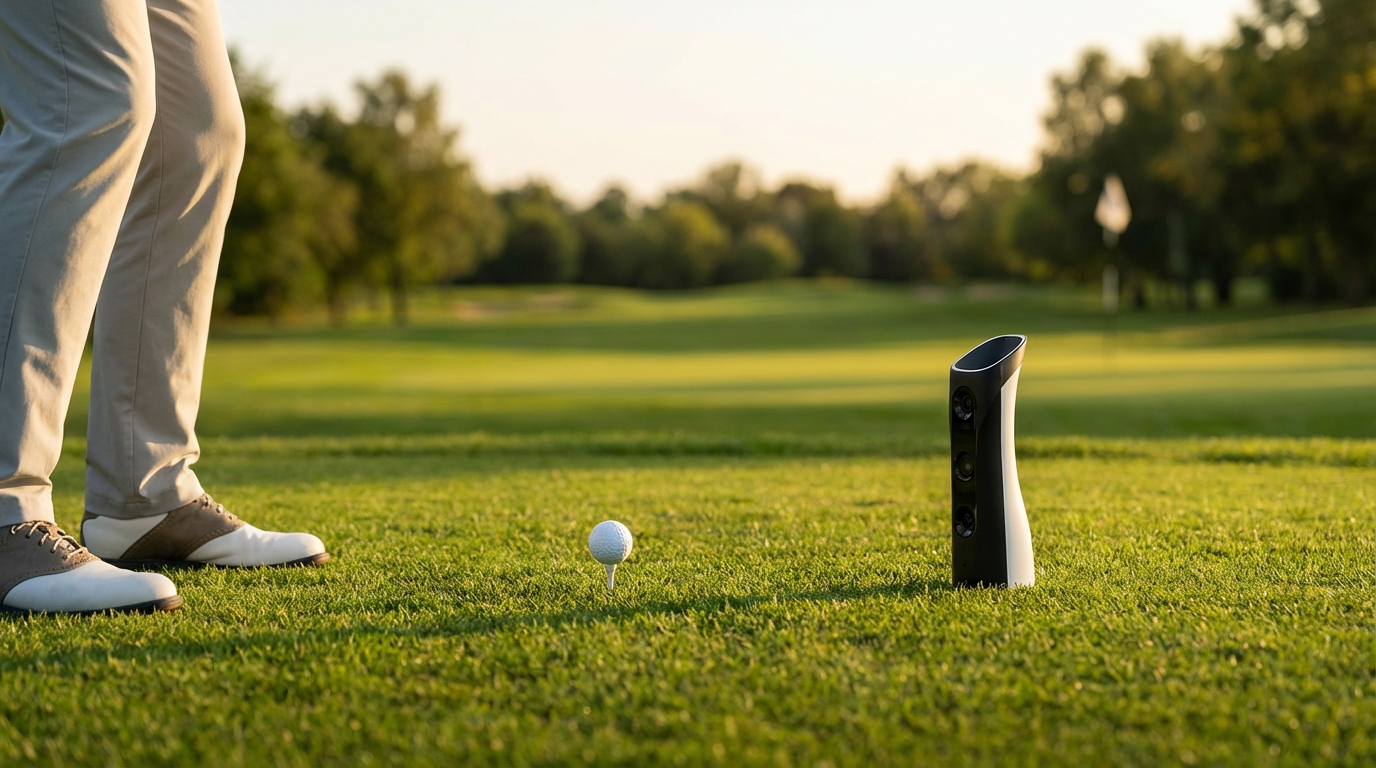
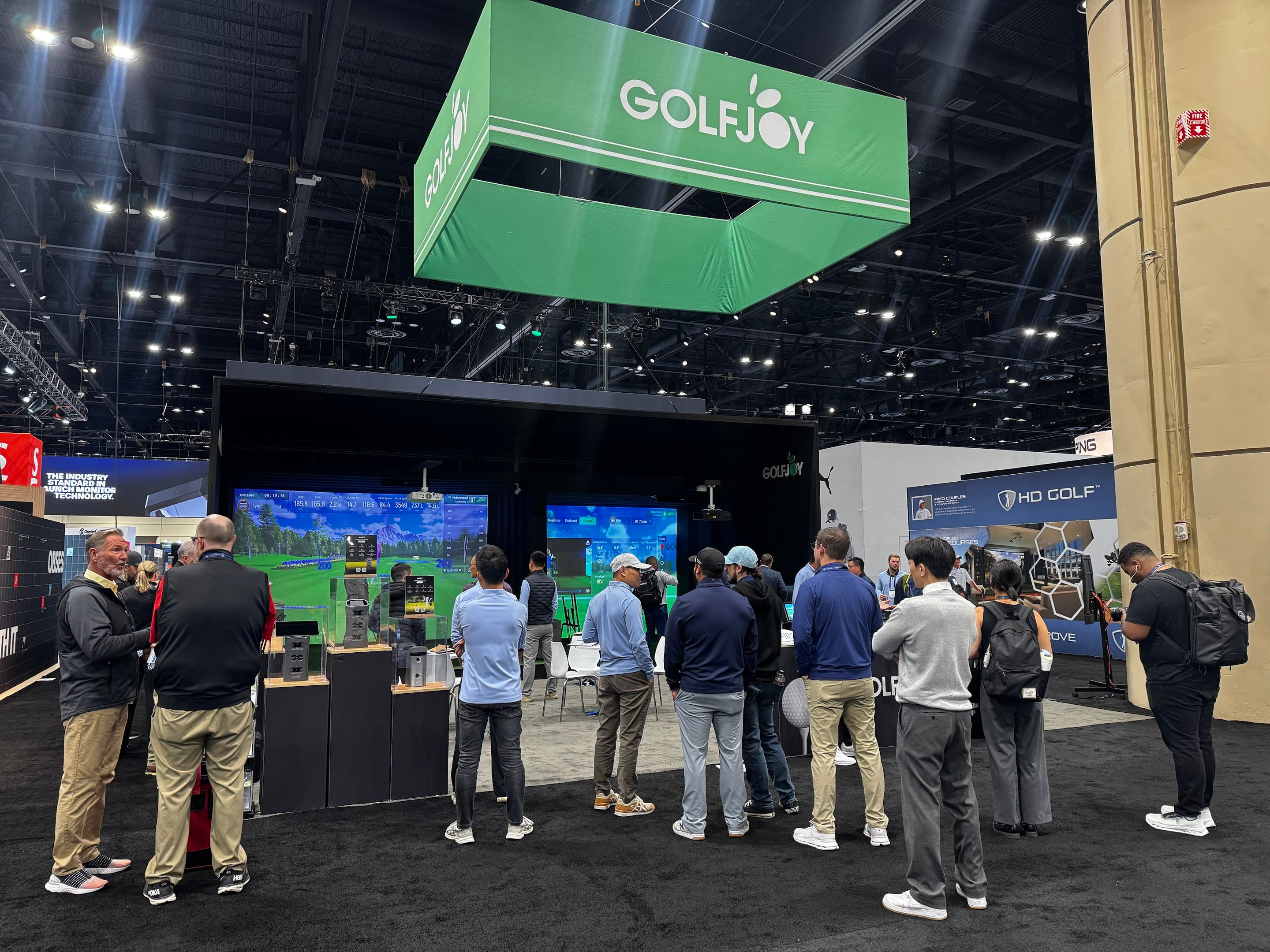
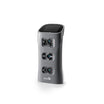
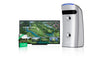
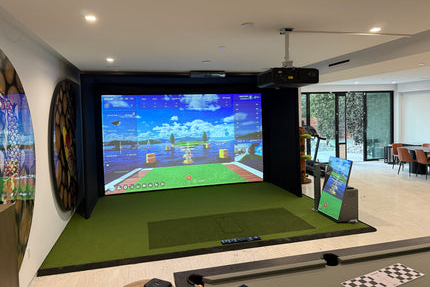
A portable golf simulator is a flexible practice and play setup that can be moved, stored or reconfigured more easily than a permanently installed simulator room. The most important decision is not whether every component can fit in a carrying case. It is which parts of the system need to move, how quickly you want to set up, and whether your priority is shot-data practice, full-course play or both.
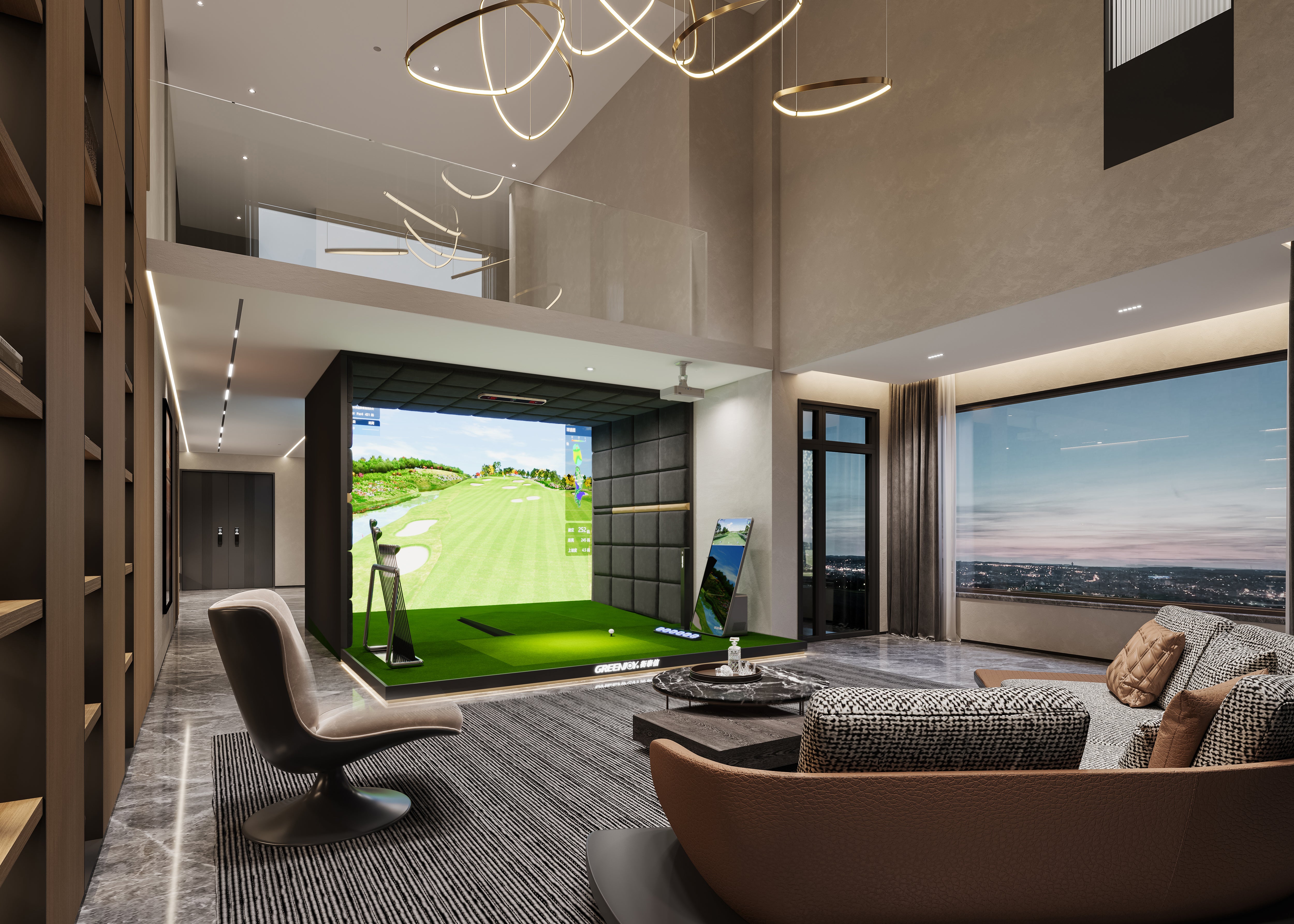
For most home users, portability starts with the tracking device and the hitting area. A compact launch monitor can move between a garage, spare room, backyard practice area or driving range, while a net or impact screen can be chosen around the amount of space you are willing to dedicate. If you want a more complete indoor experience, compare the current GOLFJOY home and personal simulator options before deciding how much of the room should remain permanent.

What Makes a Golf Simulator Portable?
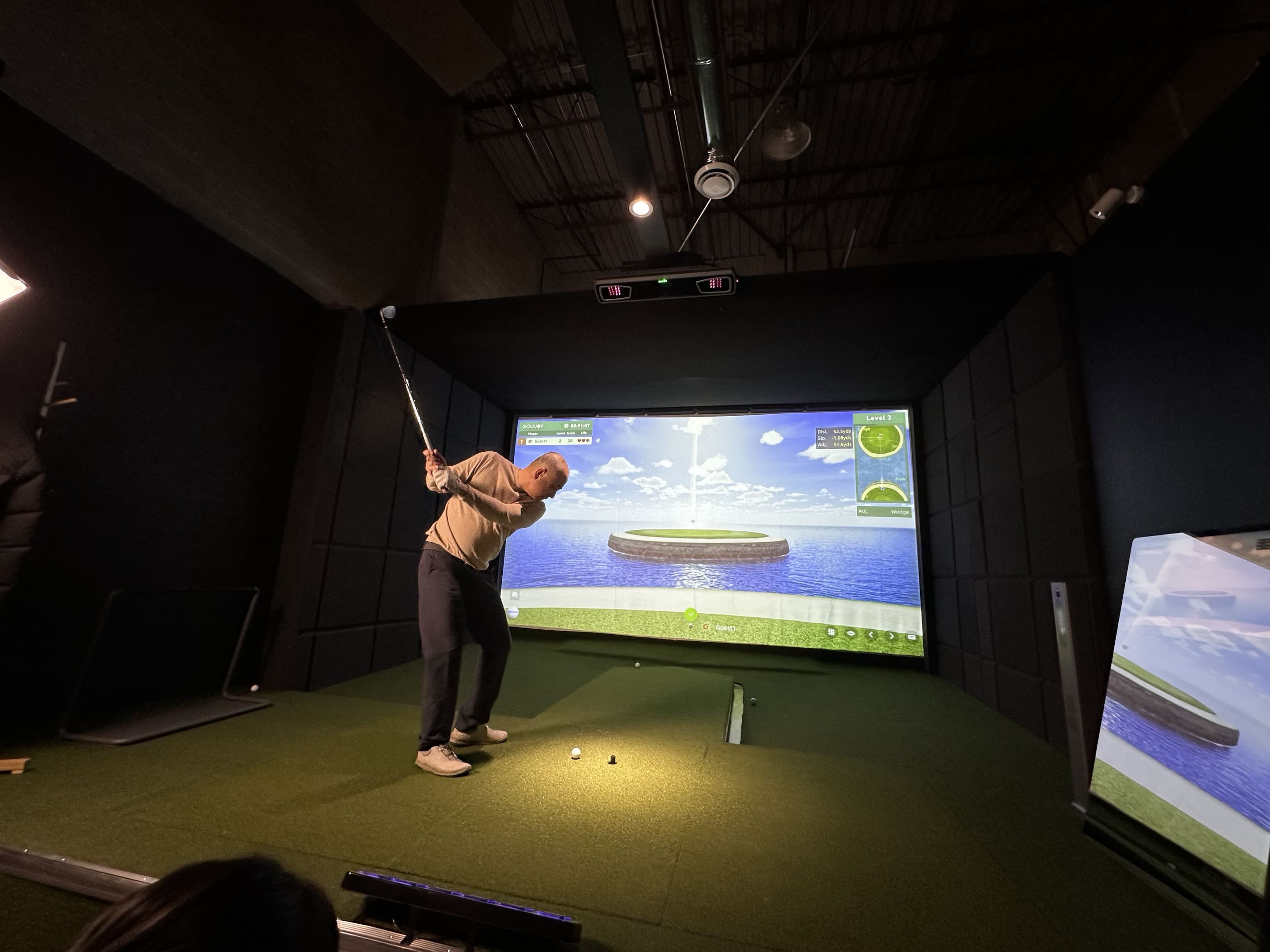
Portability is best viewed as a spectrum. A training-first setup may consist of a portable launch monitor, hitting mat and net. A fuller simulator adds a computer, simulator software and a display. A dedicated room may keep the enclosure and projector fixed while the launch monitor or control device remains movable.
| Setup Type | What Moves | Best For | Trade-Off |
|---|---|---|---|
| Practice-first | Launch monitor, mat, net | Fast practice sessions and flexible rooms | Less immersive than a projected simulator |
| Flexible simulator | Launch monitor plus removable hitting area | Garages and multi-purpose rooms | More setup and storage planning |
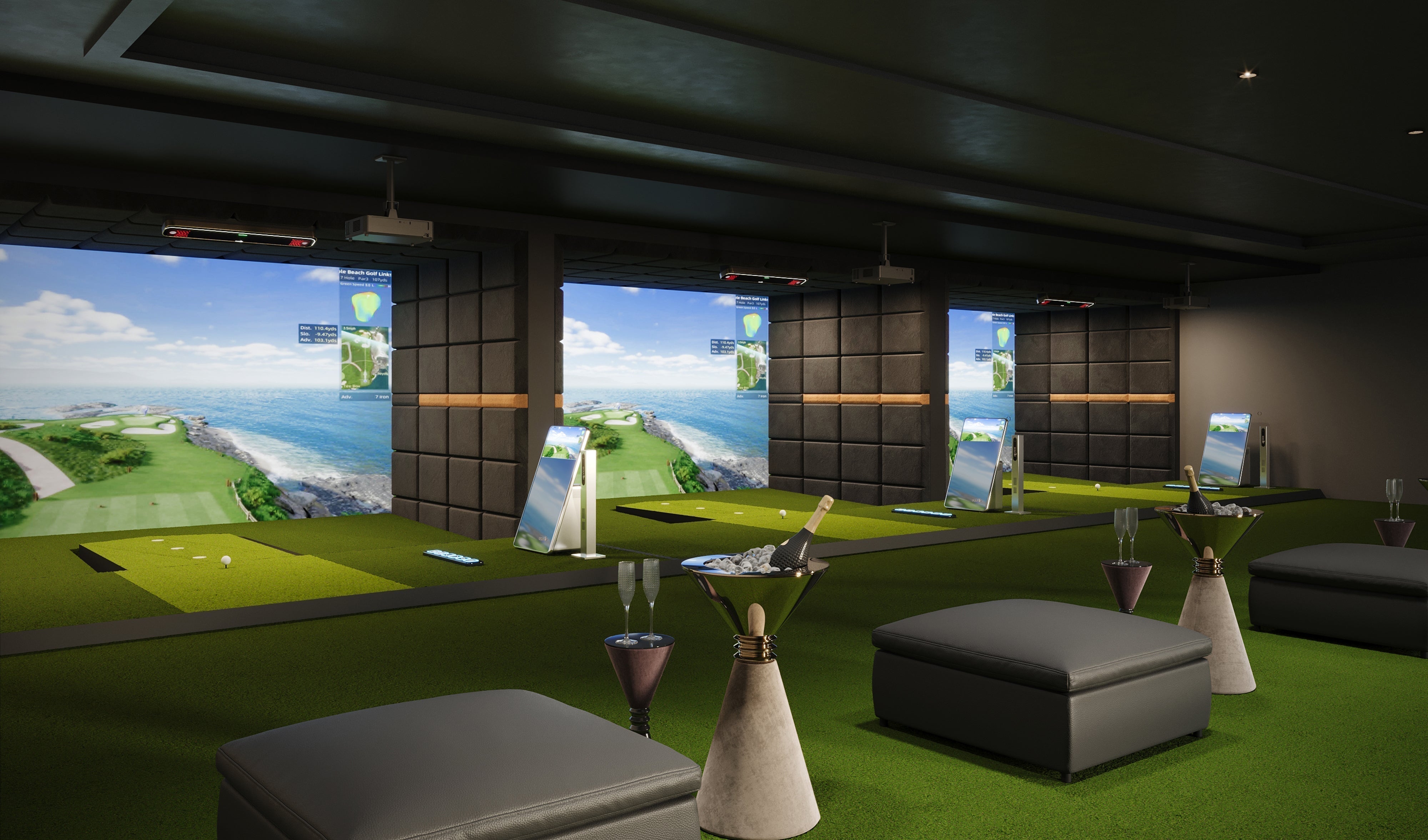
| Dedicated simulator | Little or nothing | Frequent play and a permanent home studio | Requires dedicated space |
Start With Your Practice Goal
Training-First Setup
If your main goal is to work on ball flight, club delivery and consistency, start with the tracking system. A launch monitor and safe hitting area can create a useful practice environment without requiring a projector or full enclosure. This approach is easier to move and can also make sense for golfers who practice both indoors and at the range.
When you compare hardware, use the GOLFJOY launch monitor lineup to separate portable floor units from overhead systems. For a portable setup, the practical questions are where the device must sit, how much clear space it needs around the hitting area, and whether you want to move it between locations.
Full-Course Play
If you want to play virtual courses rather than only review shot data, plan the software and display workflow at the same time as the hardware. A computer, software license, display or projector, and a safe screen or net all become part of the system. The more components you add, the more important cable management and storage become.
Review the current GOLFJOY golf simulator software page for course, training and PC configuration information before choosing the computer that will travel with or remain beside your simulator.
Plan the Space Before You Buy Components
A portable setup still needs safe swing clearance. Portability does not solve a ceiling that is too low or a room that forces you to change your swing. Measure the exact hitting position, not only the room dimensions shown on a floor plan.
If you have not measured the room yet, use the existing golf simulator room size and ceiling height guide as the measurement reference before deciding whether a flexible or dedicated setup is realistic.
The Core Equipment Stack
-
A launch monitor that fits the intended tracking position.
-
A hitting mat that stays stable during a full swing.
-
A safe net or impact screen designed to stop golf balls.
-
A computer or supported device if simulator software is part of the experience.
-
Simulator software for virtual courses, practice modes or games.
-
A display or projector if you want an immersive visual experience.
-
Storage for cables, accessories and removable components.
The key is to avoid buying every component independently without checking how the full workflow fits together. A portable launch monitor does not automatically make the entire simulator portable if the enclosure, projector and computer are difficult to move or reconnect.
Portable Golf Simulator vs Permanent Home Simulator
| Decision | Portable Setup | Permanent Setup |
|---|---|---|
| Room use | Shared or multi-purpose | Dedicated golf room |
| Setup time | Repeated setup and breakdown | Ready to use |
| Storage | Important | Minimal |
| Display | Optional or removable | Often fixed |
| Best use case | Flexible practice | Frequent course play and training |
How to Build the Setup in the Right Order
-
Measure the hitting space and confirm safe swing clearance.
-
Choose the launch monitor based on indoor position, portability and the data you need.
-
Choose a stable hitting surface and ball-stop solution.
-
Decide whether you need a display or projector for every session.
-
Confirm software and computer requirements before purchasing a PC.
-
Plan power, network and cable paths so setup does not become a repeated troubleshooting task.
-
Create a storage location for removable parts so the room can return to normal use quickly.
Common Portable Setup Mistakes
Buying the Projector Before Planning the Room
Projector placement depends on the screen, hitting position and available mounting location. If the room is multi-purpose, a permanent ceiling mount may defeat the reason you chose a portable system.
Treating a Net as the Only Safety Requirement
A safe practice area also needs side protection, sufficient swing clearance and a stable hitting position. Plan for mishits and real movement rather than only a perfect straight shot.
Ignoring Setup Friction
A system can technically be portable but still be inconvenient. If every session requires reconnecting multiple devices, recalibrating the room and rerouting cables, you may use it less often. The best flexible setup is the one you can realistically prepare and put away on your normal practice schedule.
When a Complete Home Simulator Makes More Sense
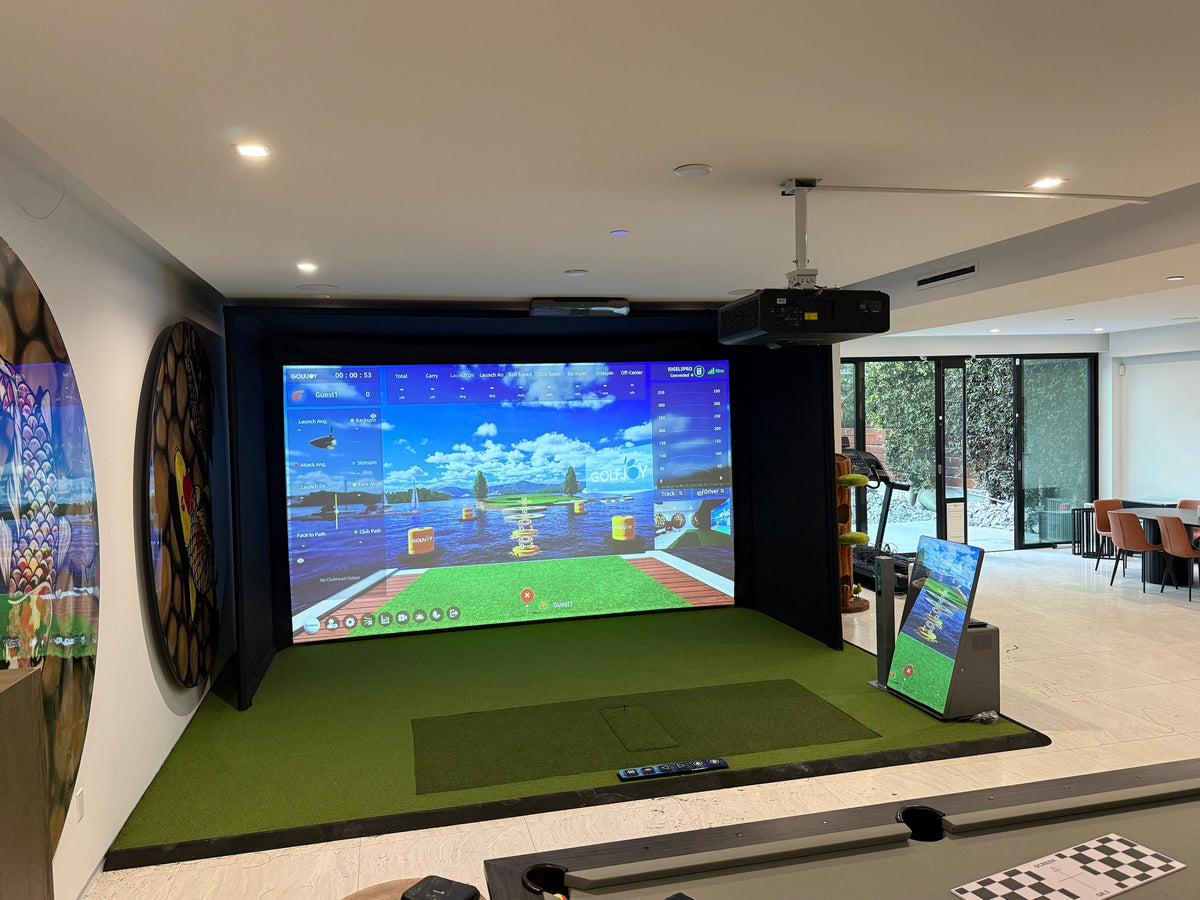
If the room will be used primarily for golf and you expect to play several times per week, a complete home system may be simpler than repeatedly assembling separate components. The GOLFJOY personal golf simulator page is the appropriate place to compare complete home configurations and see whether a dedicated or semi-permanent setup fits your space.
Frequently Asked Questions
What is the most important part of a portable golf simulator?
The launch monitor and safe hitting area are the foundation. Software, a display and an enclosure can be added depending on how immersive you want the experience to be.
Do I need a projector for a portable golf simulator?
No. You can practice with shot data using a supported device or monitor. A projector is useful when you want a larger virtual-course experience, but it is not required for every practice workflow.
Can I use a portable golf simulator in a garage?
Yes, if the garage provides safe width, depth and ceiling clearance at the hitting position. Measure the space before choosing the enclosure or screen.
Can a portable launch monitor be used in a dedicated simulator?
Yes. Portability describes the hardware form factor, not the quality of the room. A portable unit can be part of a dedicated simulator if its tracking position and software workflow suit the space.
Should I choose a portable or permanent setup?
Choose portable when the room has multiple uses or you want to practice in different locations. Choose permanent when golf is the room's main purpose and fast, repeatable access matters more than storage flexibility.
Choose the Setup Around How You Will Actually Practice
Start with your room, practice frequency and tracking needs, then build outward to software and display. If you want a complete indoor solution instead of assembling separate components, compare the GOLFJOY home simulator options and choose the configuration that fits the space you can dedicate.

Leave a comment
All comments are moderated before being published.
This site is protected by hCaptcha and the hCaptcha Privacy Policy and Terms of Service apply.