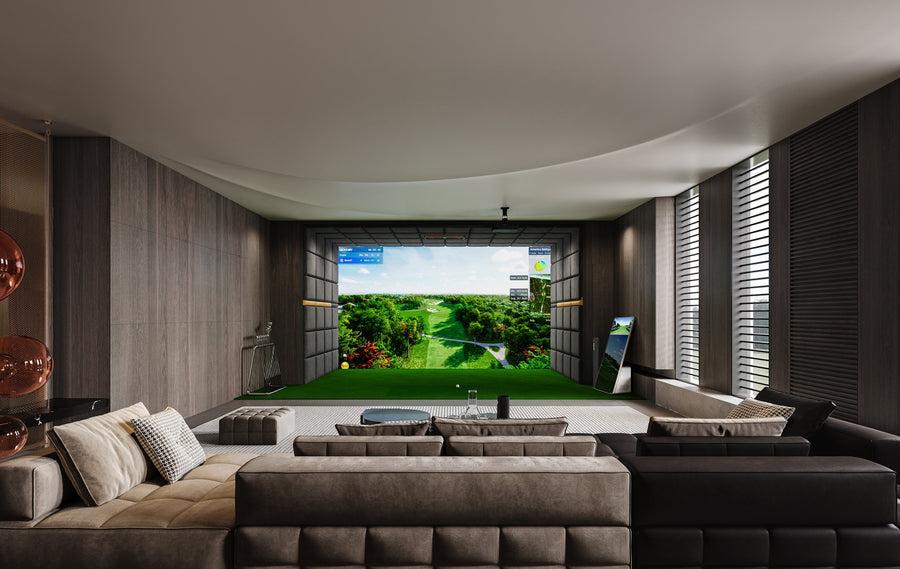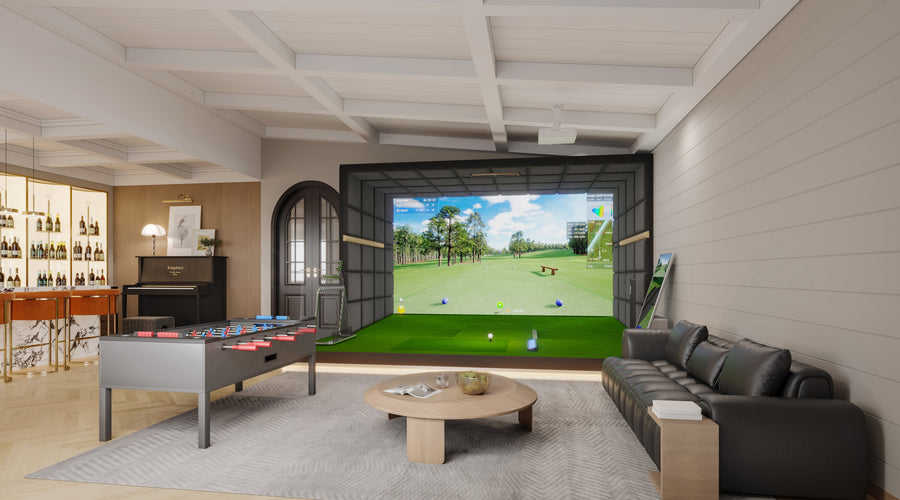





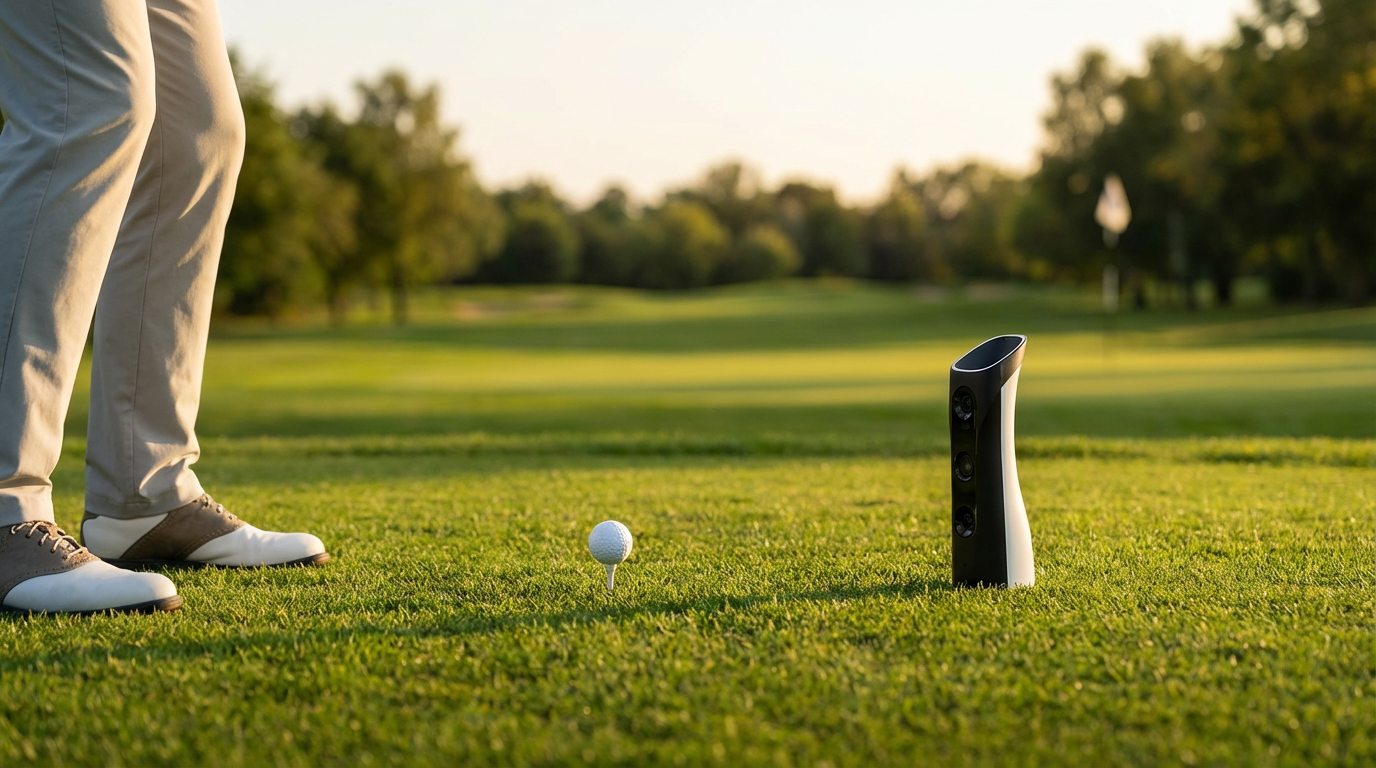
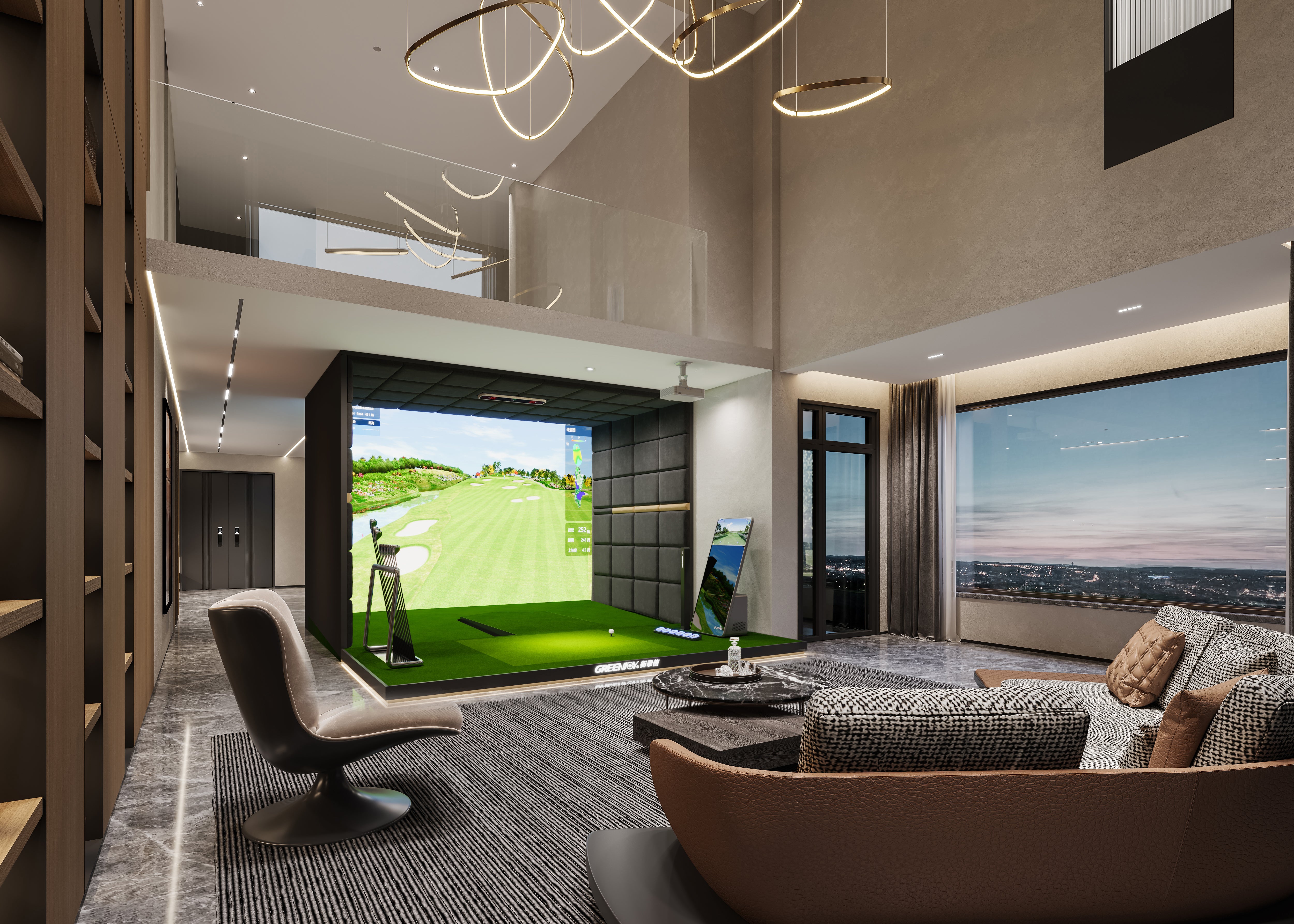
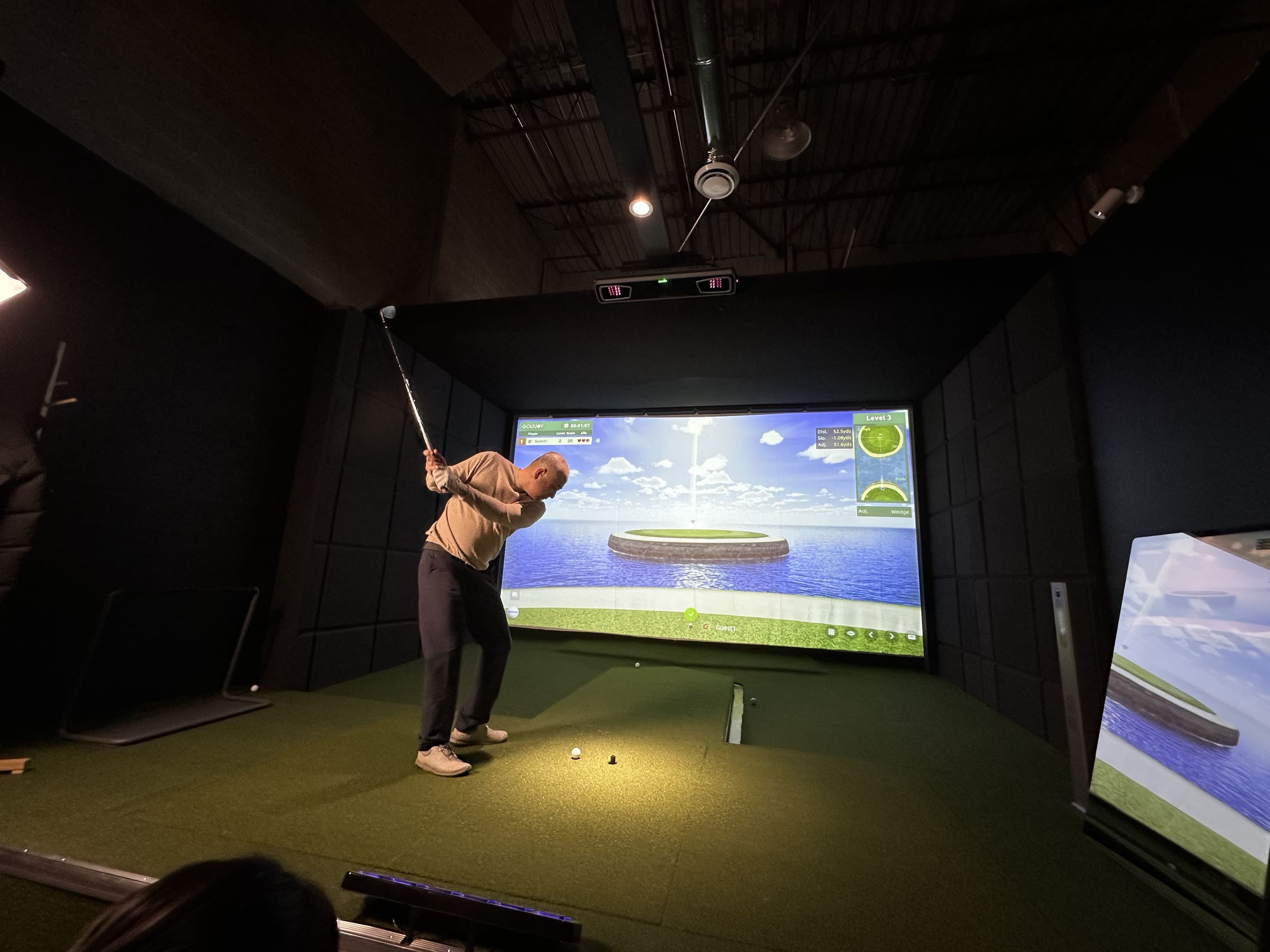
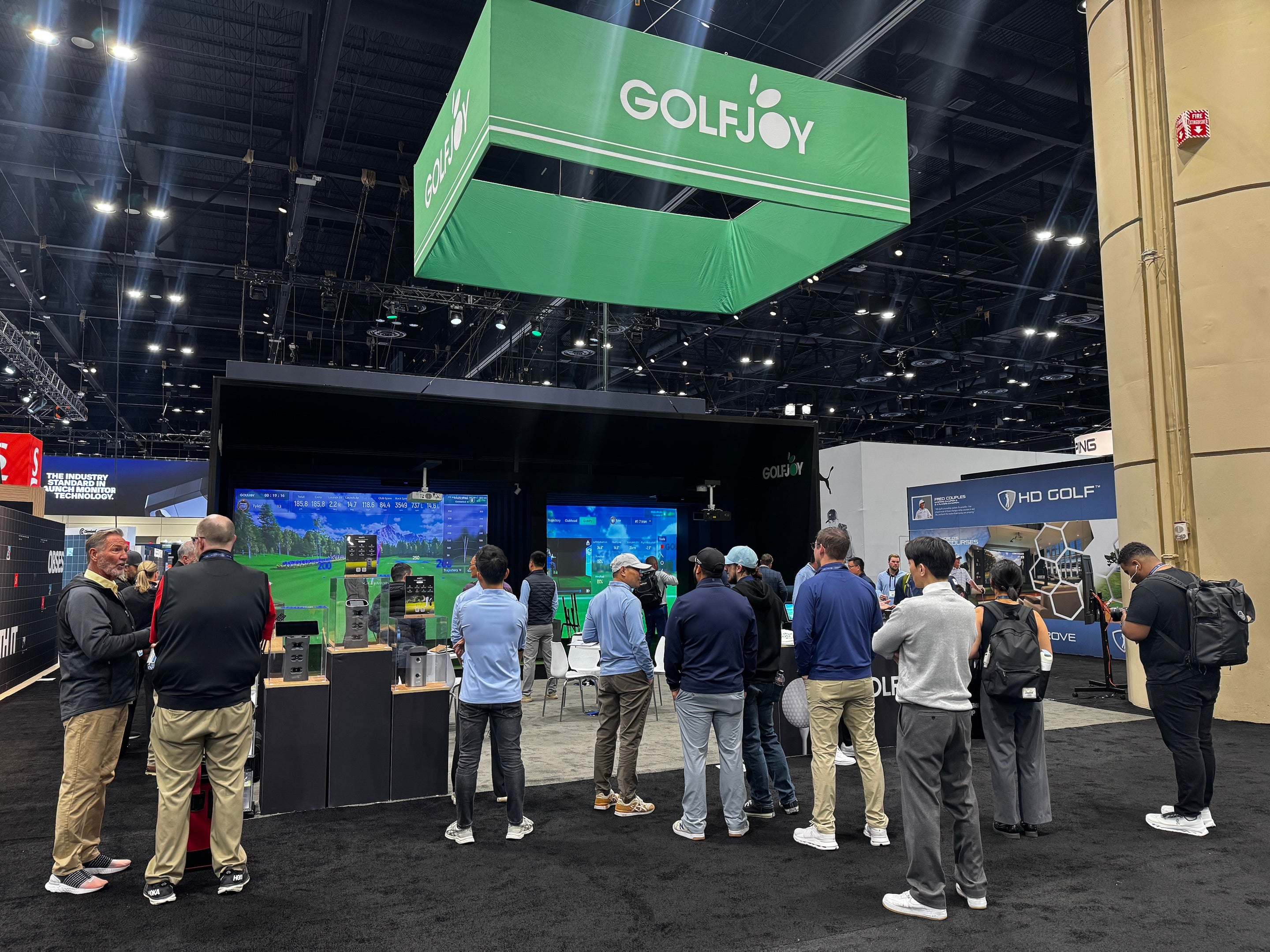
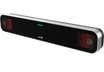
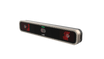
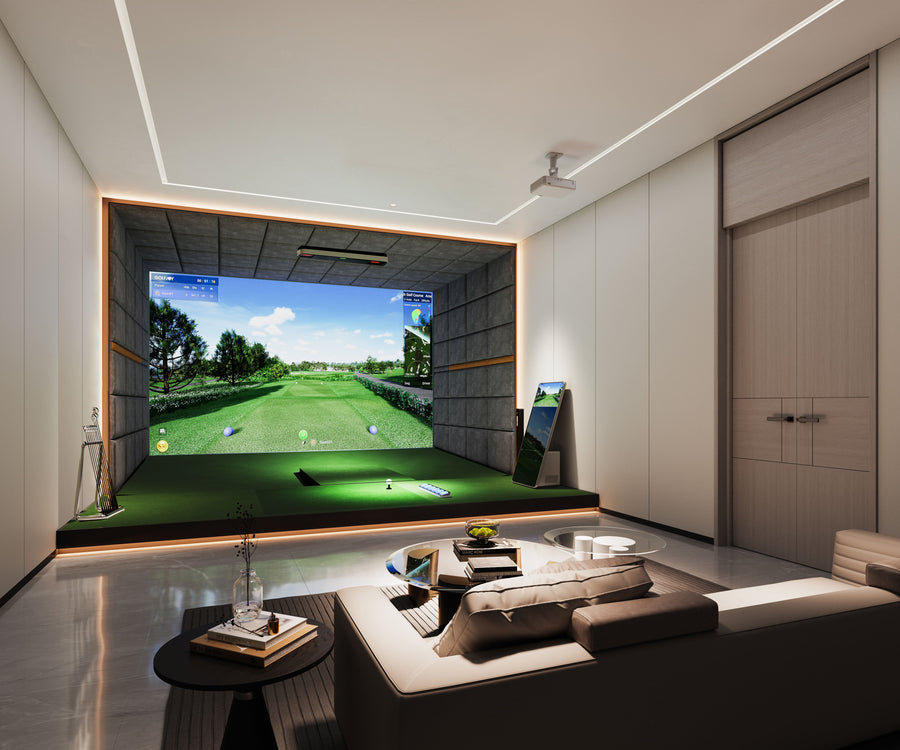
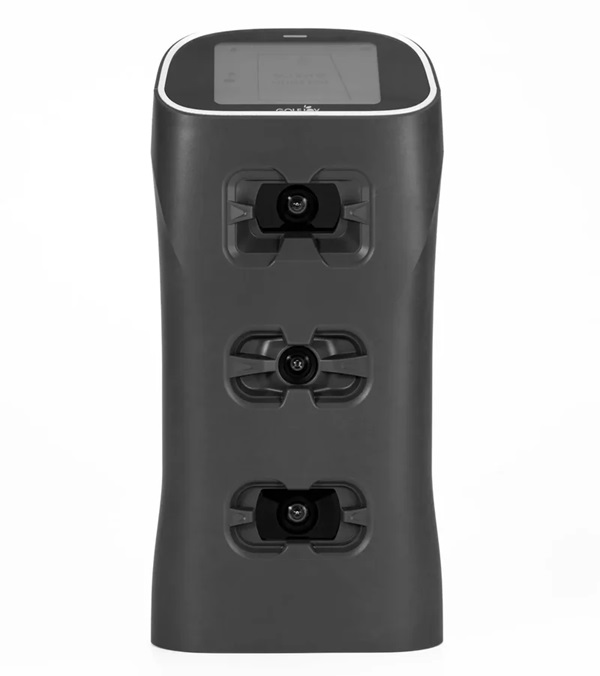
The GOLFJOY Spica 3 is built around a triple high-speed camera system designed to capture ball and club movement around impact. Each shot is processed in real time, allowing golfers to review important measurements such as ball speed, club speed, launch angle, spin, attack angle, club path, carry distance, and overall shot trajectory.
Rather than relying on only one category of information, the Spica 3 provides 27 performance metrics across ball data, club data, and calculated trajectory results. This gives golfers a more complete view of what happened at impact and how those launch conditions influenced the resulting ball flight.
The camera-based tracking system is designed for both indoor and outdoor practice. An integrated 9-axis gyroscope, together with environmental sensors, supports stable operation across different practice conditions and surfaces. The system also works with standard golf balls, so golfers do not need specially marked or reflective balls. Club stickers are required when detailed club data is being tracked.
Golfers comparing portable tracking options can also explore the complete range of GOLFJOY launch monitors for home practice, coaching, fitting, and simulator use.
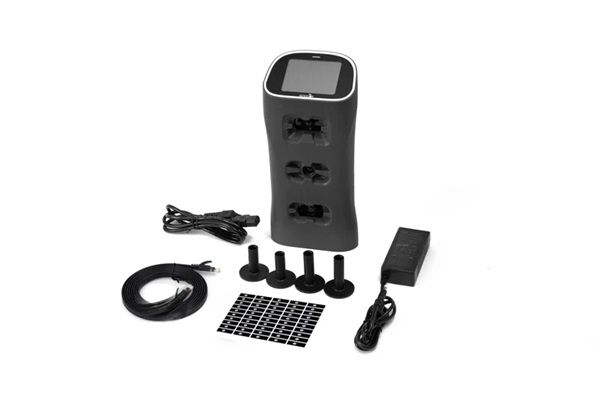
Spica 3 goes beyond on-device data collection by connecting with the GOLFJOY software ecosystem and supported third-party simulator platforms. It is compatible with GOLFJOY Software, GSPro, E6 CONNECT, and Creative Golf, giving golfers flexibility to move between focused data analysis, virtual practice, and simulated course play.
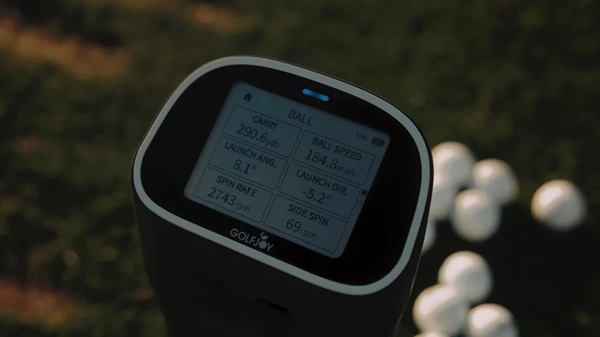
The built-in touchscreen provides direct access to settings and essential shot information without requiring a separate display for every practice session. Golfers can also connect the device to GOLFJOY mobile applications through Wi-Fi or connect it to a Windows PC through Ethernet for more detailed analysis and simulator use.
On the device itself, golfers can review seven ball metrics and four club metrics. When connected to supported GOLFJOY applications or PC software, the available analysis expands to the full set of 27 ball, club, and trajectory metrics.
Because GOLFJOY develops the tracking hardware and its native software ecosystem together, device communication, shot processing, data presentation, and software features can operate as part of one connected workflow. Firmware and software should be kept updated to maintain compatibility and access current functions.
| Access Method | Available Information | Best Suited For |
|---|---|---|
| Built-in Touchscreen | Seven ball metrics and four club metrics | Quick practice and immediate shot review |
| GOLFJOY PRO or Space App | Expanded access to 27 ball, club, and trajectory metrics | Portable training and deeper performance analysis |
| GOLFJOY PC Software | Detailed shot analysis, training functions, and simulator play | Home simulators, coaching studios, and indoor practice |
| Compatible Third-Party Software | Support for GSPro, E6 CONNECT, and Creative Golf | Golfers who prefer different course libraries and game formats |
As a portable golf monitor, the Spica 3 combines detailed tracking, flexible software connectivity, and convenient on-device controls in one system.
Its built-in battery provides approximately six to seven hours of operating time, while Wi-Fi and Ethernet connection options support both mobile and fixed simulator setups. The compact form allows the device to move between a home hitting area, coaching studio, indoor simulator, and outdoor driving range without requiring permanent installation.
The Spica 3 also works with standard golf balls, including plain white balls. This helps golfers practice with the type of ball they normally use rather than relying on specialized marked balls. For club analysis, the included clubhead stickers support the capture of detailed club measurements such as club speed, club path, attack angle, and smash factor.
The built-in touchscreen makes it possible to adjust settings and review essential information directly on the unit. NFC also provides quick access to supported GOLFJOY mobile applications, while Ethernet connectivity supports a stable connection to compatible PC software.
| Tracking Technology | Three high-speed cameras with synchronized LED lighting |
|---|---|
| Performance Data | 27 ball, club, and trajectory metrics |
| On-Device Data | Seven ball metrics and four club metrics |
| Practice Environment | Indoor and outdoor use |
| Display | Built-in touchscreen |
| Battery Life | Approximately six to seven hours |
| Connections | Wi-Fi and Ethernet |
| Ball Compatibility | Works with any golf balls |
| Club Tracking | Club stickers are required for detailed club data |
| Supported Software | GOLFJOY Software, GSPro, E6 CONNECT, and Creative Golf |
GOLFJOY develops launch monitors, simulator software, and complete digital golf simulator solutions. This combined hardware-and-software approach allows the tracking device, data-processing system, applications, and simulator environment to operate within a connected product ecosystem.
For golfers, this means the launch monitor can support more than isolated shot measurements. It can become part of a wider practice environment that includes swing analysis, target training, virtual course play, session records, and compatible third-party platforms.
For home users, coaches, fitting studios, and commercial facilities, choosing equipment from a manufacturer that supports both the tracking hardware and native software can also simplify setup, updates, troubleshooting, and long-term system management.

To use the GOLFJOY Spica 3 effectively, treat it as both a measurement system and a structured training tool. Instead of reviewing every metric after every swing, select a clear practice objective and focus on the measurements that relate directly to that goal.
For distance-control practice, review ball speed, carry distance, launch angle, and dispersion. For strike-efficiency work, compare club speed with ball speed and smash factor. When working on club delivery, use club path and attack angle together with launch direction and resulting shot shape.
Keep the unit properly aligned with the target line, use a stable placement position, and maintain the recommended hitting-zone setup. Update the device firmware and connected applications when required, and confirm that the correct club, handedness, and software settings are selected before recording a test session.
Because the Spica 3 can be used indoors and outdoors, golfers can measure patterns in a controlled simulator environment and then evaluate how those patterns appear at the range. Its portable design also means a permanent simulator bay is not required for every type of data-driven practice.
Explore the GOLFJOY Spica 3 Launch Monitor for complete product specifications, included accessories, software information, and setup requirements.
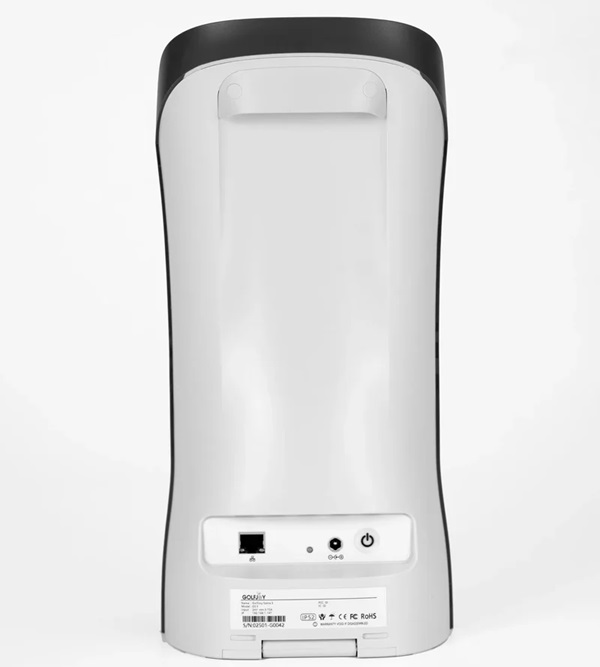
A golf monitor, more commonly called a golf launch monitor, measures information produced around impact. Depending on the tracking system, this may include ball speed, launch angle, spin, carry distance, club speed, club path, and attack angle.
The Spica 3 provides 27 performance metrics across ball data, club data, and calculated trajectory results. Eleven essential ball and club metrics can be reviewed on the built-in display, while the complete data set is available through supported GOLFJOY applications and software.
Yes. The Spica 3 is designed for indoor and outdoor golf practice. Its portable design, built-in battery, camera-based tracking system, and stability sensors allow it to be used in home setups, simulator studios, coaching environments, and outdoor practice areas.
Yes. The Spica 3 works with standard golf balls, including plain white balls, without requiring specially marked or reflective balls.
Club stickers are required when golfers want to capture detailed club data. They are not required for standard ball tracking.
The Spica 3 supports GOLFJOY Software and compatible third-party platforms including GSPro, E6 CONNECT, and Creative Golf. Software plans, course access, and third-party licenses may be managed separately.
No mandatory annual subscription is required to use the hardware and review its core shot data. Optional GOLFJOY PC software and third-party simulator platforms may have separate plans or licensing requirements.
The built-in 12,800 mAh battery is rated for approximately six to seven hours of operation, depending on the connection method, settings, and usage conditions.
Submit your information and our team will follow up with you.