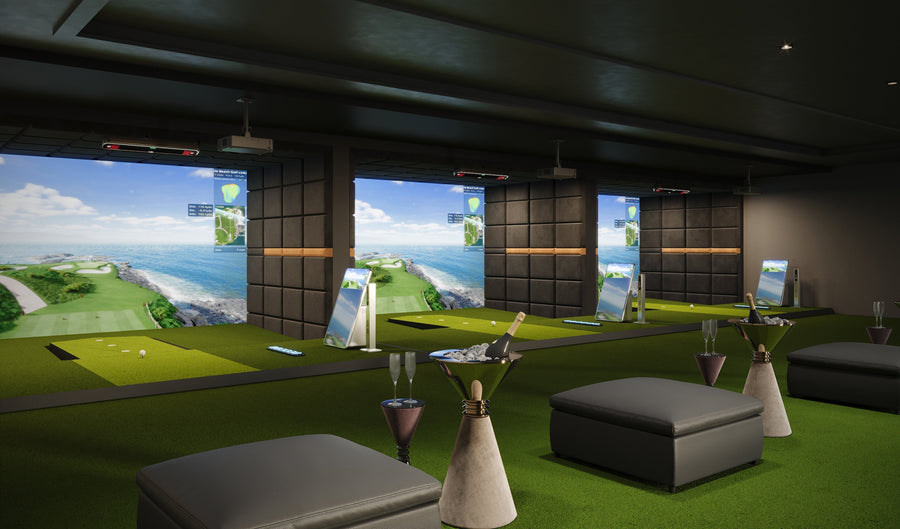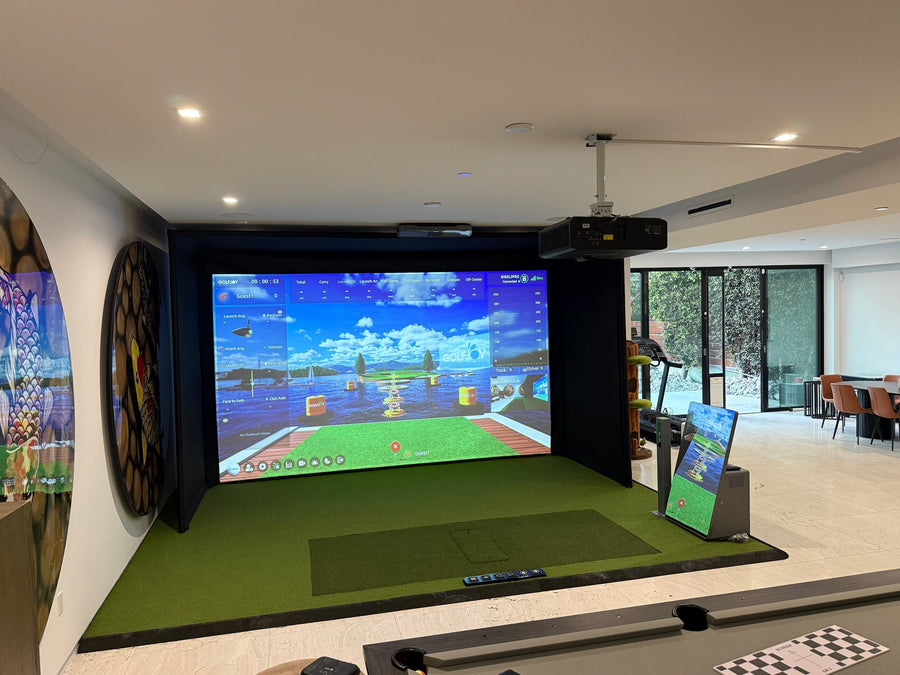






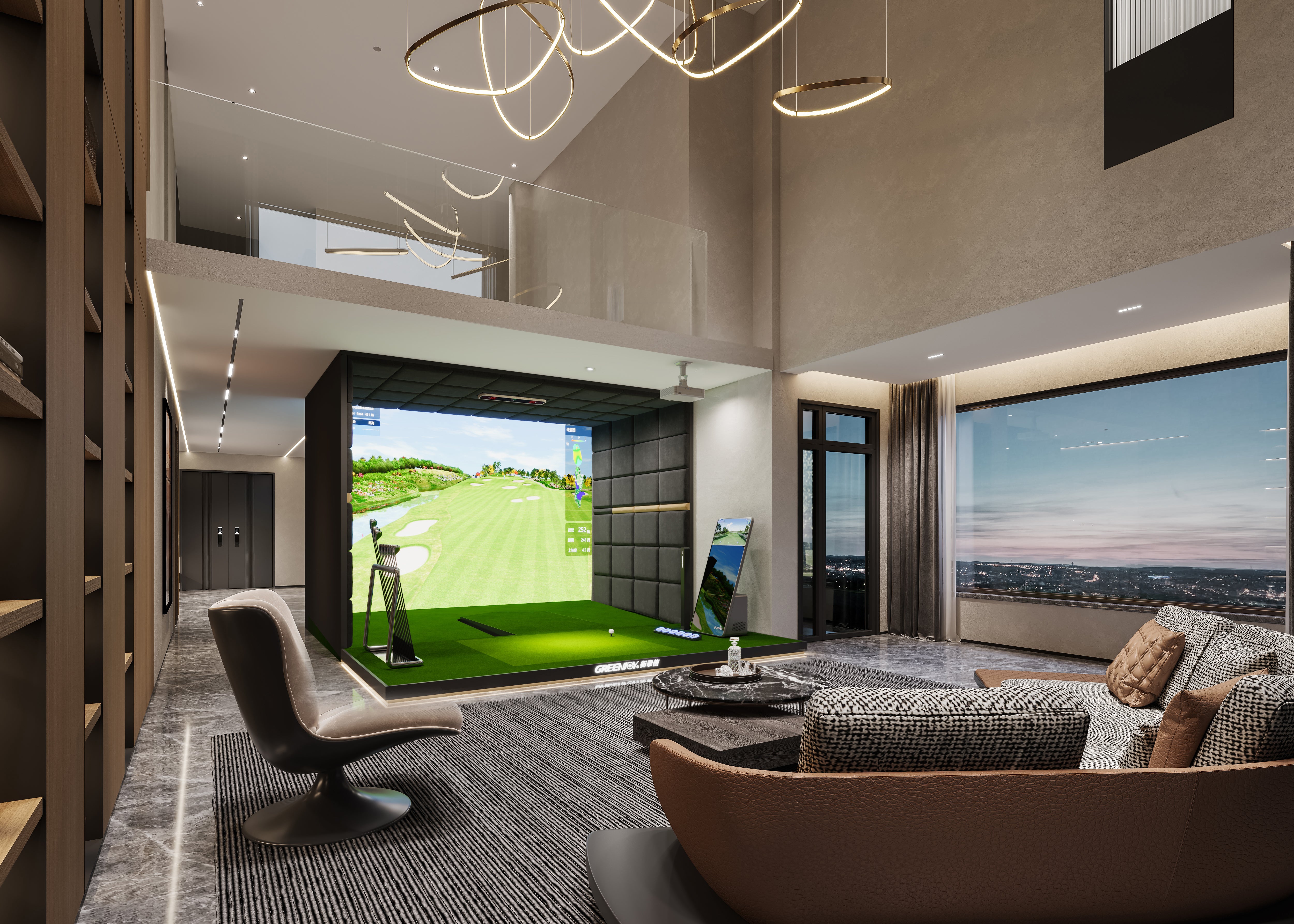

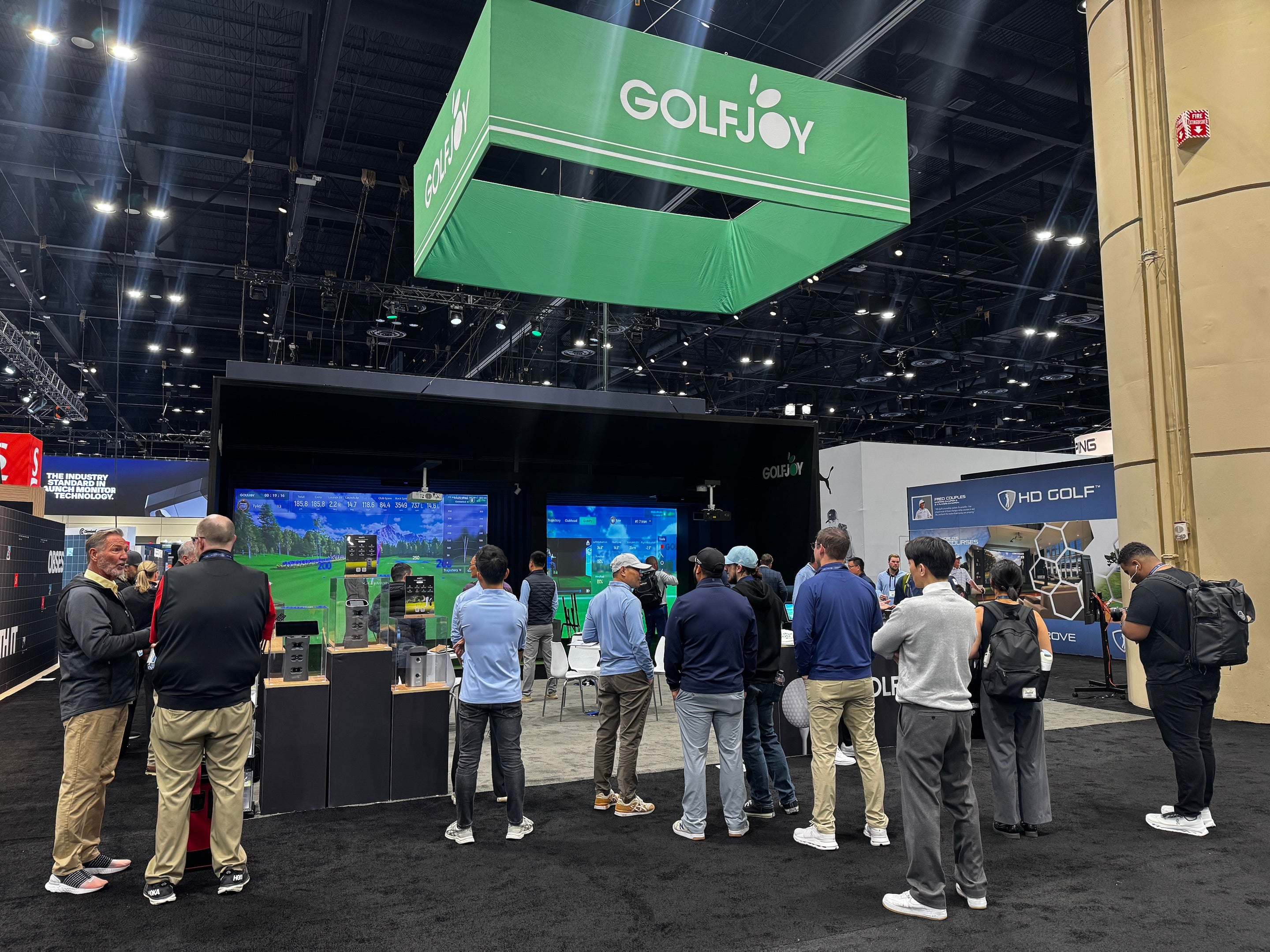
Golf simulators have revolutionized the way golfers practice and play the sport at home or in indoor facilities. These systems allow players to work on their swing, analyze performance, and enjoy realistic golf experiences regardless of weather conditions or time constraints.
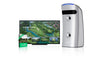
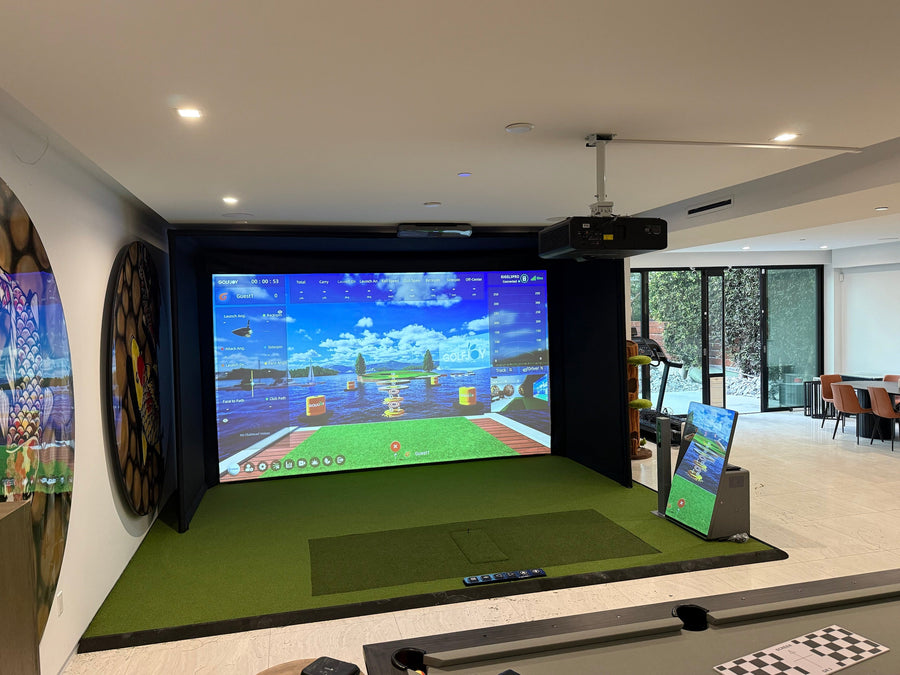
Among different simulator configurations, an overhead golf simulator is a popular choice because it provides an immersive practice environment while maximizing available space.
However, like any advanced golf technology system, proper maintenance and troubleshooting are essential to maintain accuracy, reliability, and long-term performance.
An overhead golf simulator is a long-term investment, and regular maintenance plays an important role in protecting its accuracy, performance, and user experience.
From sensor calibration and software updates to room conditions and equipment care, every component works together to deliver consistent indoor golf practice.
One of the most basic yet important steps in maintaining an overhead golf simulator is regular cleaning and inspection. Start by wiping down the screen, sensors, and projector lens with a soft, lint-free cloth to remove dust or debris.
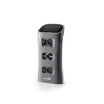
Pay particular attention to the tracking system, as sensors play an important role in accurately measuring and replicating your shots. Inspect cables and connections for signs of wear or damage, and ensure all components remain securely connected.
Additionally, clean the hitting mat and simulator frame using appropriate cleaning methods recommended by the manufacturer. Regular inspection helps prevent performance issues caused by dust, debris, or loose connections.
For golfers building a complete indoor golf environment, proper equipment placement, hitting area design, and room layout can also influence long-term simulator performance.
Explore our overhead golf simulator solutions to learn more about creating a dedicated practice environment.
Proper calibration and alignment are essential for maintaining accurate overhead golf simulator performance. Over time, sensors and projection systems may require adjustments to maintain consistent measurement results.
This process may involve checking sensor positioning, verifying screen alignment, or adjusting projector settings depending on the simulator configuration.
Following manufacturer guidelines and maintaining proper installation conditions can help ensure reliable shot tracking and consistent feedback during practice sessions.
| Maintenance Area | Why It Matters | Recommended Action |
|---|---|---|
| Sensors & Tracking System | Helps maintain accurate shot measurement | Clean regularly and check alignment |
| Projector Lens | Maintains clear image quality | Remove dust and inspect regularly |
| Software | Improves compatibility and system performance | Install available updates when provided |
| Hitting Mat & Screen | Protects equipment and improves user experience | Clean and inspect for wear |
| Cables & Connections | Prevents connection-related issues | Check for loose or damaged cables |
Like other electronic systems, overhead golf simulators may receive software updates that improve performance, compatibility, or user experience.
Keeping software updated helps ensure the system continues to work properly with simulator features, courses, and other connected technologies.
Regularly checking manufacturer updates and support resources can help users maintain a smoother simulator experience over time.
Even with regular maintenance, issues may occasionally occur with an overhead golf simulator. Understanding common problems can help users identify and resolve issues more efficiently.
If the simulator is not accurately tracking shots, check for possible obstructions, shadows, sensor positioning issues, or calibration requirements.
If projection quality appears blurry or distorted, review projector settings and clean the projector lens. For more complex problems, always refer to the user manual or contact manufacturer support.
Overhead golf simulators provide golfers with a convenient way to practice and improve their game in a controlled indoor environment.
Regular cleaning, proper calibration, software maintenance, and troubleshooting help protect system performance and ensure a consistent golf experience.
Whether you are building a new indoor golf space or upgrading an existing setup, choosing the right simulator configuration and maintaining each component properly can help maximize long-term value.
Explore GOLFJOY overhead golf simulator solutions to create a reliable indoor golf training environment.
Submit your information and our team will follow up with you.