











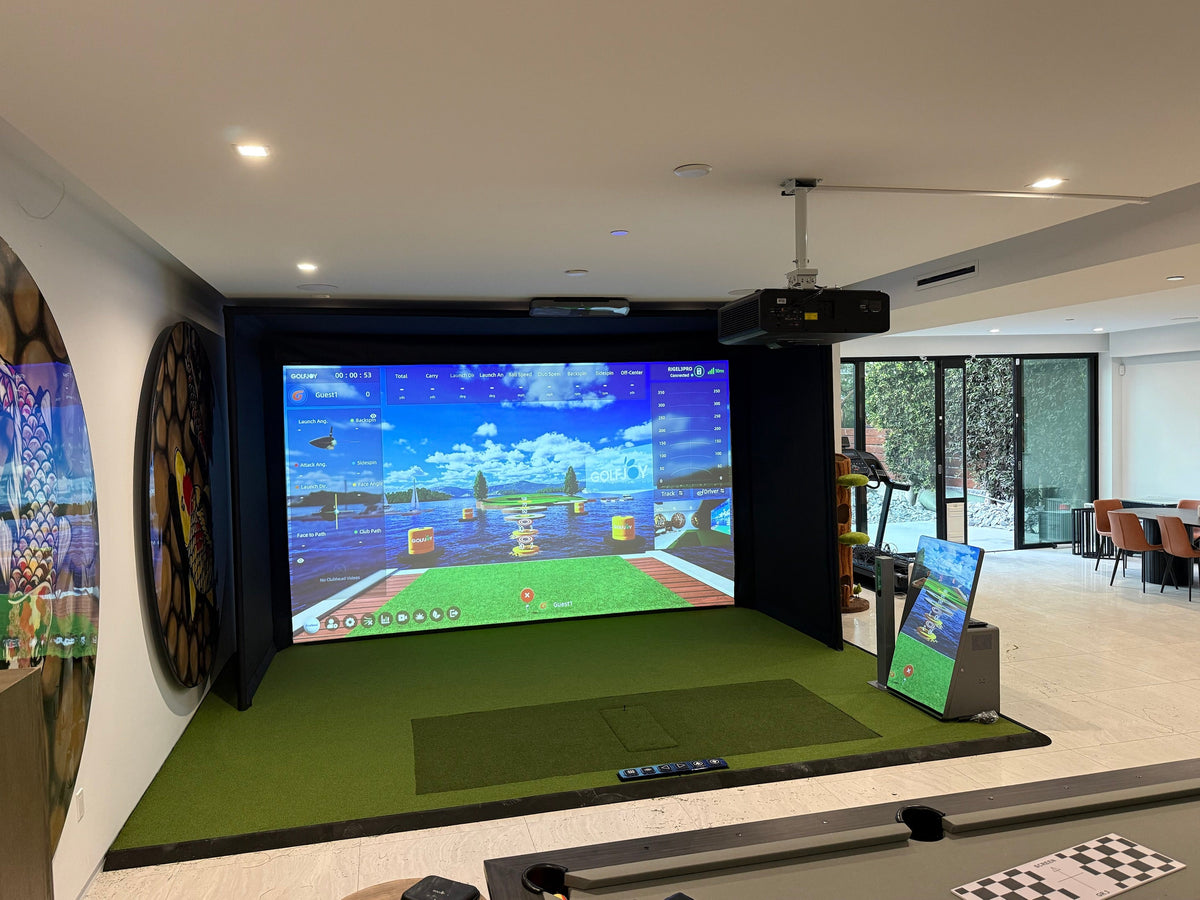
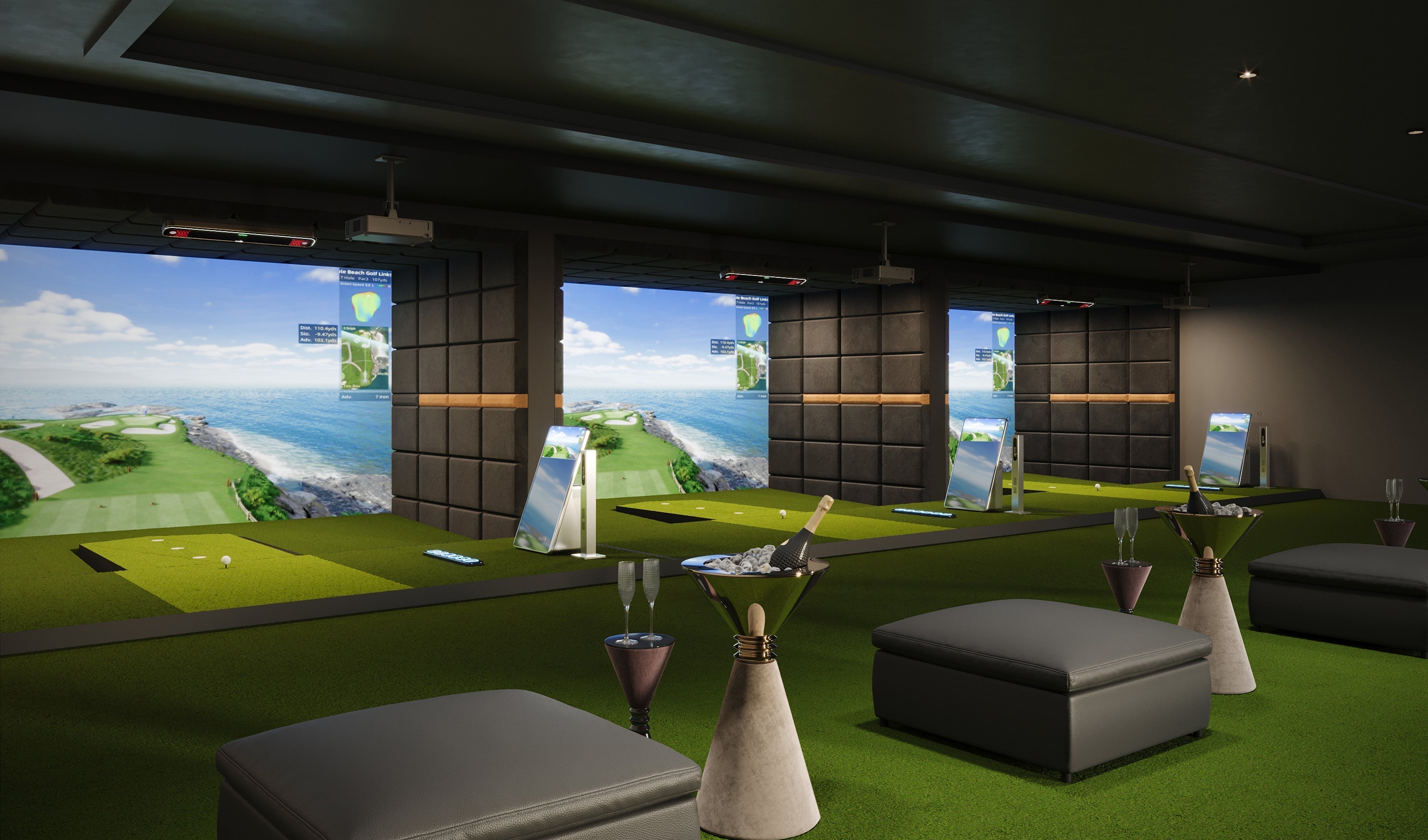
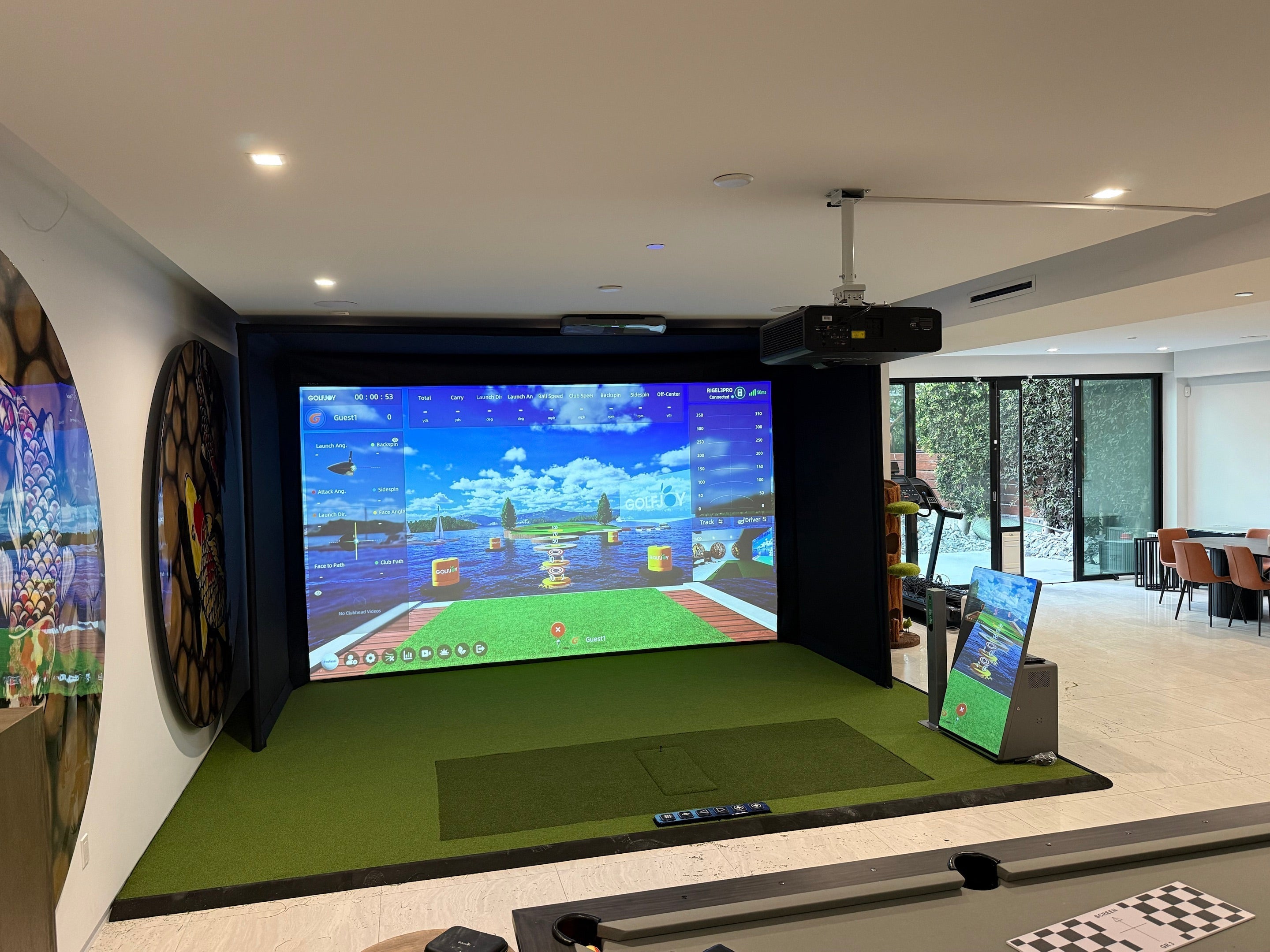
Building a golf simulator at home is easier than ever in 2026. At its core, you need a dedicated space, a reliable launch monitor, a hitting surface, and simulation software to turn your swing into real-time data and visuals. With the right setup, you can practice year-round, improve your game, and even recreate the experience of playing on world-famous courses—all from home.
Step 1 – Choose the Right Space
The first step in building a golf simulator is selecting a suitable space. This decision will impact everything from your equipment choices to your overall experience.
Key Space Requirements
- Ceiling height: Ideally 9–10 feet
- Room width: At least 12–18 feet
- Room depth: Minimum 19 feet
A well-planned space ensures you can swing freely without restrictions. Many homeowners convert garages, basements, or spare rooms into a residential golf simulator setup.
If your space is limited, consider flexible layouts or a golf simulator portable configuration that can be set up and stored when needed.
Step 2 – Select a Launch Monitor
The launch monitor is the most critical component of your simulator. It captures ball and club data, which is then used to simulate ball flight.
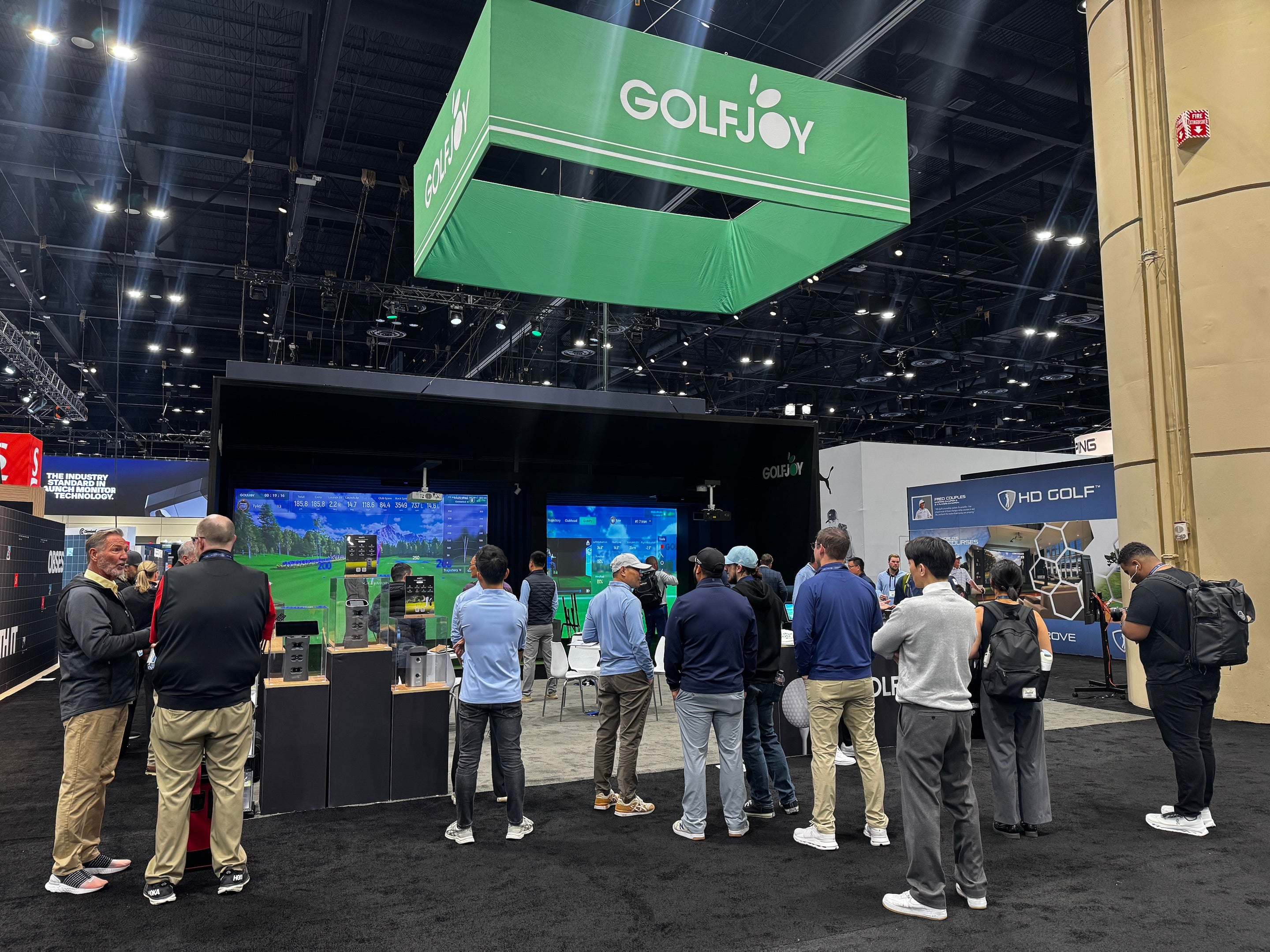
Modern systems, such as the GOLFJOY Spica 3, use high-speed camera technology to deliver precise tracking indoors.
What to Look For
- Accuracy and consistency
- Indoor performance capability
- Data metrics (ball speed, spin, launch angle)
- Compatibility with simulation software
Choosing the right indoor golf launch monitor ensures that your simulator provides meaningful feedback for improvement.
Step 3 – Install an Impact Screen
The impact screen is where your golf ball will be hit and where the simulation is displayed.
Screen Options
- Basic net: Affordable and easy to install
- Impact screen: Provides a more immersive experience
A high-quality screen improves both safety and realism. It also allows you to fully enjoy interactive golf simulator games that simulate real courses.
Installation Tips
- Ensure proper tension to avoid wrinkles
- Leave enough space behind the screen for ball impact
- Use side netting or enclosure systems for added safety
Step 4 – Add Simulator Software
Simulator software transforms raw shot data into a virtual golf experience. Without it, your simulator cannot display ball flight or course visuals.
Popular platforms include:
- E6 Connect
- GSPro
Many users choose golf simulator software for home setups that offer:
- Practice modes
- Real-world courses
- Multiplayer options
A well-integrated golf simulator system combines hardware and software seamlessly to deliver accurate and engaging gameplay.
Step 5 – Set Up a Projector
A projector brings your simulator to life by displaying the virtual course on your screen.
What to Consider
- Resolution: Full HD or 4K for clarity
- Brightness: 3,000+ lumens recommended
- Throw ratio: Determines placement distance
Proper alignment is essential to avoid distortion and ensure a clear image.
In many personal indoor golf simulator setups, short-throw projectors are used to maximize space efficiency.
DIY vs Pre-built Golf Simulator
When building a golf simulator, you have two main options: DIY or pre-built systems.
DIY Golf Simulator
A DIY approach allows you to customize your setup and control costs.
Advantages:
- Lower initial investment
- Flexible configuration
- Ability to upgrade components over time
Challenges:
- Requires technical setup
- Time-consuming installation
- Potential compatibility issues
DIY setups often combine different components into a custom launch monitor and simulator configuration.
Pre-built Golf Simulator
Pre-built systems are designed for convenience and performance.
Advantages:
- Easy installation
- Optimized compatibility
- Professional-grade experience
Challenges:
- Higher upfront cost
- Less customization
Pre-built solutions are often preferred by users who want a seamless experience or plan to expand into golf simulators for business in the future.

What Do You Need for a Golf Simulator?
To summarize, building a golf simulator requires the following essential components:
- Launch monitor
- Hitting mat
- Impact screen or net
- Projector
- Simulation software
Additional accessories such as enclosures, lighting systems, and soundproofing can further enhance your setup.
Common Mistakes to Avoid
When building your simulator, avoid these common pitfalls:
- Choosing a space with insufficient ceiling height
- Using low-quality mats or screens
- Ignoring lighting conditions
- Skipping proper calibration
A well-planned setup ensures better performance and long-term satisfaction.
Why Build a Golf Simulator at Home?
A home simulator offers several benefits:
- Practice anytime, regardless of weather
- Immediate feedback on every shot
- Long-term cost savings compared to range visits
With advancements in technology, today’s systems can rival professional training environments.
According to the National Golf Foundation, off-course golf participation continues to grow, with simulators playing a major role in expanding access to the game.
FAQs About Building a Golf Simulator
How to build a golf simulator at home?
Start by choosing a suitable space, then install a launch monitor, hitting mat, screen, projector, and simulation software.
How to make a golf simulator on a budget?
You can build a basic setup using a net, entry-level launch monitor, and affordable software, then upgrade over time.
What do you need for a golf simulator?
You need a launch monitor, hitting mat, screen or net, projector, and compatible software.
Can I build a golf simulator in a garage?
Yes, many people use garages, as long as they meet minimum space and ceiling height requirements.
Is it better to buy or build a golf simulator?
It depends on your budget and technical skills. DIY offers flexibility, while pre-built systems offer convenience.
How much does it cost to build a golf simulator?
Costs can range from $1,000 for basic setups to over $20,000 for premium systems.
References
[1] National Golf Foundation. (2023). Off-Course Golf Participation Report.
https://www.ngf.org
[2] PGA of America. (2023). Indoor Practice and Training Guidelines.
https://www.pga.com
[3] Golf Digest. (2024). How to Build a Home Golf Simulator.
https://www.golfdigest.com
[4] Golf Monthly. (2024). Golf Simulator Setup Guide.
https://www.golfmonthly.com


Leave a comment
All comments are moderated before being published.
This site is protected by hCaptcha and the hCaptcha Privacy Policy and Terms of Service apply.