




One of the biggest misconceptions in the home golf simulator market is that the launch monitor alone determines the total simulator cost.
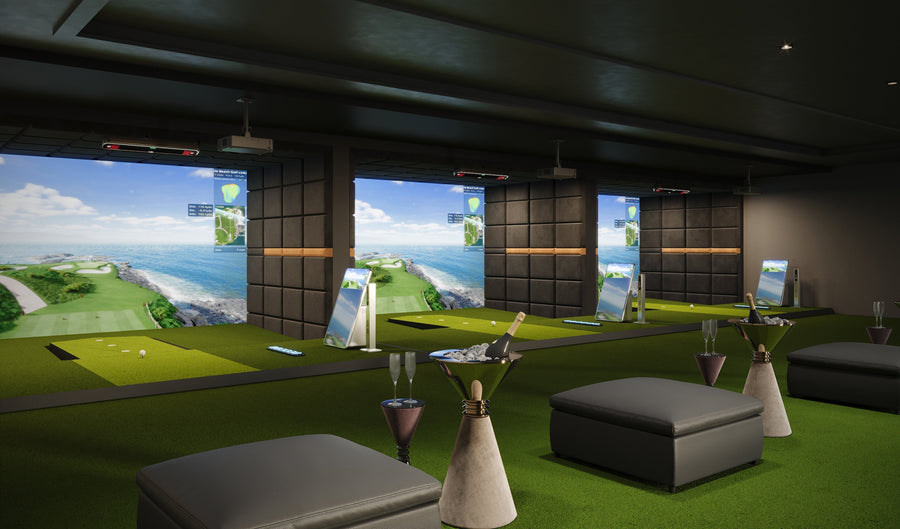
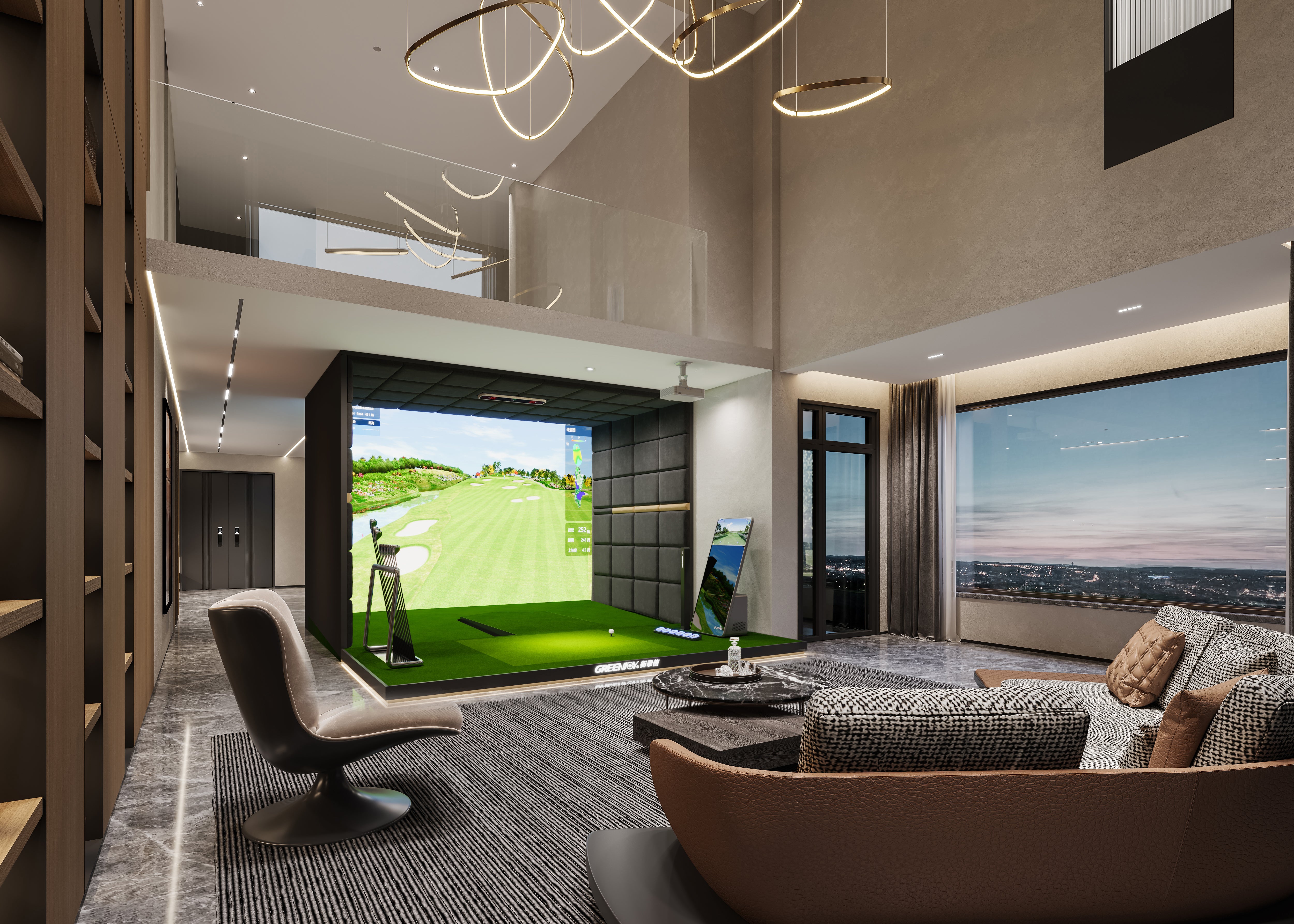
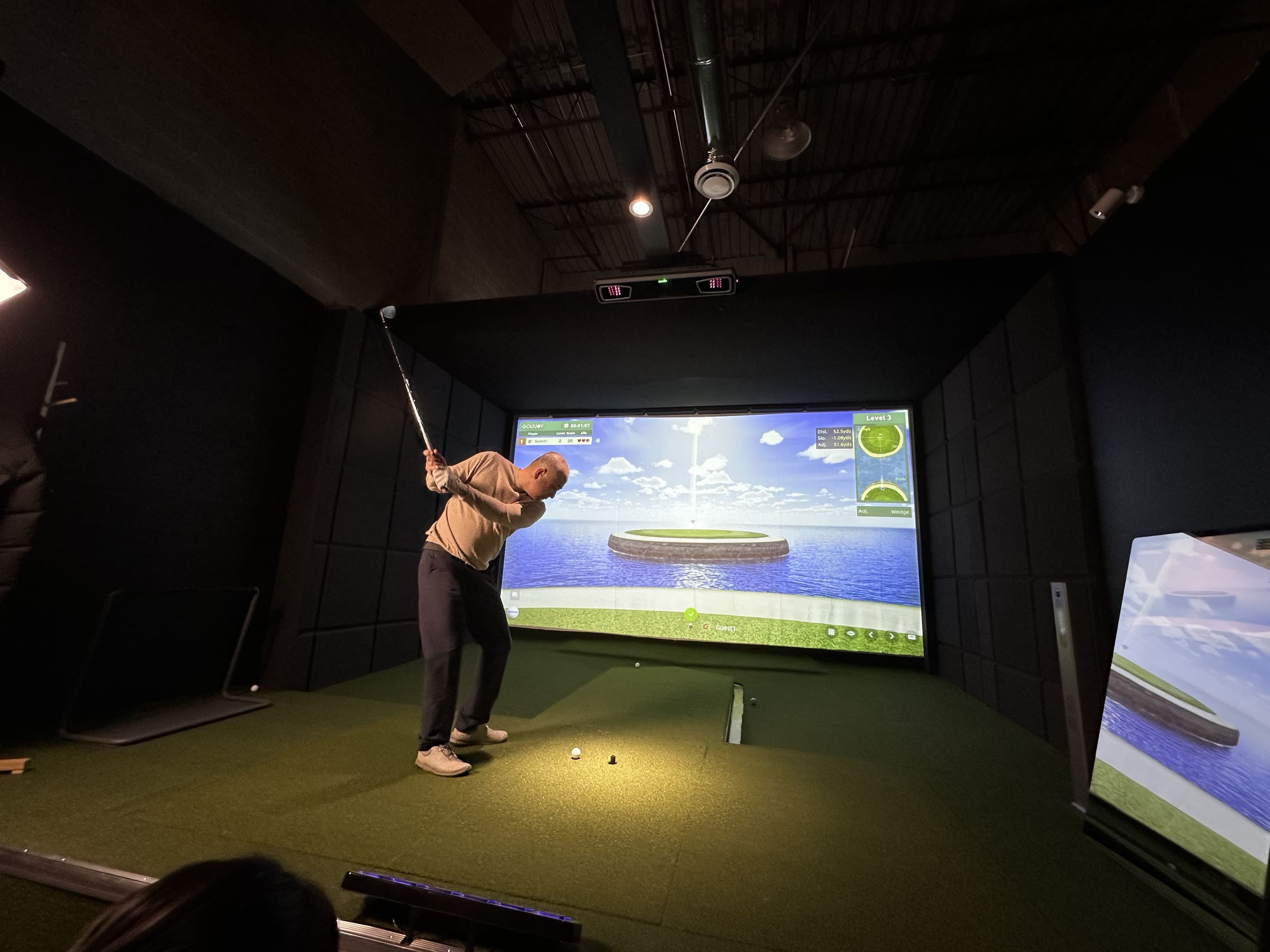
In reality, a complete home golf simulator includes multiple components: the launch monitor, impact screen, enclosure, projector, hitting mat, simulator software, PC or compatible device, and smaller setup accessories that make the system safe and usable indoors.
This is why golf simulator pricing can vary so widely. Some simple practice setups may start around a few thousand dollars, while more complete home simulator systems can quickly move into the $8,000 to $15,000 range or higher.
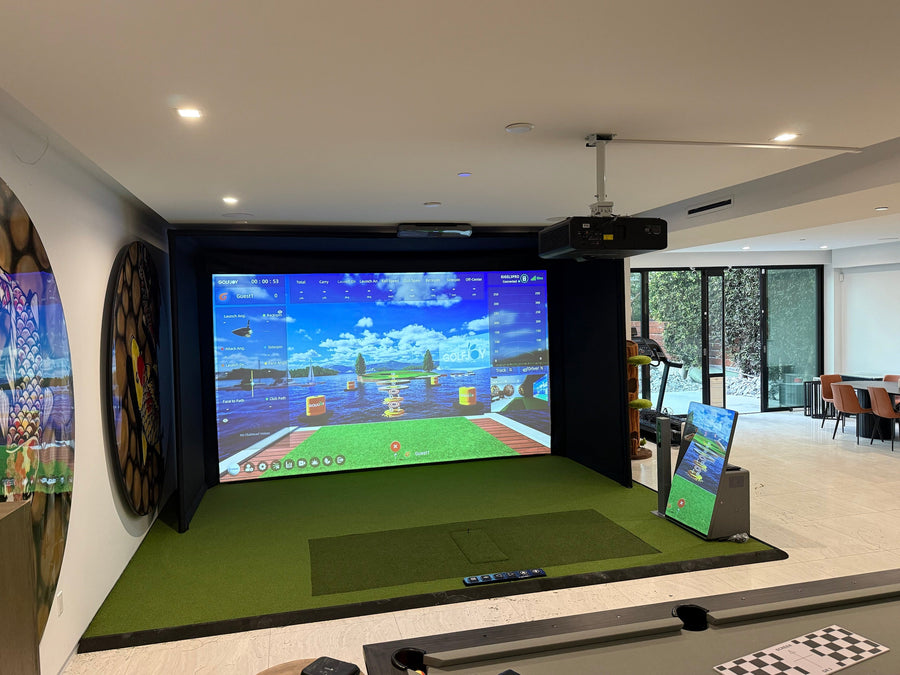
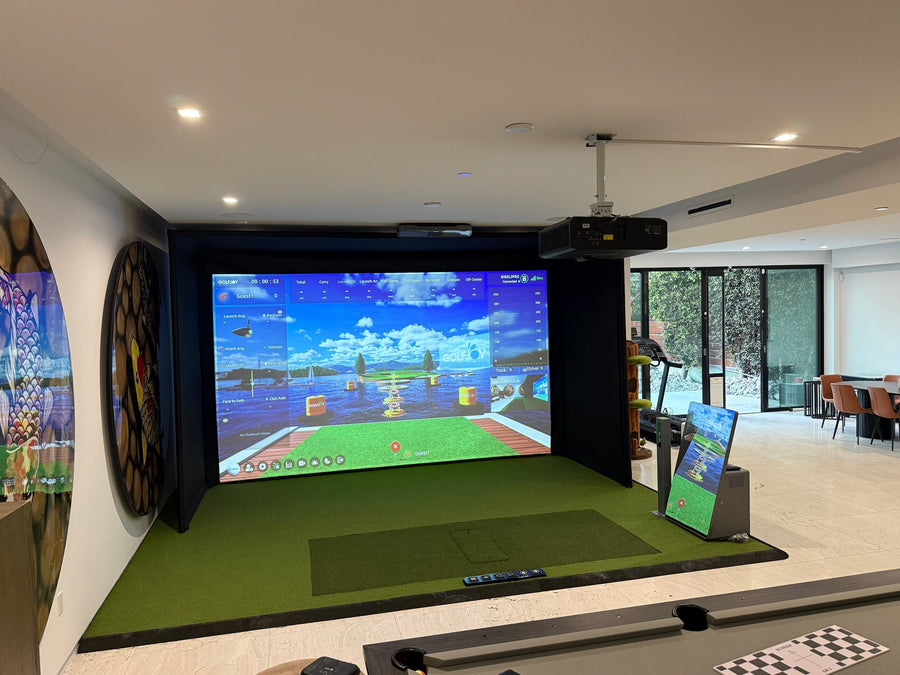
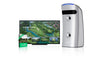
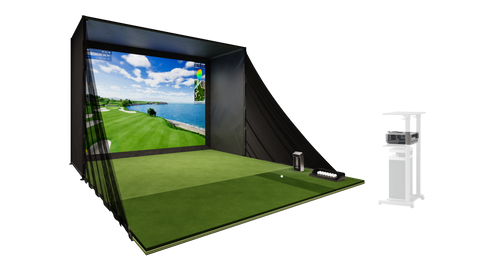
For golfers who want a complete indoor practice experience rather than a piece-by-piece DIY project, an all-in-one package such as the GOLFJOY P8 helps simplify the buying process by combining the major simulator components into one integrated system.
For a deeper breakdown of what actually matters when choosing a simulator beyond just pricing, including indoor tracking, software flexibility, and long-term usability,
read: What Actually Matters When Choosing a Home Golf Simulator .
So, How Much Does a Golf Simulator Actually Cost?
A realistic home golf simulator usually costs anywhere from about $3,000 to $20,000+, depending on the launch monitor, screen quality, projector, enclosure size, software, and whether the system is built piece by piece or purchased as a complete package.
For serious home golfers who want reliable data, realistic simulator play, and a setup built for long-term use, the practical range is usually closer to $8,000 to $15,000.
The key point is simple: the launch monitor is the core of the system, but it is not the entire simulator.
What Actually Makes Up the Cost of a Golf Simulator?
A complete home golf simulator usually includes:
- Launch monitor
- Impact screen
- Enclosure or safety netting
- Projector
- Hitting mat
- Simulator software
- Gaming PC or compatible device
- Flooring, cables, mounts, and setup accessories
Once these components are added together, it becomes much easier to understand why simulator pricing can vary so widely. A launch monitor may look reasonable by itself, but the full indoor simulator environment around it can significantly increase the total cost.
The Cost of a Golf Launch Monitor: Around $600 to $25,000+
The launch monitor is the most important part of a golf simulator because it determines how accurately the system measures ball speed, launch angle, spin, club path, carry distance, and shot direction.
Entry-level launch monitors can start around $600 to $1,000. These devices can be useful for casual practice, but they often provide limited data and may rely more heavily on calculated or estimated numbers, especially indoors.
More serious home simulator launch monitors usually fall into the $2,000 to $7,000 range. This is where golfers begin to see stronger indoor performance, better spin tracking, GSPro compatibility, touchscreen displays, and more complete ball and club data.
Professional or commercial-grade launch monitors can range from $10,000 to $25,000+, especially for high-end overhead systems or tour-level radar platforms.
Why Camera-Based Launch Monitors Matter Indoors
For home simulator environments, camera-based systems are often preferred because they measure impact conditions directly. Radar-based systems can perform very well outdoors, but indoors they often require more ball flight distance to calculate trajectory accurately.
Camera-based launch monitors are especially useful for garages, basements, and dedicated simulator rooms because they are designed to capture key shot data within a shorter hitting space.
Where GOLFJOY Spica 3 Stands Out
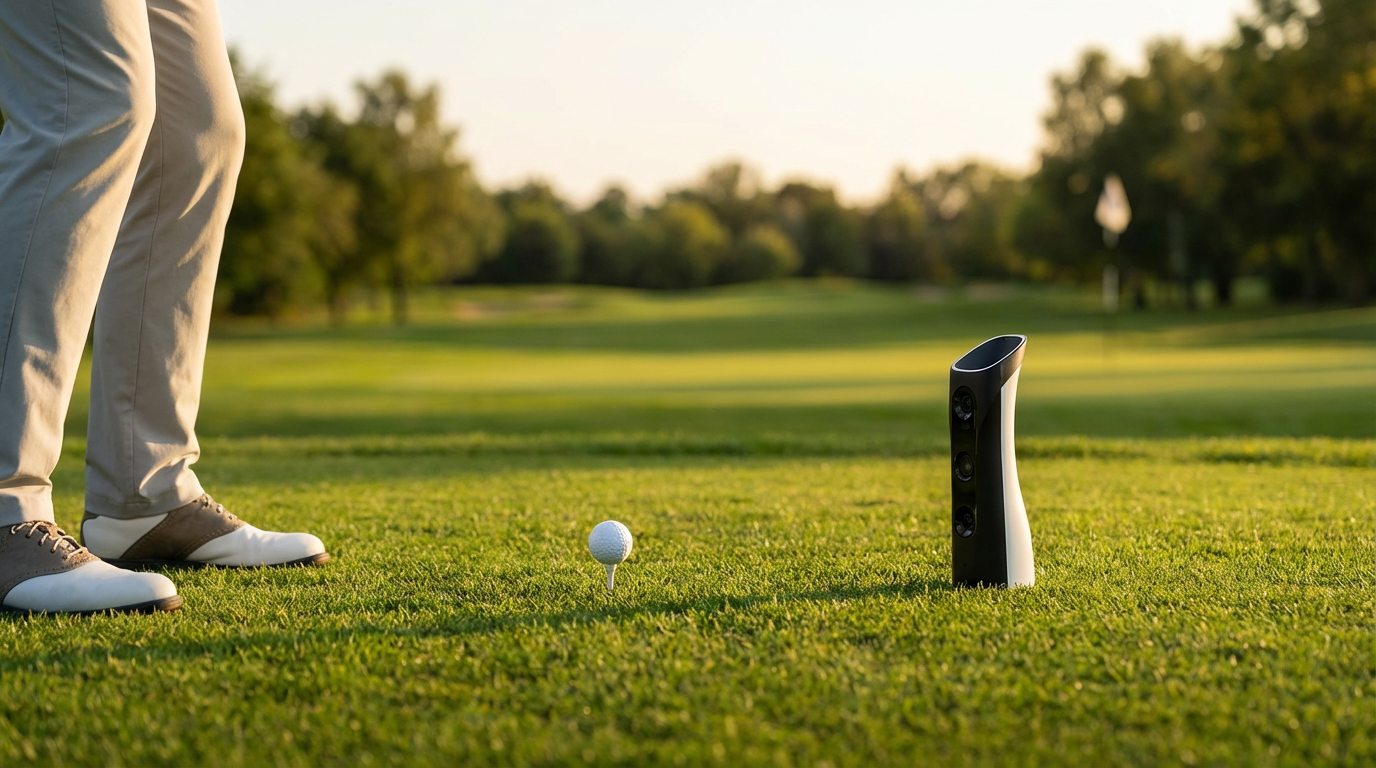
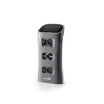
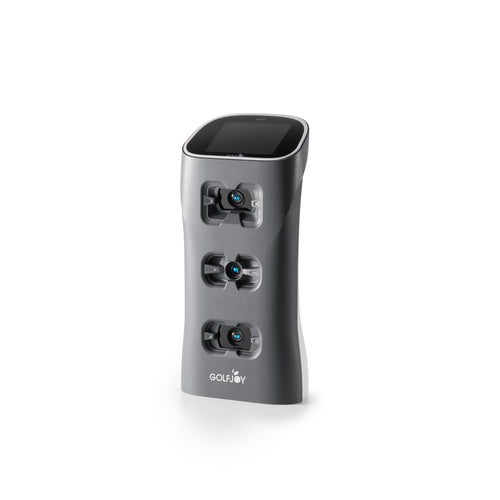
The GOLFJOY Spica 3 combines a triple high-speed camera system, 27 data points, GSPro compatibility, no third-party connection fee, a built-in touchscreen, and support for standard golf balls.
Its value is not simply about price. Spica 3 is designed to deliver strong indoor performance, practical usability, and a cleaner long-term ownership experience for golfers who want reliable data without unnecessary setup complexity.
The Cost of Golf Simulator Software: $0 to $2,000+ Per Year
Software is one of the most overlooked parts of golf simulator cost.
Some launch monitors include basic software, while others require annual subscriptions to unlock simulator play, advanced data, third-party software connections, or premium course libraries.
Popular simulator software options include GSPro, E6 Connect, Creative Golf, FSX Play, and brand-native simulator software.
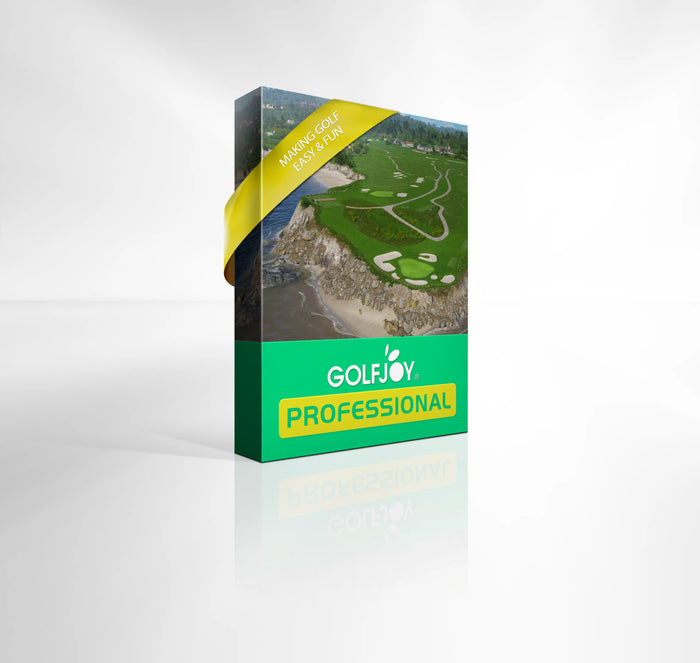
GOLFJOY provides a 3-month free trial of its own simulator software for Spica 3 users. The software includes virtual course play, practice modes, game modes, online multiplayer, and club video replay.
GOLFJOY software is offered through annual subscription plans, including a Professional plan at around $249/year and a higher-tier plan at around $799/year. For many home users, the $249/year plan provides enough functionality for regular practice and simulator play.
When comparing simulator costs, golfers should look beyond the first purchase price and consider long-term software costs, ecosystem restrictions, and connection fees.
The Cost of an Impact Screen and Enclosure: Around $1,000 to $6,000+
An impact screen is not just a display surface. It needs to absorb repeated golf ball strikes, reduce bounce-back, support clear image projection, and maintain durability over time.
A basic impact screen may cost a few hundred dollars. However, once a full enclosure, side protection, frame, blackout material, and larger dimensions are included, the total can easily move into the $1,000 to $6,000+ range.
This is one of the reasons complete packages such as the GOLFJOY P8 are useful for home simulator buyers. The P8 includes the simulator structure, impact screen, enclosure, projector, mat, and Spica 3 launch monitor, which makes the total cost much easier to understand upfront.
The Cost of a Golf Simulator Projector: Around $400 to $6,000
A projector is technically optional if the goal is only to hit into a net and view numbers on a tablet or monitor. But for a full simulator experience, the projector plays a major role.
For home simulators, golfers usually need to consider:
- Short-throw distance
- Brightness
- Resolution
- Input lag
- Mounting position
- Image size and aspect ratio
Basic projectors may start around $400 to $800, while higher-quality simulator projectors often cost $1,000 to $3,000+. Premium 4K projector setups can go even higher.
This is another place where buying components separately can make the project much bigger than expected. The GOLFJOY P8 package already includes a high-quality projector, which made the setup process much simpler since I didn’t have to spend extra time researching projector specs, throw ratios, or screen compatibility.
That means users do not need to separately research projector specs, throw ratio, brightness, mounting distance, or screen compatibility before getting started.
The Cost of a Golf Hitting Mat: Around $100 to $1,500
The hitting mat is one of the most underestimated parts of a home golf simulator.
A low-quality mat may work for occasional use, but for regular practice, it can feel harsh on the wrists, elbows, and shoulders. Better mats provide more realistic turf interaction and better shock absorption.
Basic mats can start around $100, while higher-quality hitting mats often range from $500 to $1,500.
For serious home practice, the hitting mat should not be treated as an afterthought. A good mat affects comfort, durability, and long-term usability. In the GOLFJOY P8 package, the hitting mat is already included as part of the complete setup.
The Hidden Cost of a Gaming PC: Around $1,000 to $3,000+
A capable gaming PC can be another major cost in a simulator build.
Advanced simulator software such as GSPro often runs best on a PC with a dedicated graphics card. Depending on specifications, this can add another $1,000 to $3,000+ to the total setup cost.
For golfers who already own a capable PC, this cost can sometimes be avoided. In addition, GOLFJOY’s mobile app also supports virtual course play without requiring a separate software subscription, which gives users more flexibility depending on how they want to use the system.
For buyers starting from zero, PC requirements should always be included when calculating total simulator cost.
Other Costs People Often Forget
Once the main components are covered, smaller costs can still add up quickly.
- Floor turf
- Ceiling protection
- Side wall protection
- Extension cables
- Projector mounts
- Lighting
- Club stickers
- Extra golf balls
- Space preparation
These may not seem major individually, but together they can add hundreds or even thousands of dollars depending on how finished the simulator room needs to be.
What a DIY Home Simulator Can Really Cost
If a home simulator is built piece by piece, a realistic cost breakdown may look like this:
- Launch monitor: $2,000 to $7,000
- Impact screen and enclosure: $1,000 to $6,000
- Projector: $500 to $3,000+
- Hitting mat: $300 to $1,500
- Gaming PC: $1,000 to $3,000+
- Software: $0 to $2,000+ per year
- Accessories and setup materials: $300 to $2,000+
That means even a solid home simulator can realistically land somewhere between $8,000 and $15,000 once everything is included.
Higher-end builds can easily go beyond $20,000 depending on launch monitor choice, projector quality, enclosure size, software ecosystem, and room customization.
Why the GOLFJOY P8 Package Makes Sense in Today’s Market
One of the reasons complete simulator packages have become increasingly popular is that they simplify the ownership experience significantly.
Instead of separately researching launch monitors, impact screens, projector throw ratios, enclosure sizing, software compatibility, and PC requirements, golfers can start with a system designed to work together as a complete indoor simulator ecosystem.
At $8,199, the GOLFJOY P8 package sits in a strong position because it includes:
- Spica 3 launch monitor
- Impact screen
- Enclosure system
- High-quality Projector
- Hitting mat
- Mobile app support
- GSPro compatibility
- No separate GSPro connection fee
For many home golfers, especially those building their first simulator, this reduces both setup complexity and hidden long-term costs.
What Golfers Should Consider Before Budgeting for a Home Simulator
When comparing golf simulator costs, golfers should not only ask, “How much is the launch monitor?”
A better set of questions would be:
- What is included in the package?
- What still needs to be purchased separately?
- Does the system require annual software fees?
- Does it charge extra for GSPro connection?
- Is a gaming PC required immediately?
- Does the system perform well indoors?
- How difficult is the setup?
Looking at the complete ownership picture helps buyers avoid unexpected costs and choose a system that fits their actual use case.
So, How Much Should You Expect to Spend?
If the goal is basic shot feedback, a simple net-based setup can start at a few thousand dollars.
If the goal is a complete home golf simulator with screen, projector, launch monitor, mat, enclosure, and simulator software, a more realistic budget is usually $8,000 to $15,000.
If the goal is a fully customized premium simulator room, the cost can move beyond $20,000 quickly.
For golfers who want a complete indoor simulator package with strong camera-based tracking, software flexibility, and fewer separate purchasing decisions, the GOLFJOY P8 offers a clear and practical path into serious home simulation.
FAQ: Home Golf Simulator Costs
How much does a good home golf simulator cost?
A good home golf simulator usually costs between $8,000 and $15,000 when the launch monitor, screen, enclosure, projector, mat, software, and setup accessories are included.
What is the most expensive part of a golf simulator?
The launch monitor is often the most important and expensive component, but the projector, enclosure, impact screen, software, and PC can also add significantly to the total cost.
Is it cheaper to build a simulator piece by piece?
It can be cheaper in some cases, but only if the buyer understands every component required. Piece-by-piece builds can become more expensive once software, connection fees, projector requirements, and accessories are included.
Do you need a gaming PC for a golf simulator?
For advanced PC-based simulator software like GSPro, a capable gaming PC is usually recommended. However, some systems, including GOLFJOY, also offer mobile app-based play options.
Is the GOLFJOY P8 worth considering?
For golfers who want a complete home simulator package without sourcing every component separately, the GOLFJOY P8 is worth considering. It includes the main simulator components and uses the Spica 3 launch monitor, which is designed for strong indoor performance, GSPro compatibility, and software flexibility.