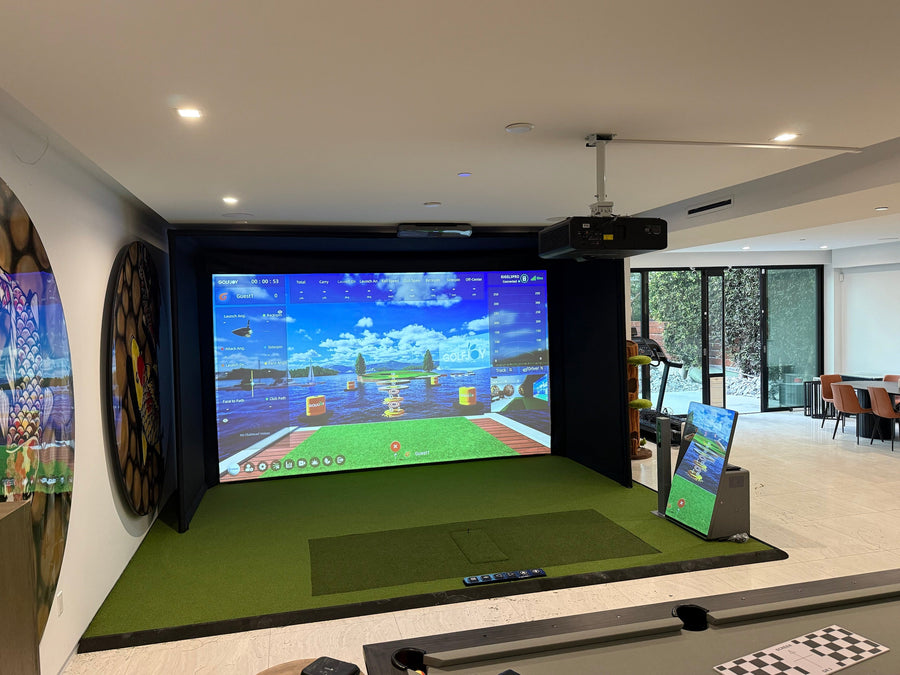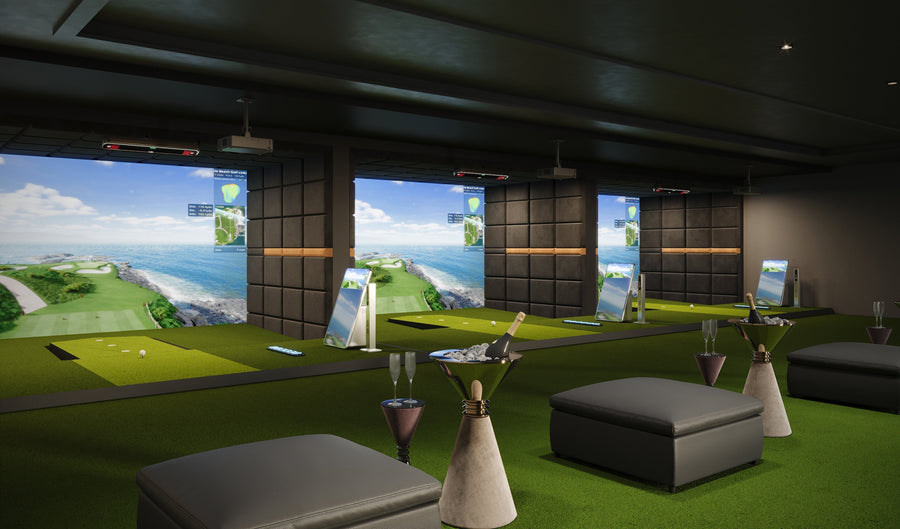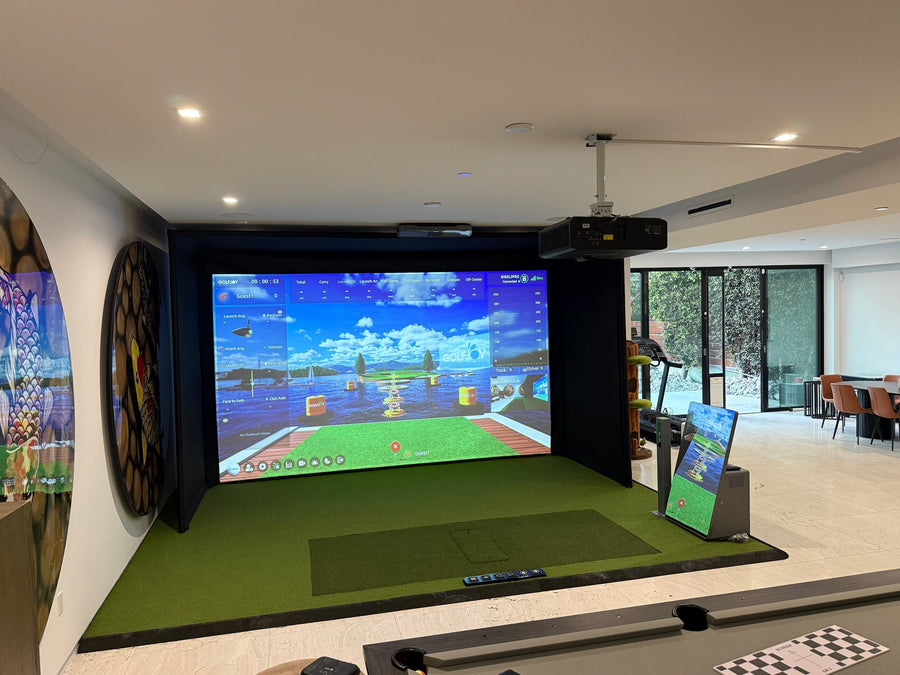





For years, golfers relied on feel, ball flight, and range sessions to judge improvement.
But feel can be misleading. A shot that looks solid may still be losing distance, spinning inefficiently, or missing the target line.
That is why the golf launch monitor has become one of the most important tools in modern golf training.
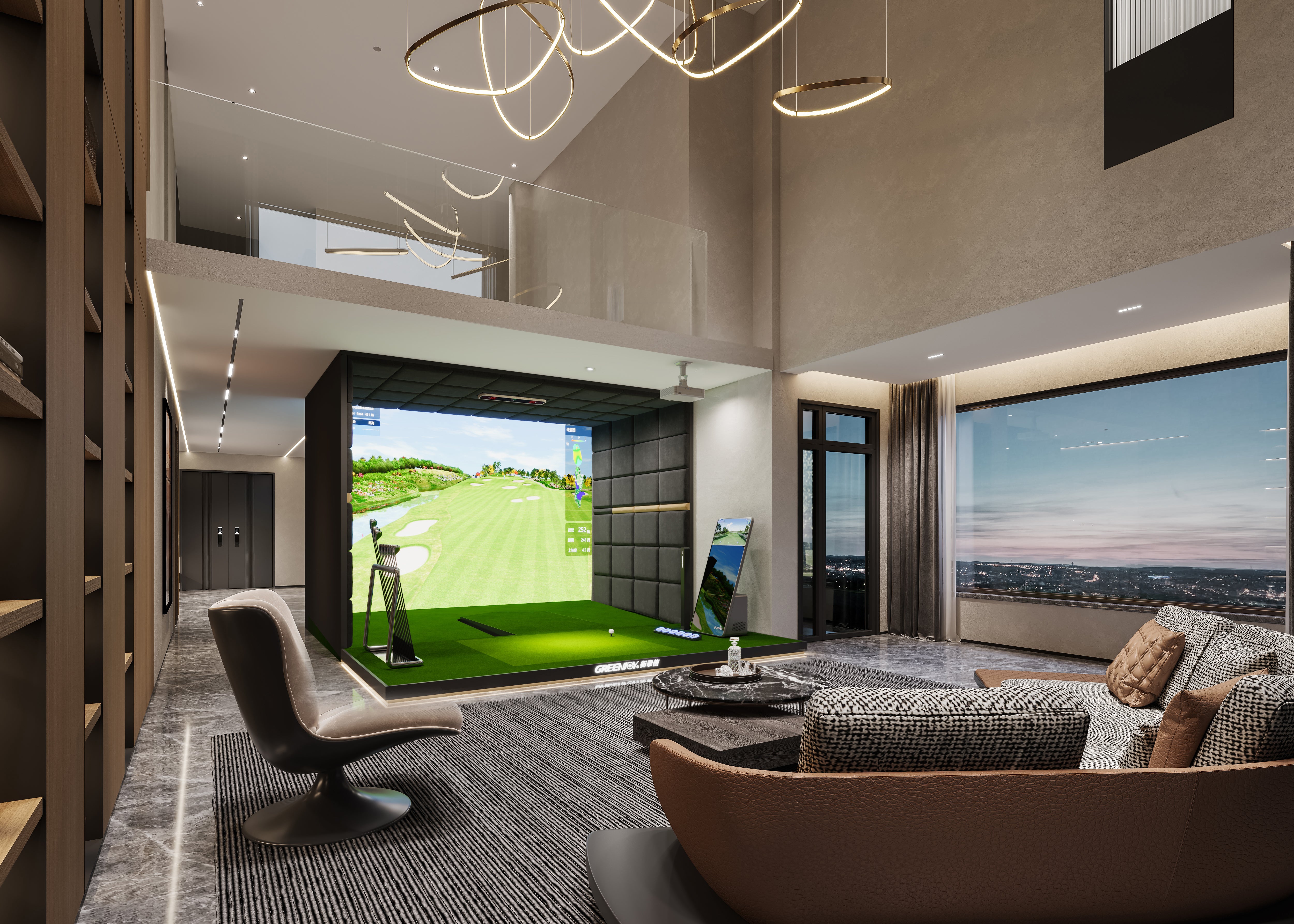
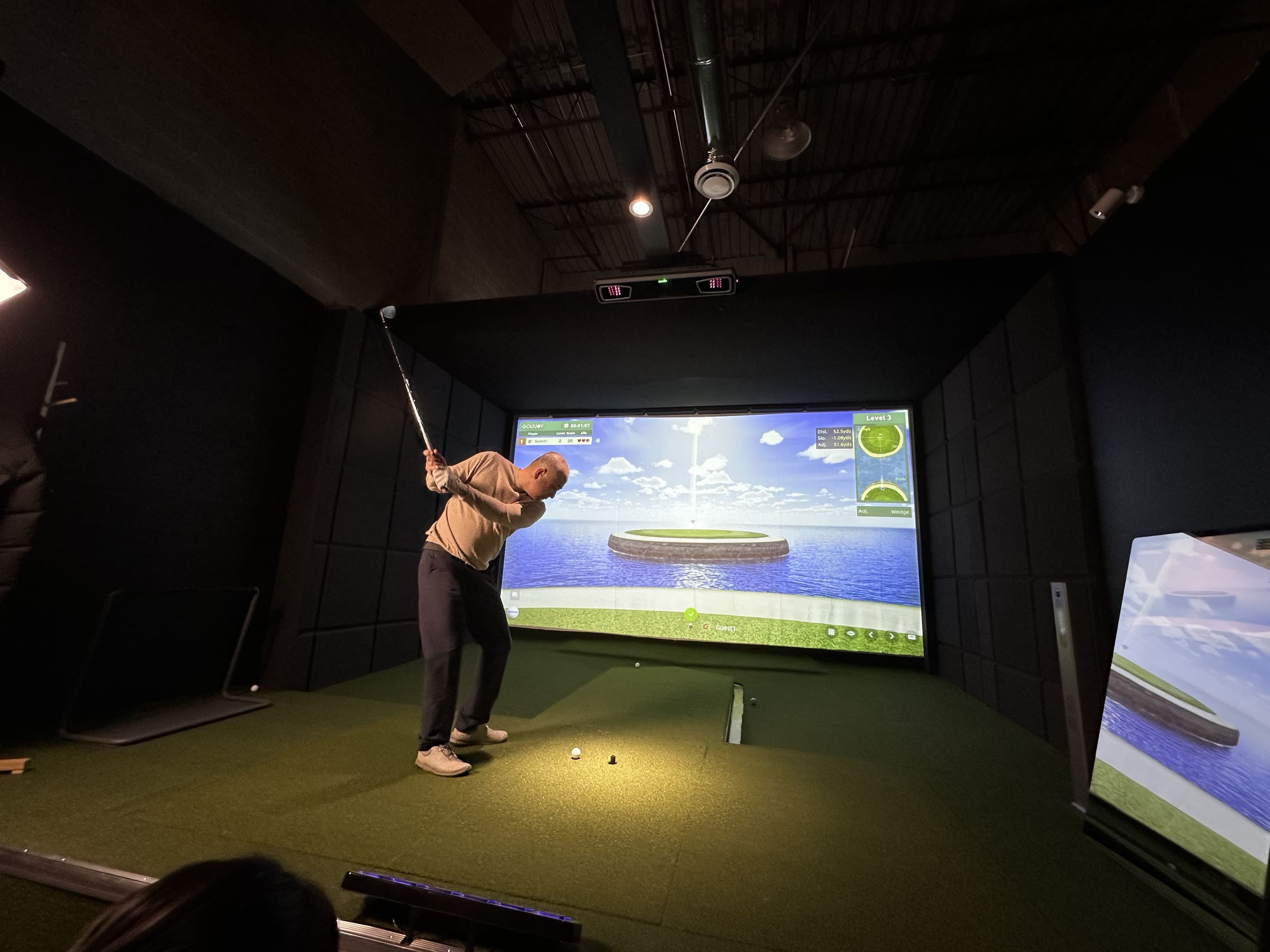
Whether you're building a home simulator, practicing indoors, coaching players, or planning a commercial golf space, accurate data helps turn guesswork into measurable improvement.
The golf simulator market is projected to grow from about $1.9B to $4.7B, reflecting a broader shift toward data-driven practice, year-round training, and simulator-based golf experiences.
What Is a Golf Launch Monitor and Why Does It Matter?
A golf launch monitor measures what happens during and immediately after impact.
It translates ball and club movement into data such as ball speed, launch angle, spin, carry distance, club path, and attack angle.
Instead of guessing why a shot curved, flew short, or launched too low, golfers can see the numbers behind the result.
This is especially important indoors, where players cannot always watch the full ball flight.
Why Launch Monitor Accuracy Matters More Than Ever
Modern golfers are not only asking, “How far did I hit it?”
They want to know why the shot happened.
Was the ball speed low? Was the spin too high? Was the launch angle inefficient? Did the club path create the curve?
A reliable launch monitor helps connect the feeling of a swing with objective performance feedback.
For home users, that means better practice. For coaches, it means clearer instruction. For indoor golf businesses, it means a more trustworthy simulator experience.
Golf Launch Monitor Technologies: Understanding the Differences
Most launch monitors use one of three technology approaches: radar-based systems, camera-based photometric systems, or hybrid multi-sensor systems.
Understanding the difference matters because the best system depends on where and how you practice.
Radar-Based Launch Monitors
Radar-based launch monitors use Doppler radar technology to track the golf ball as it travels through the air.
This approach is often strong outdoors because the system can observe more of the ball’s flight.
Common strengths:
- Strong full-flight tracking outdoors
- Useful for driving ranges and open practice areas
- Good fit for golfers who prioritize outdoor ball-flight analysis
Common limitations:
- May require more room depth indoors
- Setup and alignment can matter more in compact spaces
- Short shots and indoor simulator use may depend heavily on available space and calibration
Camera / Photometric Launch Monitors
Camera-based systems use high-speed cameras to capture the impact zone and calculate ball and club behavior from visual data.
This makes them especially practical indoors, where the ball may only travel a short distance before reaching a screen or net.
Common strengths:
- Strong impact-zone capture
- Practical for home simulator and indoor golf spaces
- Useful for ball and club data around impact
- Often easier to fit into compact indoor environments
Common limitations:
- Outdoor performance can depend on lighting, setup, and system design
- Full ball flight is calculated from captured launch and impact data
- Stable positioning and proper setup still matter
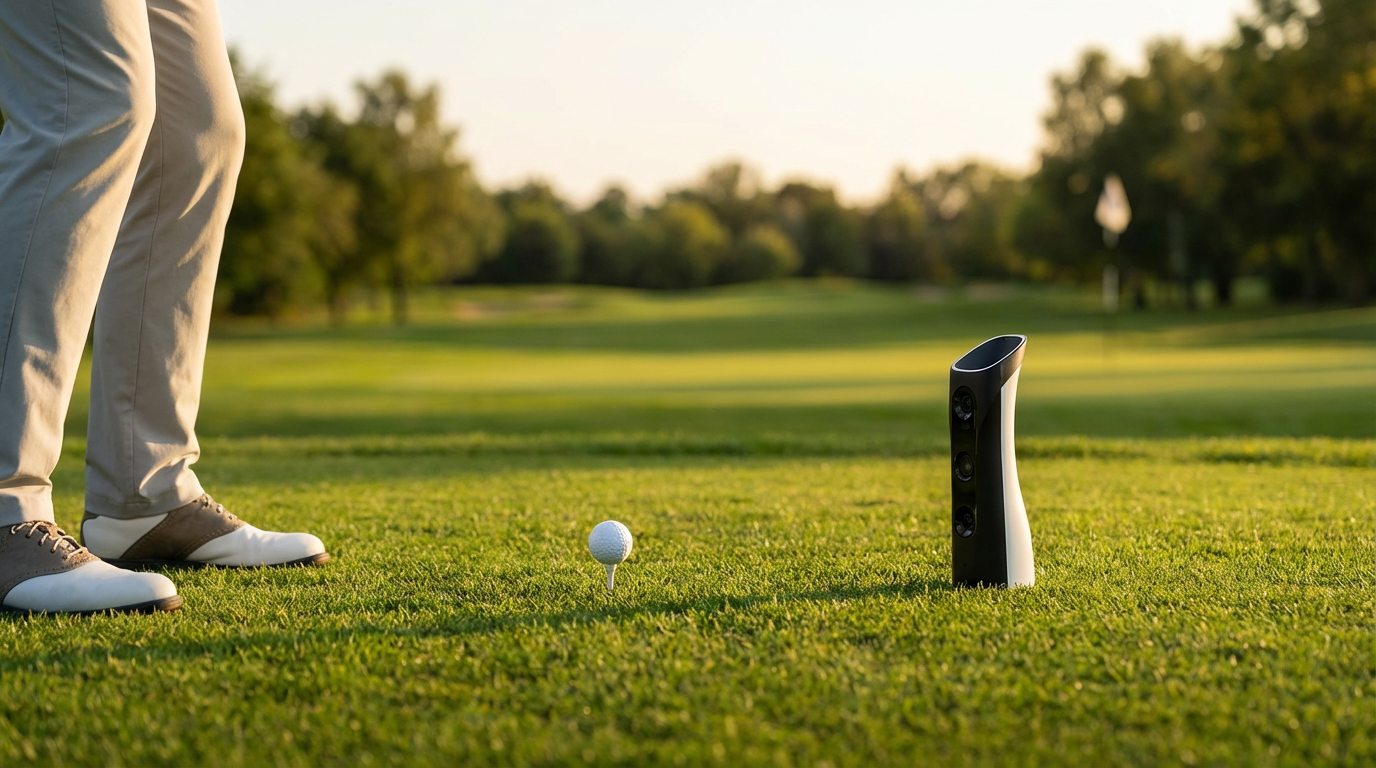
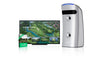
GOLFJOY Spica 3 uses a Triple High-Speed Camera System and advanced AI processors to deliver real-time analysis across 27 professional golf metrics for indoor and outdoor practice.
Hybrid / Multi-Sensor Launch Monitors
Hybrid systems combine multiple sensor types, often using both camera and radar technologies.
The goal is to capture impact information and flight behavior through more than one data source.
Common strengths:
- Broad data coverage
- Can support both indoor and outdoor use cases
- May appeal to advanced fitting, coaching, or professional environments
Common limitations:
- More complex systems can require more setup planning
- Different technologies may have different space and calibration needs
- The best option still depends on your environment and usage goals
Indoor vs Outdoor: Which Launch Monitor Should You Choose?
If you primarily practice indoors, camera-based systems are often practical because they capture data close to impact.
If you train outdoors with full ball flight, radar or hybrid systems may be suitable depending on your practice style.
That said, many modern camera-based launch monitors are now designed for both indoor and outdoor use.
GOLFJOY Spica 3 is positioned for indoor and outdoor golf performance, with a portable design, built-in battery, standard golf ball compatibility, and 9-axis stability sensor support.
The best choice is not about choosing the most complicated technology. It is about choosing a launch monitor that fits your actual practice environment.
What Data Actually Matters?
More data is only helpful when the numbers explain something useful.
For most golfers, these are some of the most important launch monitor metrics:
- Ball Speed: helps show distance potential and strike efficiency
- Launch Angle: helps explain trajectory and carry performance
- Spin Rate: affects distance, stopping power, and shot shape
- Spin Axis: helps explain curve and directional movement
- Club Speed: shows swing speed and power generation
- Attack Angle: helps explain how the club approaches the ball
- Club Path: helps diagnose shot shape and swing direction
- Carry Distance: helps golfers understand real playable distance
Ball data shows what happened. Club data helps explain why it happened.
GOLFJOY Spica 3 Data: What It Measures
GOLFJOY Spica 3 delivers 27 professional-grade metrics across ball data, club data, and trajectory data.
Ball Data
- Ball Speed
- Launch Angle
- Back Spin
- Launch Direction
- Side Spin
- Spin Rate
- Spin Axis
Club Data
- Club Speed
- Smash Factor
- Attack Angle
- Club Path
Trajectory Data
GOLFJOY also groups additional shot-flight information into trajectory data, helping golfers evaluate carry, height, direction, and overall shot behavior.
This data depth helps golfers move beyond basic distance numbers and understand shot consistency, launch conditions, and miss patterns.
What Most Golfers Get Wrong When Choosing a Launch Monitor
Many golfers start by comparing specs before thinking about their real use case.
That can lead to the wrong purchase.
A system designed mainly for outdoor range tracking may not be the best fit for a compact garage simulator.
A system designed for a permanent indoor room may not be ideal if you want to move between home, range, and coaching environments.
The best golf launch monitor is usually the one that matches your space, your practice habits, and your software needs.
Why Different Golfers Need Different Launch Monitors
Home Golfers
Home users usually care about space, ease of setup, reliable feedback, and whether the system fits a garage, basement, or indoor room.
A portable camera-based launch monitor can be a practical option when the goal is consistent indoor practice without needing a commercial-sized simulator bay.
Indoor Golf Businesses
Commercial simulator spaces need stability, repeatable performance, and a setup that supports many players throughout the day.
For businesses, the best launch monitor is not just accurate. It also needs to support smooth operation and a strong customer experience.
Golf Coaches
Coaches need data that helps explain cause and effect.
Club speed, launch angle, spin rate, attack angle, and club path can help make swing changes easier to understand.
Portable Practice Users
Some golfers want one system they can use indoors, outdoors, at home, or on the range.
For this type of player, portability, battery life, app support, and standard golf ball compatibility can matter just as much as the tracking method.
Designed for Modern Golf Practice
Modern golfers often practice across multiple environments.
They may hit balls indoors during the week, use a simulator at home, take lessons with a coach, and practice outdoors when the weather allows.
GOLFJOY Spica 3 is designed around that flexible reality, combining a portable form factor with triple high-speed camera tracking, real-time feedback, and indoor/outdoor compatibility.
It also supports standard golf balls, so golfers do not need marked or reflective balls for normal use.
Software Ecosystem: Flexibility Matters
A launch monitor is only part of the experience.
Software affects how golfers practice, play courses, review data, and use the system over time.
GOLFJOY lists compatibility with:
- GOLFJOY Software
- GSPro
- E6 CONNECT
- Creative Golf
Spica 3 also includes a 3-month GOLFJOY PC software trial and lifetime access to the GOLFJOY App.
For many buyers, software flexibility can be one of the most important long-term decision factors.
GOLFJOY Software Options
GOLFJOY Software is designed to support simulator play, practice modes, game modes, online match, multiplayer, and high-definition course experiences.
| Feature | Professional Software | Diamond Software |
|---|---|---|
| Golf Courses | 30 courses | 160 courses |
| Resolution | 2K | 4K |
| Practice Modes | Driving Range, Chipping, Chip & Putt | Driving Range, Chip & Putt, Chipping, Putting |
| Game Modes | Island Hop, Box Crush, Target Practice, Putt-Putt | Box Crush, Target Practice, Island Hop, Mushroom Bumping, Long Drive, Putt-Putt |
| Online Match | Yes | Yes |
| Multiplayer | Yes | Yes |
Professional Software is a practical option for home users who want essential course play and practice features.
Diamond Software is designed for users who want more courses, 4K visuals, and a broader simulator experience.
How to Choose the Right Golf Launch Monitor
Step 1: Define Your Main Use Case
Are you building a home simulator, practicing outdoors, coaching players, or planning a commercial setup?
Step 2: Check Your Space
Indoor users should consider ceiling height, room depth, hitting area, screen or net setup, and whether the system needs full ball flight.
Step 3: Compare Data Capabilities
Look at whether the launch monitor provides both ball and club data, not just distance numbers.
Step 4: Review Software Compatibility
Simulator software can shape the entire ownership experience, especially for home and commercial users.
Step 5: Think About Long-Term Flexibility
Your practice habits may change. A flexible system can make it easier to grow from basic practice into a fuller simulator setup.
Final Verdict
The right golf launch monitor is not just a device.
It is the foundation of your practice environment, simulator experience, and long-term improvement plan.
Choose based on accuracy, data depth, software flexibility, and real-world usability—not just the spec sheet.
Find the Right Launch Monitor for Your Setup
Whether you're building a home simulator, coaching space, portable practice setup, or indoor golf business, GOLFJOY can help you compare launch monitor solutions based on your actual needs.
Talk to GOLFJOY TeamFAQs About Golf Launch Monitors
What does a golf launch monitor measure?
A golf launch monitor measures ball and club data such as ball speed, launch angle, spin, club speed, carry distance, and shot direction.
Are camera-based launch monitors good for indoor golf?
Camera-based launch monitors are often practical indoors because they capture impact-zone data without needing extended ball flight distance.
Can a golf launch monitor work outdoors?
Yes. Some launch monitors such as GOLFJOY Spica 3 are designed for both indoor and outdoor practice. Setup, lighting, surface stability, and tracking technology can all affect performance.
What should I look for in a home golf launch monitor?
Home users should consider space requirements, ball and club data, software compatibility, ease of setup, and whether the system supports their preferred simulator experience.
Does GOLFJOY Spica 3 work with simulator software?
GOLFJOY lists Spica 3 compatibility with GOLFJOY Software, GSPro, E6 CONNECT, and Creative Golf.