





The best launch monitor for your budget is not always the most expensive model, and it is rarely the cheapest one.
The better question is whether the system gives you the right data, in the right environment, with an ownership experience that still makes sense years later.
A smart launch monitor purchase is not about finding the lowest price. It is about finding the best long-term value for the way you actually practice.
For golfers building a home simulator, upgrading an indoor practice space, or choosing a coaching tool, budget should be evaluated through three lenses: data quality, practice environment, and ownership experience.
The Three Things That Actually Determine Launch Monitor Value
Launch monitors are often compared by price, but price alone does not explain value.
A lower-cost device can be useful if it answers the right question. A premium system can be excessive if the golfer only needs basic carry distance and ball speed.
1. Data Quality
The first question is not “How many metrics does it advertise?”
The better question is: Which metrics will actually help you improve?
For distance control, golfers usually need ball speed, launch angle, spin rate, carry distance, and peak height.
For swing improvement, club-related data becomes more important, including club speed, attack angle, club path, and strike-related feedback.
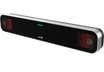
GOLFJOY Spica 3 provides 27 professional golf metrics across ball, club, and trajectory data, giving golfers more than basic distance feedback.
2. Practice Environment
A launch monitor should be evaluated based on where it will be used most often.
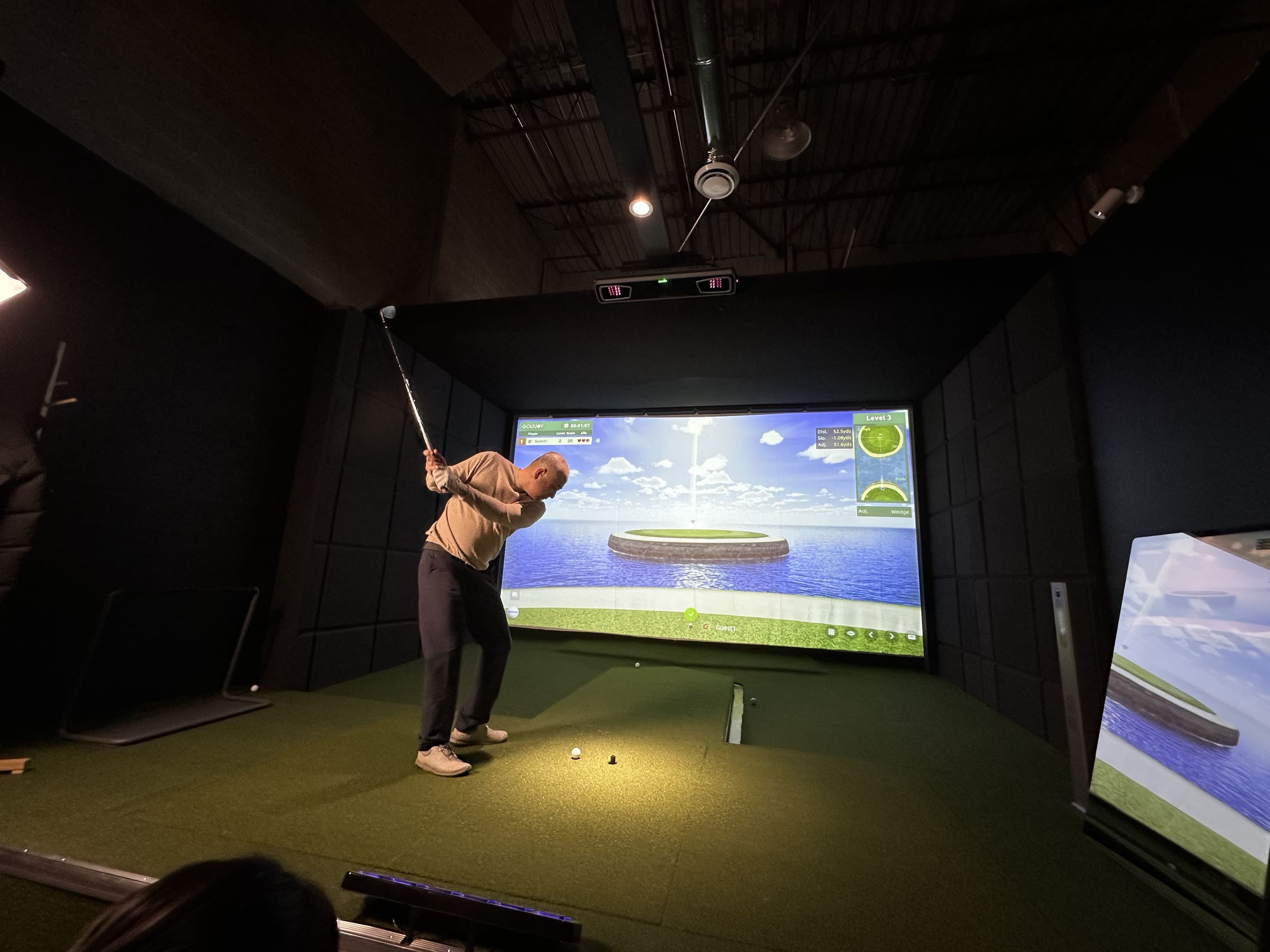
Indoor users often care about compact-space performance, fast feedback, reliable spin capture, and simulator compatibility.
Outdoor users may care more about portability, battery life, environmental stability, and the ability to practice with standard golf balls.
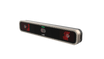
GOLFJOY Spica 3 is designed for both indoor and outdoor golf performance, using a triple high-speed camera system and a portable form factor.
3. Ownership Experience
Ownership value includes more than hardware.
Golfers should also consider software access, app support, compatibility, setup workflow, and whether the system fits their long-term practice habits.
GOLFJOY lists Spica 3 compatibility with GOLFJOY Software, GSPro, E6 CONNECT, and Creative Golf. Spica 3 also includes a 3-month GOLFJOY PC software trial and lifetime access to the GOLFJOY App.
Why Budget Tiers Can Be Misleading
Budget tiers can help narrow choices, but they should not be treated as automatic quality rankings.
The real value of a launch monitor depends on whether it matches the golfer’s use case.
Entry-Level Practice Monitors
Entry-level systems can be useful for golfers who want basic practice feedback, such as ball speed, estimated carry, and general progress tracking.
They may be enough for casual range practice, but they may not provide the club data or simulator depth needed for serious indoor improvement.
Value Performance Monitors
This is where many home simulator buyers begin looking more seriously.
Golfers in this category usually want reliable indoor data, useful club feedback, simulator compatibility, and a system that can support long-term practice.
GOLFJOY Spica 3 fits this value-performance mindset by combining triple high-speed camera tracking, 27 professional metrics, standard golf ball compatibility, built-in touchscreen operation, and multi-software support.
Advanced Indoor Performance Systems
Advanced systems are often designed for golfers, coaches, or simulator users who need deeper data, strong indoor repeatability, and more specialized workflows.
These systems can make sense when the golfer needs more advanced analysis, but buyers should still evaluate whether the extra complexity matches their actual goals.
Professional and Commercial Benchmarks
Premium systems from established brands can offer very deep data and strong professional credibility.
For example, TrackMan 4 is officially positioned around dual radar and camera technology with 40+ club and ball data parameters, while Foresight GCQuad uses Quadrascopic imaging for precise ball and club data.
These systems may be appropriate for tour-level coaching, fitting, and commercial validation, but not every home golfer needs that level of system complexity.
Which Data Matters Most for Your Goals?
One of the biggest buying mistakes is choosing based on the total number of advertised metrics instead of asking which metrics matter for your goals.
If You Want Better Distance Control
Prioritize ball speed, launch angle, spin rate, carry distance, peak height, and landing angle.
These numbers help with gapping, wedge control, and understanding how far each club actually carries.
If You Want to Fix Shot Shape
Prioritize spin axis, club path, attack angle, launch direction, and club-related data.
Ball flight tells you what happened. Club delivery helps explain why it happened.
If You Want Better Indoor Practice
Prioritize camera-based consistency, reliable spin measurement, fast feedback, and simulator software compatibility.
Indoor and outdoor launch monitor performance can differ because indoor spaces usually provide less ball flight distance.
If You Care About Short Game
Short-game and putting feedback require more than full-swing distance data.
Golfers who care about this area should evaluate short-range sensitivity, roll measurement, launch direction, and whether the system is designed to support those use cases.
The Most Expensive Mistake Golfers Make
The most expensive mistake is not always spending too little or too much.
It is spending in the wrong place.
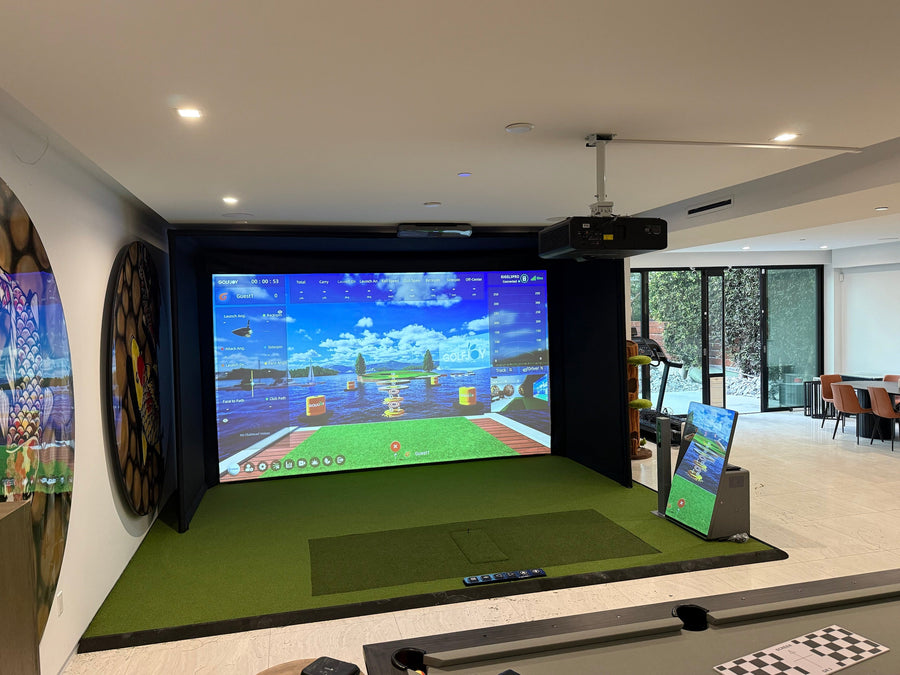
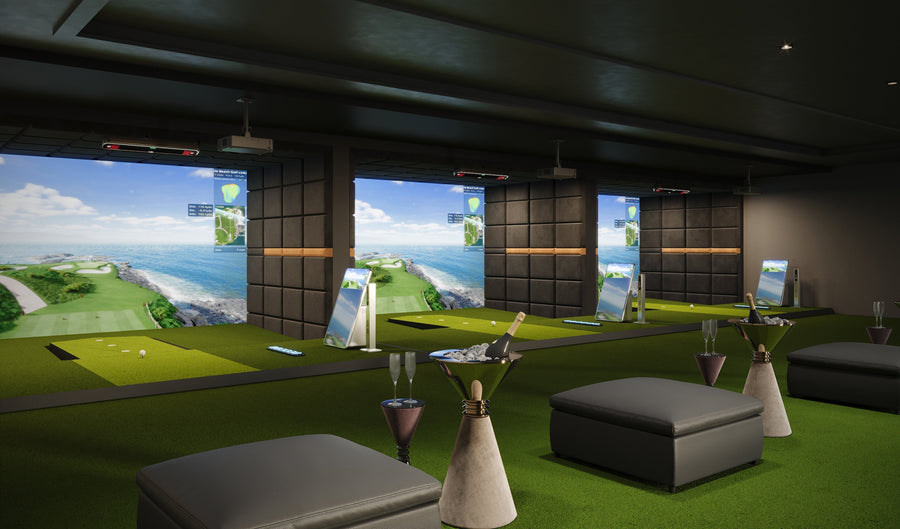
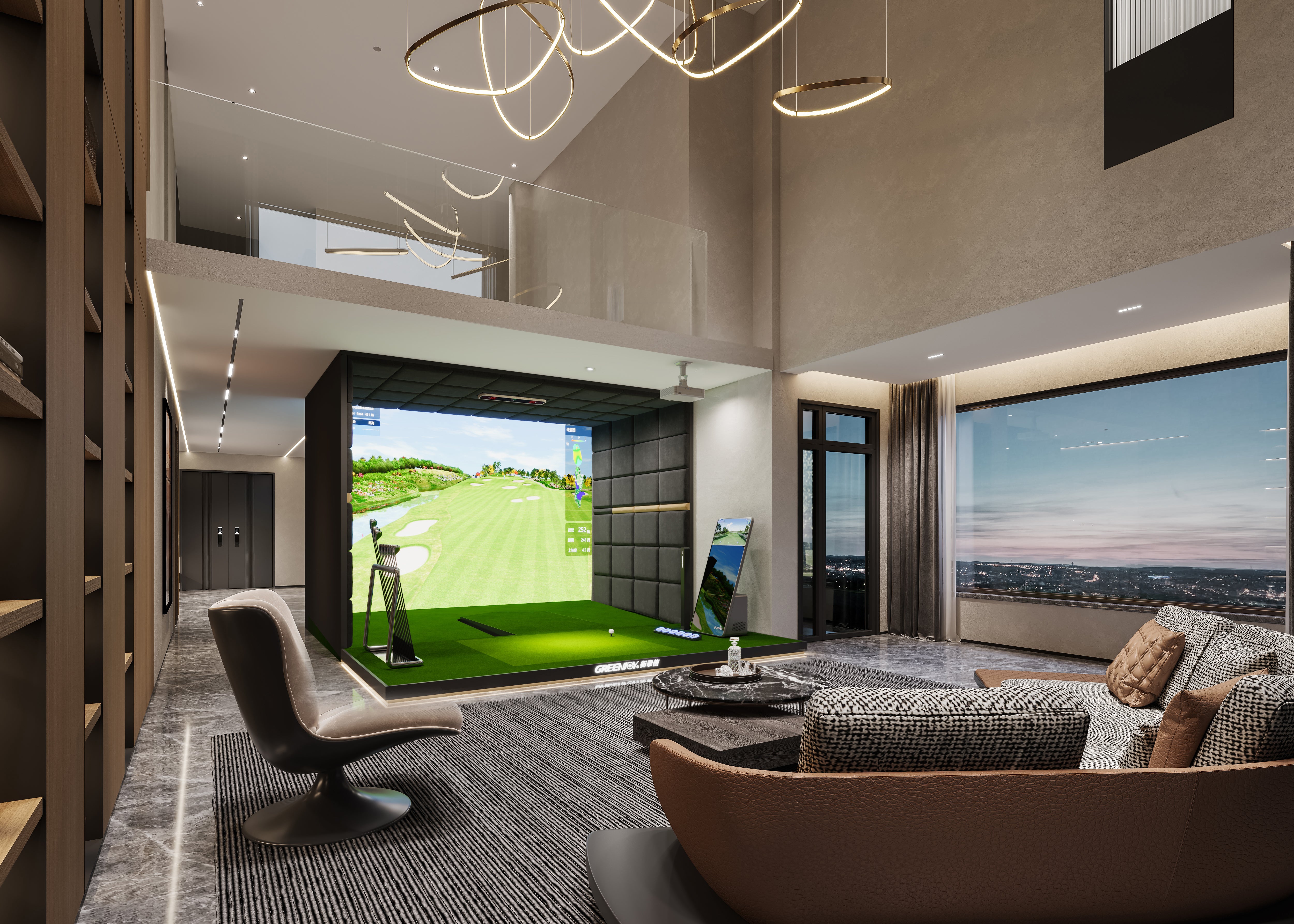
Many golfers focus heavily on the launch monitor itself but underestimate the full simulator workflow, including software, room setup, display hardware, enclosure quality, and how often they will realistically practice.
Others buy a basic monitor and later realize it does not provide the club data they need to understand swing patterns.
The best value usually appears when the system gives enough data to support real improvement without adding unnecessary complexity.
A Real-World Example: Evaluating Value in the Mid-Market Segment
One example of a value-focused launch monitor is GOLFJOY Spica 3.
Rather than focusing only on one specification, its value comes from how several features work together for home simulator users, indoor golfers, and portable practice users.
Key GOLFJOY Spica 3 features include:
- Triple high-speed camera tracking
- 27 professional golf metrics
- Built-in touchscreen display
- Indoor and outdoor golf performance
- Standard golf ball compatibility
- Built-in battery support
- GOLFJOY Software, GSPro, E6 CONNECT, and Creative Golf compatibility
- 3-month GOLFJOY PC software trial
- Lifetime access to the GOLFJOY App
For golfers evaluating value, the important point is not a single feature. It is whether the system can support the way they actually practice.
How to Choose the Right Launch Monitor for Your Budget
Step 1: Define Your Main Practice Environment
Will you use the launch monitor mostly indoors, outdoors, or both?
This matters because indoor users often need strong performance in limited space, while outdoor users may prioritize range workflow and portability.
Step 2: Decide Which Data You Actually Need
Beginner golfers may only need basic ball data.
Serious players, coaches, and simulator users usually benefit from club data and deeper shot analysis.
Step 3: Evaluate Software Compatibility
Simulator software can shape the entire ownership experience.
Before buying, check whether the system supports the software experience you want for practice, course play, multiplayer sessions, or coaching.
Step 4: Think About Total Ownership Experience
Consider app access, trial periods, software requirements, setup workflow, and whether the system can grow with your practice habits.
Step 5: Avoid Paying for Data You Will Not Use
Advanced systems can be powerful, but more data is only valuable if it supports your goals.
The smartest purchase is the system that gives you the most useful data for your actual environment.
Final Verdict
The best launch monitor for your budget is not simply the cheapest or most expensive option.
It is the system that gives you accurate, useful, and repeatable feedback in the environment where you practice most often.
Golfers who focus on value rather than price alone often make better long-term decisions.
Before choosing a launch monitor, ask what data you need, where you will use it, which software matters, and whether the ownership experience fits your long-term goals.
Need Help Evaluating Launch Monitor Value?
Talk to the GOLFJOY US team to compare launch monitor options for home simulators, indoor practice, coaching, and portable golf training.
Contact GOLFJOY TeamFAQs About Launch Monitor Value
What is the best launch monitor for my budget?
The best launch monitor depends on your practice environment, data needs, software preferences, and long-term ownership goals.
Is a more expensive launch monitor always better?
No. A more advanced system may offer deeper data, but it is only better if you actually use those features.
What data should I prioritize for indoor golf?
Indoor golfers should prioritize reliable spin measurement, launch angle, carry distance, shot direction, club data, fast feedback, and simulator software compatibility.
Why does software matter when choosing a launch monitor?
Software affects course play, practice modes, data review, multiplayer use, and the long-term simulator experience.
How should I evaluate total ownership value?
Look beyond hardware. Consider software access, app support, compatibility, setup requirements, room needs, and how often you will use the system.