






Putting on a golf simulator works by tracking the ball’s speed, direction, and roll immediately after impact, then using simulation software to calculate how the ball would travel across a virtual green. Advanced systems use high-speed cameras to measure even small movements, allowing short putts and delicate strokes to be recreated with surprising realism. While it may feel slightly different from real grass, modern simulators can provide highly effective putting practice when properly set up.
Can You Practice Putting on a Simulator?
Yes, you can absolutely practice putting on a golf simulator—and in many cases, it’s one of the most underrated training benefits.
Unlike full swings, putting focuses on precision rather than power. A well-configured simulator allows you to:
- Practice distance control
- Improve alignment and aim
- Read virtual greens
- Build consistency
Many golfers use a golf swing simulator primarily for full shots but overlook its putting capabilities. In reality, simulators can help refine short-game skills when paired with the right setup and software.
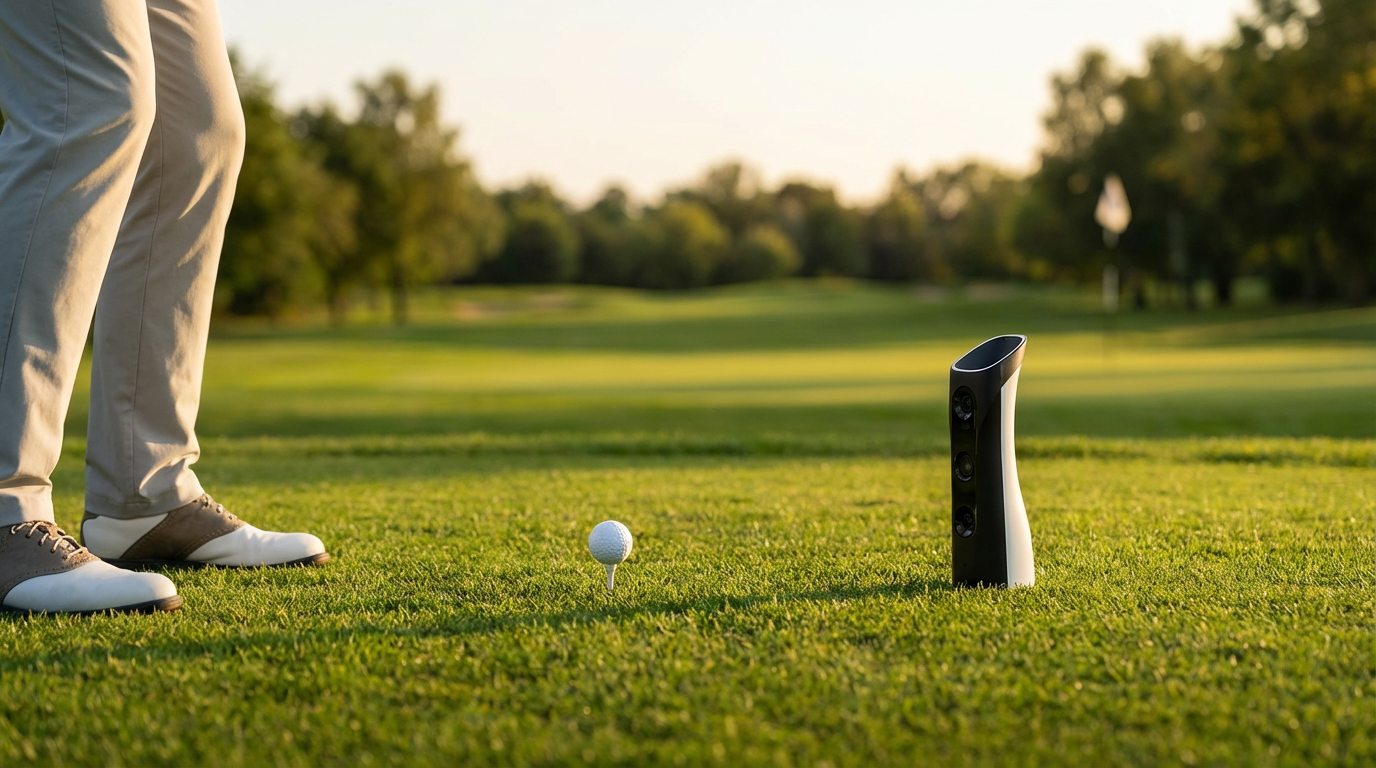
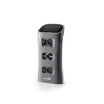
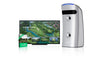
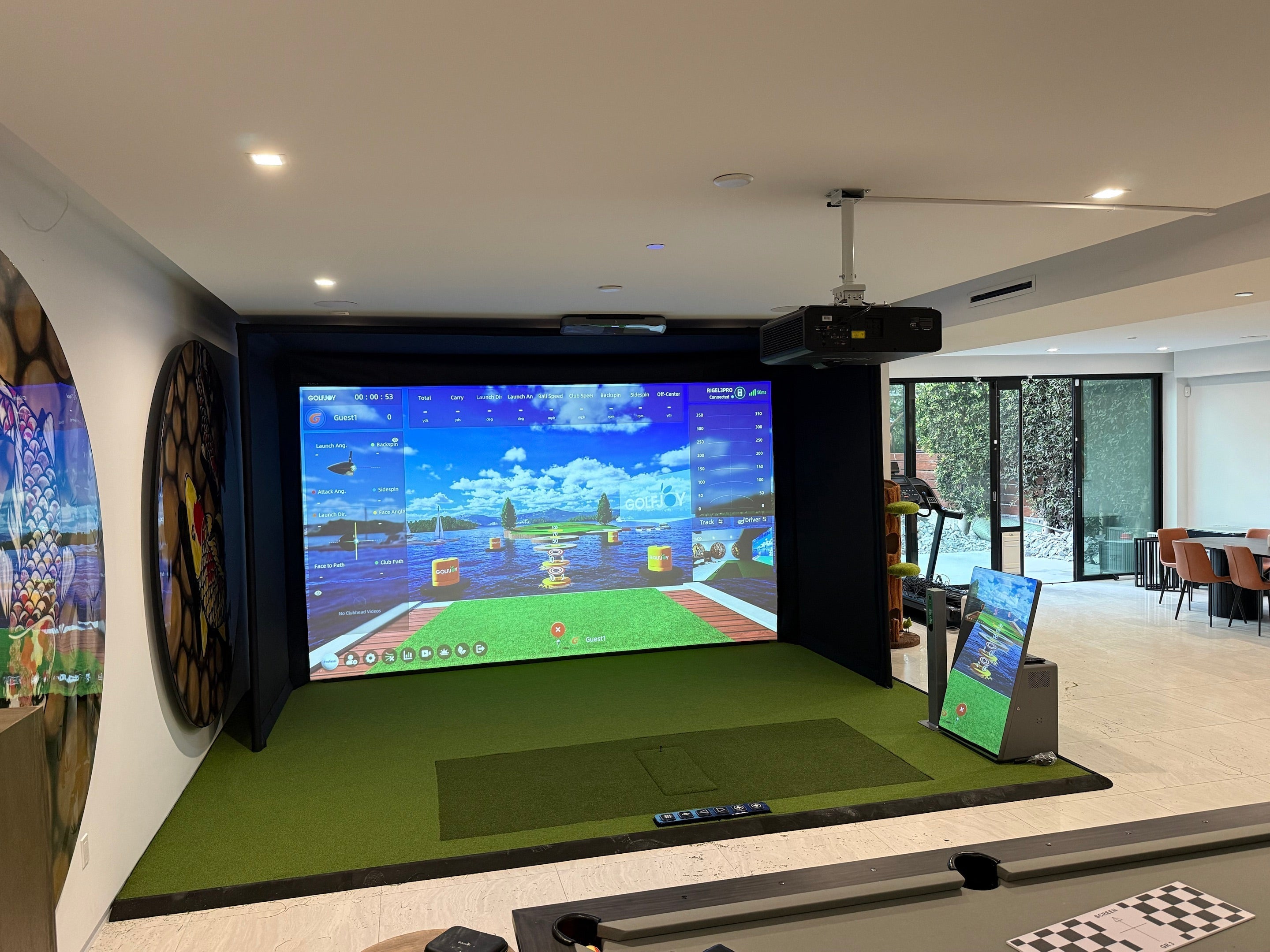
Systems powered by high-speed camera trackinindoor golf launch monitorg, such as those from GOLFJOY, are particularly effective at capturing low-speed ball movement, which is essential for accurate putting simulation.
How Putting Is Measured
Putting is measured differently from full swings. Since the ball moves much slower, the system must detect subtle changes in speed and direction.
Ball Speed
Ball speed is the most critical factor in putting. It determines how far the ball will travel.
Simulator systems calculate ball speed immediately after impact. Even small differences in stroke strength can significantly affect results.
Roll Distance
Roll distance is calculated based on:
- Ball speed
- Green surface conditions
- Slope and friction
Unlike real greens, simulators rely on physics models to estimate how far the ball will roll.
Green Slope Simulation
Modern simulators simulate green slopes digitally. The software adjusts the ball’s path based on:
- Uphill or downhill gradients
- Left-to-right or right-to-left breaks
Below is a simplified comparison of how putting behaves under different slope conditions:
| Green Type | Ball Behavior | Difficulty Level |
|---|---|---|
| Flat green | Straight roll | Easy |
| Uphill | Slower roll, shorter distance | Medium |
| Downhill | Faster roll, longer distance | Hard |
| Side slope | Curved path | Advanced |
This type of simulation is powered by advanced golf simulator programs that replicate real-world physics.

Different Putting Modes
Not all simulators handle putting the same way. Depending on the system and software, you may have access to different putting modes.
1. Auto-Putt Mode
In this mode, the simulator automatically calculates the number of putts based on distance.
Best for:
- Casual players
- Faster gameplay
Limitation:
- No real putting practice
2. Assisted Putting Mode
This mode simplifies putting by adjusting difficulty or providing guidance.
Features:
- Reduced break effect
- Simplified distance control
3. Real Putting Mode
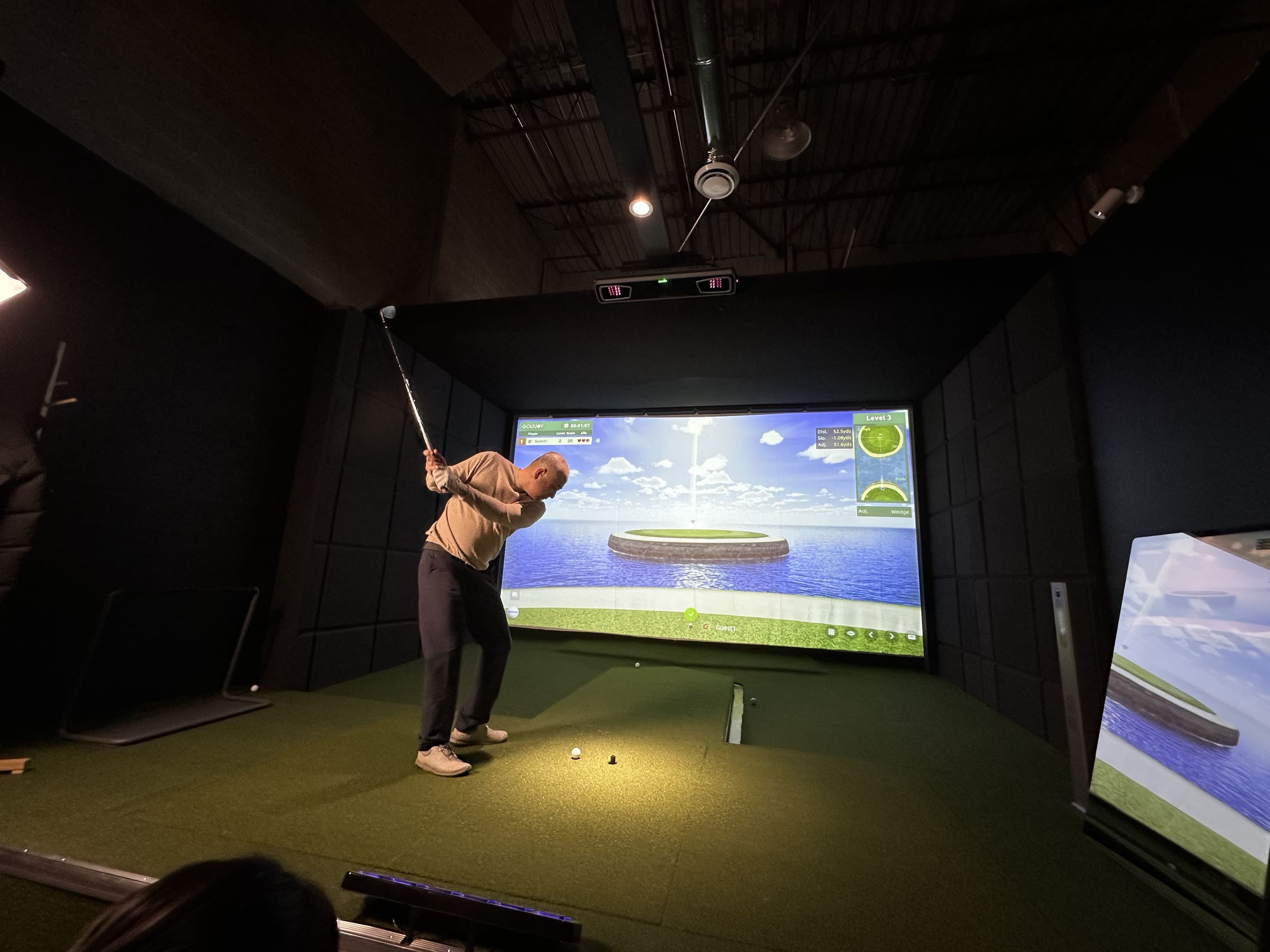
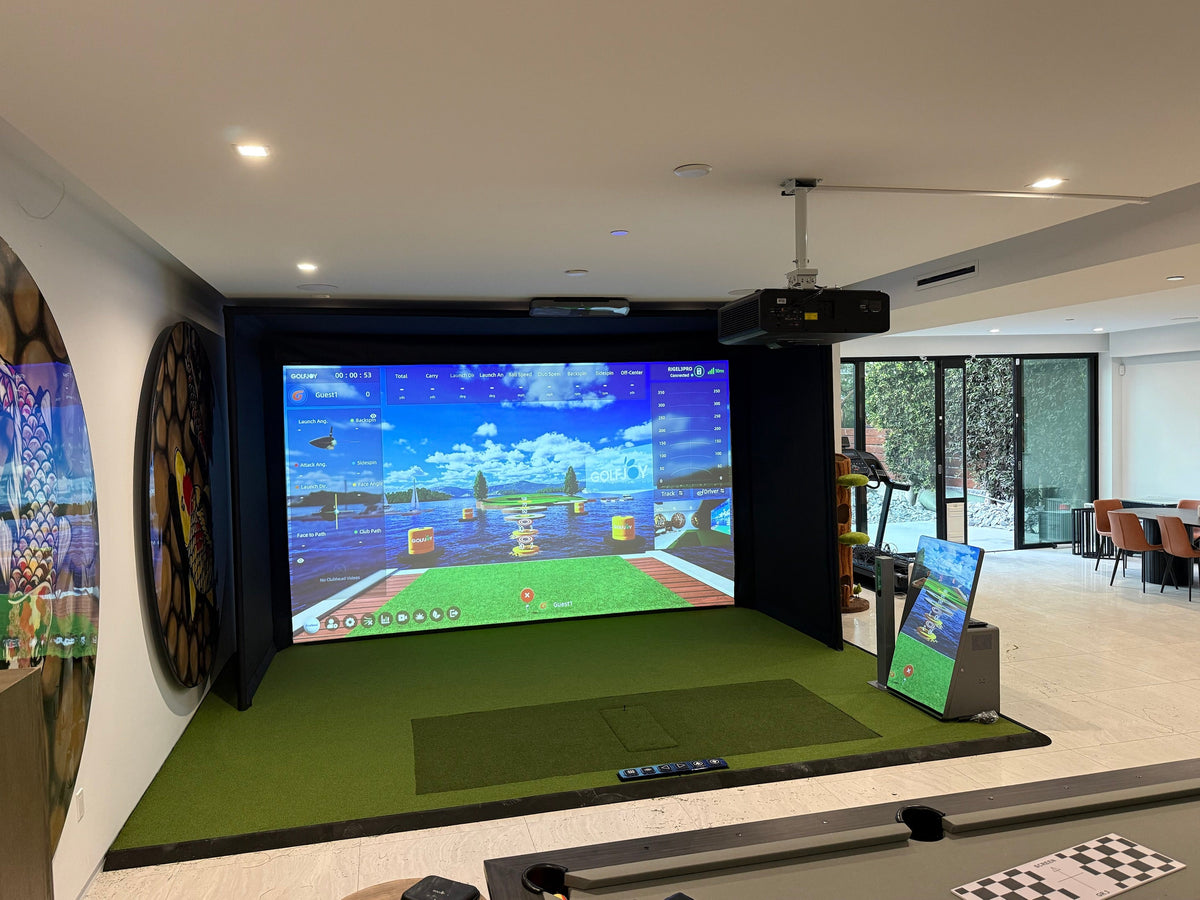
This is the most realistic option, where you physically putt the ball. GOLFJOY's smart putting system activates automatically within four yards of the green, offering 200+ short-putt experiences with multiple cup positions and variable green speeds
Best for:
- Practice
- Skill improvement
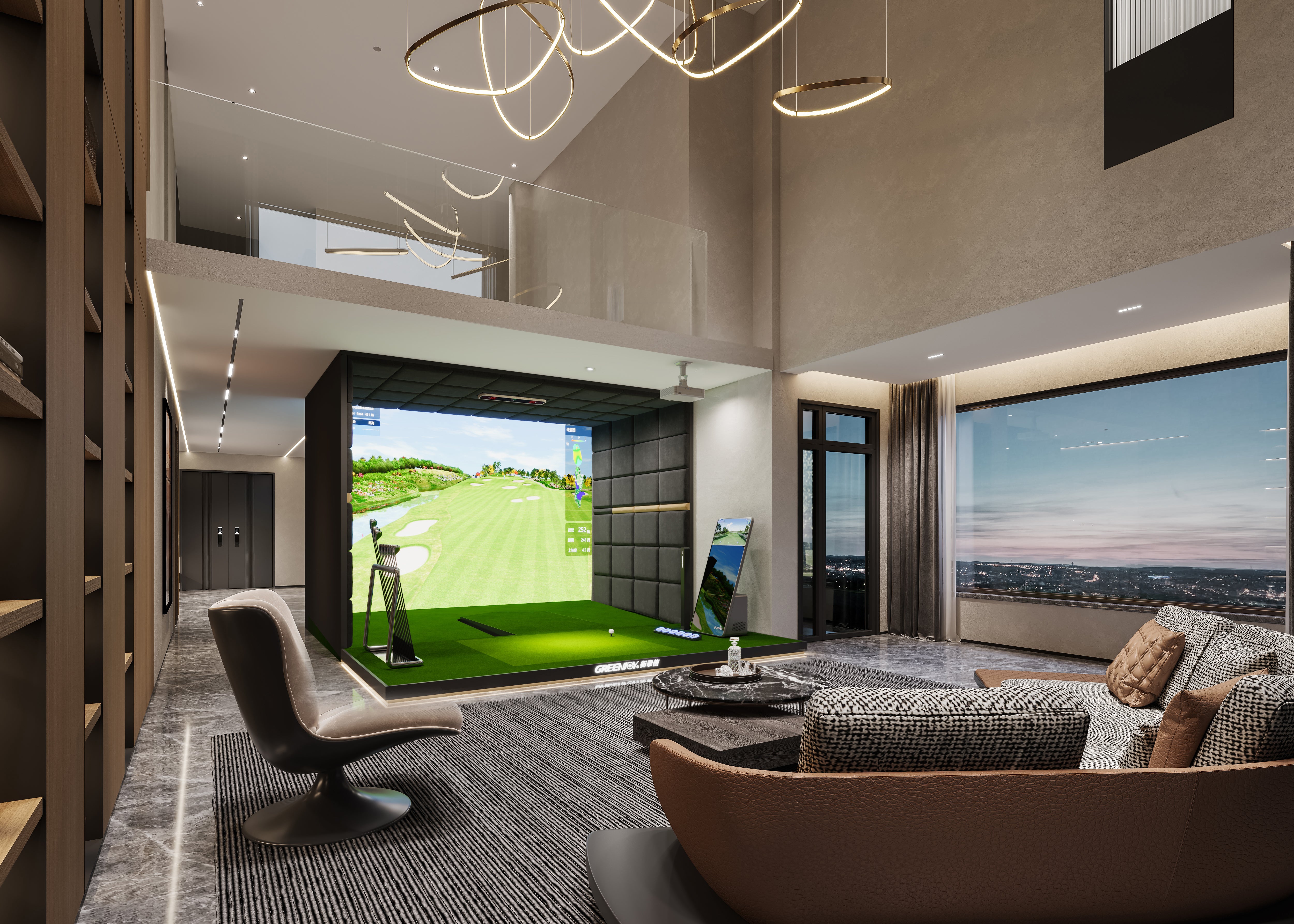
Many advanced setups combine real putting with indoor golf simulator software to deliver accurate feedback and immersive gameplay.
Tips for Better Simulator Putting Practice
To get the most out of your putting sessions, follow these practical tips:
1. Focus on Distance Control
Distance control is more important than direction in putting. Practice hitting consistent speeds rather than aiming for perfect lines.
2. Use Consistent Setup
Keep your stance, grip, and ball position consistent to build muscle memory.
3. Calibrate Your System
Proper calibration ensures accurate readings. Make sure your indoor golf launch monitor is correctly aligned and configured.
4. Practice Short Putts First
Start with short putts to build confidence, then gradually increase distance.
5. Understand Simulator Limitations
Even the best systems may not perfectly replicate real green speeds. Adjust your expectations and focus on improving technique.
6. Choose the Right Equipment
Using a reliable launch monitor and simulator setup improves accuracy, especially for low-speed shots like putting.
Putting Accuracy: Simulator vs Real Greens
Putting on a simulator is not identical to real putting, but it offers valuable training benefits.
| Factor | Simulator | Real Green |
|---|---|---|
| Surface feel | Artificial | Natural grass |
| Speed consistency | Very consistent | Varies with conditions |
| Slope simulation | Digital | Physical |
| Practice convenience | High | Weather dependent |
While real greens provide tactile feedback, simulators offer controlled environments that are ideal for repetition and analysis.
Why Putting Practice Matters Indoors
Putting accounts for a large portion of strokes in a round of golf. Improving your putting can significantly lower your scores.
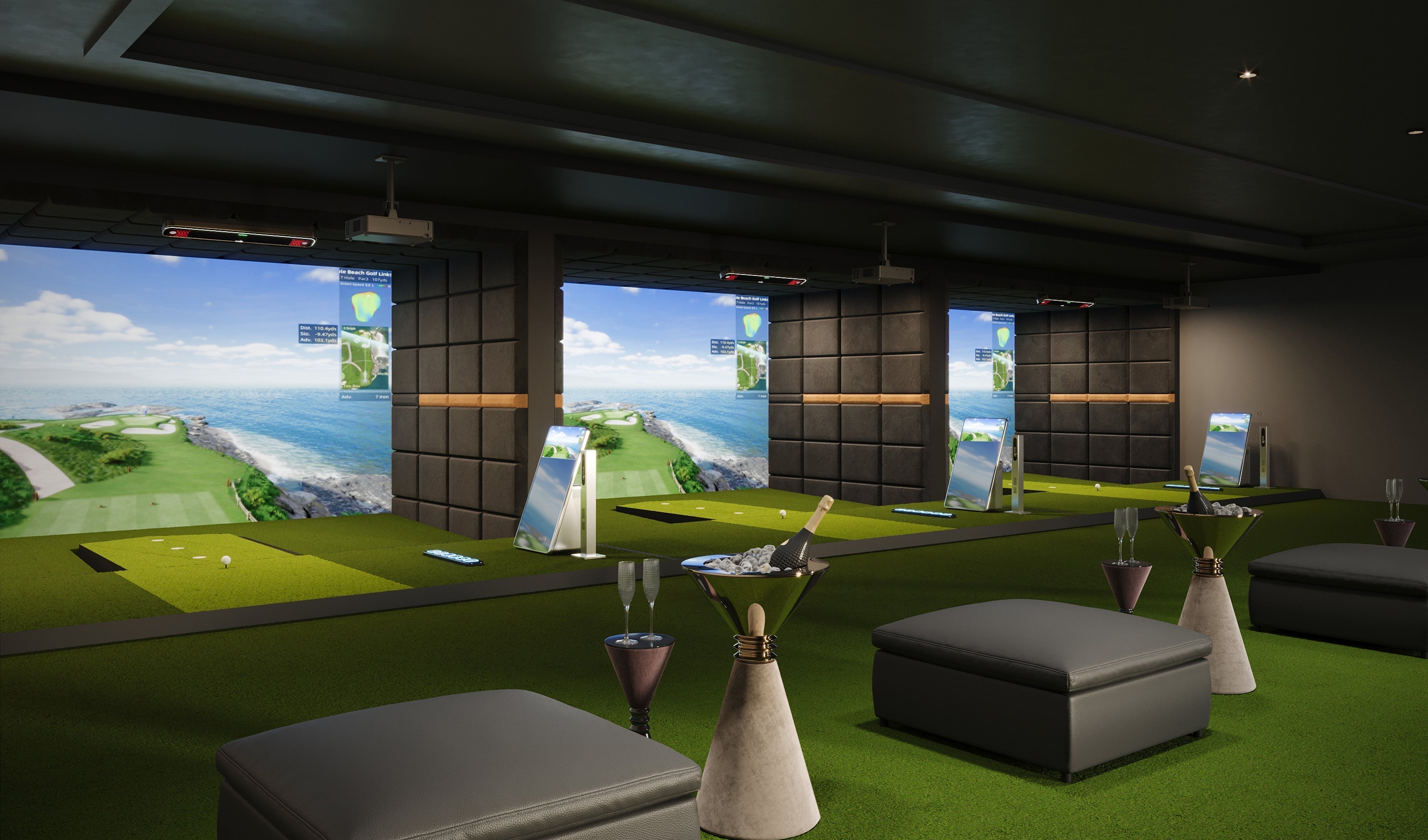
With a home setup—especially a personal indoor golf simulator—you can:
- Practice daily
- Track performance over time
- Build confidence in your short game
As indoor golf continues to grow, supported by organizations like the National Golf Foundation, simulators are becoming an essential tool for both casual and serious players.
FAQs About Putting on a Golf Simulator
How do you putt on a golf simulator?
You putt by hitting the ball on a designated surface while the system tracks speed and direction, then simulates the ball rolling on a virtual green.
How does putting work on a golf simulator?
The simulator measures ball speed and direction, then uses software to calculate roll distance and slope effects.
Is putting realistic on a golf simulator?
It can be quite realistic, especially on high-end systems, though it may not perfectly replicate real green feel.
Can you practice putting effectively indoors?
Yes, simulators allow you to practice distance control, alignment, and consistency in a controlled environment.
Do all simulators support real putting?
No. Some systems use auto-putt modes instead of real putting.
What is the best way to improve putting on a simulator?
Focus on consistent stroke mechanics, distance control, and proper system calibration.
References
[1] National Golf Foundation. (2023). Off-Course Golf Participation Report.
https://www.ngf.org
[2] PGA of America. (2023). Short Game Training Insights.
https://www.pga.com
[3] Golf Digest. (2024). Indoor Putting Practice Guide.
https://www.golfdigest.com
[4] Golf Monthly. (2024). How to Improve Putting Indoors.
https://www.golfmonthly.com

Leave a comment
All comments are moderated before being published.
This site is protected by hCaptcha and the hCaptcha Privacy Policy and Terms of Service apply.