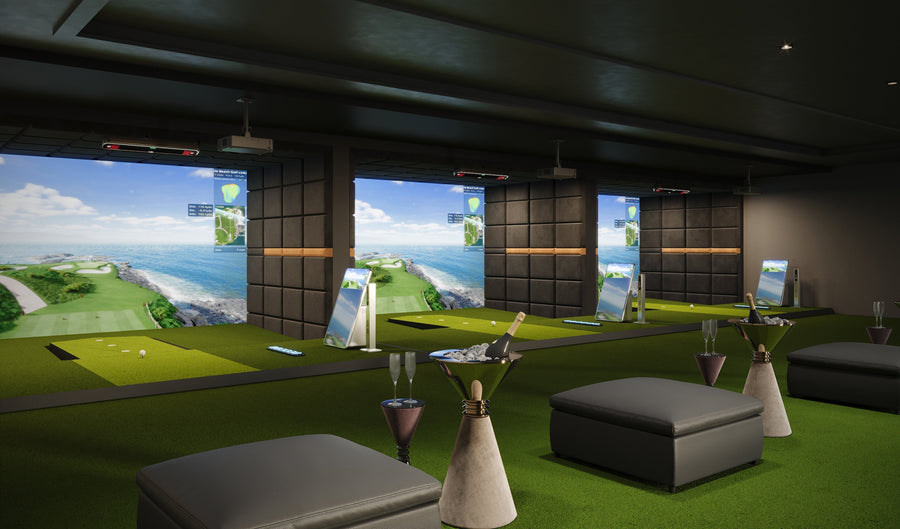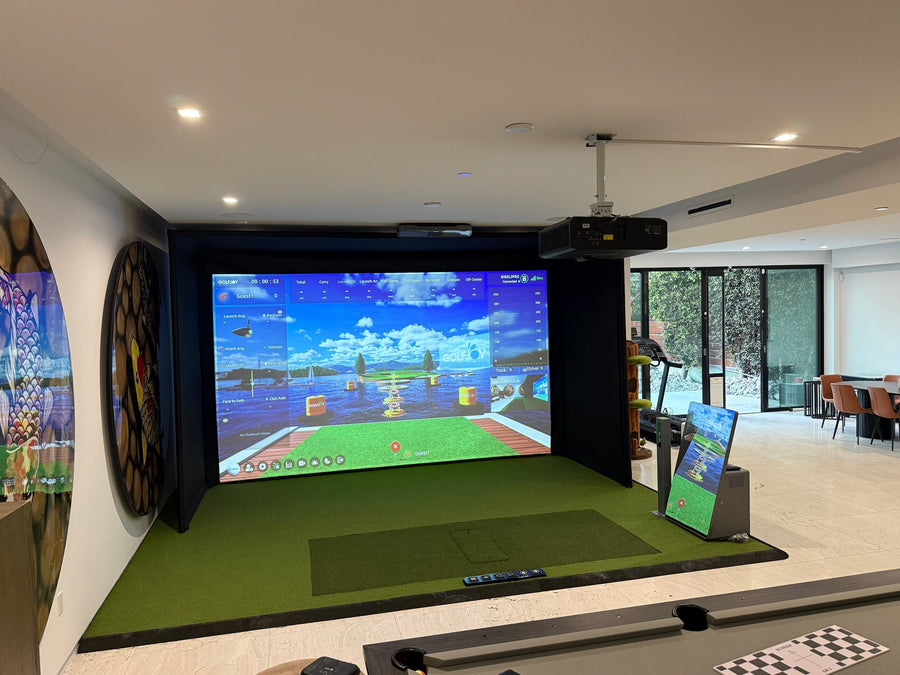






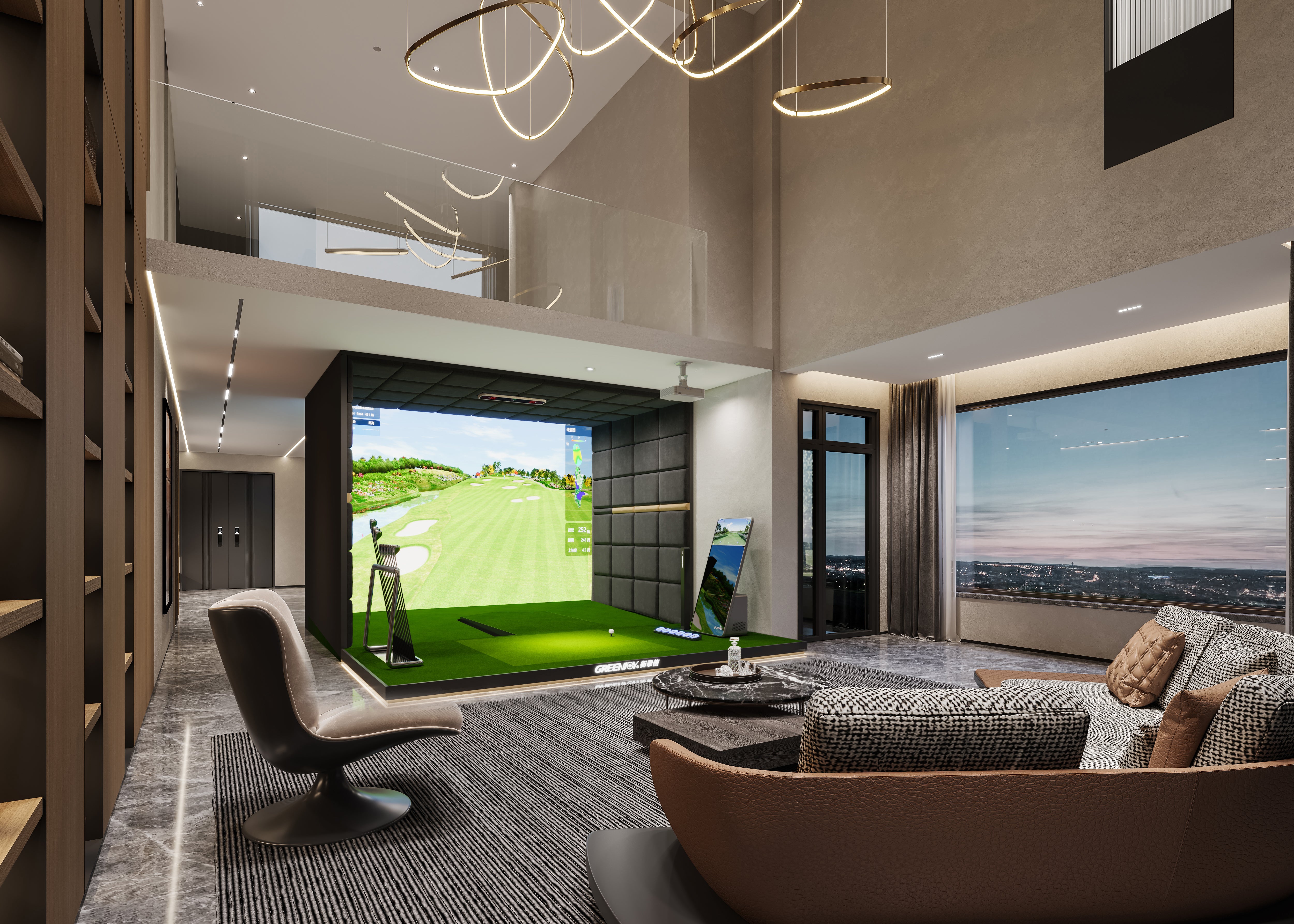
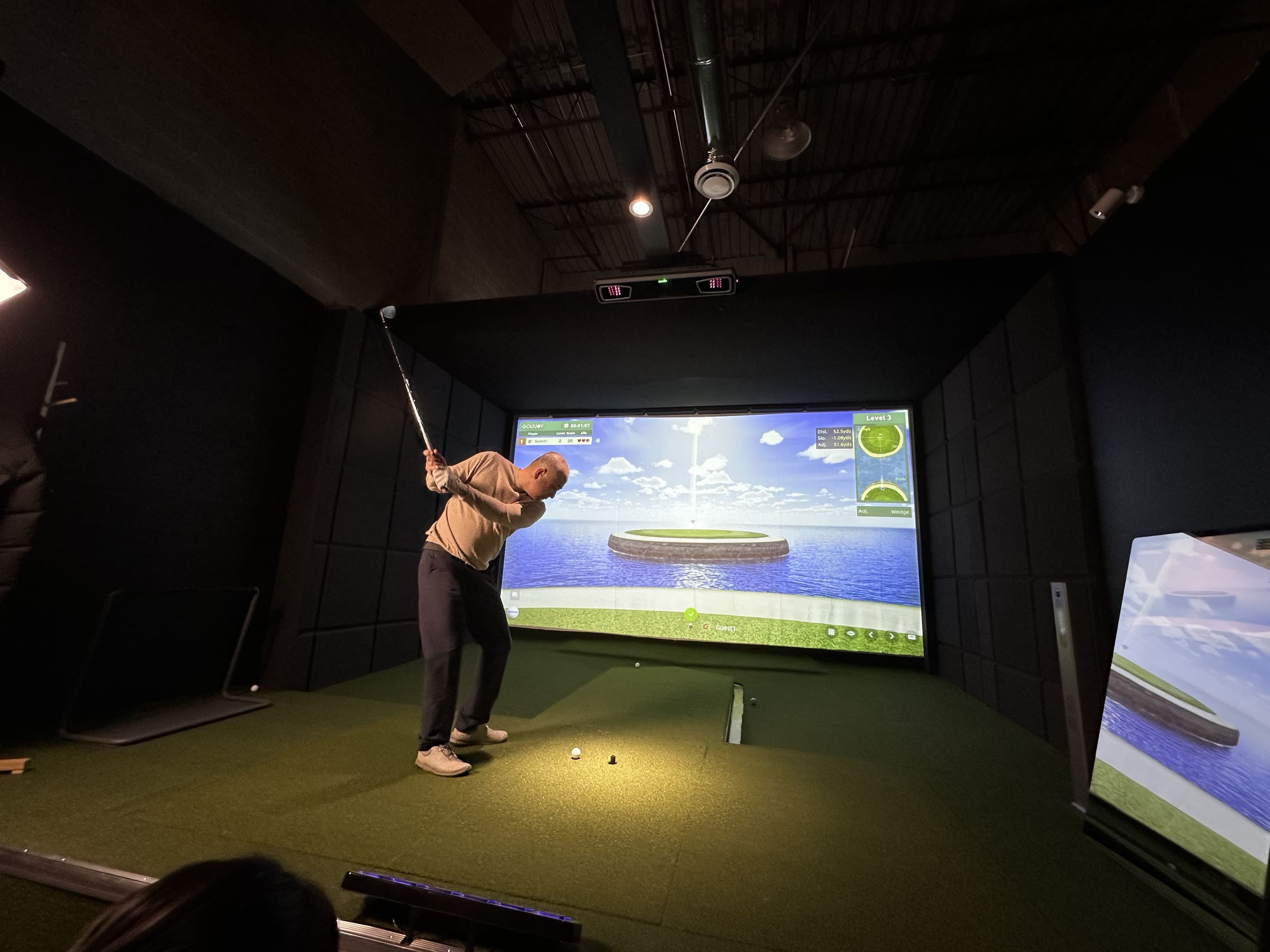
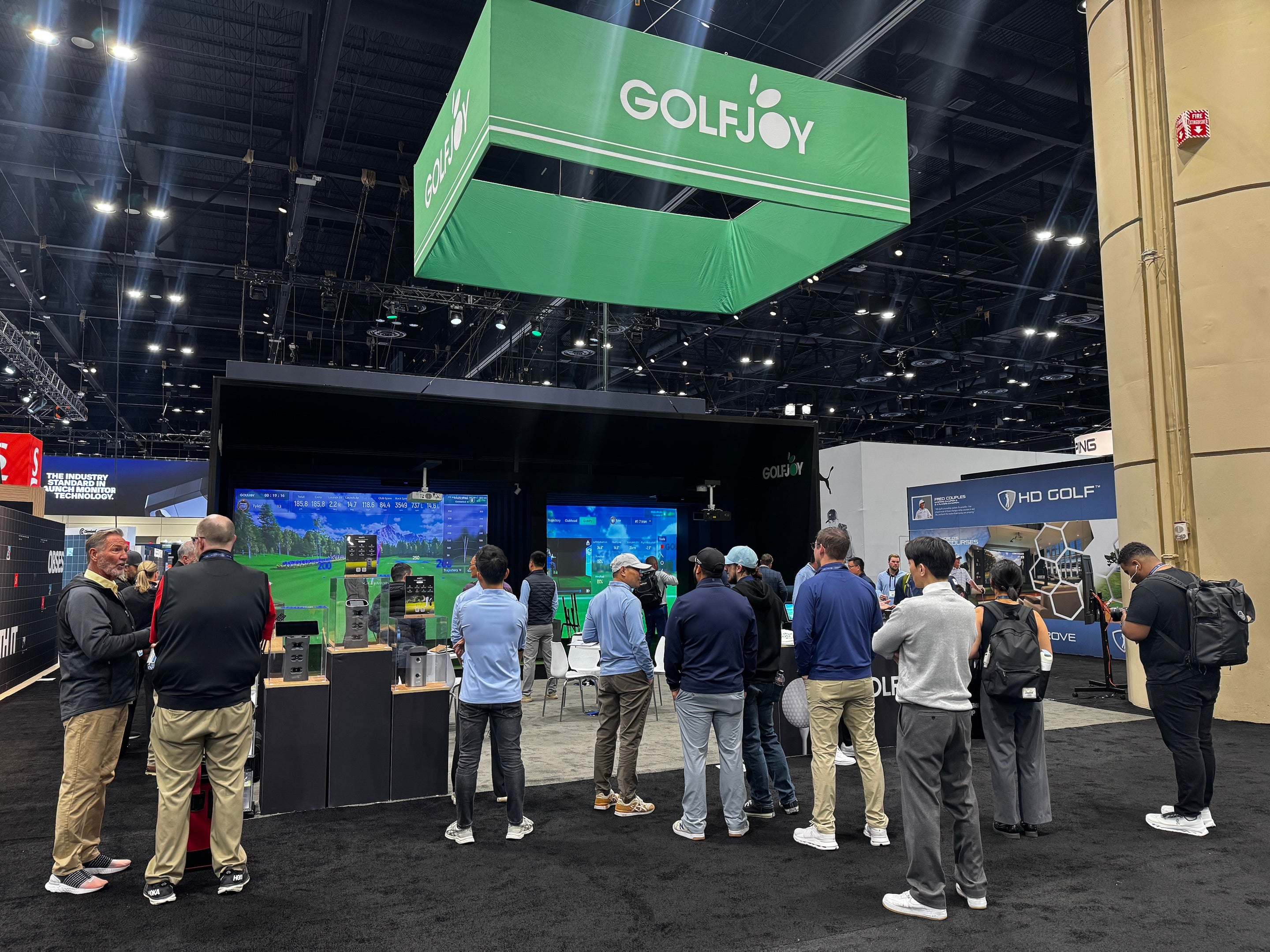
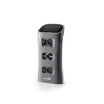
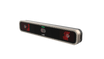
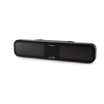
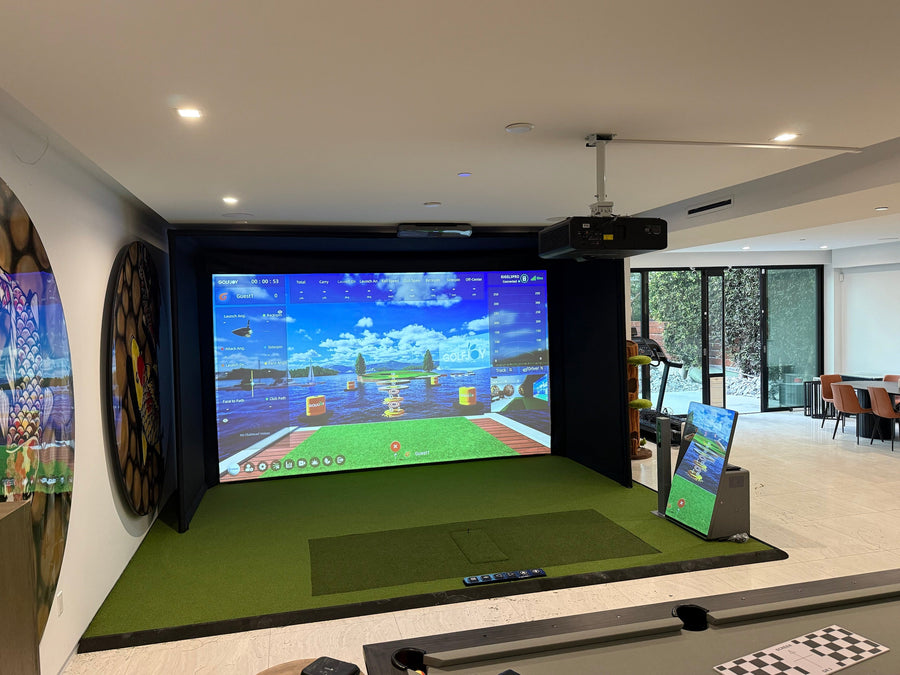
Golf is a sport of precision and finesse, where even small adjustments can influence ball flight and consistency. The GOLFJOY Rigel 2 Overhead Launch Monitor is designed for dedicated indoor golf bays, giving players a ceiling-mounted tracking solution that keeps the floor around the hitting area clear. In this article, we look at the key features of Rigel 2 and how it compares with Rigel 3 and Rigel 3 Pro for home simulator rooms, coaching studios, and commercial golf facilities.
Rigel 2 uses a dual-camera overhead tracking system to capture ball and club movement around impact. Its fixed ceiling-mounted position supports repeatable data capture without requiring the launch monitor to be repositioned before every session.
For golfers comparing different tracking formats, GOLFJOY also offers portable and advanced overhead options in its Launch Monitor collection.
Because Rigel 2 is installed above the hitting area, left- and right-handed golfers can use the same simulator bay without moving a floor-based device from one side to the other. This makes an overhead system particularly useful for shared home rooms, coaching studios, and commercial bays serving multiple players.
Rigel 2 provides immediate shot feedback and tracks more than 30 ball, club, and trajectory measurements. Depending on the selected software view and tracking setup, users can review data such as ball speed, launch angle, spin, carry distance, club speed, club path, and face information.
This broader data set can help golfers evaluate distance control, shot direction, impact conditions, and swing consistency rather than relying only on the projected ball flight.
Rigel 2 is designed to work with standard golf balls, making everyday practice more convenient. Players can use the golf balls they normally prefer, while supported club measurements may require the applicable club-marker setup.
Rigel 2 works with GOLFJOY simulator software and supported third-party platforms. Software availability and compatibility can vary by region, device configuration, and current integration support, so buyers should confirm the software package they plan to use before purchasing.
The software experience can include virtual course play, driving-range practice, multiplayer modes, and performance analysis. For a complete room rather than a launch monitor alone, explore GOLFJOY’s home and indoor golf simulator solutions.
When paired with a suitable gaming computer, projector, impact screen, enclosure, and simulator software, Rigel 2 can support an immersive indoor golf experience with realistic course environments and responsive shot feedback. Final image quality depends on the full setup, including software settings, computer specifications, projector resolution, screen material, and room lighting.
The current GOLFJOY Rigel series includes Rigel 2, Rigel 3, and Rigel 3 Pro. All three are overhead launch monitors intended for permanent indoor installations, but they serve different performance and application needs.
| Feature | Rigel 2 | Rigel 3 | Rigel 3 Pro |
|---|---|---|---|
| Installation | Fixed overhead | Fixed overhead | Fixed overhead |
| Tracking System | Dual-camera tracking | Triple-camera tracking | Next-generation triple-camera sensing system |
| Data Capability | More than 30 ball, club, and trajectory measurements | Expanded ball, club, and trajectory analysis | Most advanced sensing and performance analysis in the Rigel range |
| Left- and Right-Handed Use | No device repositioning | No device repositioning | Automatic left/right-handed tracking with an expanded sensing area |
| Best Fit | Home simulator rooms and value-focused indoor bays | Advanced home, coaching, and commercial use | Premium training environments and high-end commercial installations |
Golfers who need portability rather than a permanent overhead installation can review the Spica 3 portable launch monitor. Those planning a dedicated indoor room can compare all current models through the GOLFJOY Launch Monitor collection.
Rigel 2 tracks more than 30 ball, club, and trajectory measurements. The exact data shown depends on the software view and the applicable ball- or club-tracking setup.
Yes. Players can easily switch between left- and right-handed modes through the software settings, without moving a floor-based uni
Yes. Rigel 2 is designed to work with standard golf balls. Some supported club measurements may require the applicable club markers.
Rigel 2 uses a dual-camera overhead tracking system, while Rigel 3 uses triple-camera tracking and is positioned as the more advanced option for golfers who want expanded measurement and playback capabilities.
Rigel 3 Pro is GOLFJOY’s most advanced overhead launch monitor. It uses a next-generation sensing system and is designed for users who want the highest level of tracking, analysis, and simulator realism within the current Rigel range.
No. Rigel 2 is intended for a fixed overhead installation. Golfers who need a portable device for indoor, outdoor, or range practice should consider Spica 3.
A complete indoor golf simulator normally includes the launch monitor, compatible software, a suitable computer, projector or display, impact screen, enclosure, hitting mat, and enough room for a safe golf swing. GOLFJOY’s home golf simulator solutions combine these components into more complete packages.
Its overhead design and support for left- and right-handed players make it suitable for shared indoor bays. Commercial operators should also compare installation height, hitting-zone requirements, software licensing, expected operating hours, and service needs before selecting a model.
Rigel 2 offers a fixed overhead approach for golfers who value a clear hitting area, shared left- and right-handed use, standard-ball tracking, and detailed shot feedback. Rigel 3 and Rigel 3 Pro provide additional options for users seeking more advanced tracking and higher-performance simulator configurations.
Compare all GOLFJOY Launch Monitors, view the Rigel 2, explore the Rigel 3 and Rigel 3 Pro, or review complete home and indoor golf simulator solutions.
Submit your information and our team will follow up with you.