






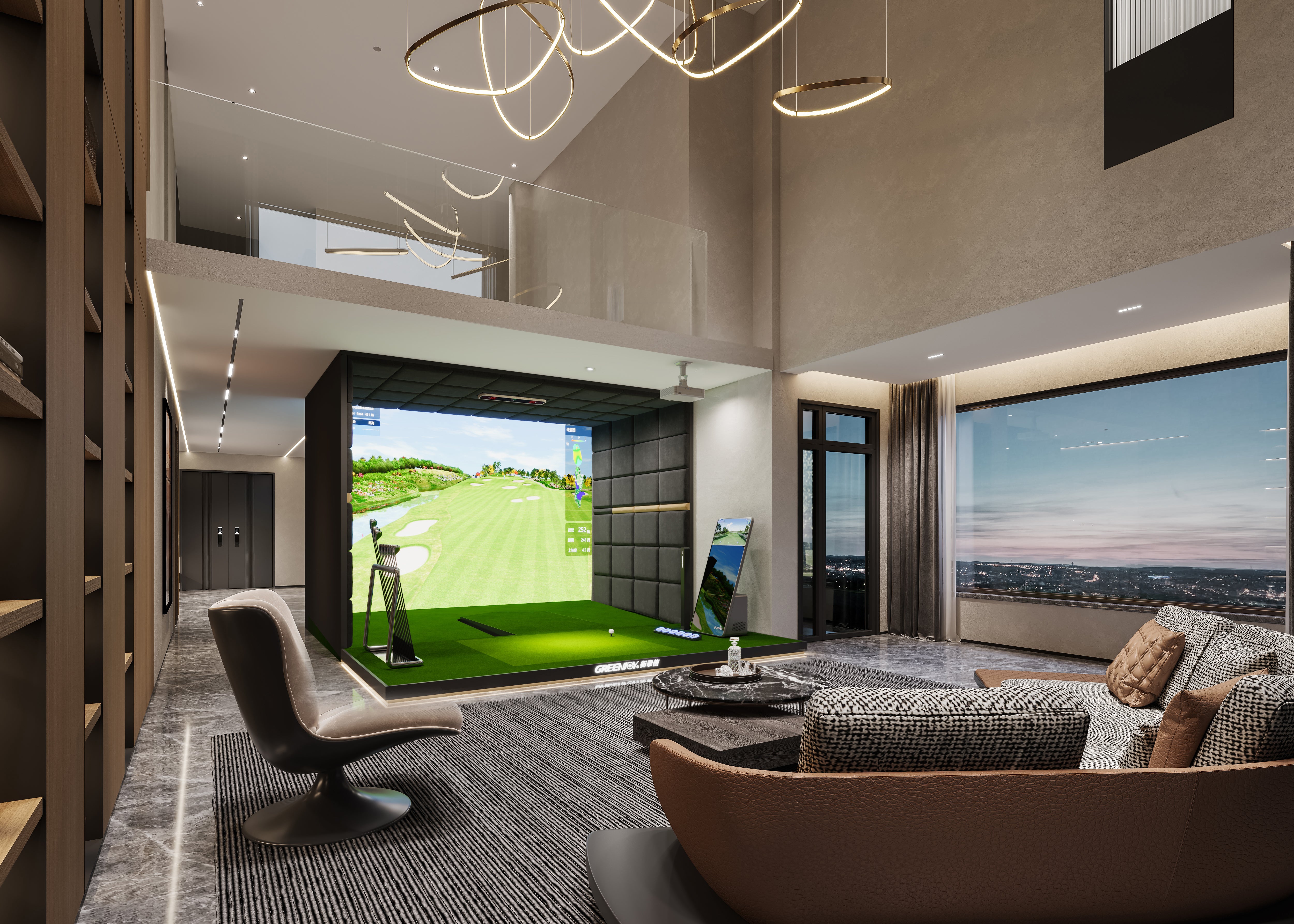
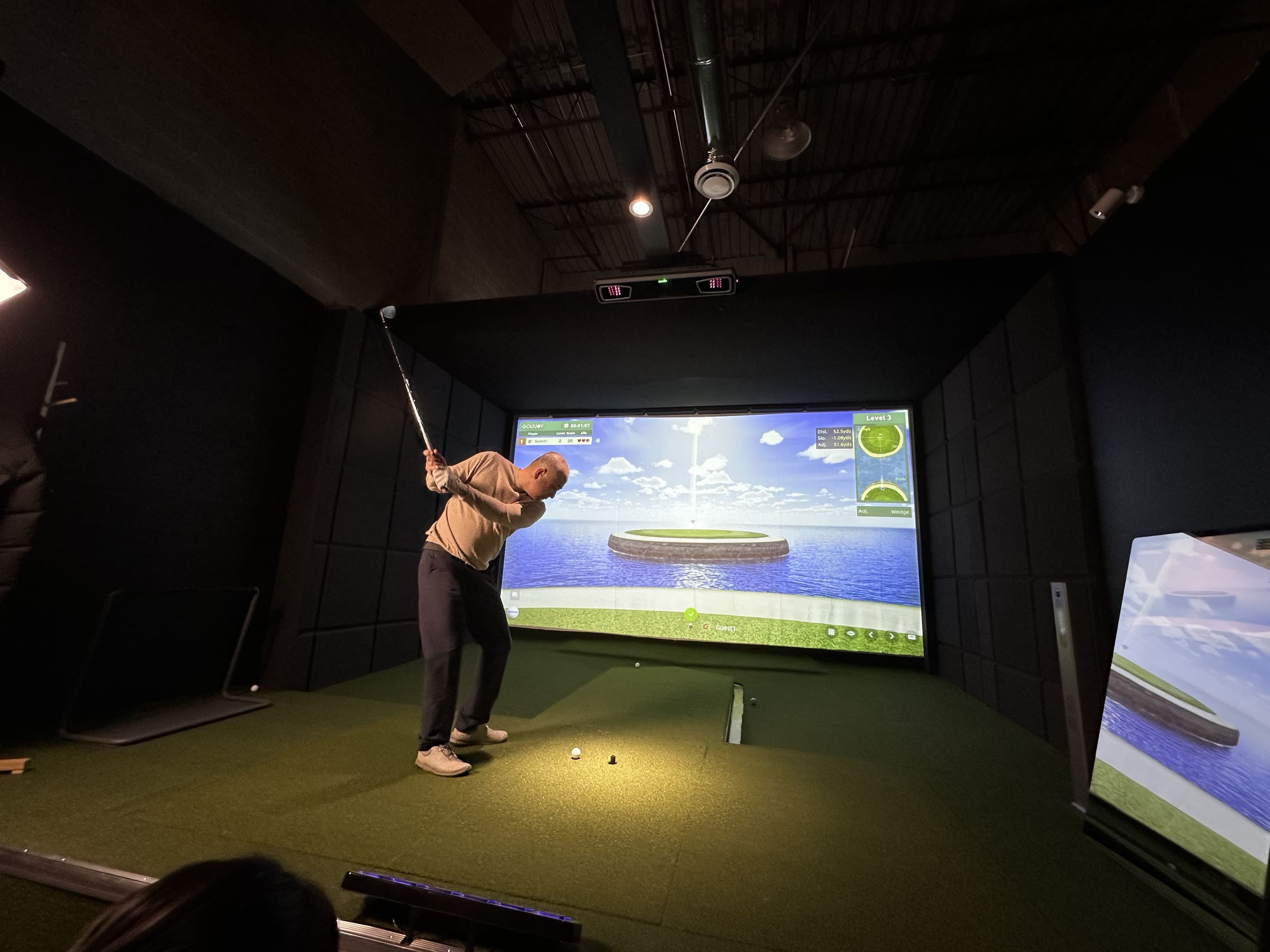
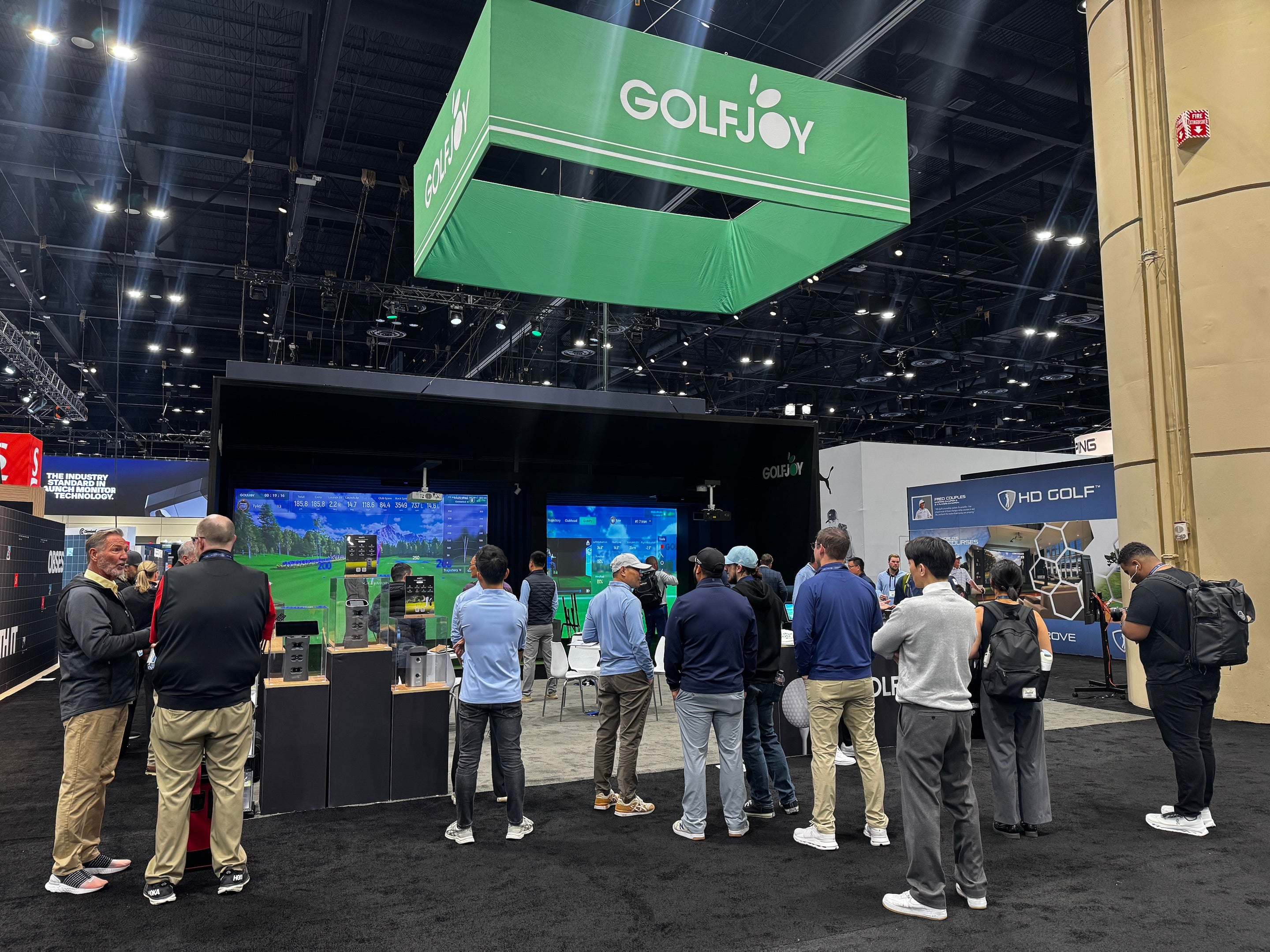

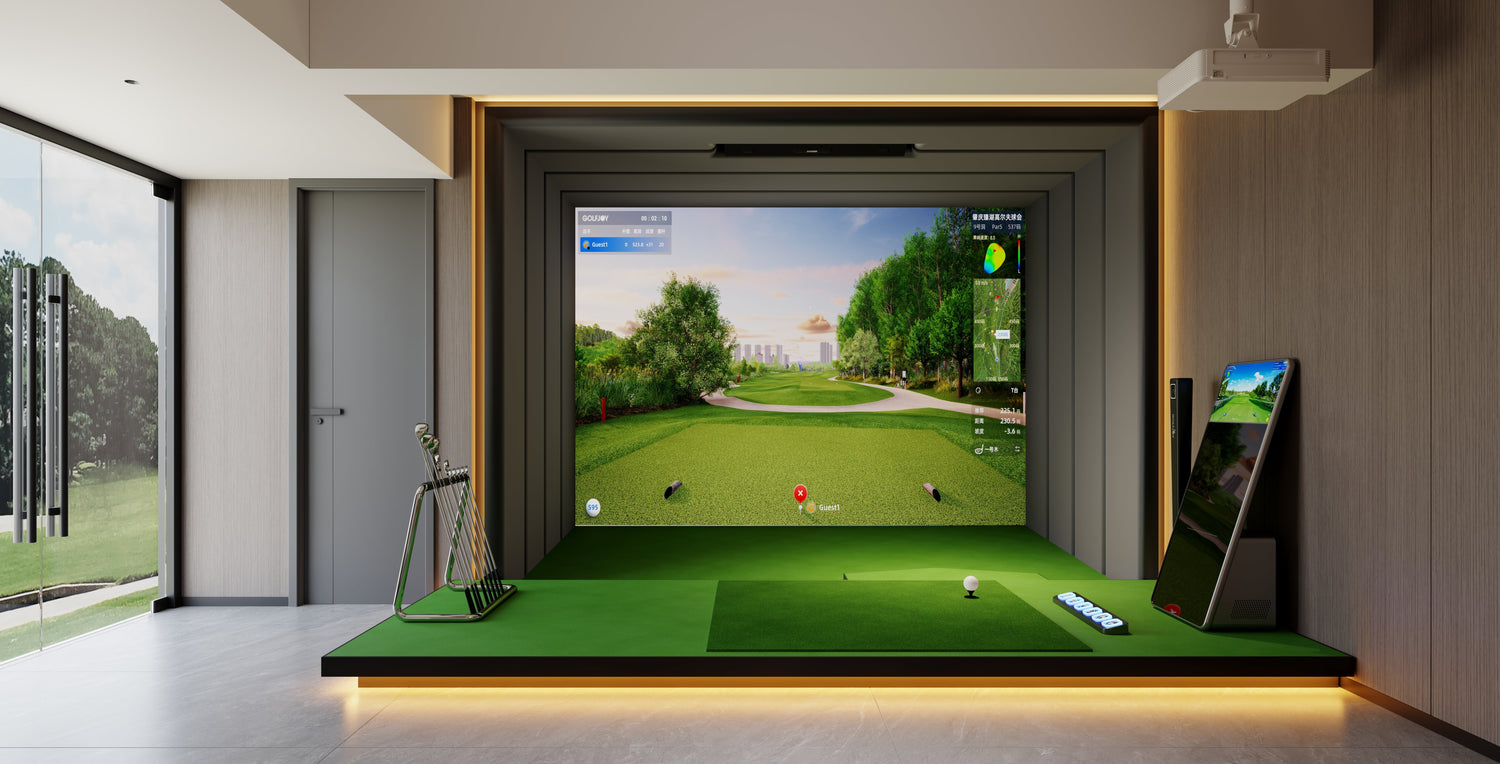
A commercial golf simulator is a major investment for any indoor golf facility, training academy, entertainment venue, or golf lounge. Regular maintenance helps protect equipment performance, reduce unexpected downtime, and provide a consistent experience for every player.
Unlike home golf setups, commercial simulator systems operate for many hours each day and experience significantly more swings, customer interactions, and environmental changes. A structured maintenance plan ensures that key components such as the launch monitor, projector, impact screen, software, and tracking system continue performing reliably. This guide explains the essential maintenance practices for commercial golf simulators, including daily inspections, calibration checks, software management, and long-term preventive care.
Why Commercial Golf Simulator Maintenance Matters
Regular maintenance is not only about fixing problems after they happen. For businesses, proactive simulator upkeep helps prevent customer disruptions, protects equipment lifespan, and keeps every simulator bay ready for operation.
A poorly maintained simulator may experience issues such as inaccurate shot tracking, delayed feedback, blurry projection, software interruptions, or unnecessary downtime. These problems can directly affect customer satisfaction and business operations.
For commercial operators using professional launch monitor systems and indoor golf solutions, establishing a consistent maintenance routine is one of the most effective ways to protect long-term performance.
Create a Clear Maintenance Responsibility System
Successful indoor golf facilities usually assign maintenance responsibilities based on staff roles. Not every issue requires technical support, but every problem should have a clear reporting process.
|
Role |
Typical Responsibilities |
| Opening staff | Startup, visual safety check, test shots, basic cleaning |
| Closing staff | System shutdown, damage reporting, updating maintenance records |
| Venue manager | Review recurring issues, schedule service, manage replacement needs |
| Technical staff | Calibration, software troubleshooting, hardware diagnosis |
| Specialist contractor | Electrical work, structural repairs, advanced technical support |
For an overhead golf simulator,staff should avoid moving ceiling-mounted tracking equipment without proper procedures. Any physical adjustment can affect system alignment and should be reviewed before recalibration.
Daily Commercial Golf Simulator Maintenance Checklist
Daily checks should be simple, consistent, and completed before customer sessions begin. A short inspection routine can help identify problems before they affect bookings.
- Inspect the hitting mat for movement, uneven areas, or visible damage.
- Check the impact screen and enclosure for tears, loose connections, or wear.
- Confirm cables and floor covers are positioned safely.
- Remove dust or debris from the hitting area.
- Start the simulator computer, projector, tracking system, and accessories.
- Confirm the correct software account and simulator profile are loaded.
- Complete several test shots to verify tracking performance.
- Check projector focus, image alignment, and display quality.
- Record any unusual behavior, even if a restart temporarily fixes the issue.
Small issues such as delayed shot recognition, connection problems, or unusual system behavior are often easier to solve when identified early.
Weekly Simulator Bay Maintenance
Weekly work should focus on components that collect dust, receive repeated ball or foot contact, or can loosen during daily operation.
Launch Monitor and Tracking System
Clean accessible sensor areas using manufacturer-approved materials and ensure that nothing blocks the tracking area. Changes in lighting, room layout, or equipment position may influence tracking consistency.
For facilities using advanced camera-based systems such as GOLFJOY commercial simulator solutions, maintaining proper installation conditions helps preserve reliable shot measurement performance.
Projector and Display System
- Check projector lens cleanliness.
- Confirm image focus and alignment.
- Inspect ventilation areas for dust buildup.
- Verify screen brightness and display quality.
Impact Screen and Hitting Area
- Inspect screen tension and attachment points.
- Check high-impact areas for excessive wear.
- Review hitting mat condition and surface stability.
- Confirm surrounding protection areas remain secure.
Monthly Maintenance: Software, Calibration, and System Performance Review
Monthly maintenance focuses on the technical factors that influence simulator reliability. While daily checks help identify visible issues, monthly reviews help prevent software, calibration, and performance problems from affecting customer sessions.
A commercial golf simulator system typically includes multiple connected components, including the launch monitor, simulator software, computer hardware, projector, network connection, and accessories. Reviewing these elements regularly helps maintain a stable operating environment.
Software and System Updates
Simulator software updates can improve performance, introduce new features, and resolve compatibility issues. However, commercial venues should manage updates carefully to avoid unexpected interruptions during business hours.
Recommended practices include:
- Review available software, firmware, and driver updates.
- Confirm user accounts, licenses, and system access are working properly.
- Check available computer storage and remove unnecessary files.
- Test important updates on one system before applying changes across multiple simulator bays.
- Schedule major updates during non-peak operating hours.
For facilities using complete indoor golf solutions, maintaining both hardware and software together helps create a more consistent player experience. Explore GOLFJOY commercial golf simulator solutions for scalable indoor golf facility setups.
Calibration and Tracking Verification
Calibration plays an important role in maintaining accurate shot measurement. A properly installed simulator should provide consistent results, but verification may be needed after equipment movement, room changes, lighting adjustments, or unexpected tracking issues.
Calibration checks are recommended after situations such as:
- Ceiling-mounted equipment has been moved or adjusted.
- The hitting mat or hitting position has changed.
- Projector position or screen alignment has been modified.
- Room lighting conditions have changed.
- Shot detection performance becomes inconsistent.
A basic tracking verification process may include:
- Confirm the hitting position and target alignment.
- Check that the launch monitor and surrounding equipment remain correctly positioned.
- Use consistent clubs and golf balls for comparison testing.
- Compare shot detection, distance feedback, and data consistency with previous performance.
- Record the verification date and any adjustments made.
Repeated recalibration without identifying the underlying cause may not solve performance issues. Factors such as lighting, positioning, software settings, or equipment condition should also be reviewed.
Quarterly Preventive Work
Quarterly checks should address long-term wear and infrastructure that is not reviewed during routine opening procedures.
- Inspect screen tension, attachment points, enclosure framing, and ceiling mounts.
- Check projector filters or service requirements according to the manufacturer.
- Review surge protection, power strips, outlets, and equipment cabinets.
- Test network switches, backup connections, and labeled cable routes.
- Review PC temperatures, fan noise, and hardware health with approved tools.
- Rotate or replace hitting areas according to wear patterns.
- Audit spare parts, adapters, cables, balls, tees, and cleaning supplies.
- Confirm warranty records, serial numbers, and service contacts.
High-volume bays may need some of these checks monthly. Maintenance frequency should follow use intensity rather than the calendar alone.
Portable Launch Monitor Maintenance Tips
Portable launch monitors require a different maintenance approach because they are frequently moved between locations, practice areas, or training sessions.
To maintain reliable performance:
- Store the device in a dry and protected location.
- Inspect charging ports, cables, and accessories regularly.
- Confirm the unit is placed on a stable surface before use.
- Clean external sensor areas after outdoor sessions.
- Check battery condition before coaching sessions or customer demonstrations.
- Use protective cases during transportation.
Portable systems such as the GOLFJOY Spica 3 Launch Monitor are designed for flexible practice environments, making proper storage and handling an important part of maintaining long-term performance.
Create a Commercial Simulator Maintenance Log
A maintenance record helps facility managers identify repeated problems and make better operational decisions. Instead of recording general notes like “simulator not working,” detailed records make troubleshooting much easier.
|
Log Field |
Example |
| Date and time | 2026-07-27, 14:10 |
| Bay | Bay 3 |
| Activity | Several shots were not detected correctly |
| Observed issue | Lighting settings recently changed |
| Conditions | New lighting scene active |
| Action taken | Adjusted lighting and completed test shots |
| Follow-up | Monitor performance during future sessions |
Over time, maintenance records help managers identify whether problems are caused by equipment wear, software settings, installation conditions, or staff operation procedures.
When Should a Commercial Simulator Bay Be Taken Out of Service?
Safety should always come before continued operation. A simulator bay should be temporarily unavailable when there is a risk to customers, equipment, or staff.
- The impact screen or enclosure cannot safely contain golf shots.
- Ceiling-mounted equipment appears loose or improperly positioned.
- Electrical damage, overheating, or exposed wiring is present.
- Tracking problems continue after approved troubleshooting steps.
- The projector mount or equipment structure creates a safety concern.
- The system repeatedly crashes and affects customer sessions.
Clear service procedures help staff avoid temporary fixes that may create larger equipment or safety issues later.
Best Practices for Long-Term Commercial Golf Simulator Reliability
Maintaining a commercial golf simulator is not only about responding to failures. A proactive maintenance strategy helps businesses deliver a reliable customer experience while protecting their technology investment.
The most effective approach combines:
- Daily operating inspections.
- Regular cleaning and equipment checks.
- Scheduled calibration verification.
- Controlled software updates.
- Accurate maintenance records.
- Professional technical support when required.
For golf academies, indoor golf clubs, and entertainment facilities, reliable simulator performance is essential for maintaining customer satisfaction and maximizing facility usage.
Learn more about GOLFJOY commercial indoor golf solutions and how professional simulator systems can support training, entertainment, and business operations.
FAQ
How often should a commercial golf simulator be maintained?
Commercial golf simulators should receive basic checks daily, cleaning and inspection weekly, technical reviews monthly, and deeper preventive maintenance periodically. The exact schedule depends on usage volume, facility environment, and manufacturer recommendations.
Does a golf simulator need regular calibration?
Yes. Calibration verification helps maintain consistent shot tracking accuracy. It is especially recommended after equipment movement, room changes, lighting adjustments, or unexpected tracking variations.
Can staff perform golf simulator maintenance?
Staff can handle basic tasks such as cleaning, startup checks, and visual inspections. More technical work, including internal repairs, electrical work, or advanced calibration, should be handled by trained personnel or authorized service providers.
How can indoor golf facilities reduce simulator downtime?
Facilities can reduce downtime by creating a preventive maintenance schedule, keeping maintenance records, training staff on basic troubleshooting, and addressing small issues before they become major failures.
What parts of a commercial golf simulator require the most attention?
High-use components such as hitting mats, impact screens, projector systems, cables, tracking equipment, and software systems typically require the most regular inspection because they directly affect daily operation.

Leave a comment
All comments are moderated before being published.
This site is protected by hCaptcha and the hCaptcha Privacy Policy and Terms of Service apply.