







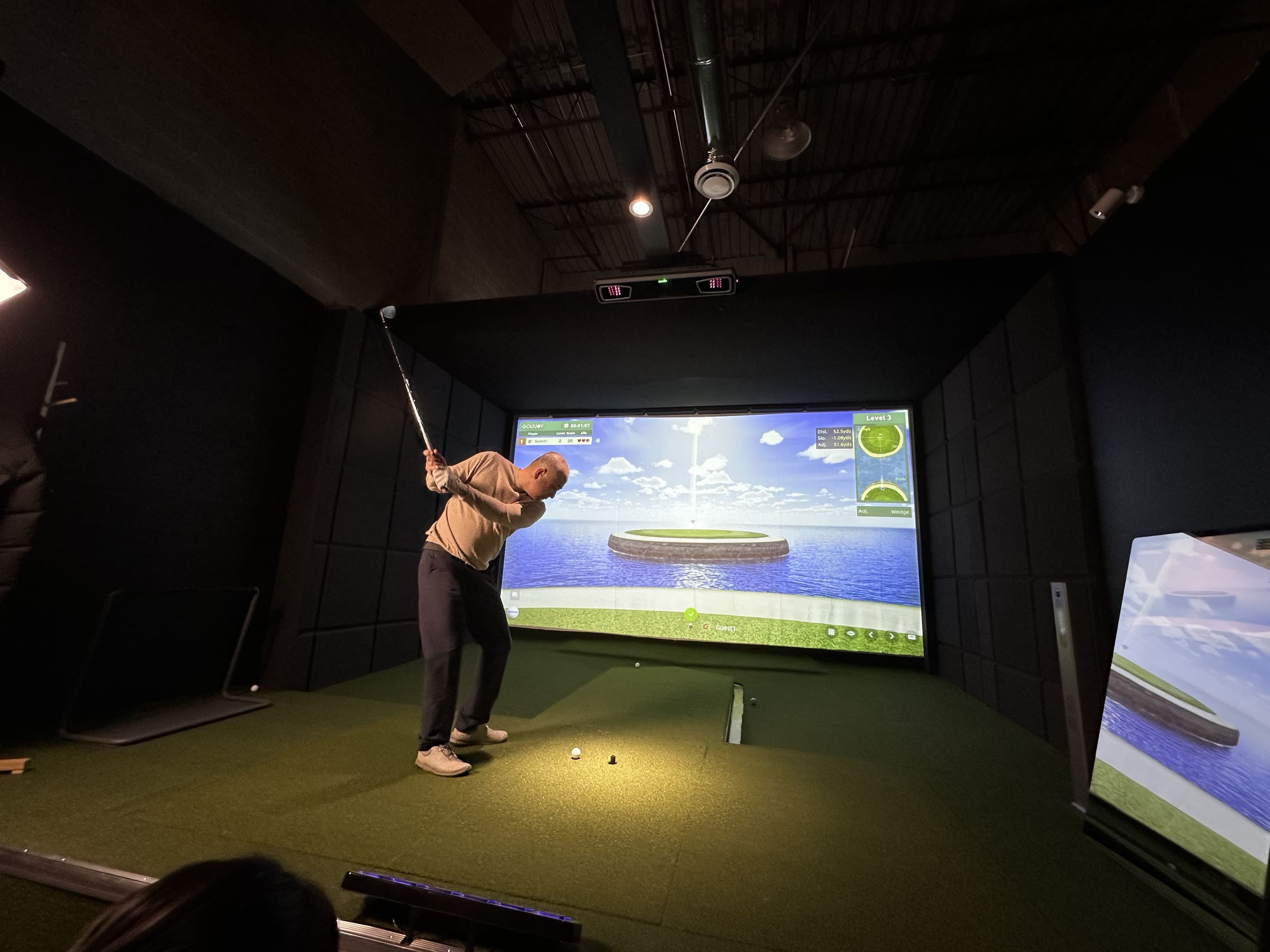


A simulator session can easily become a sequence of unplanned full swings. The player hits a driver, changes clubs, watches the virtual ball, and finishes with a large amount of data but no clear measure of improvement.
Effective practice needs a defined task, a repeatable number of shots, and a small group of metrics. The goal is not to create perfect numbers on every swing. It is to identify a pattern, make one controlled adjustment, and test whether the pattern changes.
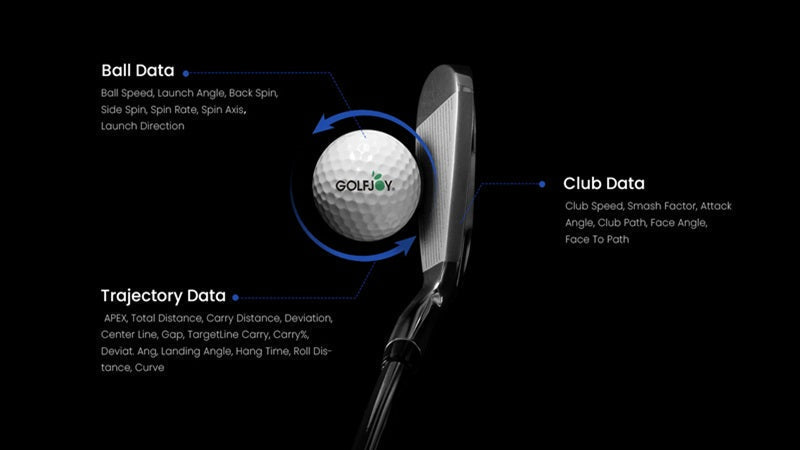
Modern golf simulator training combines structured practice routines with launch monitor data, helping players understand ball flight, swing patterns, and areas for improvement.
The following five drills use different combinations of carry, launch direction, dispersion, club delivery, and strike efficiency. They can be adapted for beginners, experienced players, coaches, or fitting sessions.
Before Starting: Build a Repeatable Golf Simulator Practice Session
A golf training simulator is most useful when the session conditions remain stable.
- Warm up before recording the first test set.
- Use the same ball type throughout the drill.
- Confirm the correct club and player handedness in the software.
- Keep the target line and environmental settings unchanged.
- Record at least five comparable shots before judging a pattern.
- Separate obvious slips or equipment misreads from normal variation.
Choose one primary outcome for each drill. Adding too many metrics makes it difficult to understand which change produced the result.
Drill 1: Carry Distance Ladder for Better Distance Control
Purpose: improve distance control with wedges and short irons.
Select three carry targets, such as 60, 80, and 100 yards. Hit three balls to the first target, then three to the second, and three to the third. Repeat the ladder in reverse.
|
Track |
Why It Matters |
| Carry distance | Shows whether the ball reaches the intended number |
| Launch angle | Helps identify trajectory changes between targets |
| Ball speed | Reveals whether distance changes come from controlled energy |
| Dispersion | Prevents a distance-only result from hiding poor direction |
Score one point when the ball finishes within the chosen carry window and one additional point when it also remains inside the directional window. The exercise rewards controlled distance without ignoring accuracy.
Do not chase every miss with a swing change. Complete the full ladder, then compare which target produced the widest distance variation.
Drill 2: Launch Direction Gate for Improving Shot Accuracy
Purpose: improve the starting direction of the shot.
Create a narrow visual gate around the target line. Start with a wider gate and reduce it only when the player can repeatedly launch the ball inside it.
A golf swing analyzer can help connect the ball’s start direction with club delivery. Review launch direction first, then compare club path and face-related values where available.
- Hit ten shots with one mid-iron.
- Count how many begin inside the target gate.
- Record the average start direction and the left-to-right range.
- Make only one setup or delivery adjustment for the second set.
- Repeat ten shots and compare the distribution, not only the best shot.
This drill is different from a fairway challenge. A ball may start inside the gate and curve outside the final target area. That distinction helps the golfer separate initial direction from later curvature.
Drill 3: Strike-Efficiency Window
Purpose: improve the relationship between club speed and ball speed.
Choose one club and hit two sets of eight shots. The first set establishes a normal baseline. For the second set, focus on centered contact and balance rather than trying to swing faster.
|
Track |
Interpretation |
| Club speed | Shows the speed delivered to impact |
| Ball speed | Shows the speed produced after contact |
| Smash factor | Compares ball speed with club speed |
| Carry consistency | Checks whether efficient contact produces repeatable distance |
A golf swing speed monitor or launch monitor helps prevent a common mistake: assuming that every longer shot comes from a faster swing. If ball speed improves while club speed remains similar, strike quality may have improved.
Compare the median or average of the set rather than selecting the highest smash factor. The goal is a repeatable efficiency window, not one exceptional strike.
Golfers using a launch monitor system can review club speed, ball speed, and impact efficiency to better understand how small swing changes influence performance. Learn more about GOLFJOY launch monitor for structured indoor and outdoor training.
Drill 4: Club Path and Start-Line Matrix
Purpose: understand how delivery and starting direction interact.
Divide the session into four five-shot blocks:
- Normal swing with a neutral target.
- Intentional start slightly left of target.
- Intentional start slightly right of target.
- Return to the neutral target with no exaggerated intention.
Track club path, launch direction, and curvature. The exercise is not designed to teach a universal swing shape. It helps the player identify which changes are controllable and which produce excessive variation.
After each block, write one sentence describing the pattern. For example: “The ball started farther right, but the path did not change consistently.” This prevents the golfer from interpreting one successful shot as a reliable movement.
Drill 5: Dispersion Test for More Consistent Golf Shots
Purpose: improve consistency when the shot has a clear consequence.
Select a virtual fairway or green and define a scoring zone. Hit ten shots with the same club, but do not restart after a poor result.
- Two points for finishing inside the primary target zone
- One point for finishing inside the wider safe zone
- Zero points for a miss outside both zones
- Optional penalty for a hazard or severe miss
Use golf simulator software to change the target and consequence without changing the measurement process. A narrow fairway, guarded green, or uneven carry requirement creates decision pressure that a flat practice range may not provide.
Repeat the test on another day using the same club and target. A single score is less important than whether the safe-zone percentage improves over time.
How to Review Your Golf Simulator Training Session
At the end of the session, avoid reviewing every available metric. Use a short summary:
- What was the objective?
- Which metric or score represented success?
- What pattern appeared across the full set?
- What one adjustment was tested?
- Did the second set become better, worse, or simply different?
- What should remain unchanged in the next session?
Save the baseline, target definition, and result. Repeating the same drill under the same conditions makes improvement easier to verify.
Conclusion
A simulator becomes a training tool when the player uses structured tasks rather than random volume. Carry ladders, launch-direction gates, efficiency windows, delivery matrices, and dispersion tests each answer a different performance question.
Use small shot sets, stable conditions, and one primary outcome. The goal is not to optimize every metric at once, but to create evidence that a change is repeatable and useful.
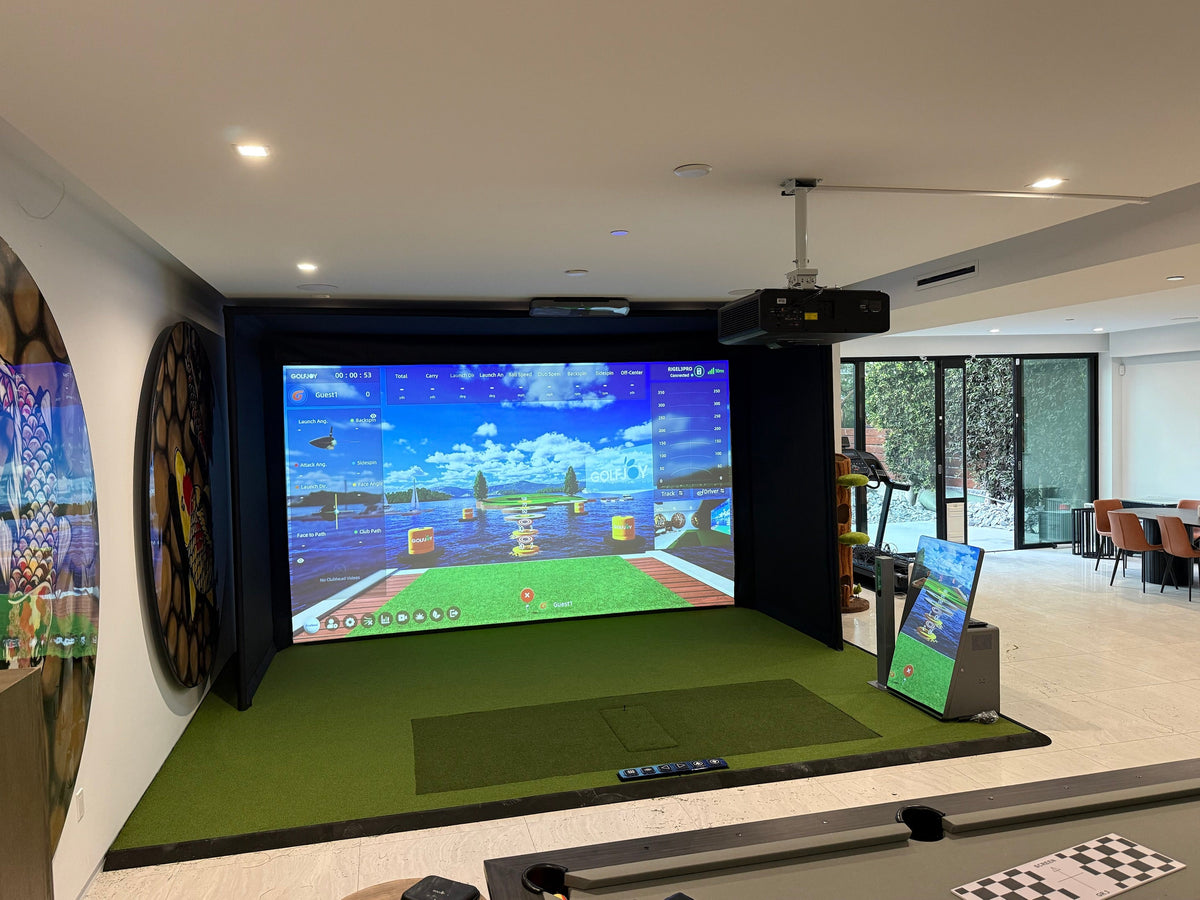
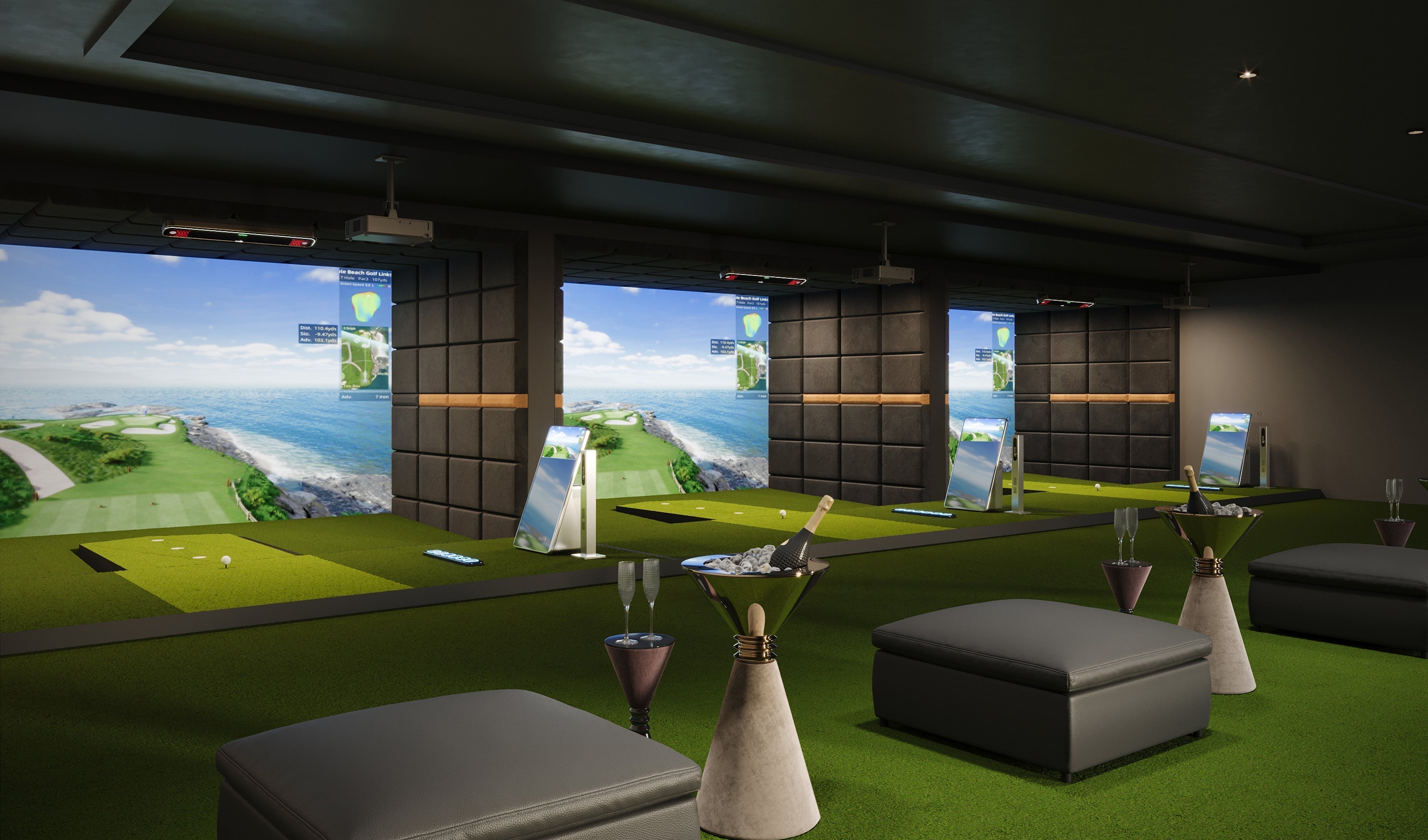
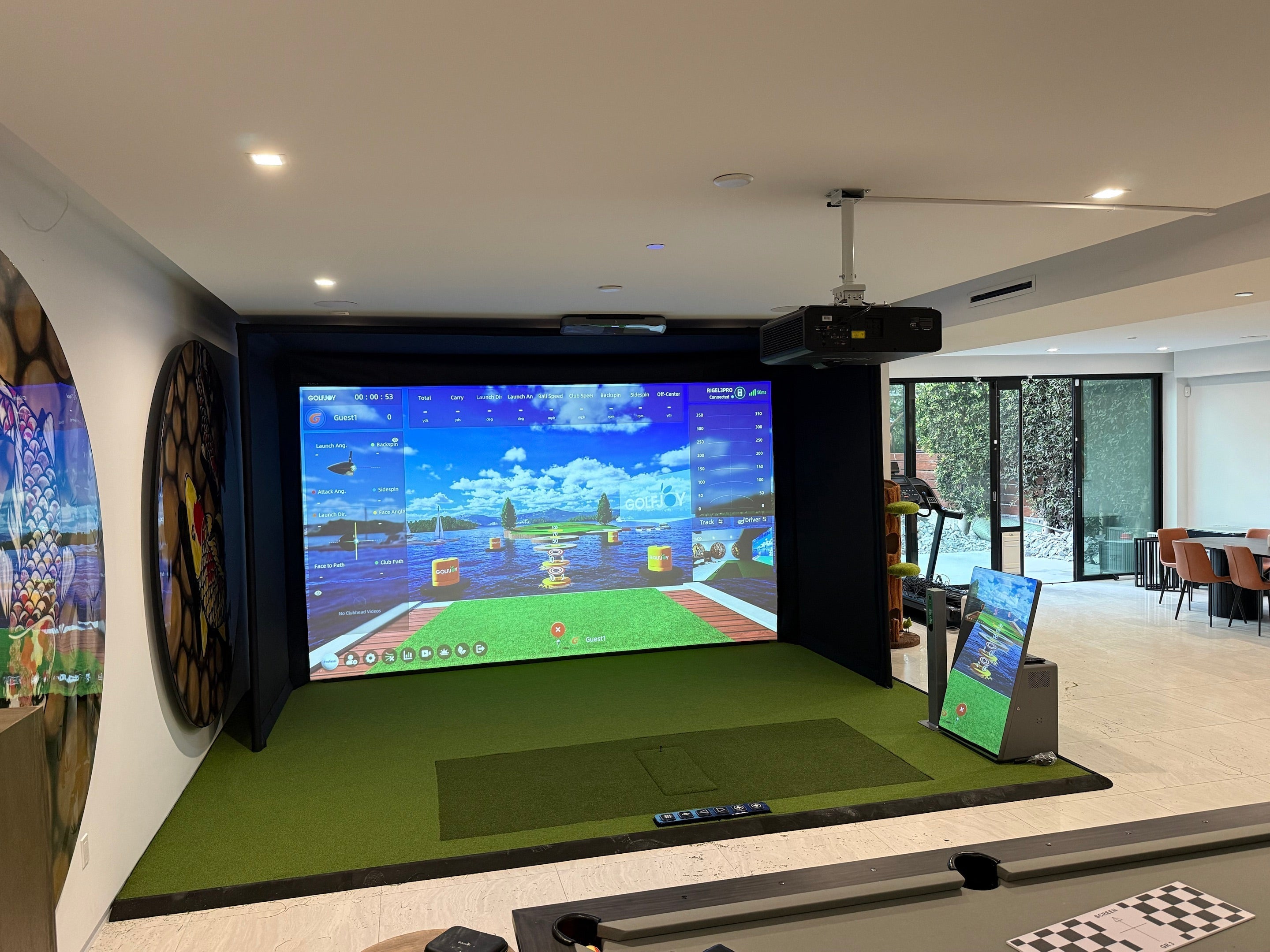
For golfers looking to create a dedicated indoor practice environment, GOLFJOY simulator solutions combine launch monitor technology, realistic simulation, and training-focused features for home golfers, coaches, and facilities.
FAQ
How many balls should I hit in one drill?
Most golfers can identify a useful pattern from sets of five to ten comparable shots. More shots are not automatically better if fatigue changes the movement.
Should I delete mishits from the results?
Remove clear slips or tracking errors when appropriate, but do not delete normal misses simply because they reduce the average. Dispersion is part of performance.
Which drill is best for beginners?
The carry-distance ladder and a wide launch-direction gate are simple starting points because they use clear targets and limited metrics.
How often should I repeat the same drill?
Repeat it over several sessions using the same club, target, and settings. Improvement is more meaningful when it appears on different days.
What data should I focus on during golf simulator practice?
The most useful data depends on your training goal. Beginners may focus on carry distance and shot direction, while experienced golfers often analyze ball speed, launch angle, club path, and dispersion patterns.
Can golf simulator drills improve real golf performance?
Yes. Structured simulator drills can help golfers improve distance control, strike consistency, and shot awareness by providing measurable feedback during practice.

Leave a comment
All comments are moderated before being published.
This site is protected by hCaptcha and the hCaptcha Privacy Policy and Terms of Service apply.