





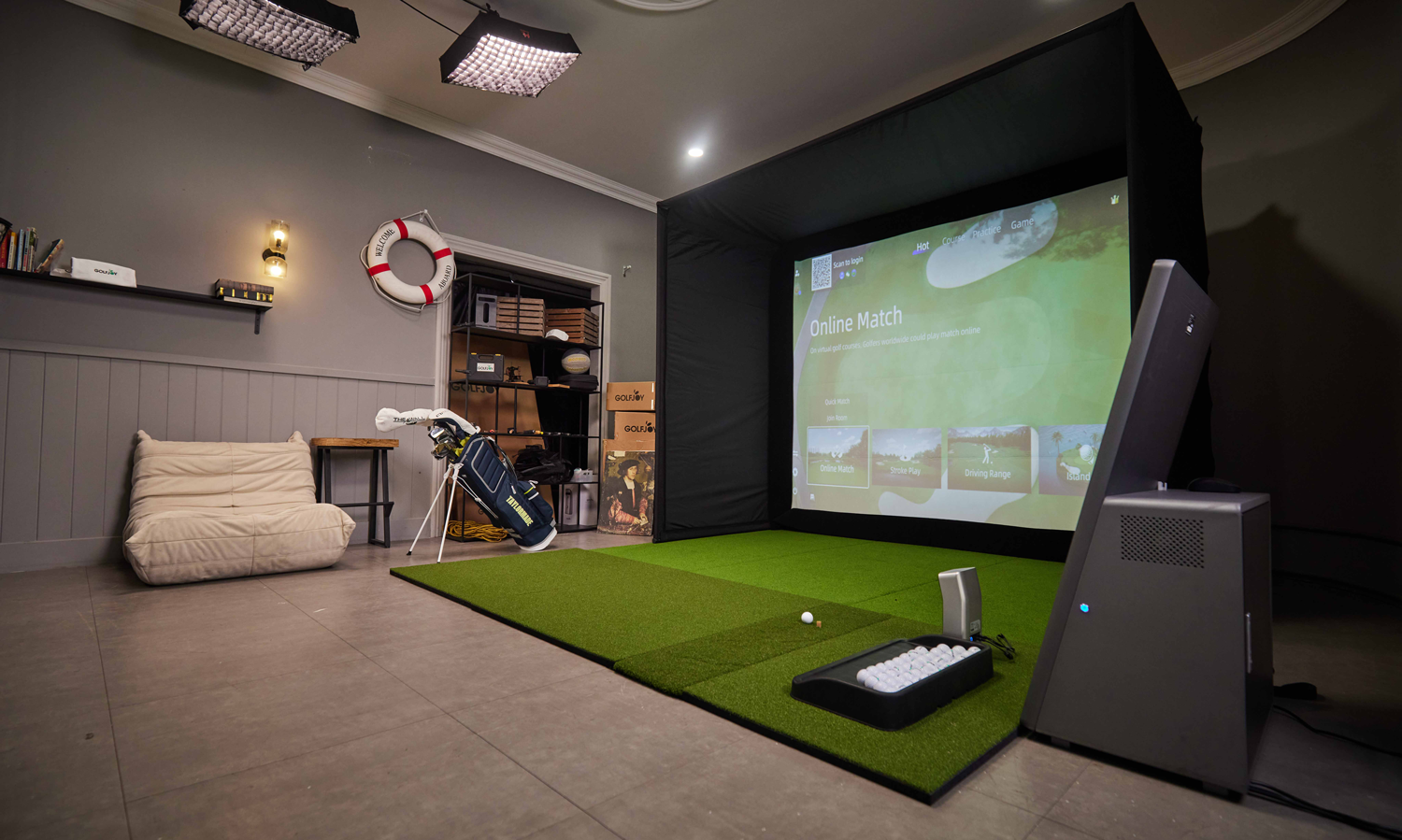
Your friendly, no-stress guide for beginners, casual players, and even serious golfers.
If you’re thinking about getting a golf simulator for your home, you’re definitely not alone. More people than ever — families, total beginners, weekend golfers, and low-handicappers — are bringing golf indoors. But once you start researching? The choices can feel… a little overwhelming.
Launch monitors. Cameras. Radar. Impact screens. Enclosures. Software.
And then the big question: Which golf simulator is actually right for me?
Let’s break it all down in a simple, no-BS way so you can make the right decision the first time.
1. Start with the real question: What do you want to use it for?
Before looking at brands or specs, think about your goal:
✅“I’m a beginner and just want something fun, easy, and accurate.”
Great — you don’t need a tour-level setup. You need something that:
- Is easy to install and learn
- Gives clear feedback without overwhelming data
- Has fun games and friendly modes
- Works well in tight spaces
Many new users get lost thinking they “need all the numbers.”
But for most beginners, consistency and game-like practice matter far more.
(This is also where GOLFJOY performs extremely well — it’s built to be simple, intuitive, and beginner-friendly without sacrificing precision.)
✅“I want both practice and entertainment for the family.”
Then look for:
- Multiplayer support
- Challenge modes & fun courses
- Reliable tracking even if swings vary
- A touchscreen or easy UI
- Strong durability (kids will absolutely hit the screen!)
A lot of families choose simulators because it’s a fun social activity — you can host friendly competitions, play mini-games, or enjoy realistic courses together.
✅“I’m a serious golfer and want pro-level accuracy.”
Then your priorities shift to:
- Detailed club + ball data
- Consistent indoor tracking
- High-speed cameras or dual-tracking systems
- Trusted data for coaching or improvement
Many budget simulators look great on paper but struggle with accuracy under certain lighting or club paths. Pros should avoid those.
Again, this is where systems like GOLFJOY become relevant — its high-speed camera sensor and at least 27 data points give coaching-grade feedback while still being easy to use.
2. Understand the biggest “pitfalls” people run into
Here are the most common mistakes home users regret later:
❌Buying a radar-based device without enough room
Radar needs more depth. Many homes don’t have it.
❌Choosing a system with poor indoor lighting tolerance
Some budget sensors need perfect lighting.
Most homes… don’t have that.
❌Going too cheap and then upgrading within a year
A common story:
“Bought a $500 unit → accuracy wasn’t enough → ended up buying twice.”
❌Not checking customer support or installation help
If you’re new to golf simulators, setup matters A LOT.
U.S. consumers complain about brands with no real support or unclear instructions.
3. Think about your space before your brand
Even the best simulator won’t work if the room isn’t suitable.
The basics:
- Ceiling height: ideally 9 ft+
- Room width: at least 10 ft
- Hitting distance: 8–10 ft to screen
If your space is tricky — basement, attic, garage, apartment — look for a brand that can customize solutions.
👉 GOLFJOY does this extremely well. The team has already designed full setups for golf centers, academies, training facilities, and homes, so they can customize layouts for unique rooms.
4. Choose the right type of sensor system
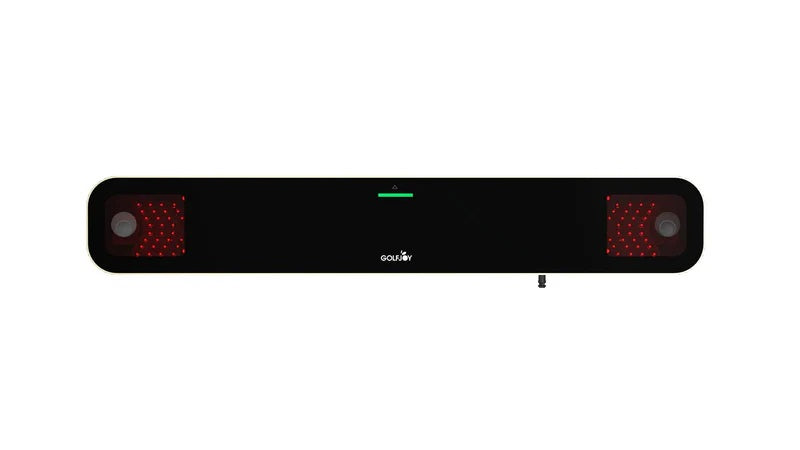
High-Speed Cameras Simulator (like GOLFJOY)
- Great for small spaces
- Extremely accurate on club path & face
- Lighting-friendly
- Works well indoors
Most home users prefer camera-based golf simulators today because they’re more consistent in tight environments.
Radar-Based Units
- Great outdoors
- Needs more depth indoors
- Can be affected by ball speed, room layout
Radars are amazing… if your room is big enough. Otherwise accuracy can vary.
5. Compare software — it affects 50% of your experience
Good software =
✔ Fun
✔ Accurate
✔ Easy to use
✔ Bug-free
✔ Includes courses, range modes, challenges, etc.
If you’re new to golf, make sure the software includes:
- Beginner-friendly UI
- Game modes
- Clear analytics
- Touchscreen options
- Easy club selection
GOLFJOY, for example, is fully designed from the user’s perspective — the interface is simple, visual, and doesn’t require golf knowledge to understand.
6. Don’t worry if you're a total beginner — you can still pick the right one
One thing many people don’t realize:
You don’t need to be good at golf to enjoy a simulator.
You don’t even need to know how to swing.
A good simulator is:
- A video game
- A party activity
- A family bonding tool
- And a fitness/coordination trainer
Many GOLFJOY users actually start as non-golfers — they learn through interactive games, challenges, and playful modes. And because the system gives clear visual feedback, people improve naturally without needing a coach from day one.
Plus, GOLFJOY provides:
- Step-by-step guides
- On-site installation
- Staff that teaches you how everything works
- A user-centered interface anyone can operate
So beginners don’t have to worry about “not understanding” anything.
7. A simple checklist to choose the best simulator for your home
✔ For beginners & casual use
- High-speed camera system
- Fun game modes
- Easy installation
- Stable tracking
- Good support
- Works in small rooms
→ GOLFJOY is a strong fit here
✔ For serious golfers
- Accurate club + ball metrics
- Reliable data (not lighting-sensitive)
- Good software visualization
- Customizable hitting enclosure
→ GOLFJOY is also strong here because the same launch monitor supports advanced metrics
✔ For mixed-family use
- Multiplayer
- Easy UI
- Durable screen
- Safe enclosure
→ GOLFJOY fits naturally because it blends entertainment + performance
Final Thought
Choosing a golf simulator doesn’t have to be complicated.
Start with your goal, understand your space, avoid common pitfalls, and look for a system that balances accuracy, ease of use, and long-term value.
If you want something that:
- works for beginners
- satisfies serious players
- fits in most home spaces
- and comes with professional installation help
GOLFJOY home golf simulator is absolutely worth putting on your shortlist.


コメントを書く
全てのコメントは、掲載前にモデレートされます
このサイトはhCaptchaによって保護されており、hCaptchaプライバシーポリシーおよび利用規約が適用されます。